Step-by-step Tutorial: How to сreate an App Store account without a credit card on your iPhone, iPod Touch or iPad
Posted By admin On July 2, 2012 @ 3:00 pm In All,AppStore,Free,Software,Tutorial | Comments Disabled
This step-by-step tutorial will guide you through the process of creating Apple ID without using your credit card right on your iPhone, iPod Touch or iPad. This Apple ID is necessary to get free applications from AppStore.
- Open the App Store on your device.
- Find a free application on the App Store.
- Important: Before proceeding to the next step, you must download and install the free application by tapping Free followed by tapping Install.
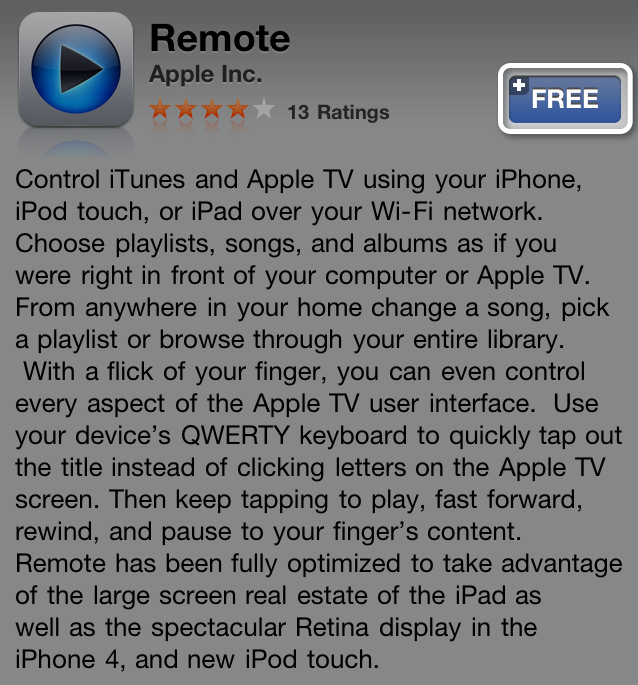
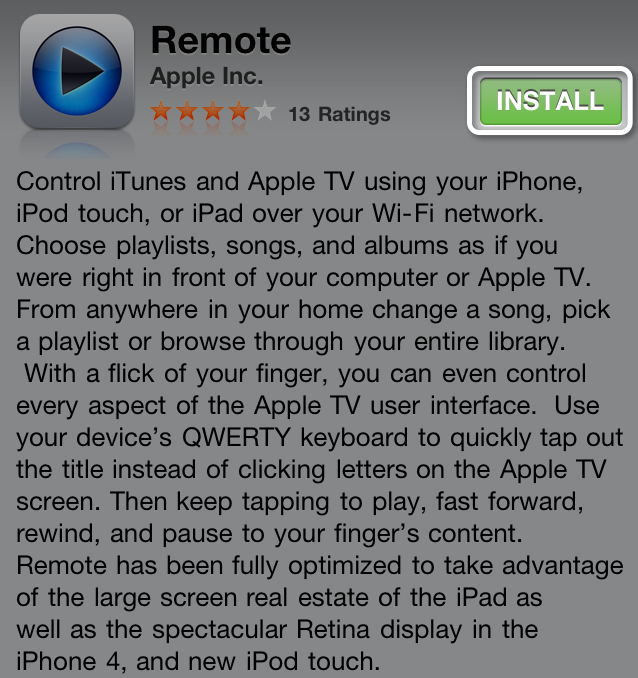
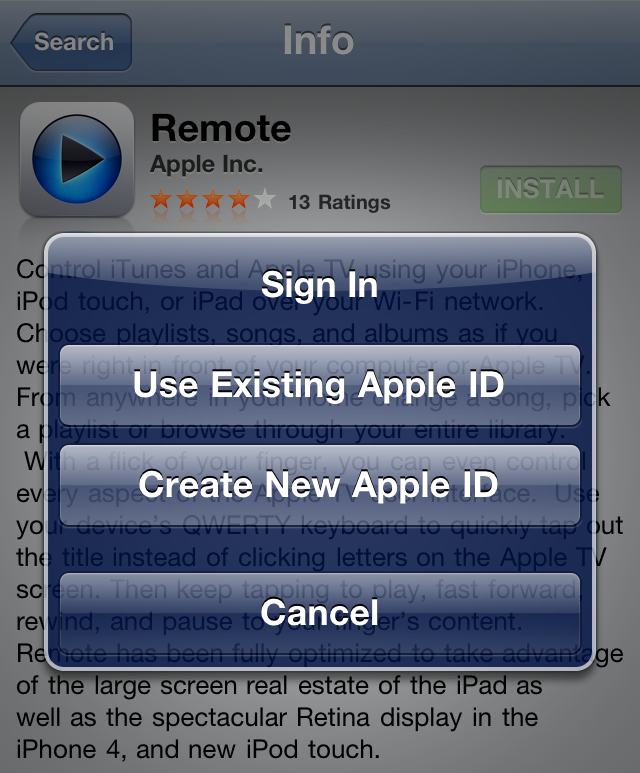
- Tap Create New Apple ID.
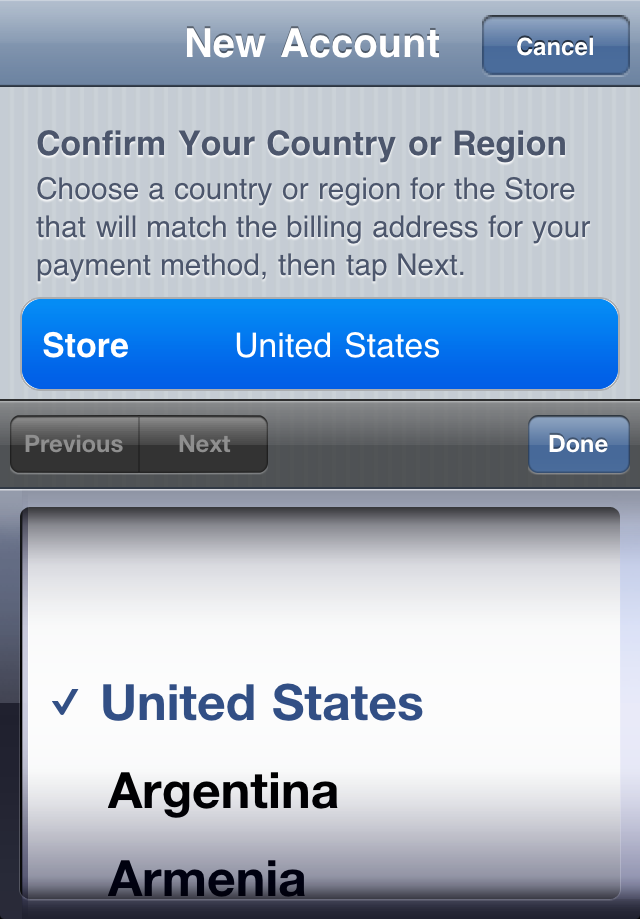
- Choose your country, then tap Done.
- You'll need to read and agree to the iTunes Store Terms & Conditions. Tap Agree located at the bottom of the page to continue.
- Enter your email address, security questions, birthday, and create your password.
- You can also enter an optional rescue email address. If you frequently change email addresses, this is recommended.
- Once you are satisfied with the information entered, tap Next.
- Select None as your payment option.
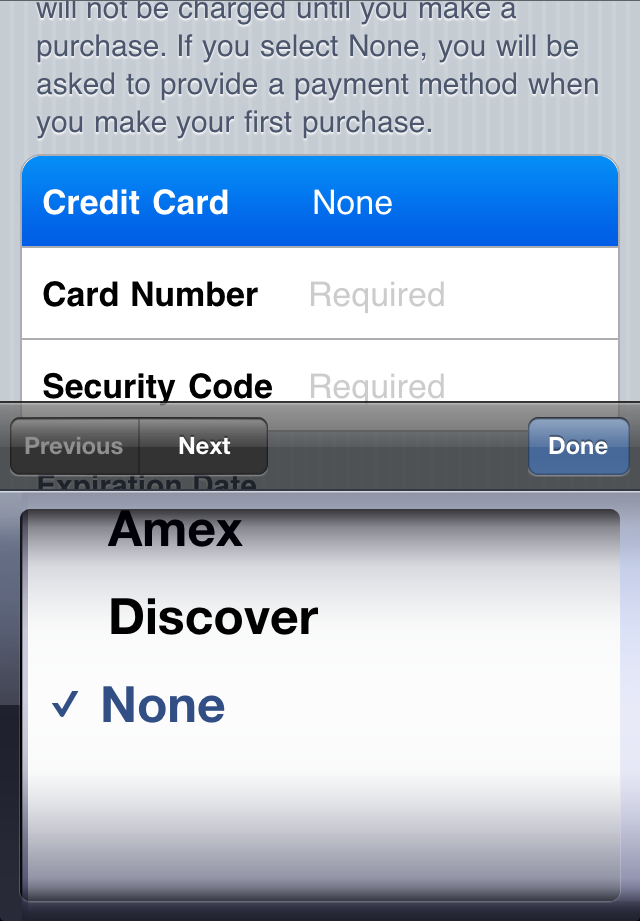
- Continue to fill out the required email, address, and phone number fields. Tap Next.
- You'll then see a screen that says "Verify your Account." Tap Done and check your email for a verification email from iTunes Store.
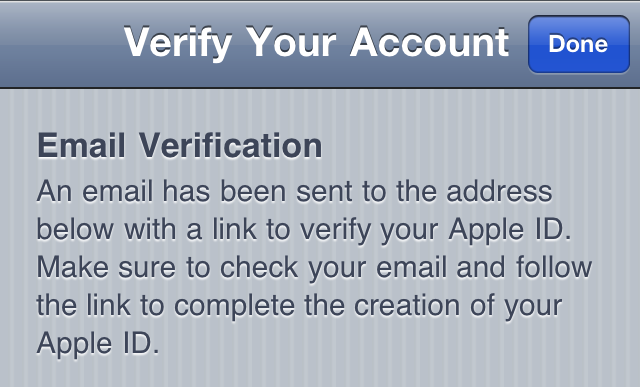
- Open the email, and click the link enclosed in the email to activate your account.
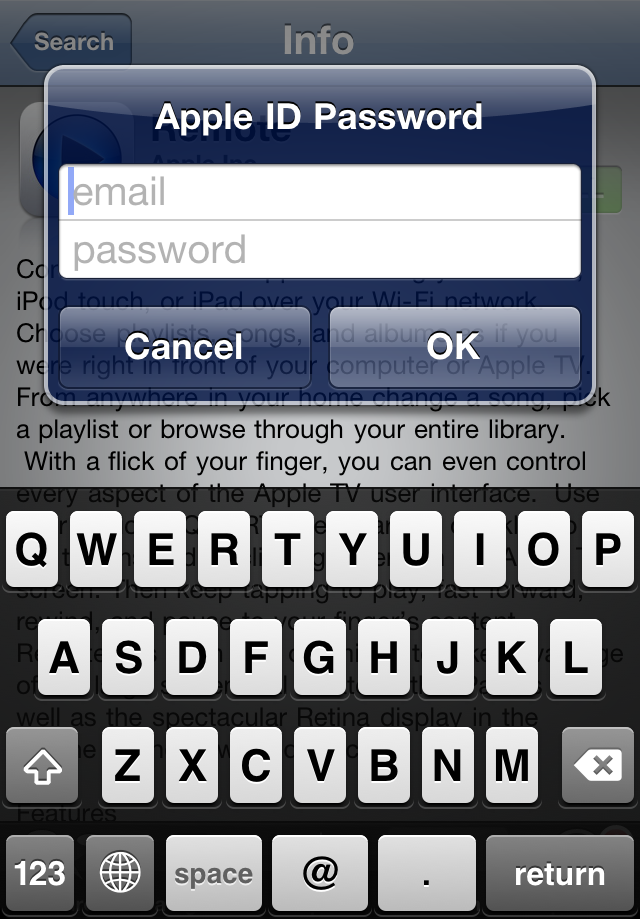
- Once you tap the link, the App Store should automatically open and prompt you to sign in with your account name and password.
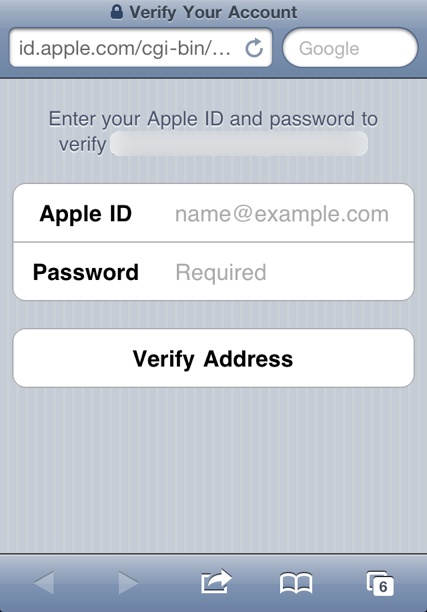
- Tap Sign In and you will see a thank you screen.
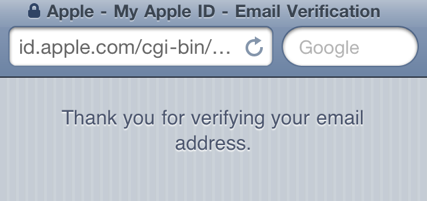
- You have set up your account successfully, and you can start enjoying iTunes, iBooks, and the App Store on your iPhone, iPad, and iPod touch.
Comments Disabled (Open | Close)
Article printed from iPhoneRoot.com: https://iphoneroot.com
URL to article: https://iphoneroot.com/how-to-create-app-store-account-without-a-credit-card-on-iphone/
Click here to print.
Comments Disabled To "Step-by-step Tutorial: How to сreate an App Store account without a credit card on your iPhone, iPod Touch or iPad"
#1 Comment By ава On March 10, 2013 @ 8:34 pm
Cпс♥♥♥