How to Enable HDR Photography on Your iPhone 3GS
Posted By Svetlana Osipova On September 17, 2010 @ 2:52 pm In All,Cydia,Firmware,Other,rumors,Software,Unlock & Jailbreak | Comments Disabled
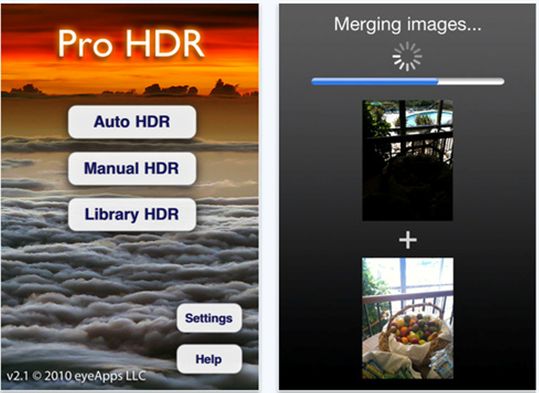
Apple's iOS 4.1 update brought HDR photography to the iPhone 4 but left out the iPhone 3GS. Here are two ways to add HDR photography to your unsupported device.
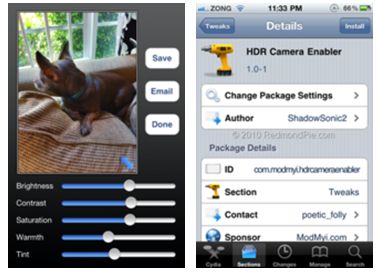
The easiest way is to spend $2 on a little app called Pro HDR, which gives you a lot more control over the HDR images you create. It's worth a look even if you're an iPhone 4 user, as Pro HDR lets you adjust the image after it's taken.
If you'd prefer to have the HDR option directly in the camera app and you've jailbroken your iPhone (or want to), you can download HDR Camera Enabler from Cydia via the ModMyI repository ().
Comments Disabled (Open | Close)
Article printed from iPhoneRoot.com: https://iphoneroot.com
URL to article: https://iphoneroot.com/how-to-enable-hdr-photography-on-your-iphone-3gs/
URLs in this post:
[1] instructions here: http://www.redmondpie.com/hdr-camera-enabler-for-iphone-3gs-and-iphone-3g-on-ios-4.1/
Click here to print.
Comments Disabled To "How to Enable HDR Photography on Your iPhone 3GS"
#1 Comment By Mavis On November 12, 2010 @ 4:19 am
Thank you for sharing!