Step-by-step Tutorial: How to Untether Jailbreak Apple TV 2G Using Seas0nPass (Windows / Mac OS) [iOS 5.1.1]
Posted By admin On June 5, 2012 @ 10:10 pm In All,Cydia,Firmware,Software,Tutorial,Unlock & Jailbreak | Comments Disabled

Using this tutorial you will be able to untether jailbreak iOS 5.1.1 (5.0 9B206f and 5.0.2 9B830) running on Apple TV 2G. This tutorial uses Seas0nPass for Mac OS X or Windows.
UPDATE: Please, consider reading our Jailbreak & Unlock FAQ [1], especially if you have questions or troubles.
Step one
- Make sure you're running the latest version of iTunes.
- Download Seas0nPass: |
- A micro USB cable will be required to connect Apple TV 2G to computer.
- Disconnect all iPods, iPhones, and iPads from the computer before running Seas0nPass.
Step Two
Extract the archive you downloaded. Then double click the extract application to launch it
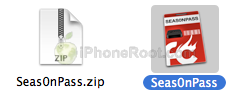
Step Three
You might be asked to sign in as an Administrator. Enter your username and password then click the OK button.
Step Four
You will be asked to enable UI Scripting. Click the Enable button.
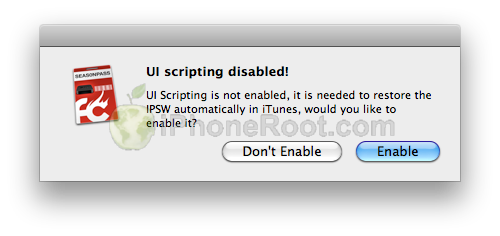
Step Five
Click the Create IPSW button from the main screen.
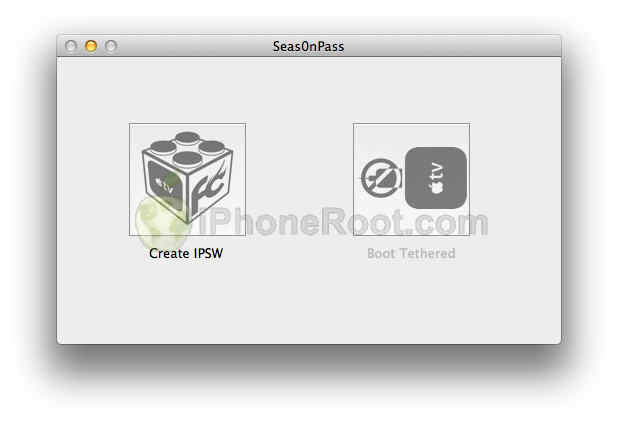 [4]
[4]
Step Six
Seas0nPass will now download the latest Apple TV firmware file
Step Seven
Seas0nPass will create a custom IPSW file for you.
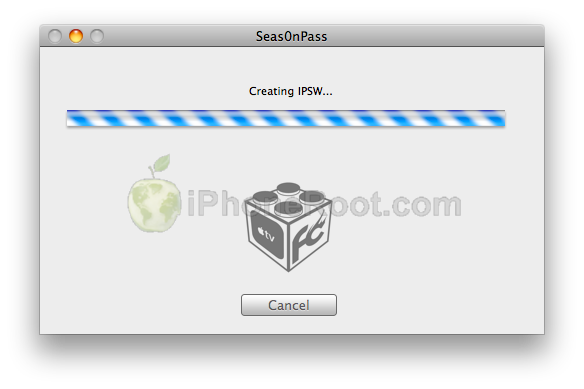 [6]
[6]
Step Eight
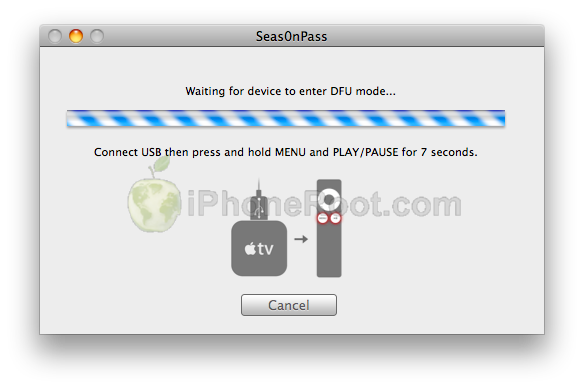
Once your custom IPSW file has been created, Seas0nPass will ask you to connect the Apple TV to your computer via a micro-USB cable and use the remote to put it into DFU mode by holding MENU and PLAY/PAUSE for 7 seconds. The power cable should be unplugged during this process.
 [7]
[7]
Step Nine
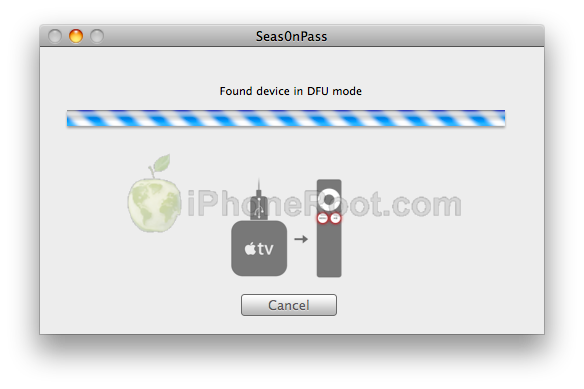
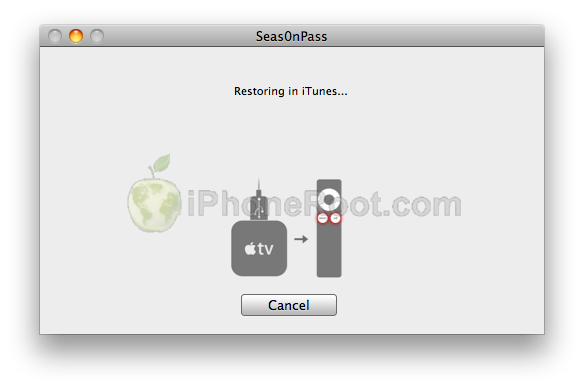
Once your Apple TV has been detected in DFU mode, Seas0nPass will upload some files, automatically launch iTunes, and beginning restoring to the new firmware.
 [8]
[8] 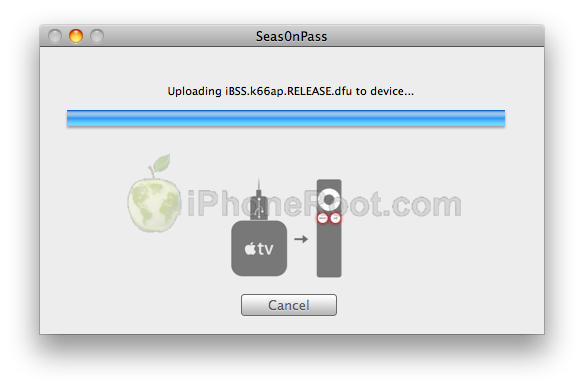 [9]
[9]
 [10]
[10]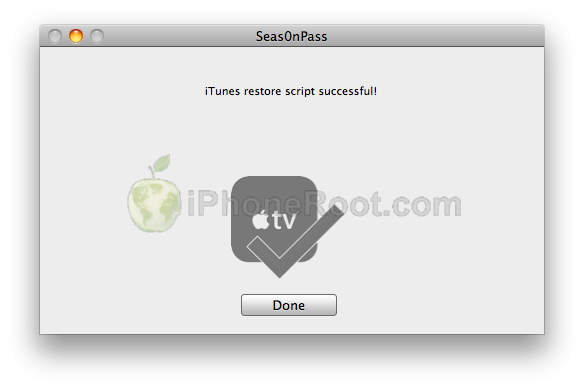 [11]
[11]
 [12]
[12]
Step Ten
That's it! Your AppleTV 2G is jailbroken!
Update: Here is a video tutorial for this jailbreak:
Article printed from iPhoneRoot.com: https://iphoneroot.com
URL to article: https://iphoneroot.com/howto-untether-jailbreak-apple-tv-2g-seas0npass-ios511/
URLs in this post:
[1] Jailbreak & Unlock FAQ: https://iphoneroot.com/jailbreak-unlock-tutorials-and-faq/
[2] Mac: http://files.firecore.com/SP/Seas0nPass.zip
[3] Windows: http://files.firecore.com/SP/Seas0nPass-win.zip
[4] Image: https://iphoneroot.com/wp-content/uploads/2011/05/seas0npass-appletv2g-3.png
[5] Image: https://iphoneroot.com../wp-content/uploads/2012/06/appletv2g-download511.png
[6] Image: https://iphoneroot.com/wp-content/uploads/2011/05/seas0npass-appletv2g-5.png
[7] Image: https://iphoneroot.com/wp-content/uploads/2011/05/seas0npass-appletv2g-6.png
[8] Image: https://iphoneroot.com/wp-content/uploads/2011/05/seas0npass-appletv2g-7.png
[9] Image: https://iphoneroot.com/wp-content/uploads/2011/05/seas0npass-appletv2g-8.png
[10] Image: https://iphoneroot.com/wp-content/uploads/2011/05/seas0npass-appletv2g-9.png
[11] Image: https://iphoneroot.com/wp-content/uploads/2011/05/seas0npass-appletv2g-10.png
[12] Image: https://iphoneroot.com/wp-content/uploads/2011/05/seas0npass-appletv2g-11.png
Click here to print.