iPhone Тunnel Suite - SSH without WiFi
Posted By admin On August 3, 2008 @ 12:52 am In All,Cydia,Other,Software | Comments Disabled
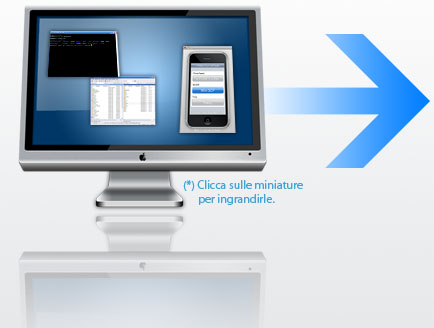
The easy way to connect to IPhone is thriugh SSH. But this method works when you have wifi. Now there is an application that allows to connect thriugh SSH without wifi, regular usb cable is used instead.
Step 1. Install OpenSSH on iPhone
Step 2. Download and install
Step 3. Download and install
Step 4. Run Tunnel Suite and select iPhone Tunnel, than select WinSCP or Putty. If you use Putty put 127.0.0.1 for Host Name.
Comments Disabled (Open | Close)
Article printed from iPhoneRoot.com: https://iphoneroot.com
URL to article: https://iphoneroot.com/iphone-%d1%82unnel-suite-ssh-without-wifi/
URLs in this post:
[1] .NET Framework 3.5: http://www.microsoft.com/downloads/details.aspx?FamilyId=333325FD-AE52-4E35-B531-508D977D32A6&displaylang=en
[2] iPhone Tunnel Suite: http://www.makkiaweb.net/itunnel/download.html
[3] : http://iPhoneRoot.com/connect-desktop-or-notebook-to-internet-through-iphone-3g/
Click here to print.
Comments Disabled To "iPhone Тunnel Suite - SSH without WiFi"
#1 Comment By admin On October 11, 2008 @ 2:10 am
Use PdaNet.