 iPhoneRoot.com

News tagged ‘iPhone 3GS’
Apple Increasing iPhone Production with iPhone 5 Ramp-Up
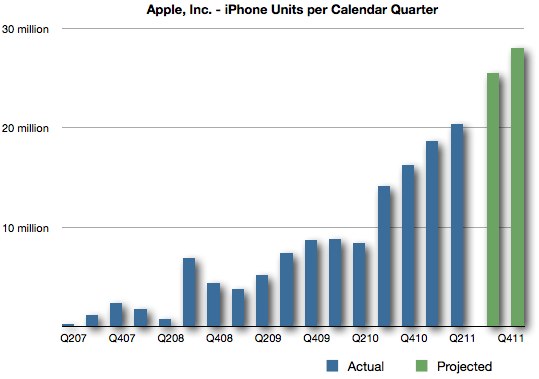
Digitimes suggests that Apple has increased the orders for their iPhone line by about 12-13% from 50 million units to 56 million units. The iPhone 5 in particular will reportedly account for 25.5-26 million units in the second half of 2011. In the 3rd garter the iPhone 5 orders have been decreased from 7 million units to 5.5-6 million units, but in the 4th quarter they have been raised from 14 million units to more then 20 million units. But Apple declines the iPhone 3GS and iPhone 4 orders from over 20 million in the 3rd quarter to 8 million in the 4th quarter. These numbers, however, are not surprisingly, because, if you look at the history sales graph, these times of the year do represent major jumps in sales for Apple.
Millennium Media Has Ranked iPhone As A Top Mobile Phone Three Years Running

Advertising firm Millennial Media just issued its 50th regarding trends on the mobile phone market on the basis of ad impressions. The report suggests some interesting conclusions about the general trends in the industry.
Download links for iOS 5 beta 5

iOS 5 beta 5 has been released recently. It is available only for Apple registered developers. But you can try it too. Remember that you do it at your own risk. Remember your UDID must be registered at Apple in order to activate your device after install.
You can download new iOS 5 beta 5 firmware and iTunes 10.5 beta 5 using the links below:
Swedish Carrier Three Sells iPhone 3GS At Bargain Price

Currently Three in Sweden a fire sale of iPhone 3GS. The offer includes free iPhone 3GS and a plan of 99 Kroners per month ($15.42), amounting to about $370 for the full contract, which does not takes into account minutes and the unlimited Internet traffic that is throttled after 1GB.
RedSn0w can jailbreak iOS 4.3.5
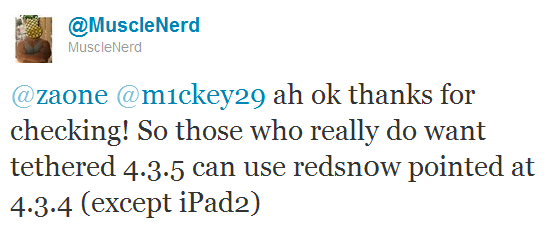
RedSn0w can perform a tethered jailbreak on iOS 4.3.5 for all devices except the iPad 2, according to MuscleNerd's tweet:
So those who really do want tethered 4.3.5 can use redsn0w pointed at 4.3.4 (except iPad2)
We strongly recommend NOT to update to iOS 4.3.4 or iOS 4.3.5 to preserve untethered jailbreak. We will soon post step-by-step tutorials on how to perform iOS 4.3.5 tethered jailbreak.
You can download the latest redsn0w here.
UPDATE: Here are latest step-by-step tutorials to jailbreak iOS 4.3.5:
 iPhone 3GS
Tethered jailbreak iOS 4.3.5:
 iPhone 4
Tethered jailbreak iOS 4.3.5:
Apple Released iOS 4.3.5 for iPhone, iPad, iPod Touch
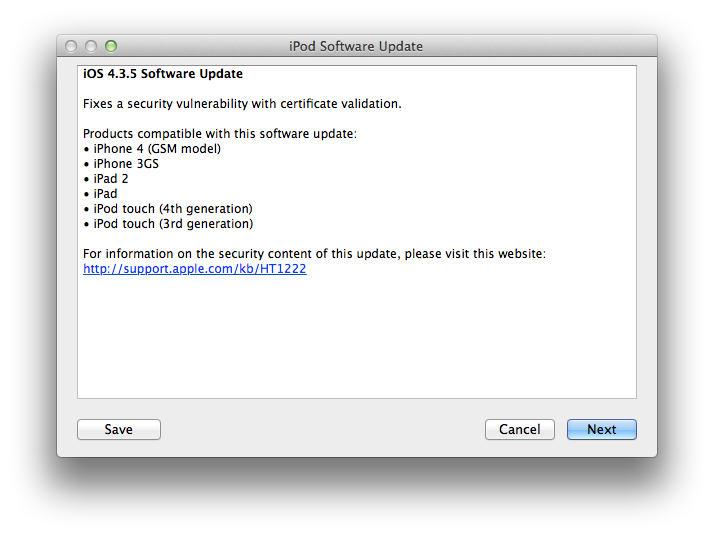
Apple released iOS 4.3.5 for the iPhone, iPad, and iPod touch. The new firmware fixes a security update with certificate validation. For Verizon iPhone owners Apple released iOS 4.2.10.
Products compatible with this software update:
- iPhone 4
- iPhone 3GS
- iPad 2
- iPad
- iPod touch 3G
- iPod touch 3G
You can update via iTunes or download using direct links here.
Apple will create a $350 iPhone this year and release iPhone 5/4S
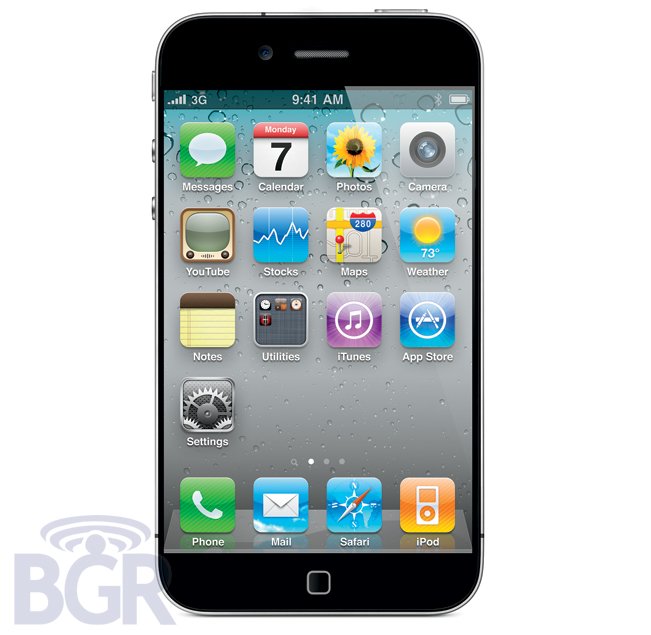
According to BGR Apple will released a cheap $350 iPhone this year. They also claim that the price for the iPhone 4 will be reduced too and Apple will unveil a new iPhone 4S/5 in late August.
We just received some new information from an incredibly solid source of ours. According to our source, Apple will indeed be launching a prepaid / lower cost iPhone this year. We are told the handset will retail for no more than $350 without contract. Ready for the really interesting part? It's entirely possible that the low-cost iPhone will in fact be the iPhone 3GS.
BGR also confirmed previous rumors that iPhone 5 will feature a radical new design. It is still unclear whether iPhone 5 or iPhone 4S is to be released next. Source says that new device will be "at least announced by the end of Summer, late August-ish.". And yes, Apple will continue to sell the iPhone 4.
Lot's of rumors lately. We will keep you informed.
DevTeam released tethered jailbreak for iOS 4.3.4
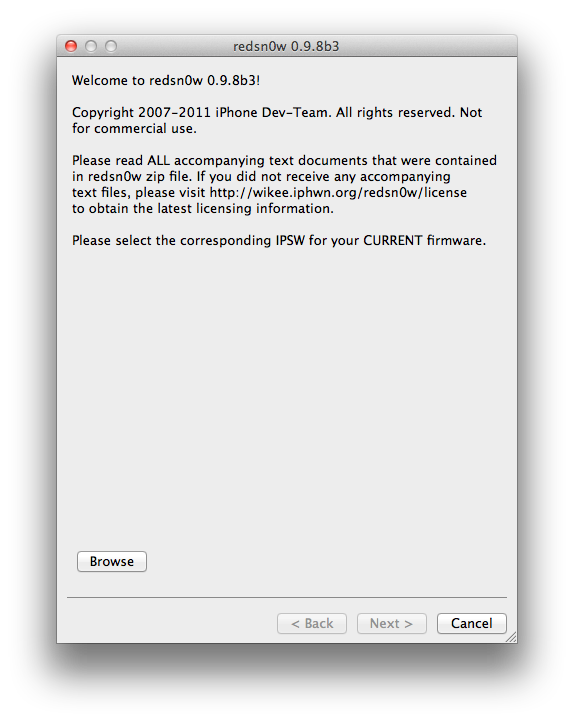
The iPhone Dev-Team has released RedSn0w 0.9.8b3 which can perform a tethered jailbreak on iOS 4.3.4. This means that you will have to connect your device to a computer and run redsn0w each time you restart.
For the convenience of kernel hackers like @comex and @i0n1c, we have a new redsn0w 0.9.8b3 that supports a TETHERED jailbreak for iOS 4.3.4 on all devices that have 4.3.4 except the iPad2. The vast majority of people will want to stay back at 4.3.3 because that's where the untethered jailbreak is! There are no new features in 4.3.4 - only fixes for jailbreak exploits.
Also, this is a good time to remind everyone (since we're still seeing confusion about this): iPad2 owners with a baseband (3G or CDMA) cannot currently use saved blobs to go back to 4.3.3 once the signing window is closed. This is unlike every other device, so don't be confused! iPad2 owners with basebands should stay away from all updates to maintain your jailbreak!
This jailbreak works with iPhone 3GS, iPhone 4, iPad 1, iPod Touch 3G and iPod Touch 4G. It does not work with iPad 2.
You can download RedSn0w 0.9.8b3 from here: (Mac, Windows)
 Leave a comment, read comments [2]
Direct download links for iOS 4.3.4

Apple have recently released iOS 4.3.4 for iPhone 4, iPhone 3GS, iPad 1, iPad 2, iPod Touch 3G and iPod Touch 4G. Here are the direct links for each device that is supported by the update:
Apple released iOS 4.3.4 that blocks JailbreakMe exploit
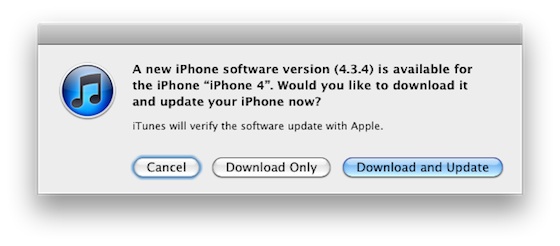
Apple has released iOS 4.3.4 to block the PDF exploit used by comex in JailbreakMe utility. JailbreakMe can wireless jailbreak all devices on iOS 4.3.3.
iOS 4.3.4 Software Update
Fixes security vulnerability associated with viewing malicious PDF files.Products compatible with this software update:
• iPhone 4 (GSM model)
• iPhone 3GS
• iPad 2
• iPad
• iPod touch (4th generation)
• iPod touch (3rd generation)
For iPhone 4 Verizon Apple released iOS 4.2.9.
The official information is available here:
Download links for iOS 5 beta 3
iOS 5 beta 3 has been released recently. It is available only for Apple registered developers. But you can try it too. Remember that you do it at your own risk. Remember your UDID must be registered at Apple in order to activate your device after install.
You can download new iOS 5 beta 3 firmware and iTunes 10.5 beta 3 using the links below:
Sn0wBreeze updated to jailbreak iOS 5.0 beta 3
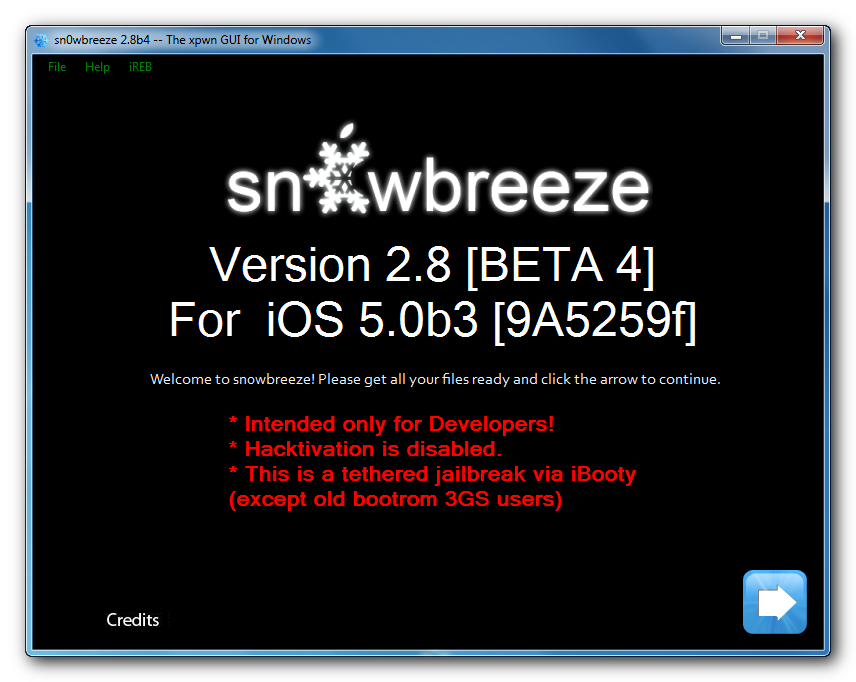
iH8Sn0w has released a new version of Sn0wBreeze 2.8 b4 with iOS 5.0 beta 3 jailbreak support. Sn0wBreeze is a so-called PwnageTool for Windows, an application that creates a custom ipsw with jailbreak preserving old baseband.
The jailbreak is tethered for iPhone 4, iPhone 3GS (new bootrom), iPad, iPod Touch 3G and iPod Touch 4G. Jailbreak is untethered for iPhone 3GS with old bootrom.
You can download Sn0wBreeze 2.8 b4 here.
sn0wbreeze v2.8 BETA 4 Release Notes:
Read the rest of this entry »
Jailbreak iOS 5 beta 3
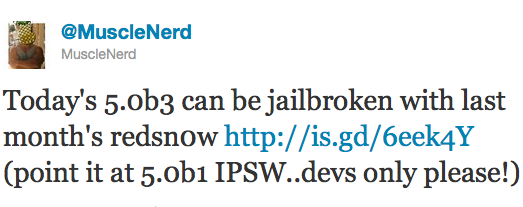
iOS 5 beta 3 is jailbreakable by RedSn0w 0.9.8 b1. DevTeam hacker MuscleNerd has confirmed that the RedSn0w 0.9.8 b1 jailbreak works on recently released iOS 5 Beta 3. All you have to do is to point it to a downloaded iOS 5 beta 1 firmware ipsw.
Today's 5.0b3 can be jailbroken with last month's redsn0w http://is.gd/6eek4Y (point it at 5.0b1 IPSW..devs only please!)
RedSn0w 0.9.8 b1 jailbreak works on all devices, exect iPad 2. This means you can get a tethered jailbreak on Windows and Mac OS for iPhone 3GS, iPhone 4, iPod Touch 3G, iPod Touch 4G and iPad 1.
You can download RedSn0w 0.9.8 b1 for Windows and Mac OS here.
Step-by-step Tutorial: How to Untether Jailbreak iPhone 3GS and iPhone 4 Using JailbreakMe [iOS 4.3.3]
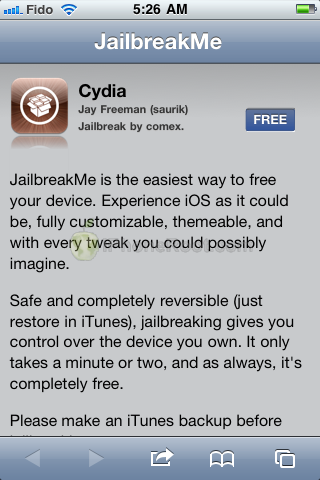
This is step-by-step instructions on how to perform untethered jailbreak of your iPhone 3GS и iPhone 4 with iOS 4.3.3 firmware using JailbreakMe. This jailbreak works in iPhone Safari browser. You need a computer only to update to iOS 4.3.3.
Leave a comment, read comments [76]
The new JailbreakMe for iOS 4.3.3 has officially been released
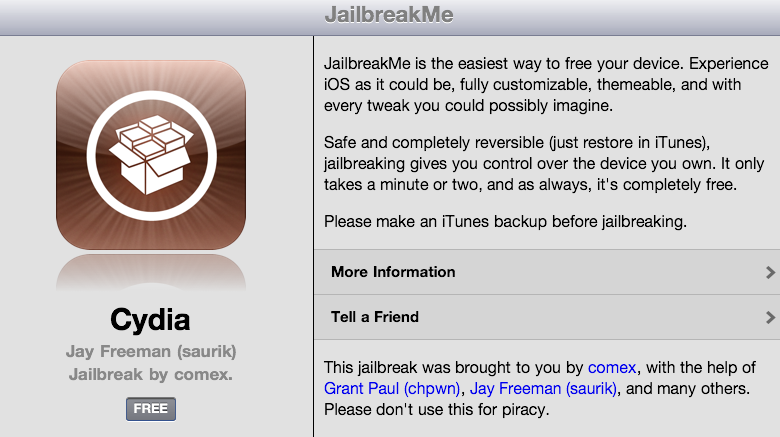
Today Comex has officially released the new web-based jailbreak for iOS 4.3.3. It supports all devices including iPad 2.
The jailbreak uses a PDF exploit similar to old JailbreakMe and does not require your device to be connected to the computer.
To jailbreak, navigate to on your iOS device after updating to iOS 4.3.3 (if you do not need unlock). We will be posting detailed instructions shortly.
Here is the list of devices and iOS versions that are supported:
- iPad 1: iOS 4.3 - 4.3.3
- iPad 2: iOS 4.3.3
- iPhone 3GS: iOS 4.3 - 4.3.3
- iPhone 4 GSM: iOS 4.3 - 4.3.3
- iPhone 4 CDMA: iOS 4.2.6 - 4.2.8
- iPod Touch 3G: iOS 4.3, 4.3.2, 4.3.3
- iPod Touch 4G: iOS 4.3 - 4.3.3
Step by step JailbreakMe tutorials: