iPhoneRoot.com

News tagged ‘update’
Apple Stops Signing iOS 9.0.2, Downgrades Are Impossible Now
Apple has just stopped signing iOS 9.0.2. This means that downgrades and restores are no longer possible. If you’re on iOS 9.0.2 right now and plan to stay on this version of Apple’s mobile operating system, make sure you don’t update accidentally.
Pangu Team Updates Its Utility for iOS 9-iOS 9.0.2 Jailbreak with Minor Improvements
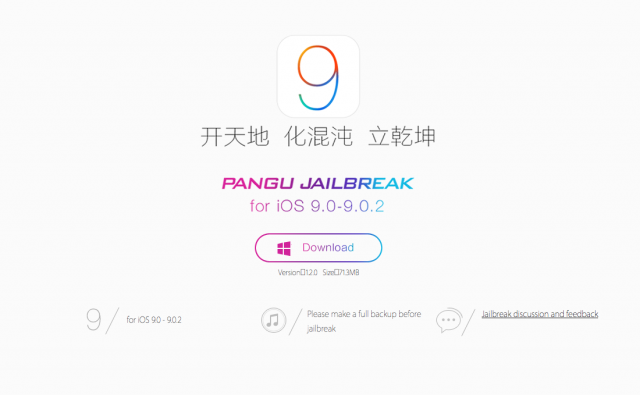
The Pangu team has recently released an update for the jailbreaking utility capable of hacking compatible iPhones, iPads and iPod touches running iOS 9-iOS 9.0.2. Those who have already jailbroken their devices, do not need to do this once again. What they should do, however, is updating "Pangu 9.0.x Untether" and "Patcyh" in Cydia.
Apple Starts Accepting Pre-Orders for Apple TV 4
Just like it was announced by Tim Cook last week, Apple has just started accepting the pre-orders for the fourth-generation Apple TV. The new set-top box features an efficient A8 processor, 2GB of RAM and 32GB of 64GB of internal storage. Apart from that, the device now supports a brand new Siri Remote, universal search option and a separate App Store with applications from third-party developers.

Apple to Announce Financial Results of Q4 2015 on October, 27th
As it was already mentioned earlier this month, Apple will officially announce its financial results in the fourth quarter of this year at a special event scheduled for Tuesday, October, 27th. Apple has recently confirmed time and date of the event, so looks like we will soon find out how much money Apple has earned in the last couple of months.

Facebook App for iOS 9 Drains Battery Quickly, but There's Already Fix
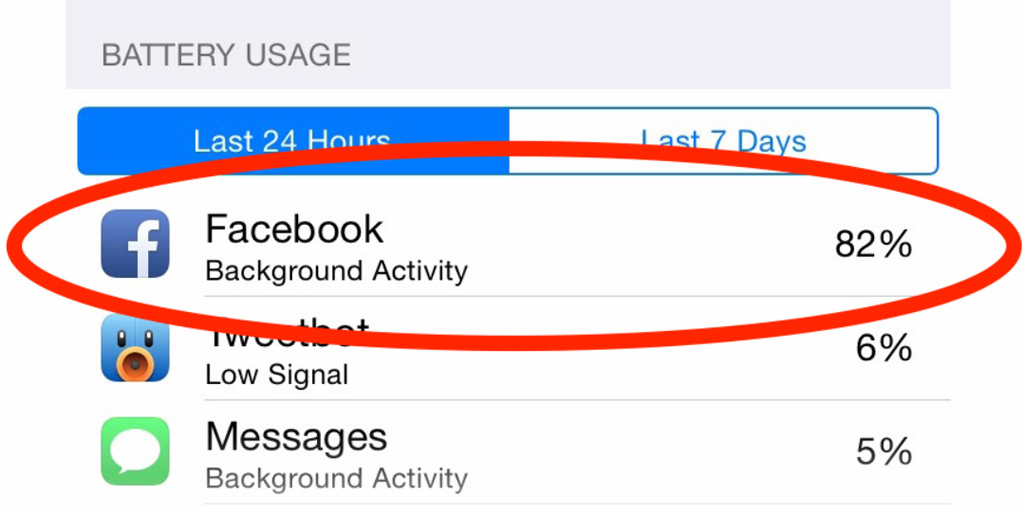
With the release of iOS 9, a wide number of users have begun complaining about the battery drain issue while using the Facebook app. Finally, Facebook representatives have started explaining the reason for the problem and improving the functionality of the application to make it less energy-consuming.
Apple Starts Internal Testing of iOS 9.2 Ahead of First Beta Release
Earlier this week, Apple has released iOS 9.1 with over 150 new emojis, improvements to Live Photos and bug fixes to users worldwide. The update has also patched the vulnerabilities used in the untethered jailbreak of iPhones, iPads and iPod touch units running iOS 9 or higher. All these things allow Apple to finally focus its attention on the development of the next version of iOS, which is iOS 9.2.
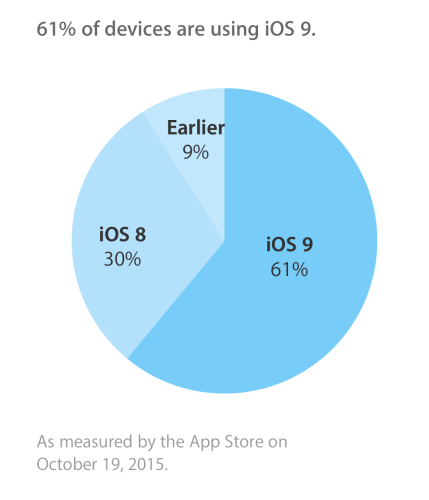
iOS 9 Adoption Rate Reaches 61% - Apple
Apple has just announced the current iOS 9 adoption rate. According to the data based on the App Store usage, the most-recent version of Apple’s operating system for iPhones and iPads is installed on 61% of active devices. That’s a very good result, especially if to keep in mind that iOS 9 was released to public last month. The actual adoption rate may be slightly different as not all iOS devices access the App Store on a regular basis.
 Leave a comment, read comments [2]
Apple Releases OS X 10.11.1 El Capitan with Numerous Fixes
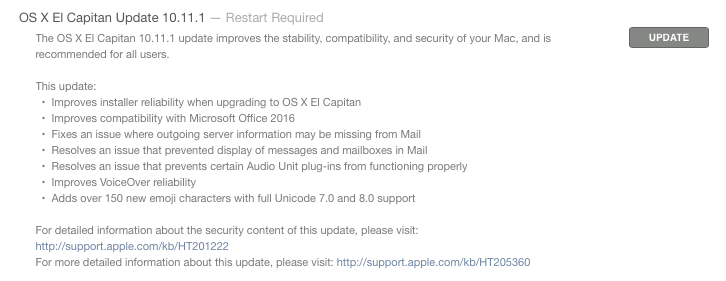
Aside from releasing iOS 9.1 to users worldwide, Apple has also released OS X 10.11.1 El Capitan. The release comes less than a month after the release of the very first El Capitan build, which contained a number of performance, stability and security enhancements as well as some new features for Safari, Mail and Spotlight.
Apple Releases iOS 9.1, Blocks Vulnerabilities Used in Pangu Jailbreak
Apple has just released iOS 9.1 to users worldwide. The release comes about a month after the release of iOS 9, which could boast of a wide number of under-the-hood improvements, bug fixes and new features for the iPhone 6s and iPhone 6s Plus, iPad mini 4 and iPad Pro as well as for other compatible devices.
iOS 9.1 brings over 150 new emojis to Apple devices and contains improvements for Live Photos that make it easier to capture beautiful images using the iPhone 6s or 6s Plus.

Analyst Predicts Completely New Design for iPhone 7 and Some Other Improvements
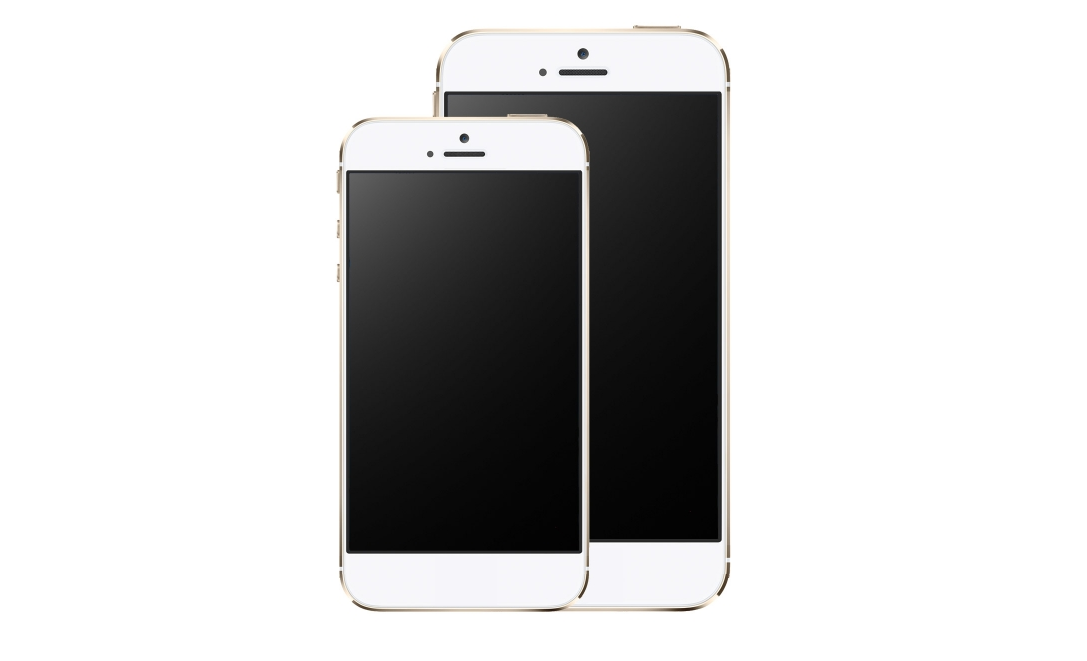
According to the latest report from usually-reliable Piper Jaffray analyst Gene Munster, Apple will eliminate the Home button from the iPhone 7. Apart from that, the expert believes the next-generation handset will have better battery life and get a sapphire display cover to protect the screen from scratches.
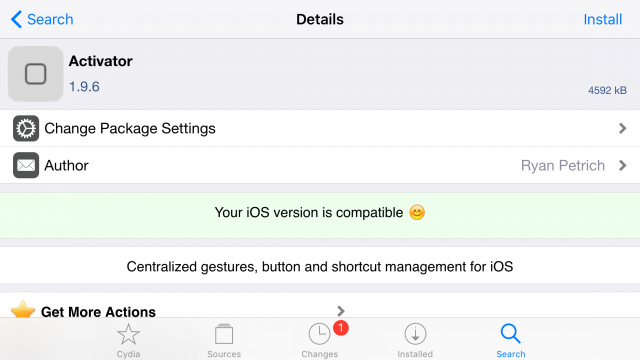
Ryan Petrich Releases Activator 1.9.6 with Support of iOS 9 and 3D Touch
Ryan Petrich has recently released the updated version of probably the most popular jailbreak tweak called Activator. Version 1.9.6 now supports iOS 9 and 3D Touch, a feature included to the recently-released iPhone 6s and iPhone 6s Plus.
Top 10 Stories of the Week
It is Sunday today, so it is high time we discussed the most popular posts of the past seven days. For sure, the most interesting and a bit surprising post is the one telling us about the release of iOS 9 jailbreak. There are also some articles dealing with Apple’s new iMacs with Retina 4K and 5K displays as well as with the internal components of the iPhone 6s and iPhone 6s Plus.

Pangu Team Updates Pangu9 Tool for Jailbreak with Improvements and Bug Fixes
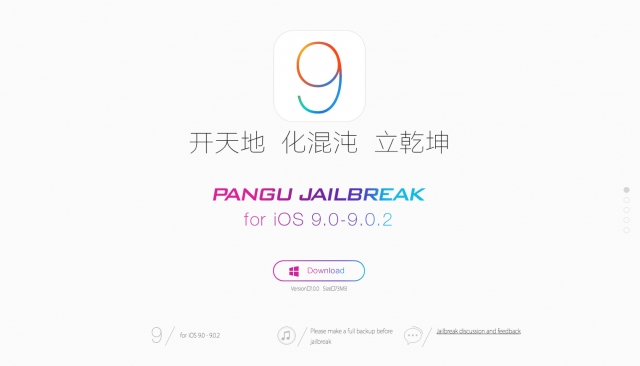
Several days after the release of the first version of their tool for untethered jailbreak compatible with iOS 9-iOS 9.0.2, the Pangu team has seeded the update containing a number of stability improvements and bug fixes. If you have an iPhone, iPad or iPod touch running iOS 9 and a Windows-based computer or virtual machine with this operating system on board, you can download Pangu9 1.0.1 at and hack your device using the instructions from our dedicated post.
Camera Inside iPhone 6s Receives Same DxOMark Score as iPhone 6
During the September media event devoted to the new iPhone 6s and iPhone 6s Plus, Apple focused the attention of media and potential buyers on the updated 12-megapixel rear and 5-megapixel front cameras added to the devices. While Apple indeed improved the functionality of built-in iPhone cameras, the quality of images taken with these sensors seems to be similar to the quality of images taken with the iPhone 6.
Below you may take a look at the chart showing which devices should be purchased by those who love taking photos with their phone.

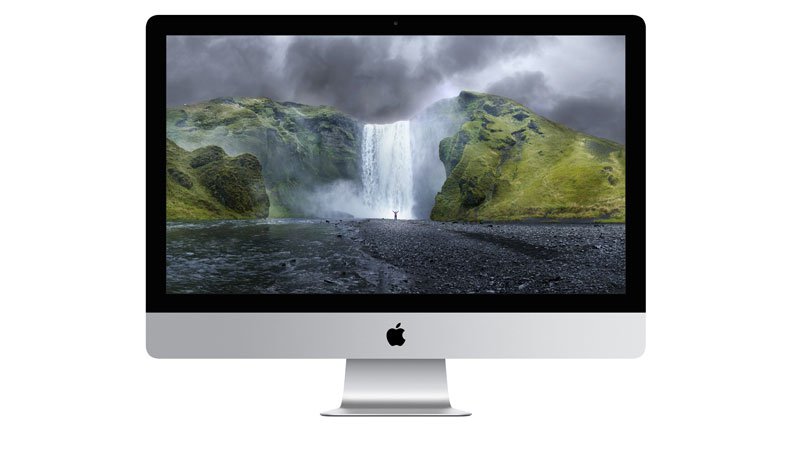
New iMacs Are Up to 20% Faster Comparing to Previous Models
Earlier this week, Apple introduced the updated lineup of 21.5-inch and 27-inch iMacs. The new generation of Apple desktop computers got new Retina displays, 4K and 5K, better processors and graphics from Intel. All these things should have made the iMacs much faster and power efficient.