 iPhoneRoot.com

News from category ‘All’
iPhone 3G unlocked in Hong Kong
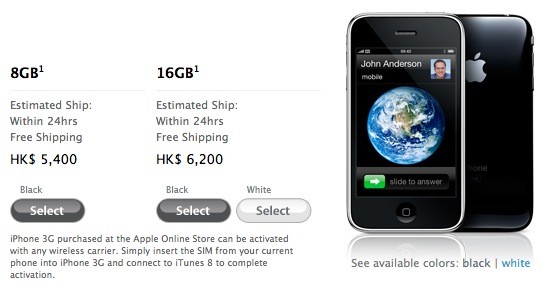
Apple is now selling its iPhone 3G unlocked via its on-line Apple Store in Hong Kong. The 8GB model is HK$5,500 (about US$694) and 16GB is HK$6,200 (about $797). It is available since July 11th with a local Hutchison Telecommunications contract, but this is the first time that Apple has sold its device unlocked in Hong Kong.
"iPhone 3G purchased at the Apple Online Store can be activated with any wireless carrier. Simply insert the SIM from your current phone into iPhone 3G and connect to iTunes 8 to complete activation."
Unfortunately for the 1 billion mainland Chinese, the terms and conditions limit sales to those in Hong Kong only.. But the gray market usually doesn't care about t&c's.
 Leave a comment
Cydia updated to 1.0.2595-36

The popular application Cydia Installer is updated. Minor bugs fixed. Cydia is now a bit more stable (especially on 2.1 firmware) and users will get lewss "Bad URL" errors.
Firmware 2.2 - new Safari interface
Apple just published firmware 2.2 beta 1 for developers. It is accompanied by a new beta of the iPhone SDK (build 9M2611). There are not much news about new features and improvements... but iphoneatlas already published a screenshot of new Safari interface, that is in firmware 2.2:
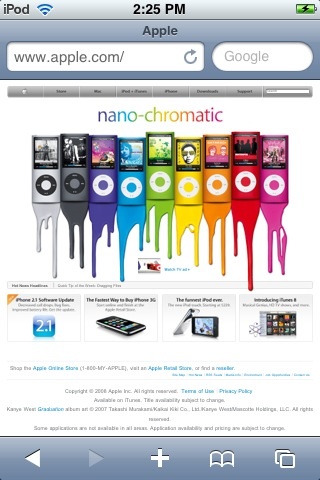
The new MobileSafari doesn't have the magnifying glass and refresh buttons at the top of the screen. There are the URL bar and search fields side-by-side instead. It looks much like the desktop version. Page refreshes are now accomplished via a tiny icon located inside the URL bar.
via iphoneatlas
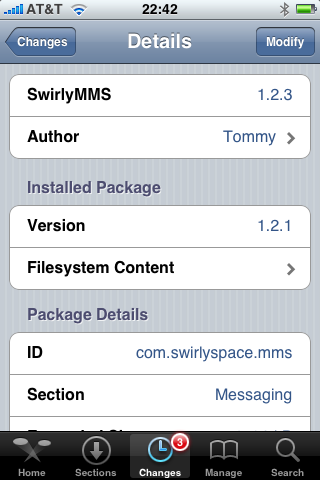
SwirlyMMS updated to 1.2.3

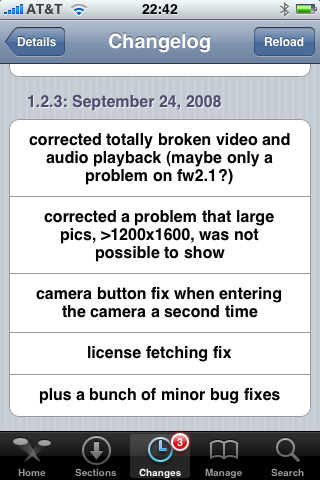
is updated to v1.2.3. Many bugs are fixed.
Avaliable in Cydia.
Apple’s iPhone signal strength is fake?
Firmware version 2.1. It is supposed to display “more accurate” signal strength. Well... it appears that “more accurate” may mean “unreasonably generous.”
Users can actually see the results of iPhones dB meter. Dial *3001#12345#* then press “Call”. A dB reading below 50 generally indicates good strength.
Here's what I've got:
iPhone Atlas reader Michael did some testing, and found that widely varying dB readings resulted in the same five-bar signal indicator on his iPhone. He writes:
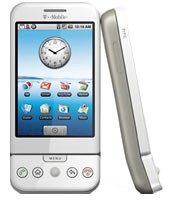
G1 can't get the time right
The analog clock says it's 9:10 but the digital clock says it's 2:47. Not good 🙂

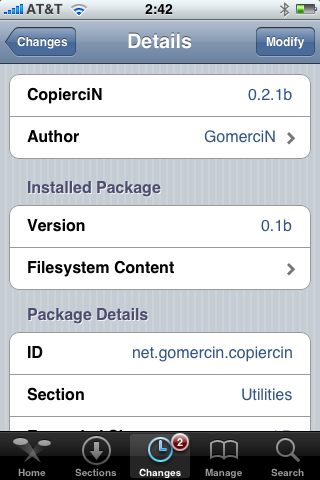
CopierciN updated to 0.2.1b

, copy/paste utility for iPhone, is updated. This application is avaliable in Cydia.
Minor changes:
Fixed:
- com.apple.MobileSMS.plist file is not overwritten now, it is modified instead.
Added:
- BiteSMS support
- Very basic “import from contacts” interface
Compatibility:
- Works with 2.1 firmware
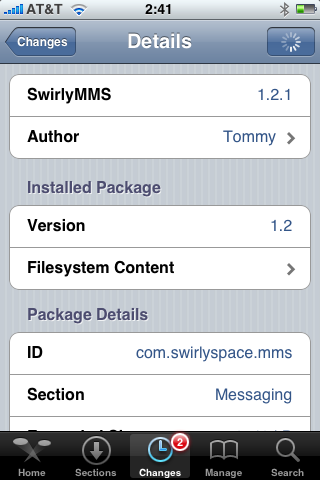
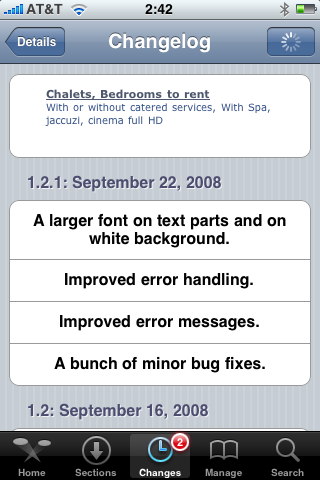
SwirlyMMS 1.2.1
is updated to v1.2.1. Minor bugfixes. Avaliable in Cydia.
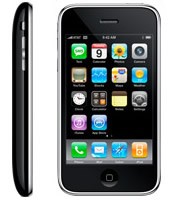
iPhone 3G and G1 specs
The specs are taken from and .
 |
 |
|
| CPU | Qualcomm® MSM7201A™, 528 MHz | Samsung ARM11 |
| Memory | ROM: 256 MB, RAM: 192 MB | 8-16 Gb |
| Dimentions | 117.7 mm x 55.7 mm x 17.1 mm | 115.5 mm x 62.1 mm x 12.3 mm |
| Weight | 158 grams | 133 grams |
| Display | 3.2-inch 320 x 480 | 3.5-inch 320 x 480 |
| Communications | HSDPA/WCDMA 1700, 2100 MHz (3G)
GSM/EDGE 850, 900, 1800, 1900 MHz Wi-Fi 802.11b/g Bluetooth 2.0 + EDR GPS |
UMTS/HSDPA 850, 1900, 2100 MHz (3G)
GSM/EDGE 850, 900, 1800, 1900 MHz Wi-Fi 802.11b/g Bluetooth 2.0 + EDR Assisted GPS |
| Control | Trackball with Enter button
QWERTY keyboard |
MultiTouch |
| Camera | 3.2 megapixel | 2.0 megapixel |
| Сonnectors | HTC ExtUSB™(mini-USB 2.0 and audio jack in one)
microSD™ |
3.5-mm stereo minijack |
| Battery | Talk time:
350 min (3G) 400 min (GSM) Standby time: up to 400 hours |
Talk time:
300 min (3G) 600 min (GSM) Standby time: up to 300 hours |
via habrahabr
iYo
Nice charger for an iPhone.
T-Mobile G1 vs AT&T Apple iPhone
iPhone’s security issue: fix it

You probably know about latest . The good news is that there is a solution to fix it.
Jonathan Zdziarski has deviced a way to disable this writing to disk, so that screenshots cannot be recovered. On a jailbroken iPhone, you can disable these screenshots with the following commands in MobileTerminal or through SSH connection to iPhone:
# rm -rf /var/mobile/Library/Caches/Snapshots
# ln -s /dev/null /var/mobile/Library/Caches/Snapshots
Screenshots themselves actually get written to /var/mobile/Library/Caches/Snapshots. So these commands delete this folder and symlink it to /dev/null, so the screenshots don’t get written to disk.
The side effect to this is that when resuming an application, you’ll get the default screen in the zoom-in effect. Once the application resumes, however, you’ll have your application screen back. For example, your mail application will always zoom to the front as if you had an empty inbox, but will quickly correct itself once the application resumes.
“To return to the default behavior, just delete the symlink and the directory will get recreated. Mind you, this has no effect on the many other pieces of data stored on the iPhone, and therefore your iPhone will always be at risk for leaking private data, especially to seasoned forensic examiners. Use at your own risk.”
via iphoneatlas
Raging Thunder
New racing game got green light from Apple. This game will be avaliable in AppStore soon. Very good 3D graphics, wi-fi multiplayer and much more. Costs $7.99.
1 million NBC iTunes downloads
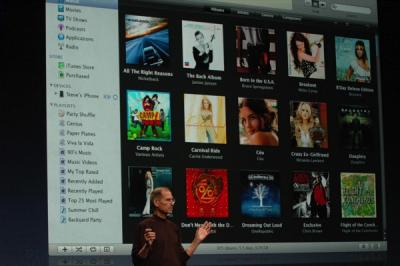
One of the major announcements during last week's media event was the return of NBC shows to the iTunes Store. NBC reportedly accounted for 40% of iTunes video sales prior to their removal late last year.
Hollywood Reporter reveals that over 1 million NBC iTunes downloads have been logged since the studio's return on September 9th. Some of those downloads may have been free HD episodes which are currently available from iTunes.
A list of all free HD iTunes episodes provided by TUAW include:
NBC's fall season will kick off next week for many of its popular shows including The Office and Heroes.
via macrumors
QuickPwn 2.1 for Windows is ready
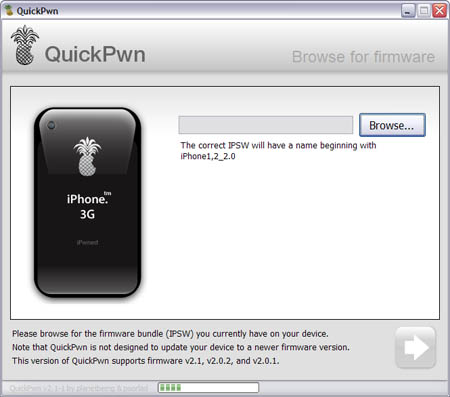
Congratulations, Windows users. The support for new firmware 2.1 is added. So here is what you can do:
- Support for FW v2.0.1, v2.0.2, v2.1.0
- Jailbreaking and Pwning iPhone 2G, iPhone 3G and iPod Touch
- Adding Cydia and Installer
- Replacing boot logos
- Unlocking iPhone 2G
Changes from QuickPwn RC3
- Support for firmware 2.1
- Auto-detection of firmware version, insistence on correct firmware bundle to prevent user epic fail.
- Use of iASign to activate to prevent bspatch epic fail.
- Removed buggy and never really tested 2.0 support
Sorry, no jailbreak for new iPod Touch and no unlock for iPhone 3G.
Here are download links:
Firmwares v2.1: ,
Related posts: