 iPhoneRoot.com

News tagged ‘3G’
Jailbreak on firmware 2.2 beta 1
appeared just a day ago. It seems that DevTeam never sleeps 🙂 They published a screenshot of jailbreaked iPhone 2G with this new firmware:
It runs Terminal.app (non-apple application) running on 2.2b1 firmware. Thay say that version 2.2 is still vulnerable to pwnage and quickpwn on everything but iPod Touch 2G.
No news about software unlock for iPhone 3G or jailbreak for iPod Touch 2G.
iPhone 3G unlocked in Hong Kong
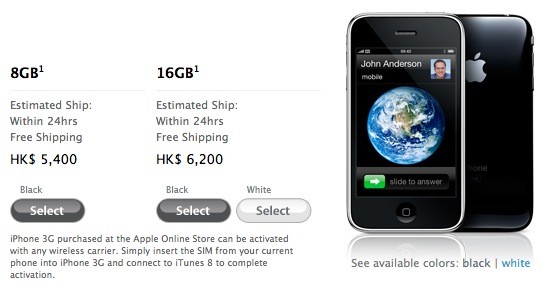
Apple is now selling its iPhone 3G unlocked via its on-line Apple Store in Hong Kong. The 8GB model is HK$5,500 (about US$694) and 16GB is HK$6,200 (about $797). It is available since July 11th with a local Hutchison Telecommunications contract, but this is the first time that Apple has sold its device unlocked in Hong Kong.
"iPhone 3G purchased at the Apple Online Store can be activated with any wireless carrier. Simply insert the SIM from your current phone into iPhone 3G and connect to iTunes 8 to complete activation."
Unfortunately for the 1 billion mainland Chinese, the terms and conditions limit sales to those in Hong Kong only.. But the gray market usually doesn't care about t&c's.
iPhone 3G in Russia

There are more than 500 000 iPhones in Russia already. But the official sales will start in October. There are tons of news about the prices and tarriffs, but there are no official announcements from carriers. Several resellers posted the following prices on their websites lately: 23 000 RUB ($920) for 8Gb and 27 000 RUB ($1080) for 16Gb version.
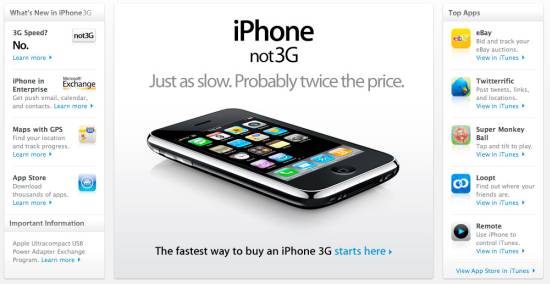
iPhone 3G in China - no 3G, no WiFi?

According to the South China Morning Post, the carrier wants Apple to supply a custom version of the iPhone which disables both W-CDMA (3G) and Wi-Fi. China Mobile doesn't yet have a 3G network in place and is afraid that customers will buy the iPhone and unlock it for use on more capable networks. This explains the lock-out for 3G, but killing the Wi-Fi is just spiteful.
Given that Apple ships an identical iPhone to every other world market, it's doubtful that China Mobile will get its way. But then, no other world market has a potential customer base of two billion people. If these functions are disabled, it will most likely be done in software.
via gadgetlab, gizmodo, cellular news
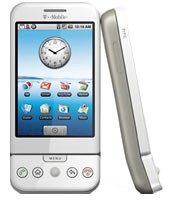
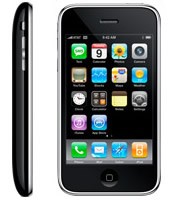
iPhone 3G and G1 specs
The specs are taken from and .
 |
 |
|
| CPU | Qualcomm® MSM7201A™, 528 MHz | Samsung ARM11 |
| Memory | ROM: 256 MB, RAM: 192 MB | 8-16 Gb |
| Dimentions | 117.7 mm x 55.7 mm x 17.1 mm | 115.5 mm x 62.1 mm x 12.3 mm |
| Weight | 158 grams | 133 grams |
| Display | 3.2-inch 320 x 480 | 3.5-inch 320 x 480 |
| Communications | HSDPA/WCDMA 1700, 2100 MHz (3G)
GSM/EDGE 850, 900, 1800, 1900 MHz Wi-Fi 802.11b/g Bluetooth 2.0 + EDR GPS |
UMTS/HSDPA 850, 1900, 2100 MHz (3G)
GSM/EDGE 850, 900, 1800, 1900 MHz Wi-Fi 802.11b/g Bluetooth 2.0 + EDR Assisted GPS |
| Control | Trackball with Enter button
QWERTY keyboard |
MultiTouch |
| Camera | 3.2 megapixel | 2.0 megapixel |
| Сonnectors | HTC ExtUSB™(mini-USB 2.0 and audio jack in one)
microSD™ |
3.5-mm stereo minijack |
| Battery | Talk time:
350 min (3G) 400 min (GSM) Standby time: up to 400 hours |
Talk time:
300 min (3G) 600 min (GSM) Standby time: up to 300 hours |
via habrahabr
iYo
Nice charger for an iPhone.
QuickPwn 2.1 for Windows is ready
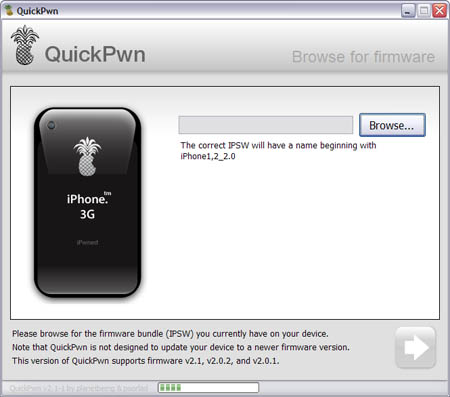
Congratulations, Windows users. The support for new firmware 2.1 is added. So here is what you can do:
- Support for FW v2.0.1, v2.0.2, v2.1.0
- Jailbreaking and Pwning iPhone 2G, iPhone 3G and iPod Touch
- Adding Cydia and Installer
- Replacing boot logos
- Unlocking iPhone 2G
Changes from QuickPwn RC3
- Support for firmware 2.1
- Auto-detection of firmware version, insistence on correct firmware bundle to prevent user epic fail.
- Use of iASign to activate to prevent bspatch epic fail.
- Removed buggy and never really tested 2.0 support
Sorry, no jailbreak for new iPod Touch and no unlock for iPhone 3G.
Here are download links:
Firmwares v2.1: ,
Related posts:
iPhone 3G in infrared
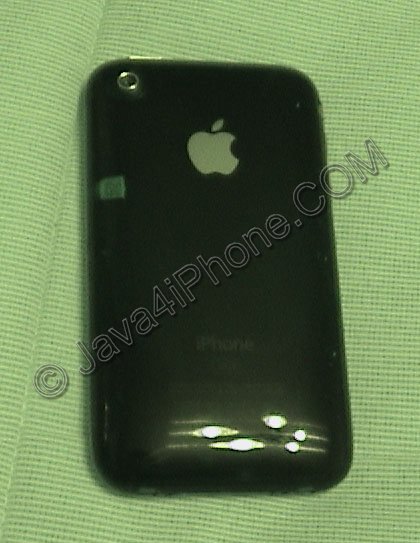
Got a camera with NightShot mode? Try to take a picture of your iPhone 3G. There is a on the left side of the phone. The quality is not very good, I used old camcoder in camera mode. Anyway here are couple more snapshots, you can actually see all the details of the code there:
 Leave a comment, read comments [3]
BossPrefs updated to v2.15

utilities updated. Here is a change log from 2.13b to 2.15:
- Thanks to Pumpkin of the dev team who figured it out for me, I fixed the 3g toggle to work just like the built in 3g toggle. No more wifi going on or off, no more taking 30 seconds. It's nice and fast.
- Updated the power icon to use the one sent by user Lucas (thanks).
- Added remapping internally into fast respring so now on 2.1 when you add an app and use fast respring, the app will show up. Note that regular respring does not do this.
- Properly signed the app removing the dependency on springbridge to launch apps off the dock. If you updated categories to 2.17 or greater and bossprefs to 2.15 or greater, you can uninstall springbridge.
"Gadget of the Year" award goes to...

... Apple iPhone 3G. Congratulations!
The devices that competed against the iPhone 3G were as follows: Microsoft’s Xbox 360 console, Nintendo’s Wii Fit, and B&W’s Zeppelin iPod speakers. All of the products up for this honor were judged in categories including performance, design and value, as well as “cool factor”.
via theiphoneblog
GPS not working in 2.1 firmware?
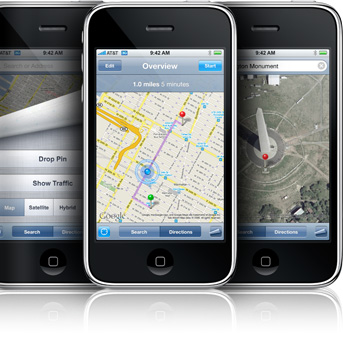
Several users have reported an issue in which GPS functionality and location services in general do not work properly after the update to iPhone OS 2.1. In most cases of the problem, location service crosshairs appear, but the tracking blue dot (indicative of GPS) never appears.
As described by Apple Discussions poster :
“Both my brother and I have iphones and we both updated to 2.1 and the GPS on both our phones were working fine prior to 2.1 Now all we get are the crosshairs- the blue dot is nowhere to be seen. I have tried all the recommendations sitting outside for 20min, 3G off, airplane mode on/off, soft reset, location services on….wi-fi on, bluetooth off…. but nothing seems to make it work again….what is really bugging me is that it was working fine before the update.”
The fix for this issue, for many users, is to navigate to Settings > General > Reset and choose Reset All Settings.
via iphoneatlas
iPod Touch 2G hack soon?
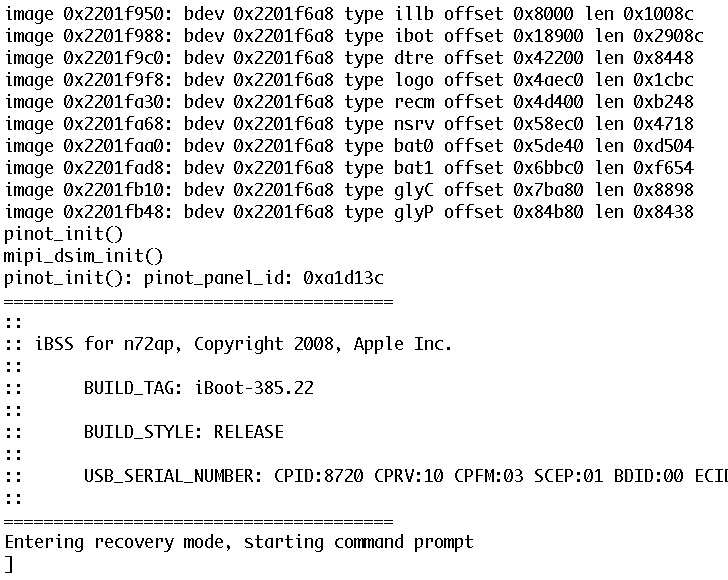
DevTeam published first screenshot about their procress of hacking (jailbreaking, pwning) new iPod Touch. New device has new hardware, that might be used in future iPhones. The DevTeam work just started, so the fun part is coming.
QuickPwn and PwnageTool for 2.1 firmware

Dev Team released QuickPwn and PwnageTool for firmware 2.1 (, ). It doesn't work with new iPod yet. Mac OS versions only for now.
Direct Downloads - QuickPwn
Direct Downloads - PwnageTool
Leave a comment, read comments [2]
Firmware 2.1 screenshots
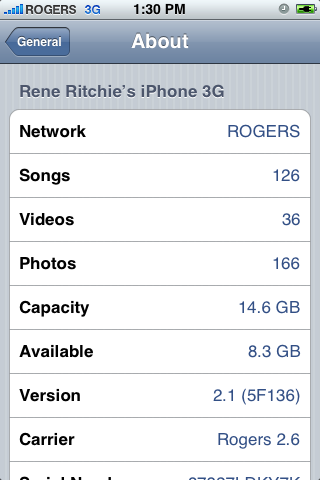
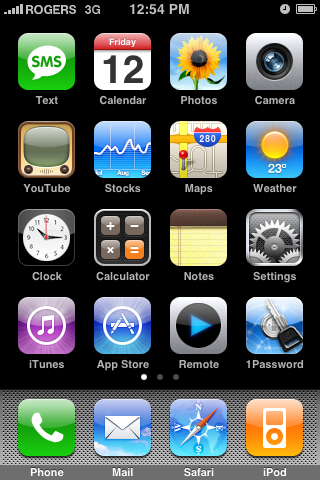
Theiphoneblog just published first screenshots of the new iPhones firmware 2.1.
Running 2.1 (5F136) now, and here’s what we’re noticing: WiFi works fine (tried on Apple and Linksys routers). New icons for connection type (3G/Edge) in the top bar. New blue filled and half-filled dots to describe state of video and podcasts (watched/listened to). Genius Playlists don’t seem to work as well as iTunes 8, at least for me, with lots of songs coming back as “not related”.
iTunes 8: If Windows Vista displays a blue screen error message when connecting iPhone or iPod
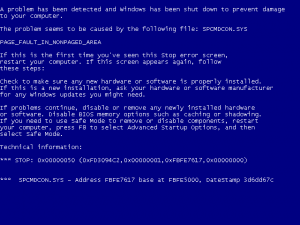
Apple published a kb for this case. Here it is:
Symptoms
After installing iTunes 8 for Windows, some users may see a blue screen error message when connecting iPhone or iPod to a Windows Vista computer. In some cases, the computer may immediately restart when connecting iPhone or iPod to the computer.
Products Affected
iPod, iPhone, iPod touch, Windows Vista, iPod touch (2nd generation), iTunes 8 for Windows, iPhone 3G
Resolution