 iPhoneRoot.com

News from category ‘Software’
CNet Video: HowTo Jailbreak iPhone and turn on FaceTime over 3G
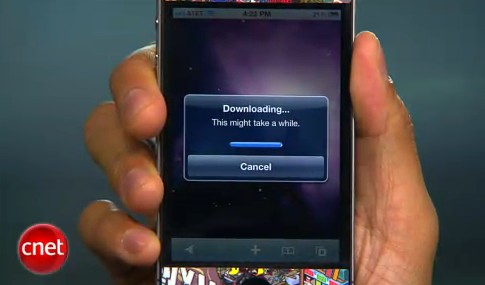
CNet specialists will show how to jailbreak using and how to turn on FaceTime over 3G (out tutorial is available here):
CNet Video: Howto downgrade iPhone 3G from iOS 4
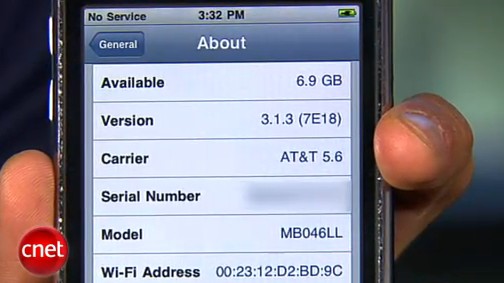
So you upgraded your iPhone 3G to firmware iOS 4 (or 4.0.1) and you want version 3.1.3 back? CNet specialists will show us how to do it:
 Leave a comment, read comments [2]
Users continue iPhone 4 and iPad jailbreaking in Apple Stores
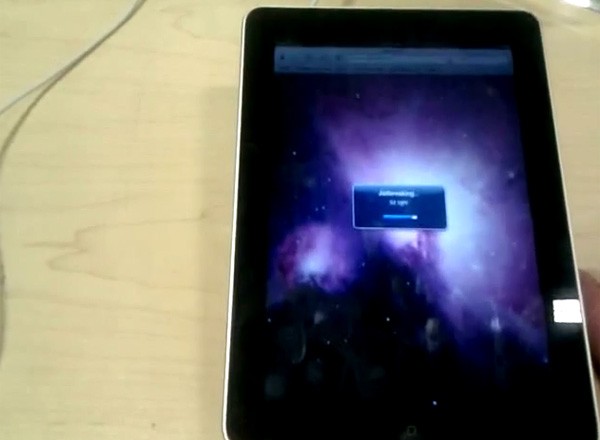
That was funny when people started jailbreaking iPhone's inside Apple Stores. The fun ended because stores started banning jailbreakme.com from their WiFi networks. Well, it looks like it didn't help.
One Apple fan published a video where he jailbreaks iPad by using his Nexus One's mobile hotspot capabilities. Take a look at the video after the break:
Genius For iPad Had Been Introduced
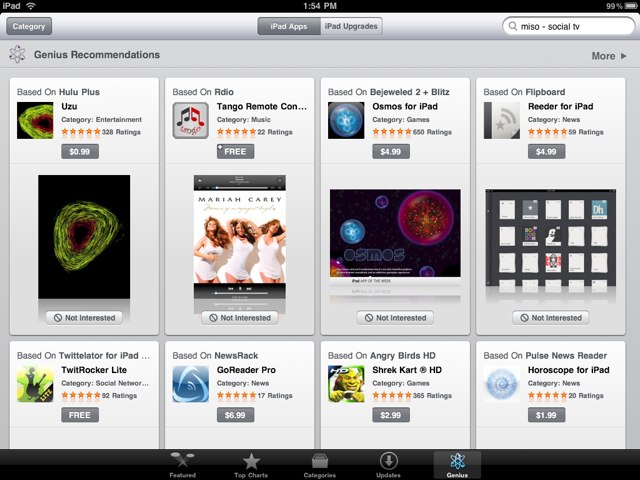
Along with "Try Before You Buy" Apple added Genius section to the iPad App Store. Though there was no official announcement, according to MacRumors the section appeared as far back as last night.
"Genius" option can be found next to "Updates" section at the bottom of the store. If you click on it for the first time you'll need to agree to the terms of service and activate the feature.
Genius is designed to create lists of recommended apps that based on users' previous purchases. That makes it easier for users to uncover, download and buy more relevant applications.
Genius page also includes "iPad Upgrades" section that has iPad versions of apps that have been earlier developed for iPhone.
App Store Launches "Try Before You Buy" Section
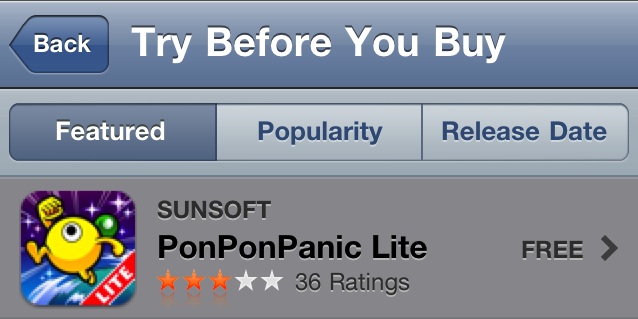
New section in App Store called "Try Before You Buy" allows users to test drive selected list of apps before purchasing it.
At the current moment section contains freemium, "lite" and ad-supported apps that have both free and paid versions. If the app doesn't have free version, it will not appear in the section.
Section "Try Before You Buy" can be found under the "Free on the App Store" heading. Currently there are 98 apps, including such games as Labyrinth 2, Metal Gear Solid Touch, Grand Theft Auto: Chinatown and free versions of apps like AccuTerra and Moodagent.
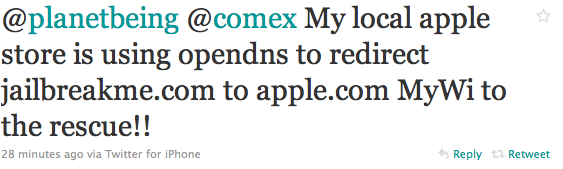
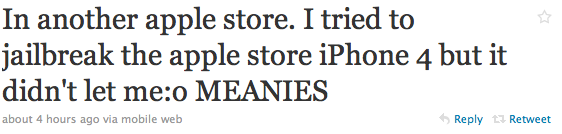
Apple Stores block JailBreakMe.com
Some time ago users started to jailbreak iPhones in Apple Store. It appears that Apple banned JailBreakMe.com on any device at Apple Stores through DNS forward to Apple.com.
Here are some comments from Twitter:
Howto secure iPhone iOS: PDF exploit fix
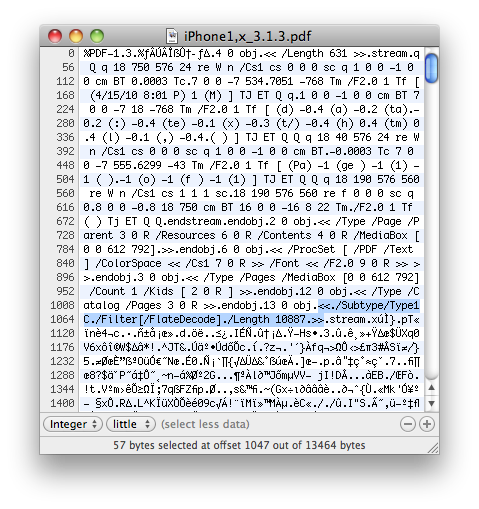
There is a big a security hole in iPhone iOS. The device is insecure in a big and obvious way. You should be extremely careful of what sites you visit.
The FlateDecode vulnerability can be used when a PDF File is embedded within a Web page. Basically Safari tries to parse the PDF. And when it does it executes some code. Hackers can use this exploit to read and write iPhone data, get your contacts, sms, even delete something. So they can get all kinds to access your personal information stored on your iOS device.
Apple will fix it some day. Until then you need to take care of your iPhone security. There is a fix for that. It is available via Cydia for jailbroken devices. So you need to jailbreak in order to secure (funny isn't it?).
Google CEO Eric Schmidt talks about Android and iPhone

Google CEO Eric Schmidt talked to reporters at yesterday's Techonomy conference about Google Android and Apple iPhone. Worth watching:
Ultrasn0w 1.0-1: unlock for iPhone 4
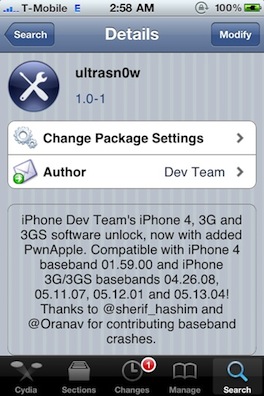
DevTeam finally released iPhone 4 unlock software. The new version 1.0-1 of ultrasn0w now works for:
- iPhone4 baseband 01.59
- iPhone 3G/3GS basebands 04.26.08, 05.11.07, 05.12.01 and 05.13.04
To install run Cydia and add the repo: repo666.ultrasn0w.com
Apple investigates iOS vulnerabilities

Recently Vupen, which is a French security firm, posted an advisory that contained information about two critical security vulnerabilities in Apple's iOS. After a while hacker comex used these flaws to create a jailbreak, which is now widely known and available on JailbreakMe.com.
But according to Reuters, yesterday Apple decided to react and its spokeswoman Natalie Harrison revealed that the company is currently investigating Vupen's advisory. So it looks like these exploits are going to be fixed soon!
iOS 4.1 beta 3 Has Been Released
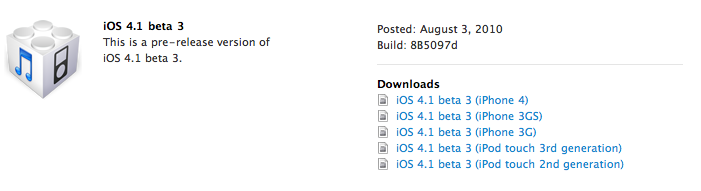
Yesterday Apple released iOS 4.1 beta 3 for developers. Build number is 8B5097d for the firmware and 10M2308 for the SDK. Here is what's new in beta 3:
- A revised API that allows applications to have an access to contact thumbnail pics;
- Media playback enhancements, which include new classes in AV Foundation, related to batched playback, writing/reading and file compression;
- New features of Game Center: now players can track their in-game achievements and game scores on leaderboards and find teams for group play. But it was also found that Game Center is no longer supported for iPod touch 2G and iPhone 3G, though it is unknown whether it is a permanent change or not.
Final release of iOS 4.1 is expected to be shipped in September or October.
FaceTime over 3G consumes 3Mbyte/min
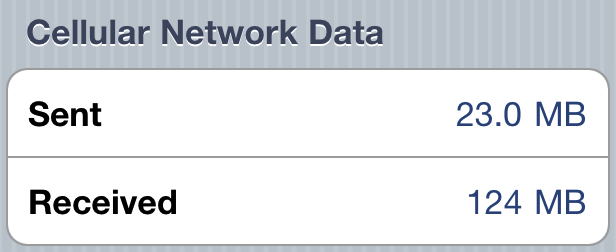
Guys from 9to5mac decided to count how much data FaceTime uses over 3G. They made a 5 minute test call, and concluded that FaceTime takes 3 Mb every minute. Not much at all!
Here are the screenshots before and after the call.

Jailbreaking the iPhone 4 at the Apple Store video
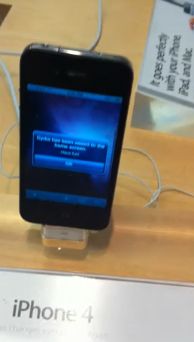
Jailbreaking an iPhone 4 is easy. Jailbreaking at an Apple retail store is fun. One of the users did that and captured everything on video. Take a look at the video:
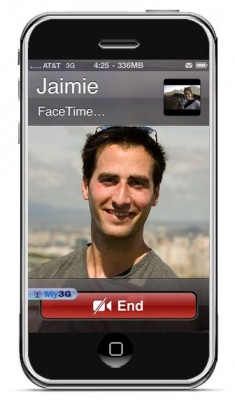
iPhone 4 FaceTime video call over 3G is now possible
FaceTime feature gives users the possibility to make voice calls. Apple restricted this feature to Wi-Fi only. Today it became possible to use it over 3G!
Setup Instructions:
- Jailbreak your iPhone 4 via .
- Download and upgrade to the latest Cydia package.
- Open Cydia, Go to Manage then Sources.
- Click Sources, Edit then add: http://apt.modmyi.com
- Search for "My3G" -- download, and install it. It costs $2.79. My3G makes Apps believe that they are on WiFi instead of 3G.
- Go through the Rock setup process with a username and password. Open My3G and leave all settings on the default.
- FaceTime should now work over 3G! -- Make sure to "Forget" the WiFi network you are on (via iOS settings) if you want to test it.
We haven't seen any difference between the 3G FaceTime call and a WiFi FaceTime call. The quality is very good.
Here's a video demo:
Jailbreak can be done on a plane (video)
Here's an interesting video from MuscleNerd, who jailbreaks an iPad using JailBreakMe in a plane (over New Mexico via "Gogo Inflight Internet" wifi). Nice!!