 iPhoneRoot.com

Tutorial: untether your tethered iOS 5.0.1 jailbreak with Corona

You can quickly untether your tethered jailbreak with Corona package from Cydia. This works only is you have iPhone 3GS, iPhone 4, iPad 1, iPod Touch 3G or iPod Touch 4G with jailbroken iOS 5.0.1 firmware.
Step 0
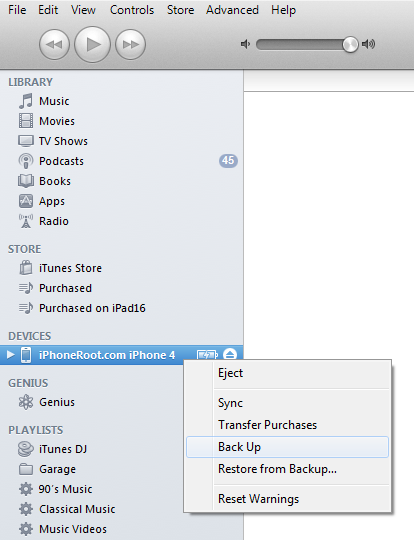
It is not necessary, but we strongly recommend to create a backup:
Connect your device to the computer and launch iTunes.

Select your device from the list of devices on the left. Create a backup by right-clicking on the name in Devices (iTunes left pane) and choosing Back Up.
Step 1
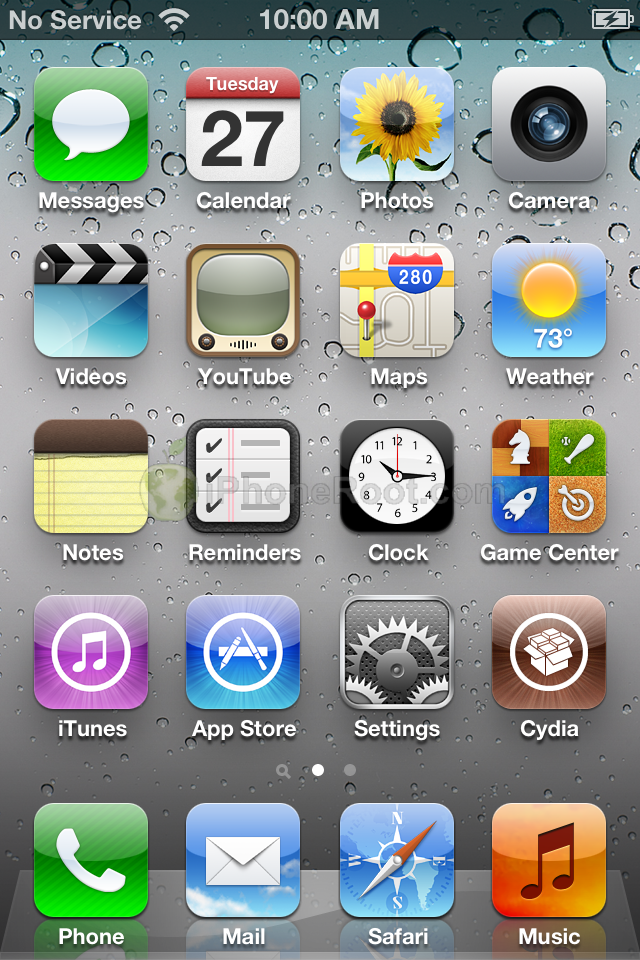
Launch Cydia from your Springboard.
Step 2
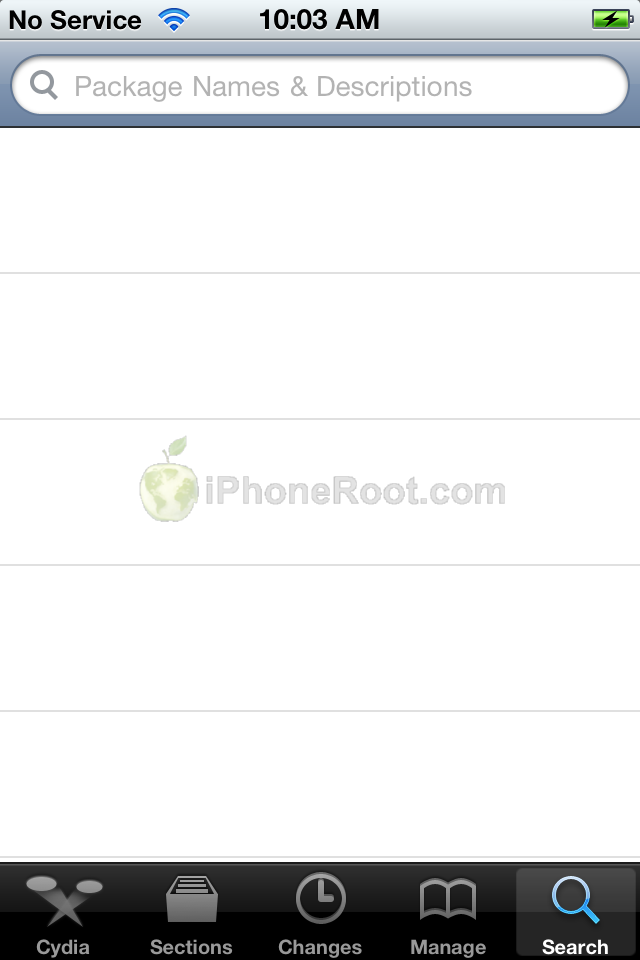
Select the Search tab at the bottom of the screen.

Step 3
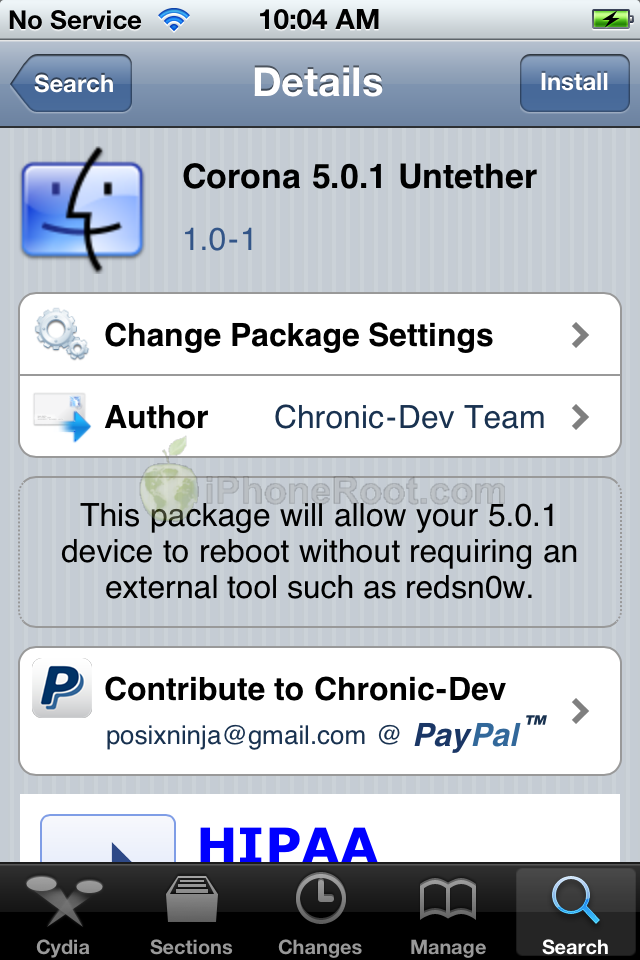
Type Corona into the search field and press to select the Corona 5.0.1 Untether package once it's found.

Step 4
Press the Install button at the top right of the screen.
Step 5
Press the Confirm button to begin installation.
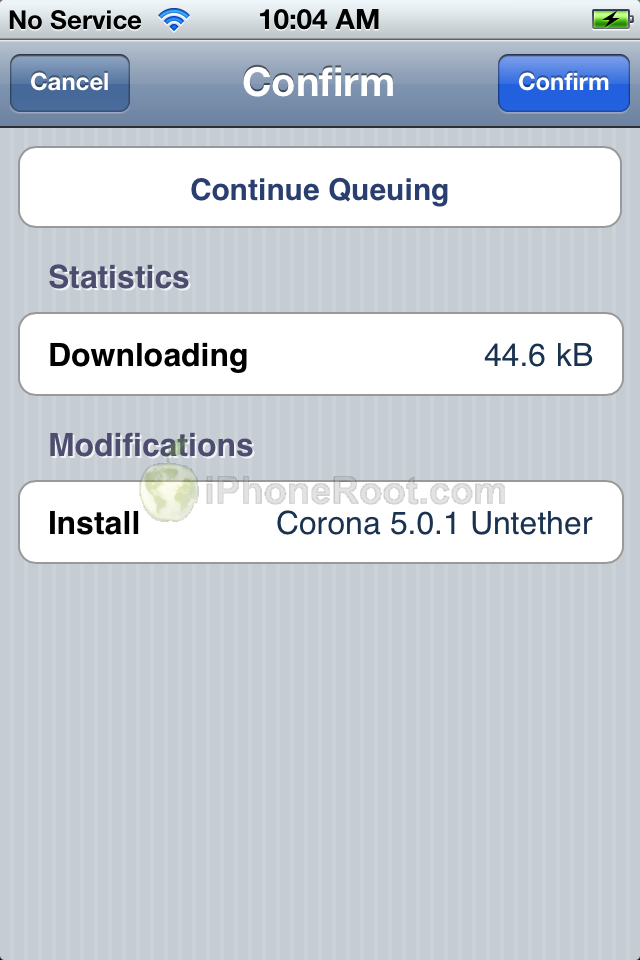
Step 6
Once installation has completed successfully you can press the large Return to Cydia button.
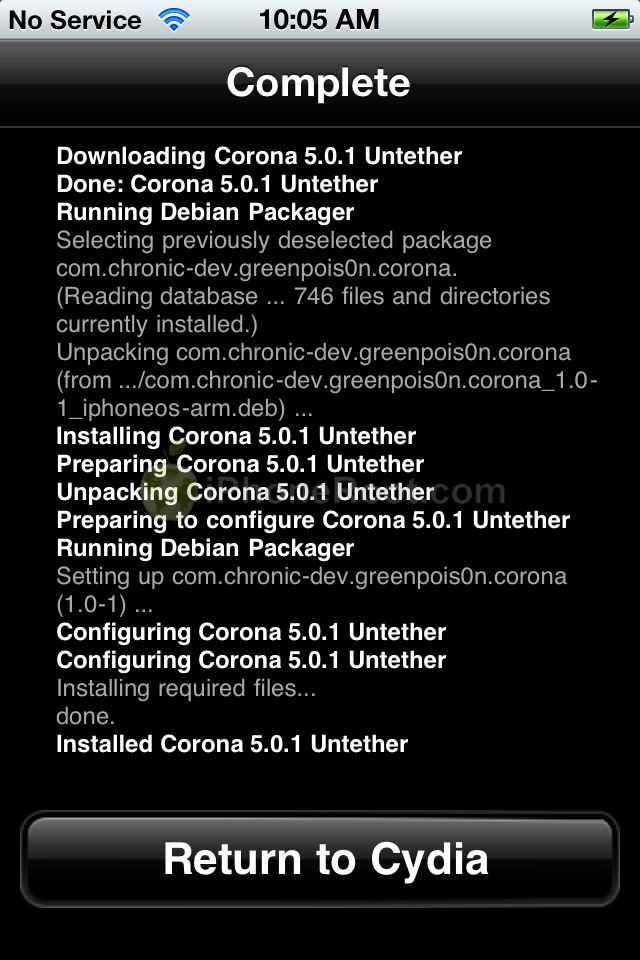
Step 7
You can now reboot your device with an untethered jailbreak!
Follow us on :
Latest posts
 Leave a comment, read comments [64]