 iPhoneRoot.com

How to do a Semi Tethered Jailbreak on iOS 5
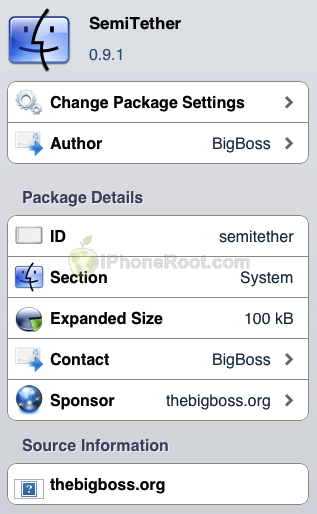
These instructions will show you how to make your tethered iOS 5 jailbreak a semi tethered jailbreak for iPhone, iPad, or iPod touch.
A semi-tethered jailbreak is a workaround solution which solves the problem of being unable to reboot with a tethered jailbreaked device. The semi tethered jailbreak by BigBoss will allow you to reboot on the road, but with limited functionality.
You can use your phone, text, safari and many other features. Once you get home and can use redsn0w again to “just boot tethered”. Once you do that, you’re back to fully functional state.
Step One
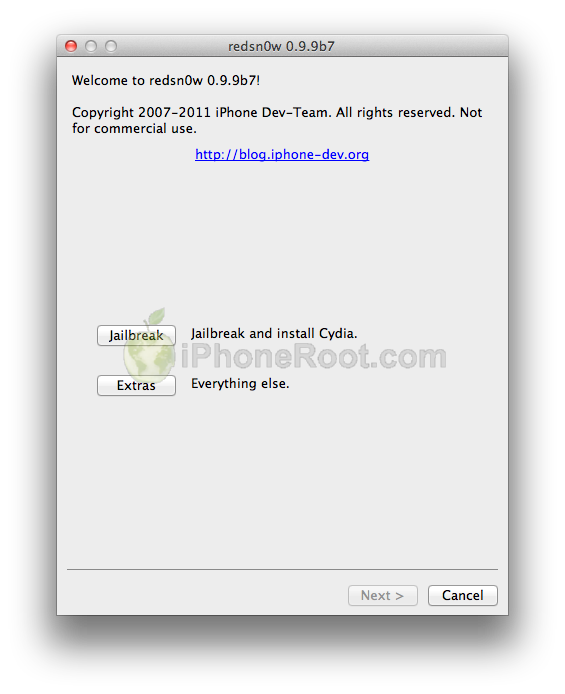
Jailbreak and boot your device tethered using one of our instructions here:
Step Two
Launch Cydia.
Step Three
You need to add Cydia source http://thebigboss.org/semitether
Go to Manage from the tabs at the bottom of the screen.
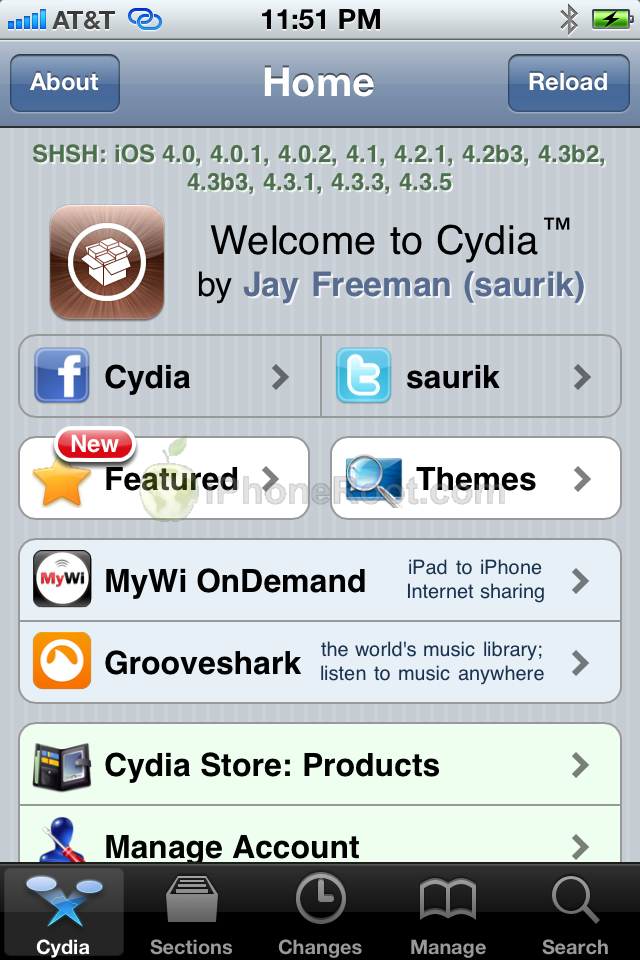
Press the large Sources button.

Press the Edit button at the top right of the screen.
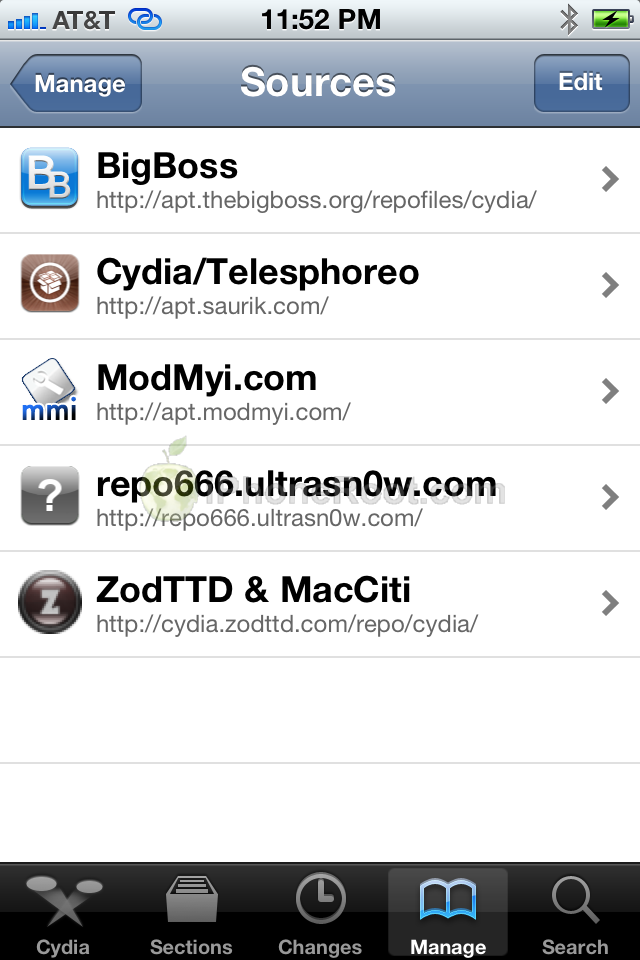
Press the Add button at the top left of the screen.
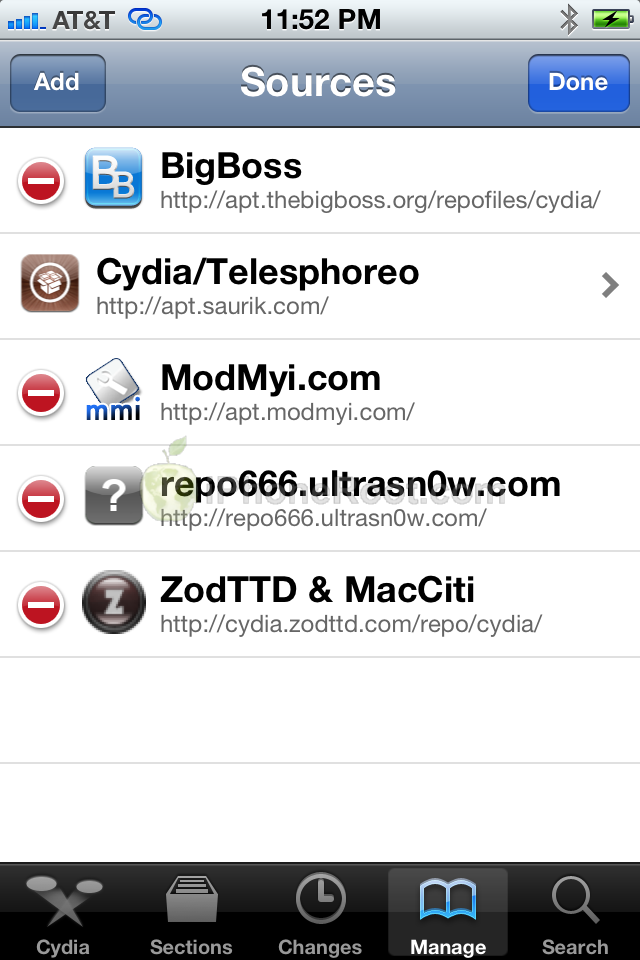
Input http://thebigboss.org/semitether into the text field and press the Add Source button.
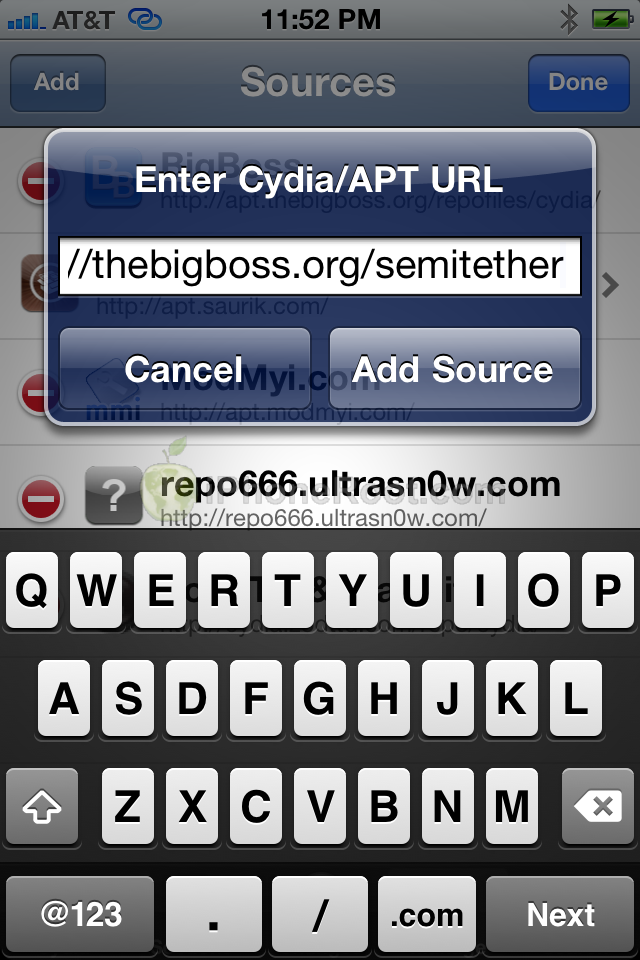
Press the large Return to Cydia button.

Step Four
Select thebigboss.org from the list of Sources
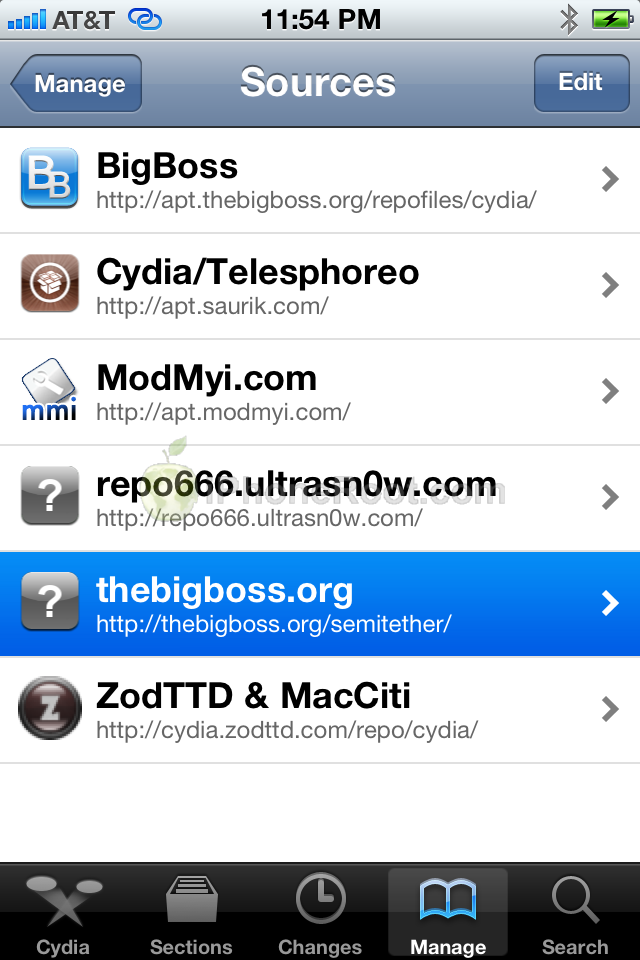
Select SemiTether from the list of Packages
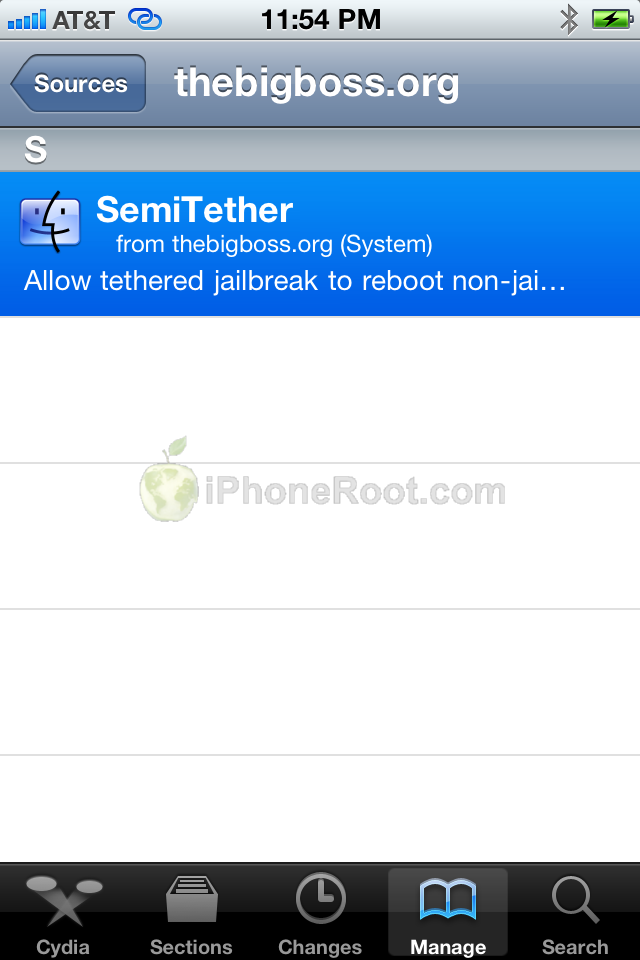
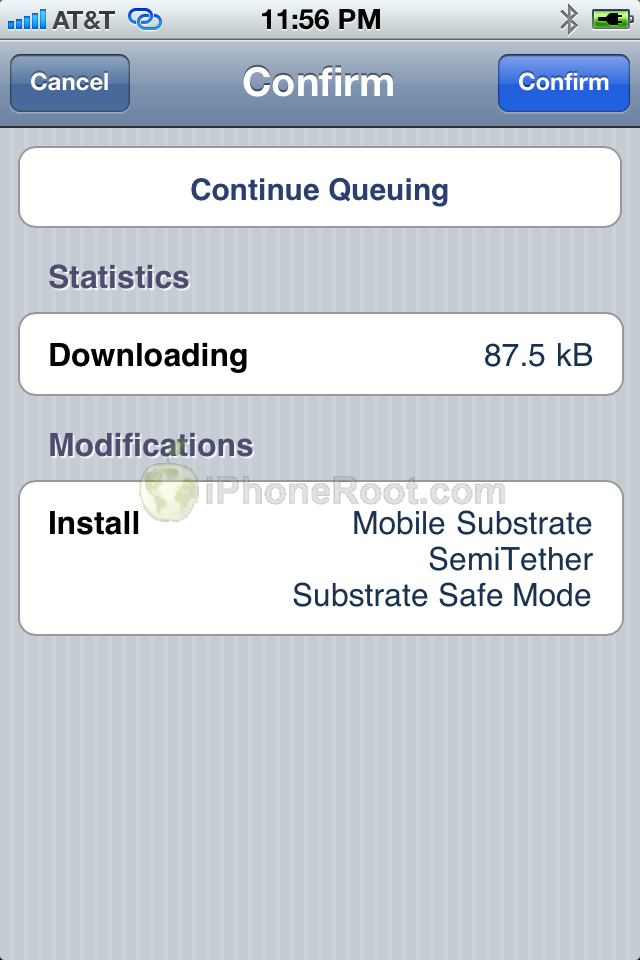
Press the Install button at the top right of the screen.
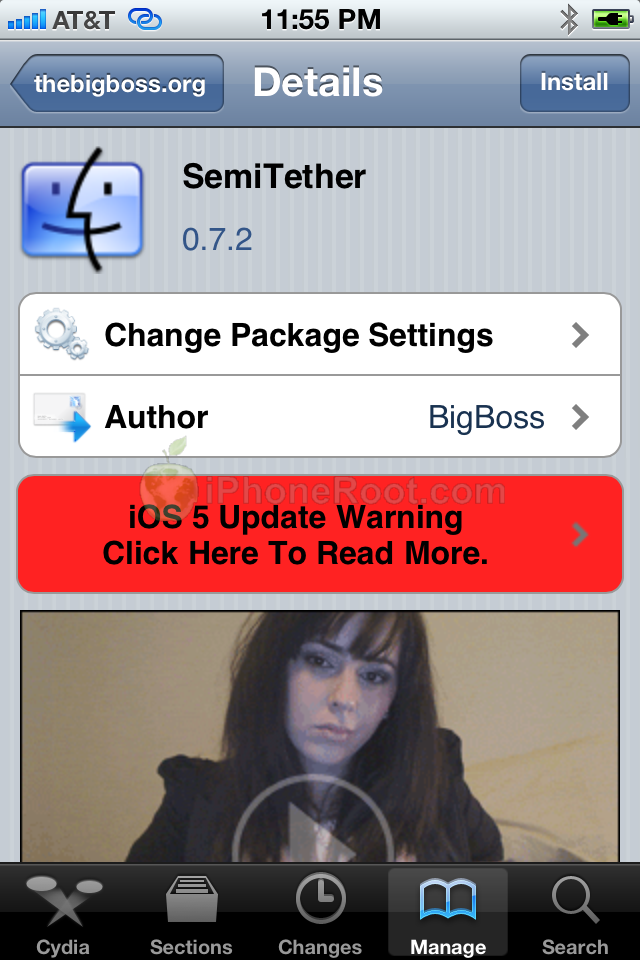
Press the Confirm button to begin installation.
Press the large Reboot Device button.
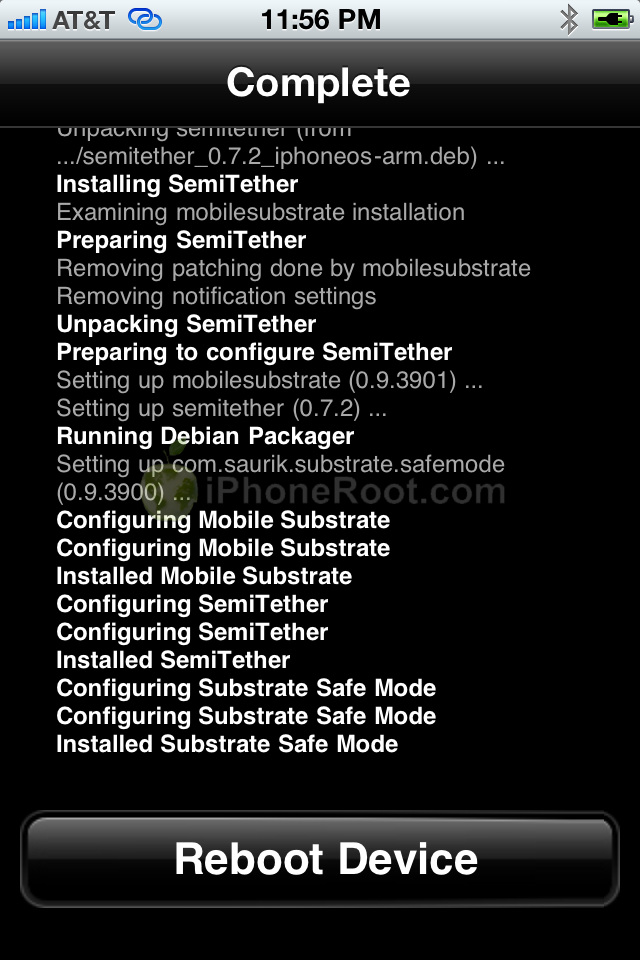
You're device will now reboot without stalling at the Apple logo!
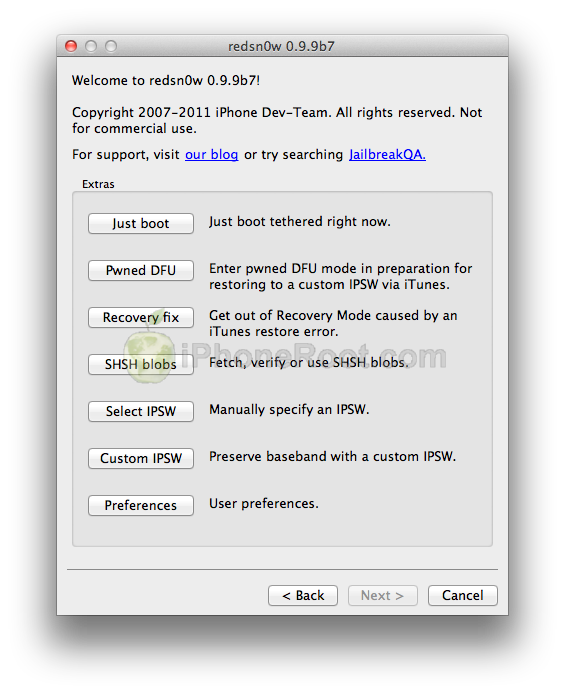
To get full functionality back you will need to boot tethered. Launch RedSn0w as you did in Step One then select Extras then Just boot from the menu.
Follow us on :
Latest posts
 Leave a comment, read comments [67]