 iPhoneRoot.com

News from category ‘Tutorial’
How to Jailbreak Your Device Running iOS 8.4 Using Taig for Mac
As you already know, the Taig tool for untethered jailbreak of iOS 8.4 is now available for OS X. If you have a compatible iPhone, iPad or iPod touch, you can download Taig 1.1.0 and hack your device using this tool right now.
If you are interested in the instructions on how to jailbreak your device, you will find them below. Make sure you follow each step carefully and feel free to ask any questions related to the process of jailbreak.

How to Jailbreak Your Device Running iOS 8.4 Using Taig for Windows
As you know, Taig has released a tool capable of jailbreaking the devices running iOS 8.4.
If you have already upgraded to the latest version of Apple’s mobile operating system, you can use the steps below to jailbreak your iPhone 6, iPhone 6 Plus, iPhone 5s, iPhone 5c, iPhone 5 and iPhone 4s as well as compatible iPad and iPod touch models.

 Leave a comment, read comments [14]
Step-by-step Tutorial: How to Untether Jailbreak iPhone, iPad and iPod Touch Using TaiG (Windows) [iOS 8.0-8.1.2]
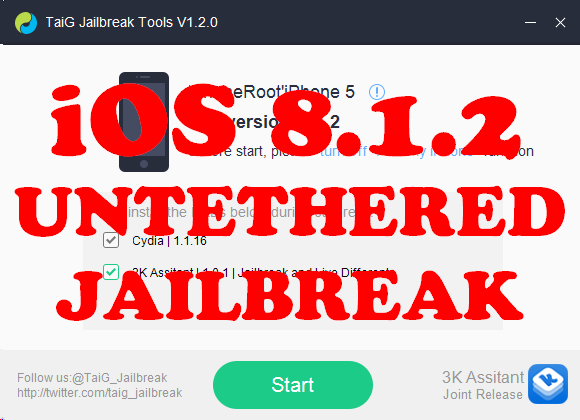
This is step-by-step instructions on how to perform untethered jailbreak of iOS 8.0 - iOS 8.1.2 firmwares using Taig for Windows.
This tutorial works for:
- iPhone 4S, iPhone 5, iPhone 5C, iPhone 5S, iPhone 6, iPhone 6 Plus
- iPod Touch 5G
- iPad 2, iPad 3, iPad 4, iPad Air, iPad Air 2, iPad Mini, iPad Mini 2, iPad Mini 3
Supported firmwares: iOS 8.0 - iOS 8.1.2.
Leave a comment, read comments [7]
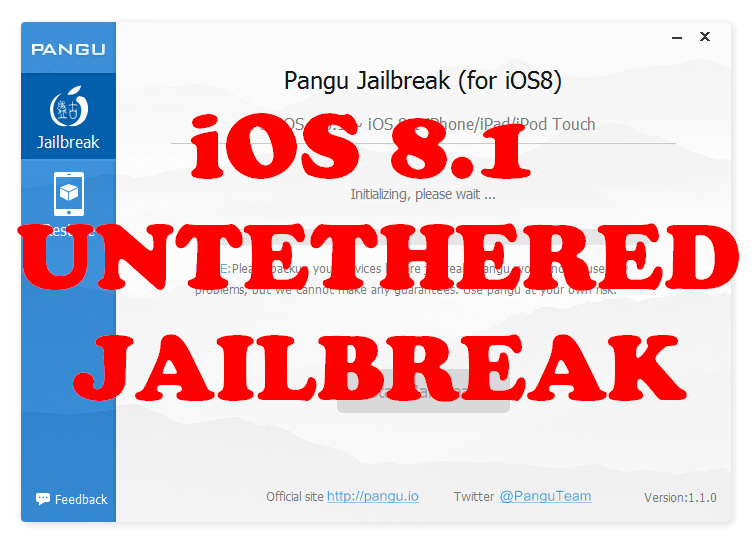
Step-by-step Tutorial: How to Untether Jailbreak iPhone, iPad and iPod Touch Using Pangu8 (Windows) [iOS 8.0-8.1]
UPDATE: Apple released iOS 8.1.1, that is not yet jailbreakable. So you will be able to jailbreak your device only if you already have iOS 8.0-8.1 installed.
This is step-by-step instructions on how to perform untethered jailbreak of iOS 8.0 - iOS 8.1 firmwares using Pangu8 for Windows.
This tutorial works for:
- iPhone 4S, iPhone 5, iPhone 5C, iPhone 5S, iPhone 6, iPhone 6 Plus
- iPod Touch 5G
- iPad 2, iPad 3, iPad 4, iPad Air, iPad Air 2, iPad Mini, iPad Mini 2, iPad Mini 3
Supported firmwares: iOS 8.0 - iOS 8.1.
Leave a comment, read comments [15]
Step-by-step Tutorial: How to Untether Jailbreak iPhone, iPad and iPod Touch Using Evasi0n (Windows) [iOS 7.0-7.0.6]
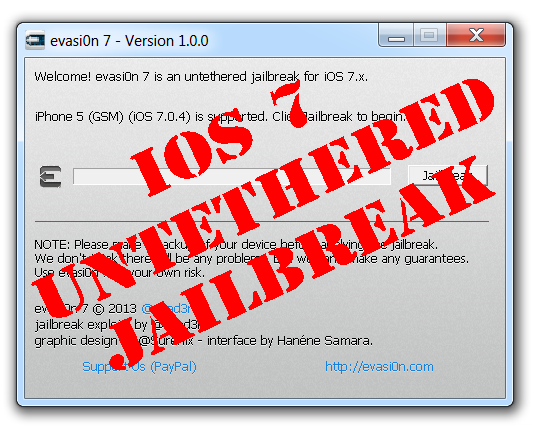
This is step-by-step instructions on how to perform untethered jailbreak of iOS 7.0 - iOS 7.0.6 firmwares using Evasi0n 7 for Windows.
This tutorial works for:
- iPhone 4, iPhone 4S, iPhone 5, iPhone 5C, iPhone 5S
- iPod Touch 5G
- iPad 2, iPad 3, iPad 4, iPad Air, iPad Mini, iPad Mini 2
Supported firmwares:
- iOS 7.0, 7.0.1, 7.0.2, 7.0.3, 7.0.4, 7.0.5, 7.0.6, 7.1 beta 1, 7.1 beta 2
This tutorial is for Windows users. Mac OS X tutorial is available here (tutorial is being prepared).
Leave a comment, read comments [78]
Creating an auto-reply message
When someone calls you and there is no possibility to answer, auto-reply is exactly what you need. There is no need to type a message, just send one of the saved default ones.
You can prepare three different auto-replies, so that you can simply answer wherever you are, at a concert, dancing in a club or having a business meeting.
Now enjoy the tutorial for creating these auto-reply messages.

How to use iTunes Radio outside of the US

As you might know Apple launched iTunes Radio only for the US. This service will be available in other countries, but some time later.
However there is a way to enable it outside the US now. All you need is to create US iTunes account and iTunes Radio will show up in iTunes upon re-launch. We’re not sure if this easy ‘hack’ will make it to Gold Master but Radio might be in your country by then anyway.
Here are step-by-step tutorials:
- How To create an iTunes App Store account without a credit card
- How to сreate an App Store account without a credit card on your iPhone, iPod Touch or iPad
You Can Update to iOS 7 Without a Registered iPhone UDID

It's currently possible update to iOS 7 beta without having your iPhone's UDID registered in an Apple developer account.
We have tested and confirmed it working on the iPhone 4S, a brand new iPhone 5 and an additional iPhone 5.
To perform the update you must get a hold of the iOS 7 ipsw, press and hold the Option key (Shift for Windows) and click Update in iTunes. Select the iOS 7 ipsw from the popup window to install.
It's unclear why this is working. Only iPhone devices registered by developers are supposed to be able to install beta firmware. Perhaps Apple took down this check since its servers are being flooded at the moment.
Leave a comment, read comments [47]
Step-by-step Tutorial: How to Update iPhone 3GS Modem Version to 06.15 Using RedSn0w 0.9.15 (Windows) [iOS 6.1.2]
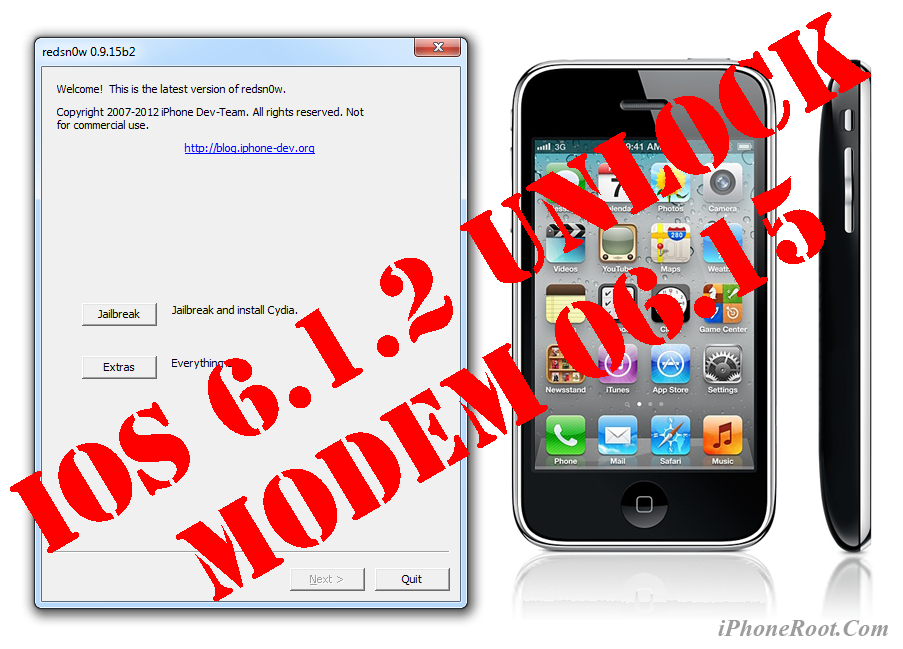
This is step-by-step instructions on how to update your iPhone 3GS modem to version 06.15 on iOS 6.0 - iOS 6.1.2. We will use RedSn0w 0.9.15 for Windows.
Leave a comment, read comments [24]
Tutorials for iOS 6.0 - 6.1.2 untethered jailbreak
Untethered jailbreak is available for all devices with iOS 6.0 - iOS 6.1.2. This includes:
- iPhone 3GS, iPhone 4, iPhone 4S, iPhone 5;
- iPod Touch 4G, iPod Touch 5G;
- iPad 2, iPad 3, iPad 4, iPad Mini;
If you don't need cellular unlock use Evasi0n utility, tutorials are available here:
If you need custom firmware to preserve baseband modem version for iPhone unlock use SnowBreeze. Tutorials are here:
Step-by-step Tutorial: How to UnTether Jailbreak and Unlock iPhone 4 Using Sn0wBreeze 2.9.11 (Windows) [iOS 6.1.2]
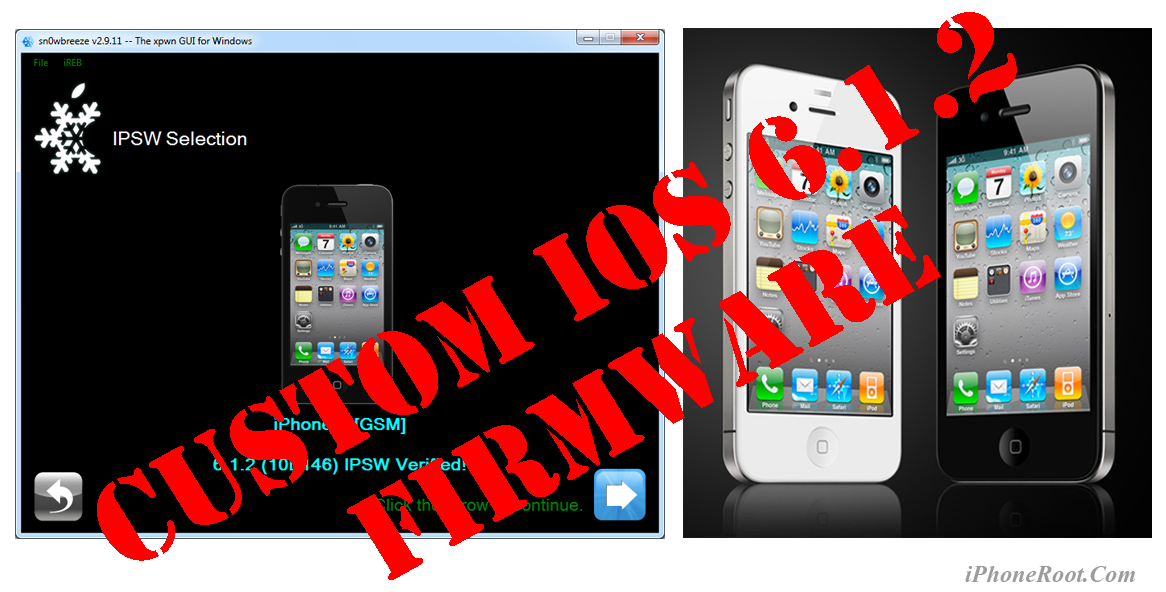
UPDATE: Apple released iOS 6.1.3, so you can NOT restore to earlier firmware (both original and custom), unless you have saved your SHSH keys. If you are on iOS 6.0-6.1.2 you can use evasi0n to jailbreak.
Using this tutorial you will be able to create a custom firmware, untether jailbreak and unlock iOS 6.1.2 running on iPhone 4. This tutorial uses Sn0wBreeze 2.9.11 for Windows.
Sn0wBreeze 2.9.11 allows users to preserve modem version for unlock.
Leave a comment, read comments [73]
Step-by-step Tutorial: How to UnTether Jailbreak and Unlock iPhone 3GS Using Sn0wBreeze 2.9.11 (Windows) [iOS 6.1.2]
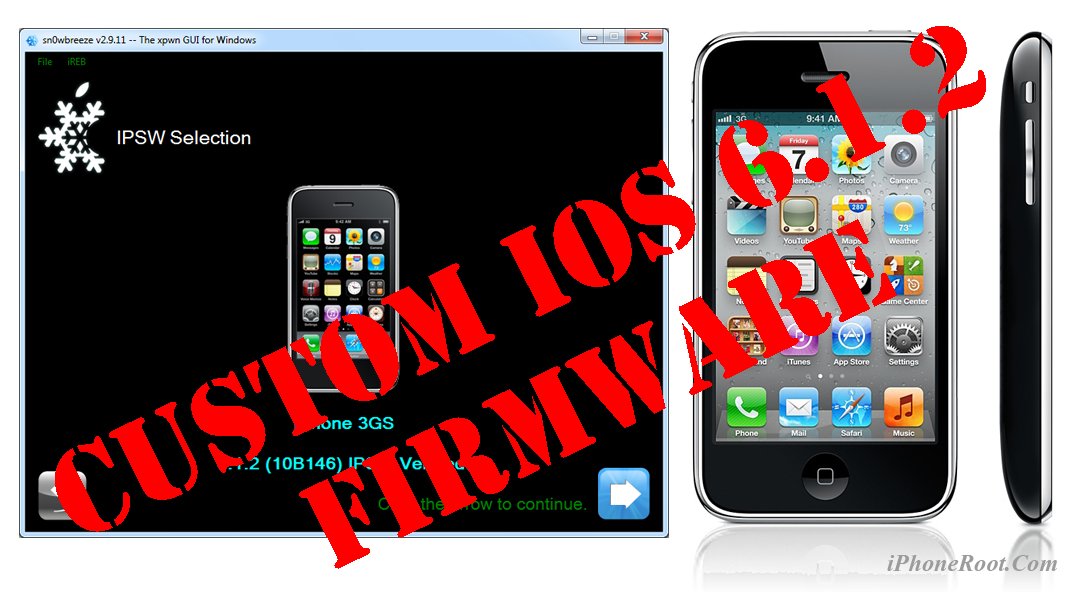
UPDATE: Apple released iOS 6.1.3, so you can NOT restore to earlier firmware (both original and custom), unless you have saved your SHSH keys. If you are on iOS 6.0-6.1.2 you can use evasi0n to jailbreak.
Using this tutorial you will be able to create a custom firmware, untether jailbreak and unlock iOS 6.1.2 running on iPhone 3GS. This tutorial uses Sn0wBreeze 2.9.11 for Windows.
Sn0wBreeze 2.9.11 allows users to preserve modem version for unlock.
Sn0wBreeze 2.9.11 does not allow users to update modem version to 06.15. If you need 06.15 - just use redsn0w (tutorial is here).
Leave a comment, read comments [292]
Step-by-step Tutorial: How to Untether Jailbreak iPhone, iPad and iPod Touch Using Evasi0n (Mac OS X) [iOS 6.0-6.1.2]

UPDATE: Apple released iOS 6.1.3, so you can NOT restore to earlier firmware (both original and custom), unless you have saved your SHSH keys. If you are on iOS 6.0-6.1.2 you can use evasi0n to jailbreak.
This is step-by-step instructions on how to perform untethered jailbreak of iOS 6.0-6.1.2 firmwares using Evasi0n for Mac OS X.
This tutorial works for all devices with iOS 6.1:
- iPhone 3GS
- iPhone 4
- iPhone 4S
- iPhone 5
- iPod Touch 4G
- iPod Touch 5G
- iPad 2
- iPad 3
- iPad 4
- iPad Mini
This tutorial is for Mac OS X users. Windows tutorial is available here.
Leave a comment, read comments [11]
Step-by-step Tutorial: How to Untether Jailbreak iPhone, iPad and iPod Touch Using Evasi0n (Windows) [iOS 6.0-6.1.2]
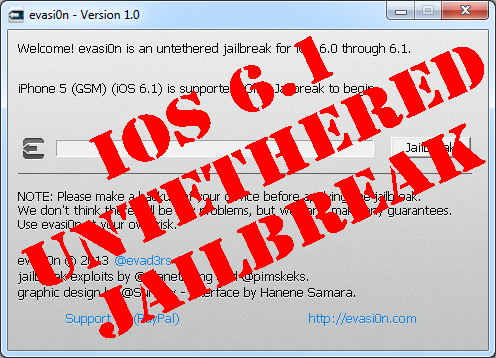
UPDATE: Apple released iOS 6.1.3, so you can NOT restore to earlier firmware (both original and custom), unless you have saved your SHSH keys. If you are on iOS 6.0-6.1.2 you can use evasi0n to jailbreak.
This is step-by-step instructions on how to perform untethered jailbreak of iOS 6.0-6.1.2 firmwares using Evasi0n for Windows.
This tutorial works for:
- iPhone 3GS
- iPhone 4
- iPhone 4S
- iPhone 5
- iPod Touch 4G
- iPod Touch 5G
- iPad 2
- iPad 3
- iPad 4
- iPad Mini
This tutorial is for Windows users. Mac OS X tutorial is available here.
Leave a comment, read comments [467]
Step-by-step Tutorial: How to perform correct restore for iOS 6.1 jailbreak
This step-by-step tutorial will guide you through the process of full restore, that is highly recommended for iOS 6.1 jailbreak. You can use this tutorial for any iPhone, iPod Touch and iPad.
Important: do not update to iOS 6.1 if you need carrier unlock.
Step 1
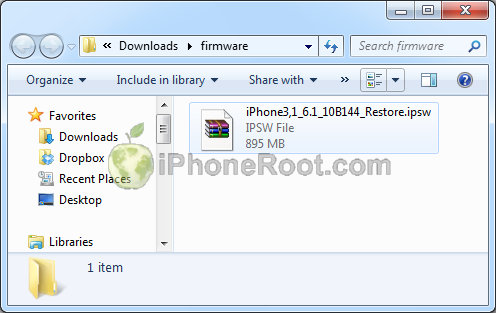
Make a folder called "Firmware". Download iOS 6.1 for your Apple device: here.
We have downloaded iOS 6.1 for our iPhone 4:
Leave a comment, read comments [38]