 iPhoneRoot.com

News from category ‘Firmware’
Step-by-step Tutorial: How to Tether Jailbreak iPad 1 Using RedSn0w 0.9.8b7b (Mac OS) [iOS 4.3.5]
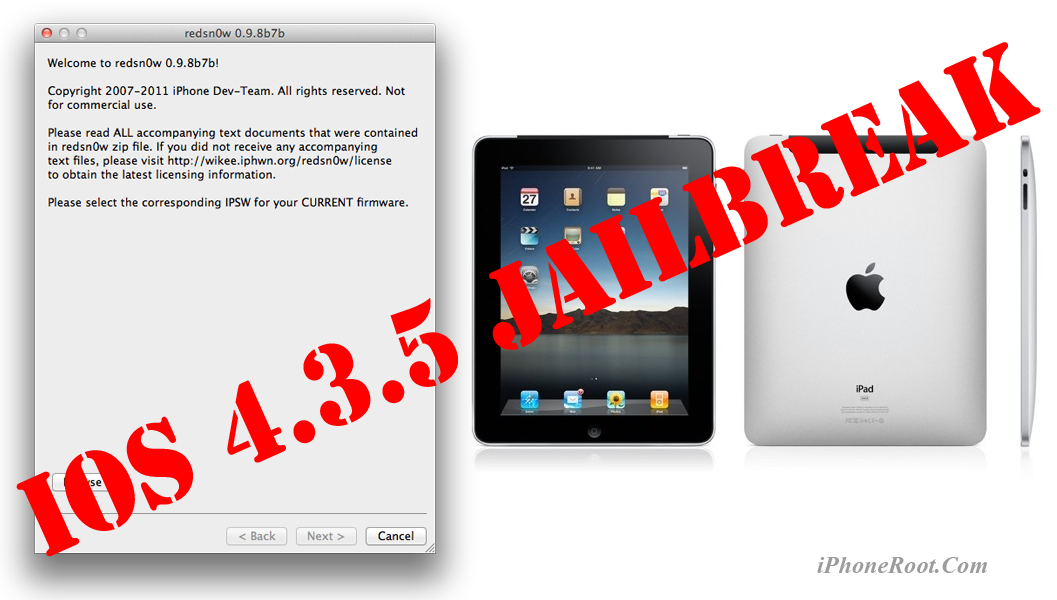
This is step-by-step instructions on how to perform tethered jailbreak of your iPad on iOS 4.3.5 firmware using RedSn0w 0.9.8b7b for Mac OS.
Tethered jailbreak means that each time you restart your device you will need to connect it to a computer and run redsn0w.
If you have other device, here are links to our RedSn0w 0.9.8b7b iOS 4.3.5 jailbreak tutorials:
- Mac OS: iPhone 4, iPhone 3GS, iPad 1, iPod Touch 3G, iPod Touch 4G
- Windows: iPhone 4, iPhone 3GS, iPad 1, iPod Touch 3G, iPod Touch 4G
 Leave a comment, read comments [2]
Step-by-step Tutorial: How to Tether Jailbreak iPad 1 Using RedSn0w 0.9.8b7b (Windows) [iOS 4.3.5]
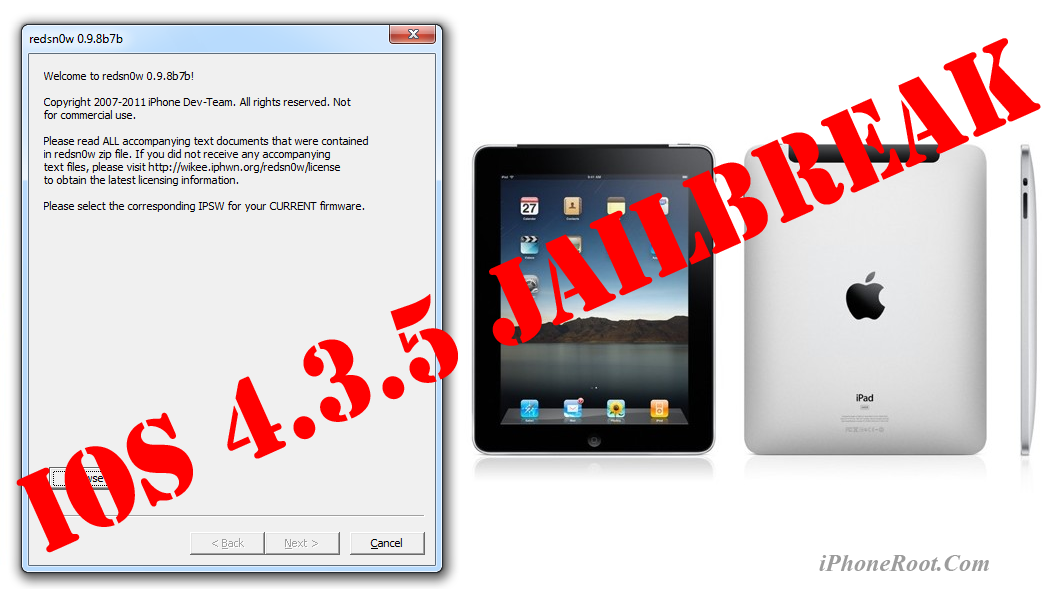
This is step-by-step instructions on how to perform tethered jailbreak of your iPad on iOS 4.3.5 firmware using RedSn0w 0.9.8b7b for Windows.
Tethered jailbreak means that each time you restart your device you will need to connect it to a computer and run redsn0w.
If you have other device, here are links to our RedSn0w 0.9.8b7b iOS 4.3.5 jailbreak tutorials:
- Mac OS: iPhone 4, iPhone 3GS, iPad 1, iPod Touch 3G, iPod Touch 4G
- Windows: iPhone 4, iPhone 3GS, iPad 1, iPod Touch 3G, iPod Touch 4G
Leave a comment, read comments [7]
iOS 5 with Nuance Speech Recognition Enabled in Carrier Testing
Voice input in Android
9to5Mac has reported that Apple seeded some mobile carriers with a “near-final” build of iOS 5 with the enabling of Nuance's Speech to Text as a system-wide service:
According to a source testing the feature, it works almost identically (video above) to the Android operating system’s speech-to-text feature. It’s also very polished, quick, and accurate said the source – which is obvious for being an Apple product but also is indicative of the product being nearly complete.
The special microphone button was already noticed in iOS 5. This allows users to dictate rather than type. It seems that Apple plans to release its Nuance speech recognition system alongside the public release of iOS 5 set for launch in this fall.
How To Install and Jailbreak iOS 5 Beta 7 without Developer Account
Here is a great step-by-step video describing how to:
- install iOS 5 Beta 7 without Apple Developer account
- preserve baseband for future unlock,
- jailbreak and hactivate iOS 5 Beta 7
Let's watch:
Leave a comment, read comments [19]
RedSn0w 0.9.8b7b: untethered 4.3.5 jailbreak for iPhone 3GS and full support for iOS 5 Beta 7
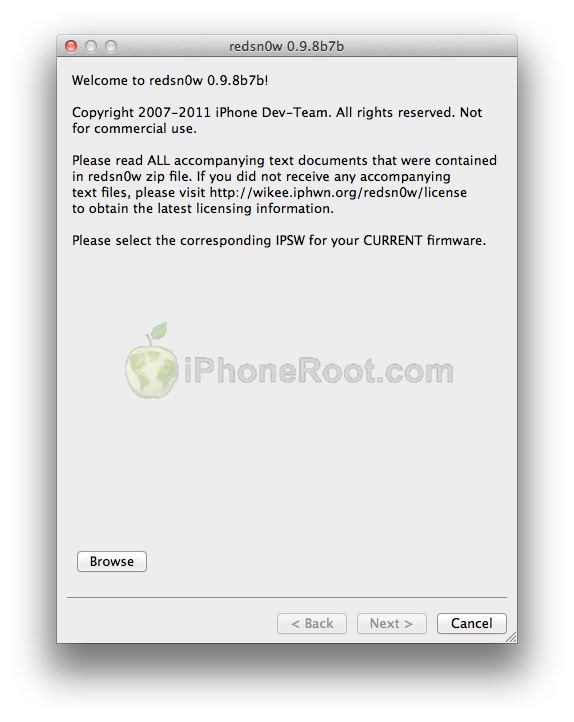
The iPhone Dev-Team has released RedSn0w 0.9.8b7b to bring two new main features:
- explicit tethered jailbreak support for iOS 5 Beta 7
- untethered jailbreak for iPhone 3GS with old bootrom (iOS 4.3.5 or iOS 5 Beta 7)
Musclenerd posted via twitter:
New redsn0w is.gd/6eek4Y explicitly supports iOS5b7 (no need to point at b6 IPSW). Also brings back old-bootrom 3GS goodies.
This is great news for both developers and owners of old bootrom iPhone 3GS's who accidentally updated to iOS 4.3.5.
DevTeam posted:
About 12 hours after we released redsn0w 0.9.8b7 with some improvements for iOS5b6, Apple went and released iOS5b7 (what are the odds of that?!?). Even though that redsn0w could still jailbreak iOS5b7, you needed to point it at the iOS5b6 IPSW to do so. Today’s redsn0w 0.9.8b7b lets you point redsn0w directly at the iOS5b7 IPSW instead.
We’ve also added some overall improvements for old-bootrom 3GS owners (where the 24kpwn exploit applies): on those devices, you can tell redsn0w to untether 4.3.5 and lower, or iOS5b7. Old-bootrom 3GS owners can once again choose custom logos, and/or verbose booting (for the really nerdy iPhone3GS fans out there!). And it allows 4.3.4 or 4.3.5 users to use ultrasn0w again (if they have a compatible baseband).
Last but not least, we fixed some lingering Verizon iPhone4 4.2.10 JB issues.
We will update our tutorials shortly.
You can download RedSn0w 0.9.8b7b here.
Here are links to our RedSn0w 0.9.8b7b iOS 4.3.5 jailbreak tutorials:
- Mac OS: iPhone 4, iPhone 3GS, iPad 1, iPod Touch 3G, iPod Touch 4G
- Windows: iPhone 4, iPhone 3GS, iPad 1, iPod Touch 3G, iPod Touch 4G
Leave a comment, read comments [43]
iH8Sn0w released Sn0wBreeze 2.8b7 to jailbreak, hactivate and bypass UDID check for iOS 5 Beta 7

iH8Sn0w released Sn0wBreeze 2.8b7, which adds jailbreak support for the latest iOS 5 beta 7 firmware.
Sn0wBreeze creates custom firmware and allows users to preserve baseband for unlock (ultrasn0w doesn't work with iOS 5 yet). This new version also adds hacktivation and removes UDID developer check. This means that you can try iOS 5 without developer account from Apple.
You can download Sn0wBreeze 2.8b7 for Windows here.
Leave a comment, read comments [2]
iOS 5 beta 7 is jailbreakable by RedSn0w 0.9.8b7

MuscleNerd, the iPhone Dev-Team member, has announced via Twitter that developers can use RedSn0w 0.9.8b7 to jailbreak iOS 5 Beta 7.

MuscleNerd: Today's iOS5b7 can be JB with last night's redsn0w b7 http://is.gd/6eek4Y but point it at b6 IPSW...annoying off-by-1 now 🙂
You can download RedSn0w 0.9.8b7 here. iOS 5 Beta 7 is available for developers and here for everybody else.
DevTeam released RedSn0w 0.9.8b7
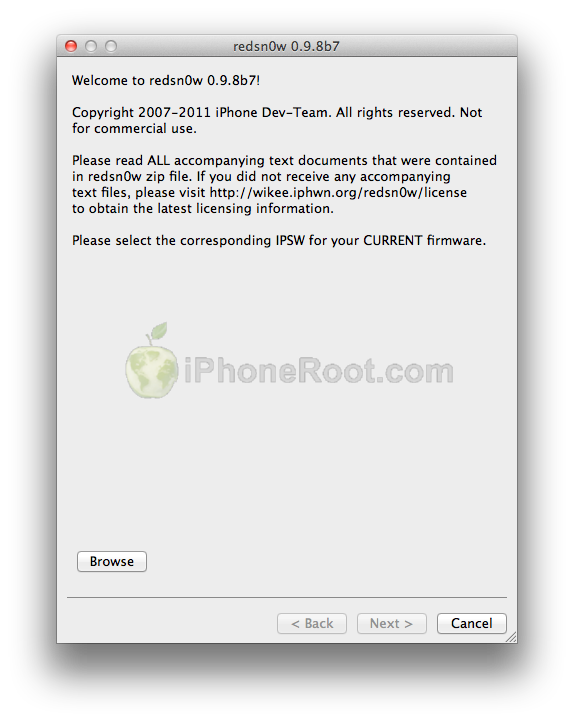
The iPhone Dev-Team recently released RedSn0w 0.9.8b7 which brings explicit support for a tethered 4.3.5 jailbreak as well as new iOS 5.0b6 iPad 1 jailbreak:
Apple updated the iPad1 iOS5b6 IPSW without changing its version number or filename, so we're releasing redsn0w 0.9.8b7 to handle both the original and changed IPSW. We've also added explicit support for a tethered 4.3.5/4.2.10 jailbreak (instead of pointing at the 4.3.4/4.2.9 IPSWs) and fixed a 4.2.10 problem.
You can download RedSn0w 0.9.8b7 here.
You can find our instructions on how to jailbreak your device here:
 iPhone 3GS
Tethered and UnTethered jailbreak iOS 4.3.5:
 iPhone 4
Tethered jailbreak iOS 4.3.5:
 iPad 1
Tethered jailbreak iOS 4.3.5:
 iPod Touch 3G
Tethered jailbreak iOS 4.3.5:
 iPod Touch 4G
Tethered jailbreak iOS 4.3.5:
Download links for iOS 5 beta 7

iOS 5 beta 7 has been released recently. It is available only for Apple registered developers. But you can try it too. Remember that you do it at your own risk. Remember your UDID must be registered at Apple in order to activate your device after install.
You can download new iOS 5 beta 7 firmware and iTunes 10.5 beta 7 using the links below:
Leave a comment, read comments [4]
Apple Releases iOS 5 Beta 7 to Developers
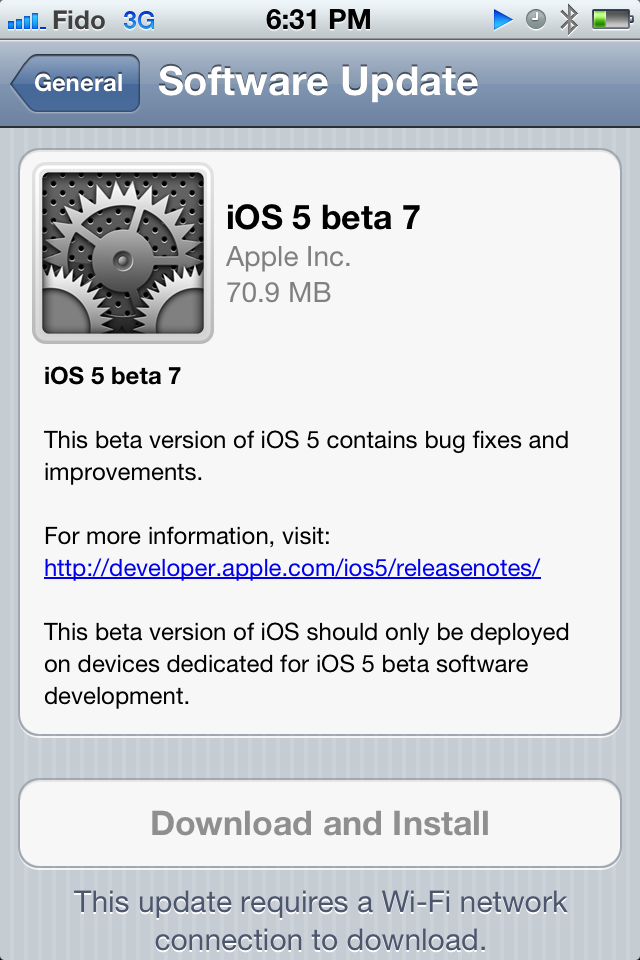
Apple has just released iOS 5 beta 7 to developers. It is is available via OTA update and as a download from Apple dev center . Apple has released iTunes 10.5 beta 7 and Xcode 4.2 beta 7 as well.
9to5mac found the following new features:
Step-by-step Tutorial: How to (Un)Tether Jailbreak iPhone 3GS Using RedSn0w 0.9.8b7b (Mac OS) [iOS 4.3.5]
This is step-by-step instructions on how to perform jailbreak of your iPhone 3GS on iOS 4.3.5 firmware using RedSn0w 0.9.8b7b for Mac OS.
If you have iPhone 3GS with an old bootrom version 359.3, the jailbreak is untethered. If your device has bootrom version 359.3.2 and higher, jailbreak will be tethered. You can detect your bootrom version using this tutorial.
Tethered jailbreak means that each time you restart your device you will need to connect it to a computer and run redsn0w.
If you have other device, here are links to our RedSn0w 0.9.8b7b iOS 4.3.5 jailbreak tutorials:
- Mac OS: iPhone 4, iPhone 3GS, iPad 1, iPod Touch 3G, iPod Touch 4G
- Windows: iPhone 4, iPhone 3GS, iPad 1, iPod Touch 3G, iPod Touch 4G
Step-by-step Tutorial: How to Tether Jailbreak iPhone 4 Using RedSn0w 0.9.8b7b (Mac OS) [iOS 4.3.5]
This is step-by-step instructions on how to perform tethered jailbreak of your iPhone 4 on iOS 4.3.5 firmware using RedSn0w 0.9.8b7b for Mac OS.
Tethered jailbreak means that each time you restart your device you will need to connect it to a computer and run redsn0w.
If you have other device, here are links to our RedSn0w 0.9.8b7b iOS 4.3.5 jailbreak tutorials:
- Mac OS: iPhone 4, iPhone 3GS, iPad 1, iPod Touch 3G, iPod Touch 4G
- Windows: iPhone 4, iPhone 3GS, iPad 1, iPod Touch 3G, iPod Touch 4G
Leave a comment, read comments [19]
Step-by-step Tutorial: How to (Un)Tether Jailbreak iPhone 3GS Using RedSn0w 0.9.8b7b (Windows) [iOS 4.3.5]
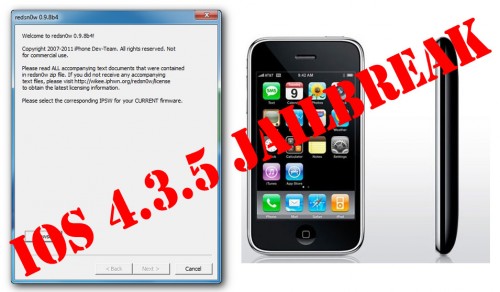
This is step-by-step instructions on how to perform jailbreak of your iPhone 3GS on iOS 4.3.5 firmware using RedSn0w 0.9.8b7b for Windows.
If you have iPhone 3GS with an old bootrom version 359.3, the jailbreak is untethered. If your device has bootrom version 359.3.2 and higher, jailbreak will be tethered. You can detect your bootrom version using this tutorial.
Tethered jailbreak means that each time you restart your device you will need to connect it to a computer and run redsn0w.
If you have other device, here are links to our RedSn0w 0.9.8b7b iOS 4.3.5 jailbreak tutorials:
- Mac OS: iPhone 4, iPhone 3GS, iPad 1, iPod Touch 3G, iPod Touch 4G
- Windows: iPhone 4, iPhone 3GS, iPad 1, iPod Touch 3G, iPod Touch 4G
Leave a comment, read comments [93]
Step-by-step Tutorial: How to Tether Jailbreak iPhone 4 Using RedSn0w 0.9.8b7b (Windows) [iOS 4.3.5]
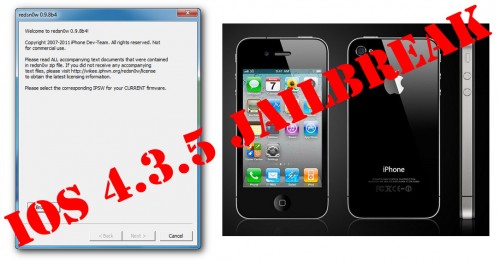
This is step-by-step instructions on how to perform tethered jailbreak of your iPhone 4 on iOS 4.3.5 firmware using RedSn0w 0.9.8b7b for Windows.
Tethered jailbreak means that each time you restart your device you will need to connect it to a computer and run redsn0w.
If you have other device, here are links to our RedSn0w 0.9.8b7b iOS 4.3.5 jailbreak tutorials:
- Mac OS: iPhone 4, iPhone 3GS, iPad 1, iPod Touch 3G, iPod Touch 4G
- Windows: iPhone 4, iPhone 3GS, iPad 1, iPod Touch 3G, iPod Touch 4G
Leave a comment, read comments [129]
iH8Sn0w released Sn0wBreeze 2.8b6 to jailbreak and hactivate iOS 5 Beta 6
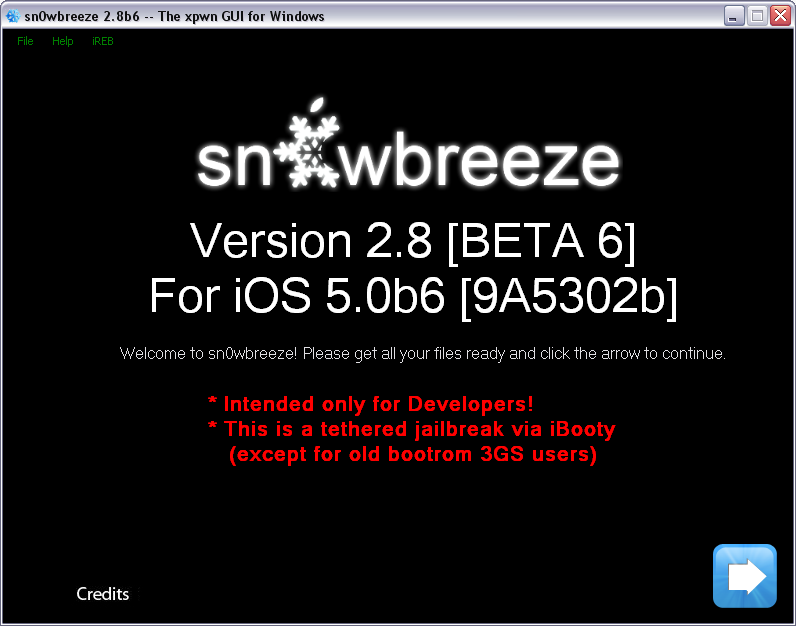
iH8Sn0w released Sn0wBreeze 2.8b6, which adds support for the latest iOS 5 beta 6 firmware.
Sn0wBreeze is a quite useful jailbreak utility. It creates custom firmware and allows users to preserve baseband for unlock. This new version also adds hacktivation and removes UDID developer check. This means that you can try iOS 5 without developer account from Apple.
You can download Sn0wBreeze 2.8b6 for Windows here.
Leave a comment, read comments [14]