 iPhoneRoot.com

News from category ‘Firmware’
RedSn0w 0.9.8b2 released with fixes for iOS 5.0b3 Jailbreak
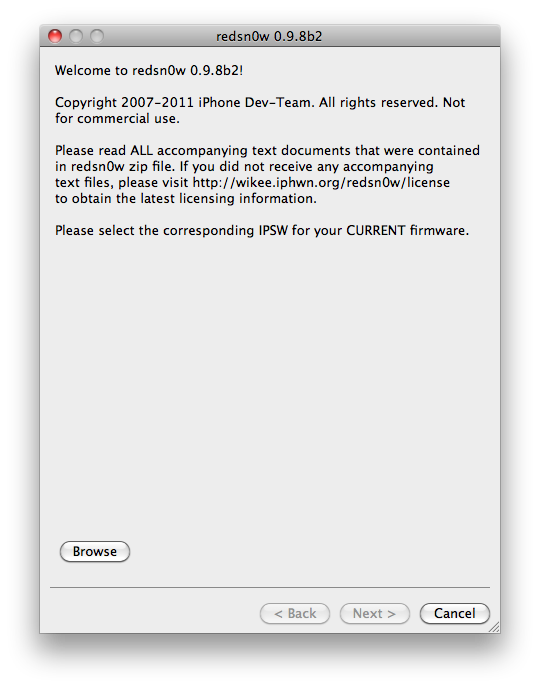
The iPhone Dev-Team has released RedSn0w 0.9.8b2 that fixes issues with running App Store apps after jailbreaking iOS 5.0b3. MuscleNerd tweeted:
redsn0w 0.9.8b2 http://is.gd/6eek4Y should fix 50b3 App Store issue (if you're already JB, just use this to boot tethered)
You can download the updated RedSn0w for Mac and Windows from here.
Sn0wBreeze updated to jailbreak iOS 5.0 beta 3
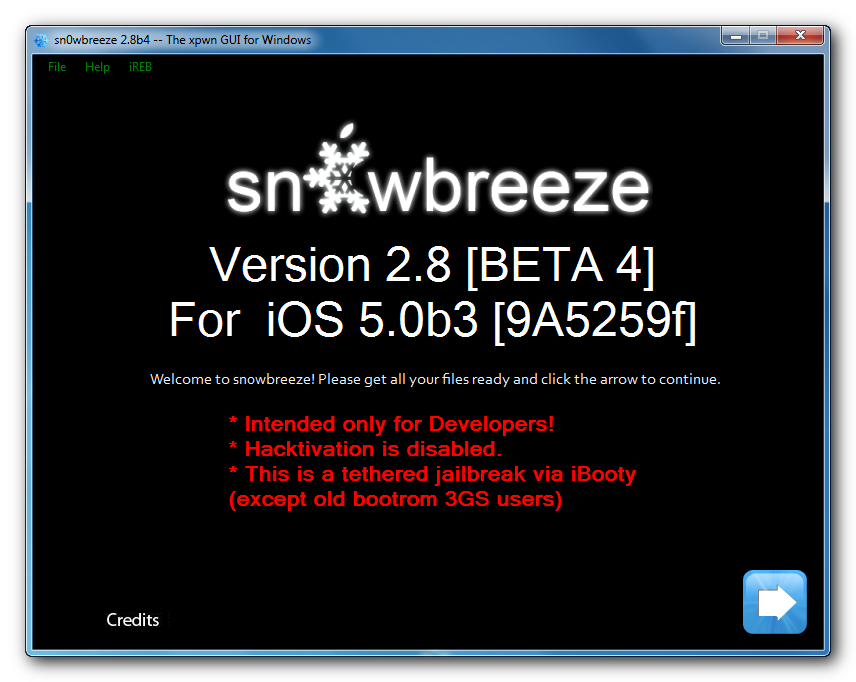
iH8Sn0w has released a new version of Sn0wBreeze 2.8 b4 with iOS 5.0 beta 3 jailbreak support. Sn0wBreeze is a so-called PwnageTool for Windows, an application that creates a custom ipsw with jailbreak preserving old baseband.
The jailbreak is tethered for iPhone 4, iPhone 3GS (new bootrom), iPad, iPod Touch 3G and iPod Touch 4G. Jailbreak is untethered for iPhone 3GS with old bootrom.
You can download Sn0wBreeze 2.8 b4 here.
sn0wbreeze v2.8 BETA 4 Release Notes:
Read the rest of this entry »
Jailbreak iOS 5 beta 3

iOS 5 beta 3 is jailbreakable by RedSn0w 0.9.8 b1. DevTeam hacker MuscleNerd has confirmed that the RedSn0w 0.9.8 b1 jailbreak works on recently released iOS 5 Beta 3. All you have to do is to point it to a downloaded iOS 5 beta 1 firmware ipsw.
Today's 5.0b3 can be jailbroken with last month's redsn0w http://is.gd/6eek4Y (point it at 5.0b1 IPSW..devs only please!)
RedSn0w 0.9.8 b1 jailbreak works on all devices, exect iPad 2. This means you can get a tethered jailbreak on Windows and Mac OS for iPhone 3GS, iPhone 4, iPod Touch 3G, iPod Touch 4G and iPad 1.
You can download RedSn0w 0.9.8 b1 for Windows and Mac OS here.
Apple Releases iOS 5 Beta 3 to Developers

Apple has just released iOS 5 beta 3 to developers. Alongside Apple has also released Xcode 4.2 Developer Preview 3, iTunes 10.5 beta 3, and Apple TV Software beta 3.
iOS 5 Beta 3 is compartible with iPad 1, iPad 2, iPhone 4 (GSM/CDMA), iPod touch 3G, iPod touch 4G and Apple TV.
Developers can download the update from iOS Dev Center here.
Step-by-step Tutorial: How to Untether Jailbreak iPod Touch 3G and iPod Touch 4G Using JailbreakMe [iOS 4.3.3]
This is step-by-step instructions on how to perform untethered jailbreak of your iPod Touch 3G и iPod Touch 4 with iOS 4.3.3 firmware using JailbreakMe. This jailbreak works in iPod Touch Safari browser. You need a computer only to update to iOS 4.3.3.
 Leave a comment, read comments [109]
Step-by-step Tutorial: How to Untether Jailbreak iPhone 3GS and iPhone 4 Using JailbreakMe [iOS 4.3.3]
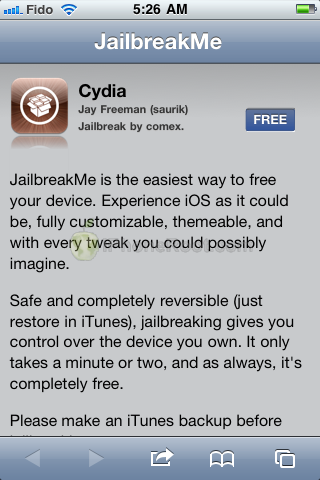
This is step-by-step instructions on how to perform untethered jailbreak of your iPhone 3GS и iPhone 4 with iOS 4.3.3 firmware using JailbreakMe. This jailbreak works in iPhone Safari browser. You need a computer only to update to iOS 4.3.3.
Leave a comment, read comments [76]
Step-by-step Tutorial: How to Untether Jailbreak iPad 1 and iPad 2 Using JailbreakMe [iOS 4.3.3]
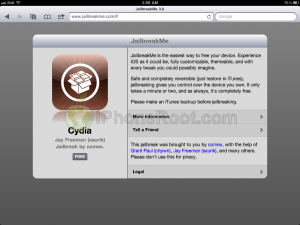
This is step-by-step instructions on how to perform untethered jailbreak of your iPad 1 or iPad 2 with iOS 4.3.3 firmware using JailbreakMe. This jailbreak works in iPad Safari browser. You need a computer only to update to iOS 4.3.3.
Leave a comment, read comments [123]
Video of the new Comex Jailbreak
Take a Look at the video demonstration of the new Comex iOS 4.3.3 jailbreak on Apple iPad 2:
Here's another video showing iPhone 4 jailbreak:
The new JailbreakMe for iOS 4.3.3 has officially been released
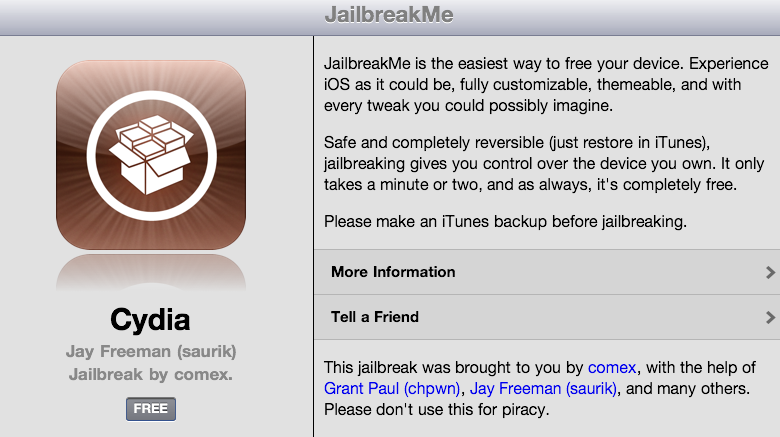
Today Comex has officially released the new web-based jailbreak for iOS 4.3.3. It supports all devices including iPad 2.
The jailbreak uses a PDF exploit similar to old JailbreakMe and does not require your device to be connected to the computer.
To jailbreak, navigate to on your iOS device after updating to iOS 4.3.3 (if you do not need unlock). We will be posting detailed instructions shortly.
Here is the list of devices and iOS versions that are supported:
- iPad 1: iOS 4.3 - 4.3.3
- iPad 2: iOS 4.3.3
- iPhone 3GS: iOS 4.3 - 4.3.3
- iPhone 4 GSM: iOS 4.3 - 4.3.3
- iPhone 4 CDMA: iOS 4.2.6 - 4.2.8
- iPod Touch 3G: iOS 4.3, 4.3.2, 4.3.3
- iPod Touch 4G: iOS 4.3 - 4.3.3
Step by step JailbreakMe tutorials:
Step-by-step Tutorial: How to Untether Jailbreak Apple TV 2G Using Sn0wBreeze 2.7.3 (Windows) [iOS 4.3]
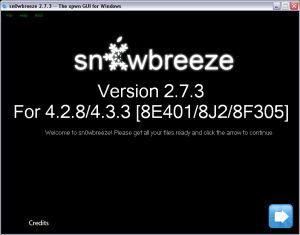
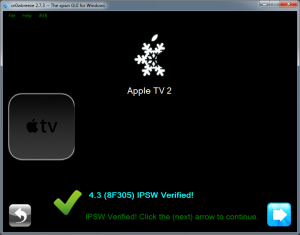
Using this tutorial you will be able to untether jailbreak iOS 4.3 (8F305) running on Apple TV 2G. This tutorial uses Sn0wBreeze 2.7.3 for Windows.
iOS 5.0 Beta 2 download links

Apple recently released iOS 5 beta 2 and iTunes 10.5 beta 2. It is available only for Apple registered developers. But you can try it too. Remember that you do it at your own risk. Below you will find iOS 5 download links for iPhone 3GS, iPhone 4, iPod Touch 3G, iPod Touch 4G, iPad 1, iPad 2, Apple TV 2G and download links to iTunes 10.5 Mac and Windows.
Keep in mind that your iDevice will need to be activated, your UUID needs to be registered in Apple. Installing iOS beta on a non-activated device will render it useless. If you need help with registering UUID - write us, we will try to help..
If you need a jailbreak, you can download it here.
You will be able to go back to iOS 4.3.3 (tutorial).
iOS 5.0 Beta 2
iTunes 10.5 Beta 2
Leave a comment, read comments [2]
Sn0wBreeze 2.8 b3 can jailbreak iOS 5.0 beta 2
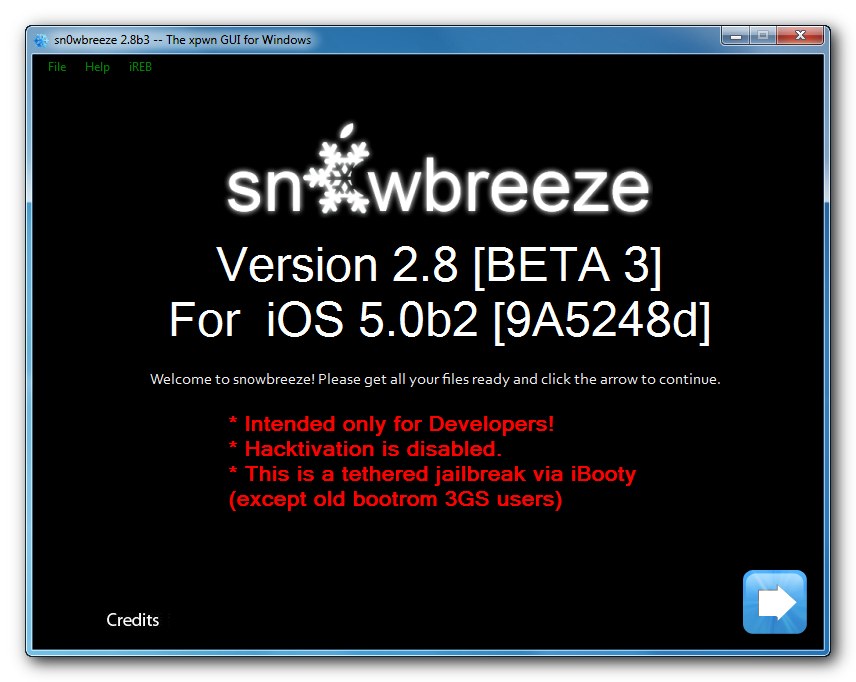
iH8Sn0w has released a new version of Sn0wBreeze 2.8 b3 with iOS 5.0b2 jailbreak support. Sn0wBreeze is a so-called PwnageTool for Windows, an application that creates a custom ipsw with jailbreak preserving old baseband.
The jailbreak is tethered for iPhone 4, iPhone 3GS (new bootrom), iPad, iPod Touch 3G and iPod Touch 4G. Jailbreak is untethered for iPhone 3GS with old bootrom.
You can download Sn0wBreeze 2.8 b3 here.
sn0wbreeze v2.8 BETA 3 Release Notes:
Read the rest of this entry »
iPhone 4 Gevey Sim unlock doesn't work with iOS 5 beta 2
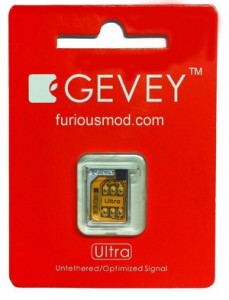
Apple has blocked the ability to unlock the iPhone 4 using the Gevey SIM in recently released iOS 5.0 beta 2 firmware. MuscleNerd tweeted:
it's surprising Apple closed Gevey interposer hole in b2 rather than waiting until final (maybe they were under pressure)

Gevey SIM was the only unlock for iPhone 4 users with basebands higher than 01.59. It uses the emergency dialer to force activate the locked baseband. MuscleNerd notes that its unlikely Gevey will try to battle Apple while iOS 5 is in the beta period.
iOS 5 Beta 2: wireless iCloud backup restore video
Apple continues to develop a PC-free system. In iOS 5 Beta 2 it introduced a wireless restore functionality of your iPhone, iPad or iPod Touch from an iCloud backup. Here is a video demo:
iOS 5 beta 2 wireless syncing with iTunes video
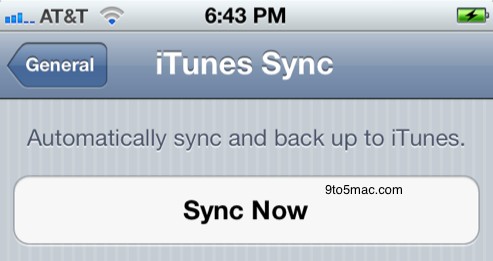
WiFi sync with iTunes is working and requires iTunes 10.5 beta 2 and OS X 10.6.8 or Lion. Take a look at the video: