 iPhoneRoot.com

Step-by-step Tutorial: How to Untether Jailbreak iPod Touch 3G Using Sn0wBreeze 2.7.3 (Windows) [iOS 4.3.3]
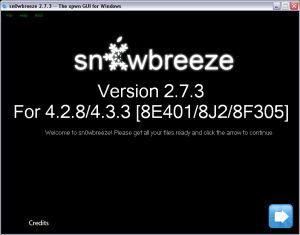
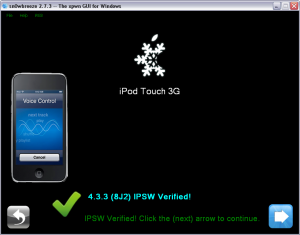
Using this tutorial you will be able to untether jailbreak iOS 4.3.3 running on iPod Touch 3G. This tutorial uses Sn0wBreeze 2.7.3 for Windows.
We are not developers of jailbreak utilities, so we cannot assure that everything will work just fine. However we tried this tutorial on several devices and succeeded.
UPDATE: Please, consider reading our Jailbreak & Unlock FAQ, especially if you have questions or troubles.
UPDATE: Apple released iOS 4.3.4 that is only tethered jailbreakable. Apple has stopped signing iOS 4.3.3, so you can NOT restore to 4.3.3 any more (both original and custom), unless you have saved your SHSH keys for 4.3.3.
If you are on 4.3.3 already - jailbreak with redsn0w or jailbreakme.
Proceed only if you have iOS 4.3.3 SHSH keys saved.
Step One
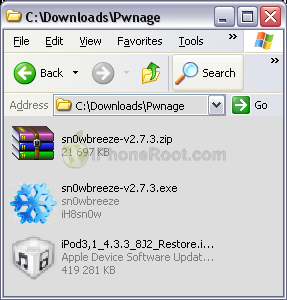
Make a folder called "Pwnage". Download a couple of things:
- Download Sn0wBreeze 2.7.3 here.
- Download iPod Touch 3G iOS 4.3.3:
Extract the Sn0wBreeze executable from zip archive.
Step Two
Double click on Sn0wbreeze exe icon to launch the application.
The application will launch. Click Ok button.
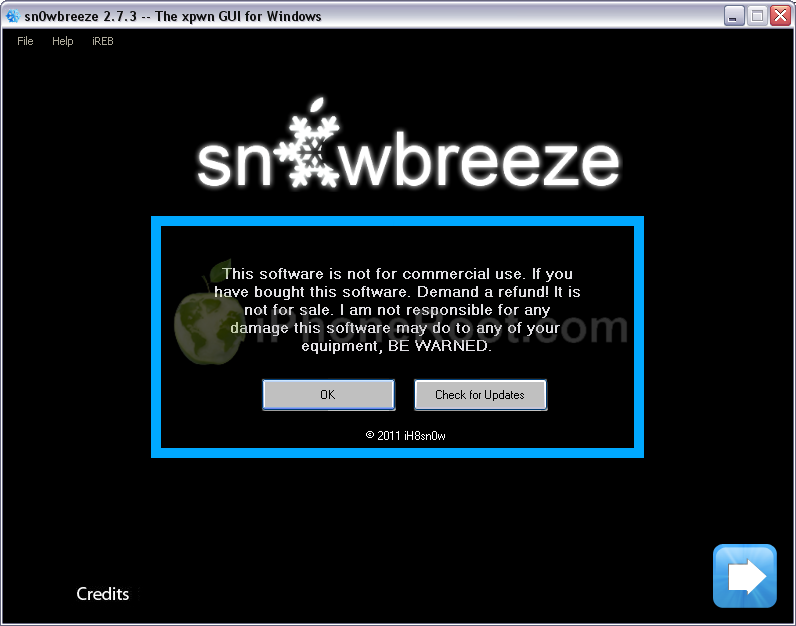
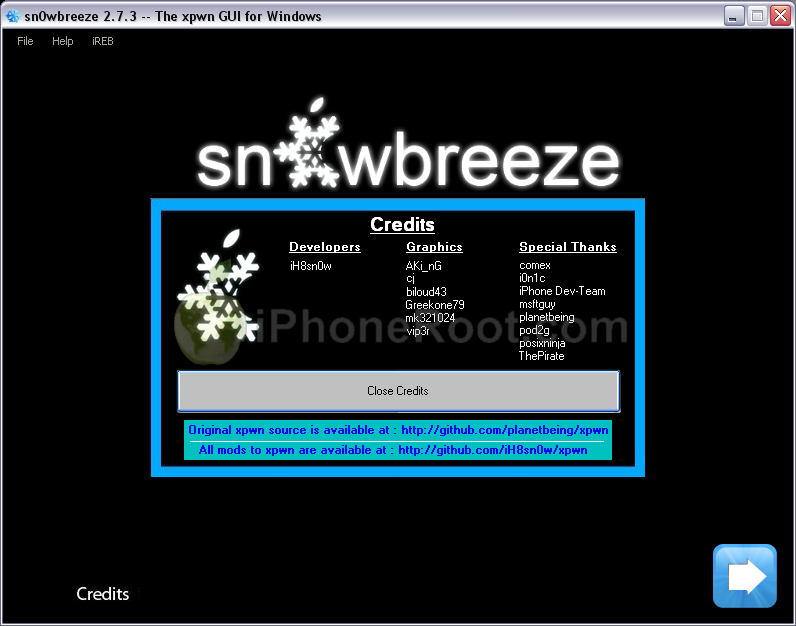
You will see the credits. Click Close Credits button.
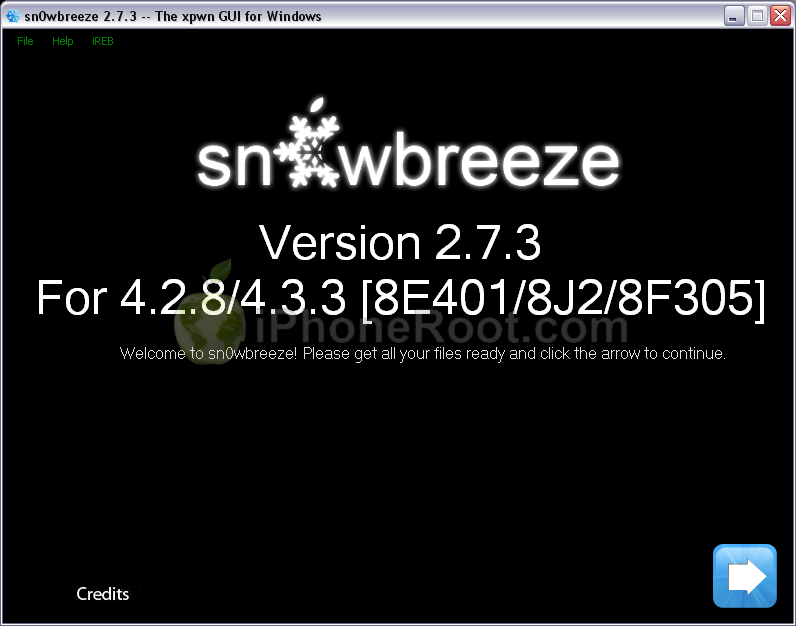
You will see the main window. Press blue-arrow button.
You will see IPSW selection menu. Click Browse button.

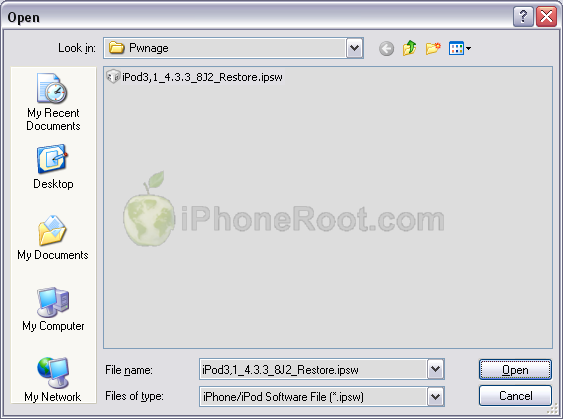
Navigate to folder with downloaded firmware, select it and click Open button.
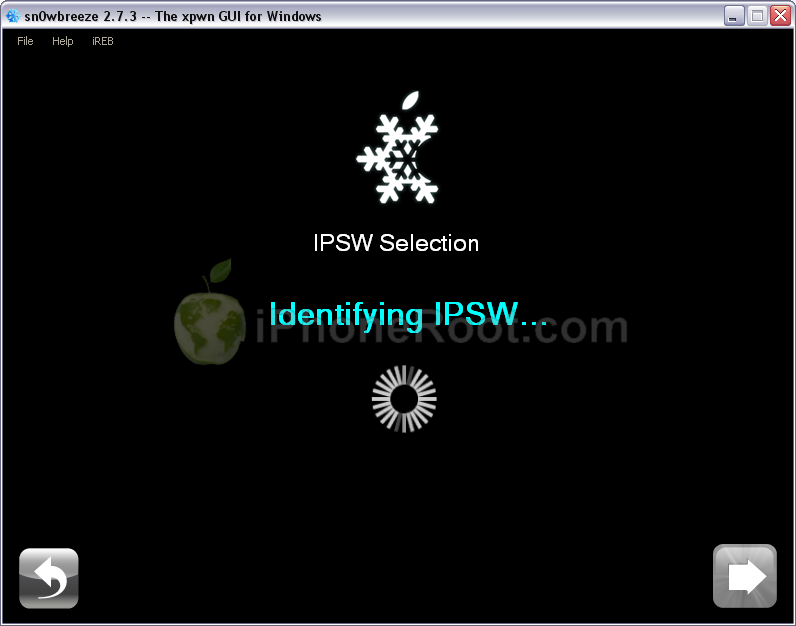
Sn0wBreeze will start identifying the firmware.
Once the firmware is verified Sn0wBreeze report the device information and firmware version. Check that this corresponds to your device. The screenshot below shows how this looks like for iPod Touch 3G.
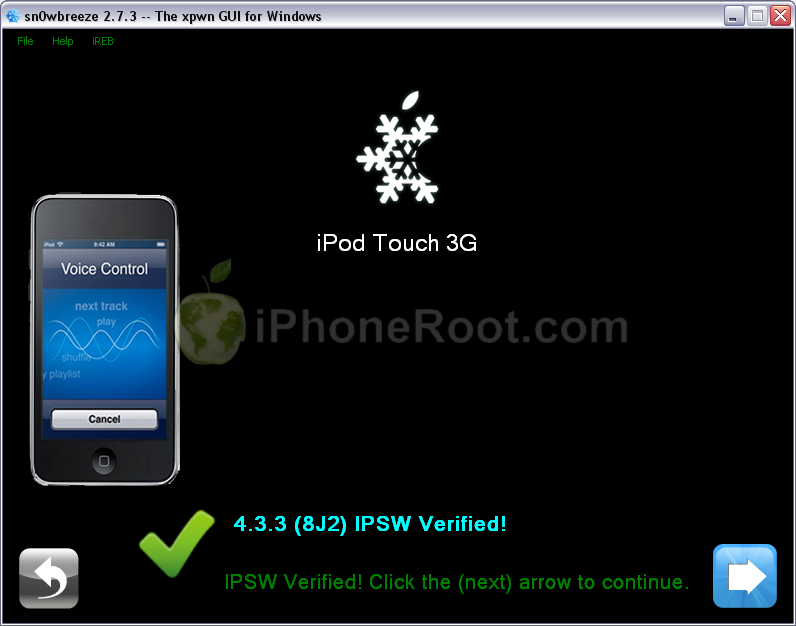
Press blue-arrow next button.
Step Three
You will see the choice of 2 options.
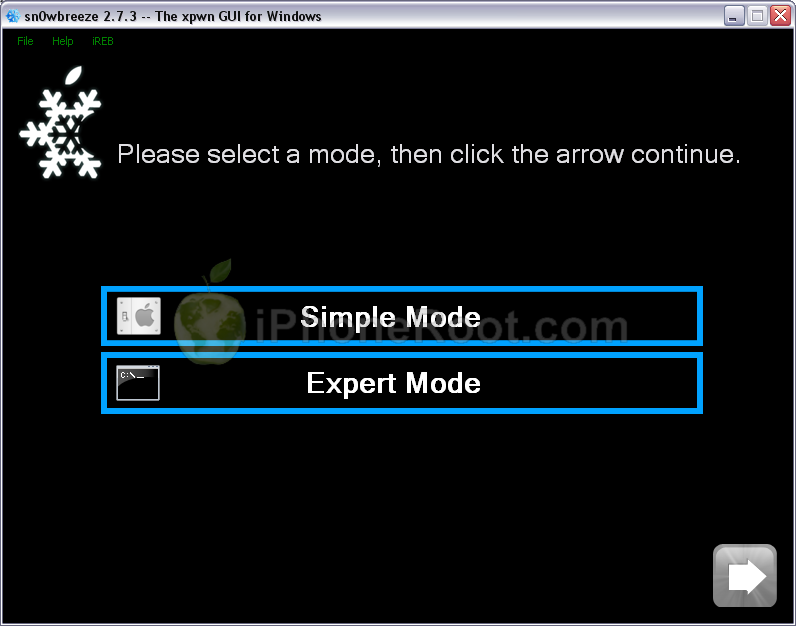
Click on Expert Mode and then Blue Arrow.
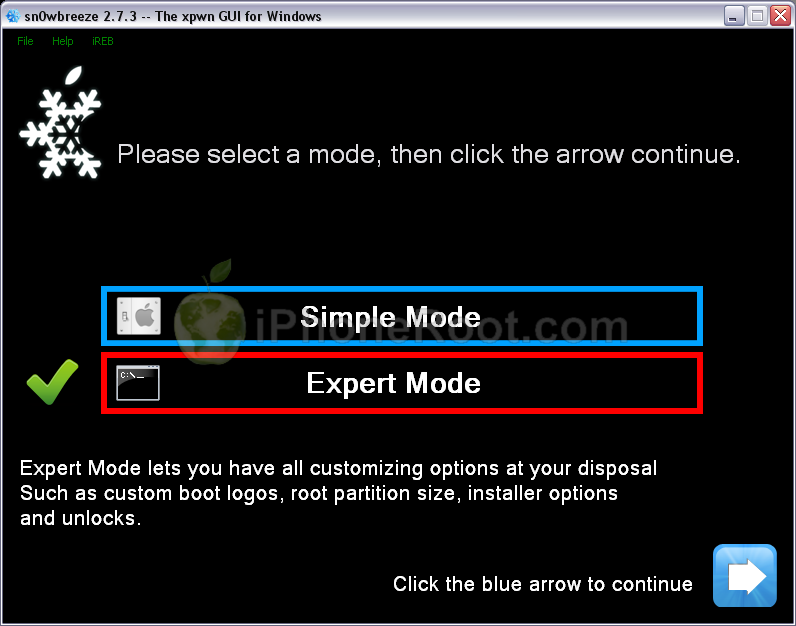
You will see the menu with General, Unlocks, Custom boot logos and Custom packages. Some options might be disabled, if not supported with you device or firmware.

Click on General and then next blue arrow.
Step Four
Here you can enable or disable several options.
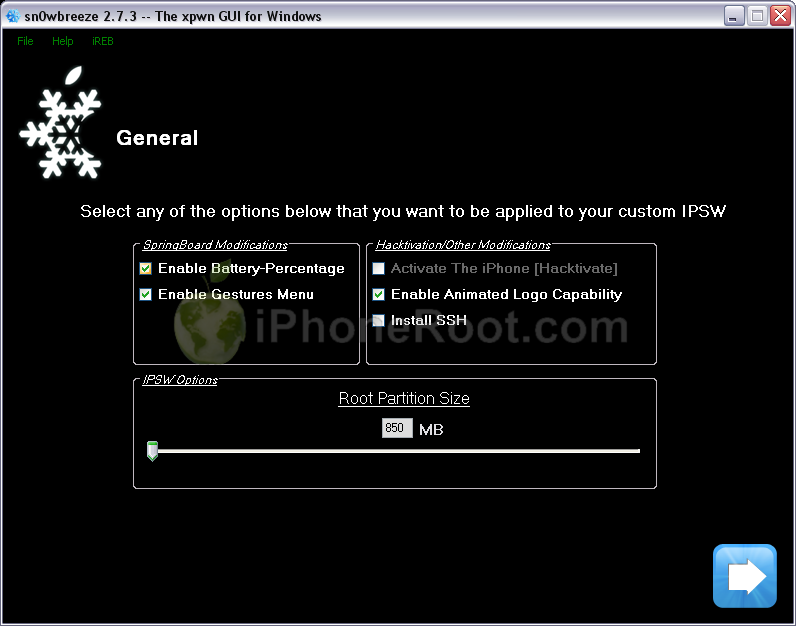
Click next blue arrow button.
Step Five
You will see a windows where you can install custom packages, that will be embedded to you r custom firmware.
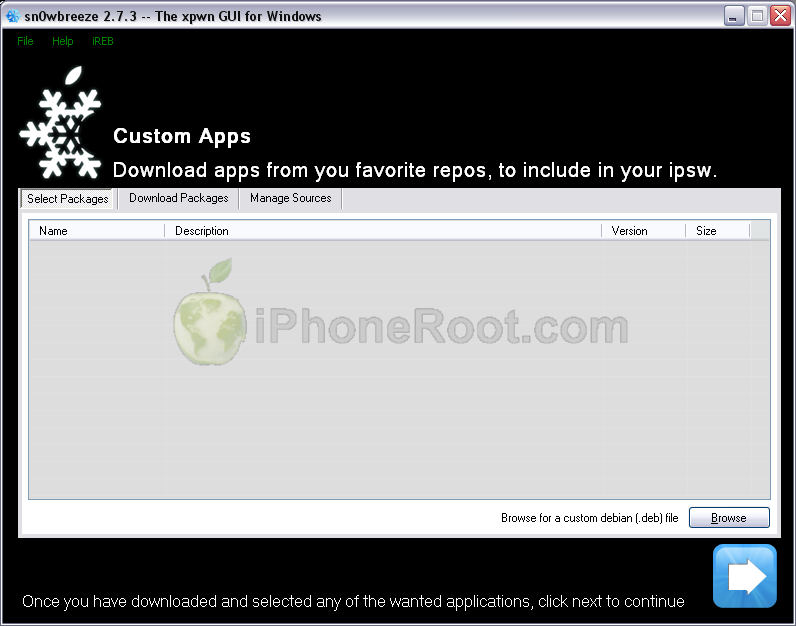
Click next. You are ready to create custom IPSW. Click Build IPSW and next button.

Wait while IPSW is being built.You can play PamMan game while you're waiting.

Once the custom firmware is ready SnowBreeze will show Done screen:
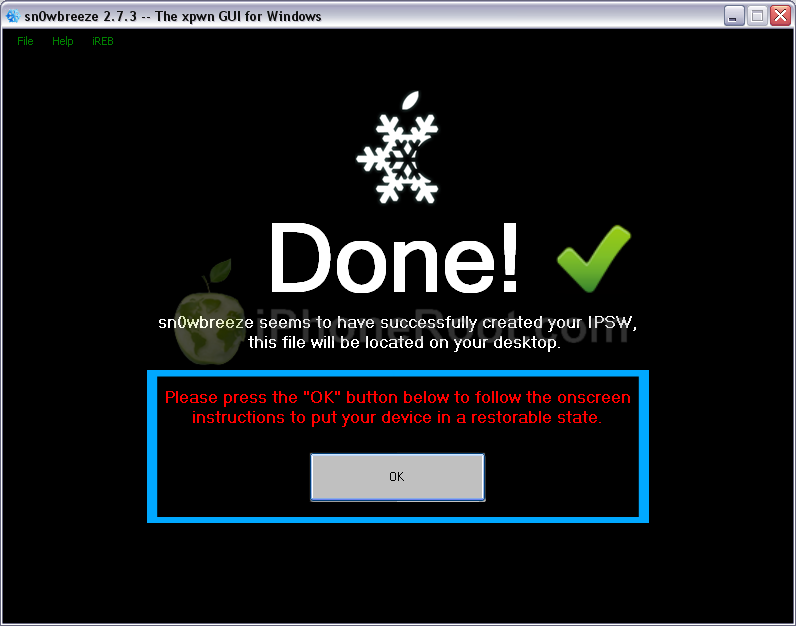
Press Ok button.
Step Six
Now you have to follow instructions to put your device into DFU mode.
Please plug your iPod Touch into the computer and make sure its OFF then click the Start button.

1. Hold down both the Home button and the Power button for 10 seconds.
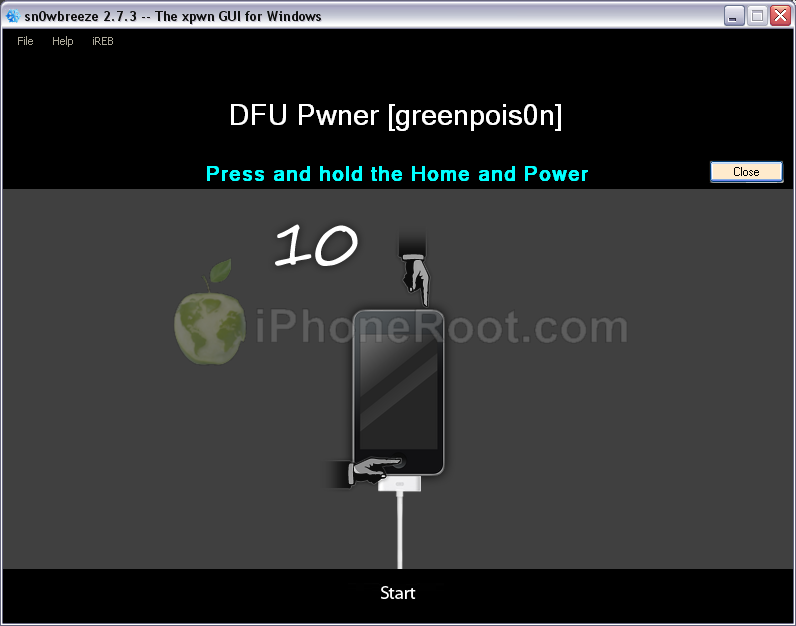
2. Release the Power button and continue holding the Home button until Sn0wbreeze detects the device.
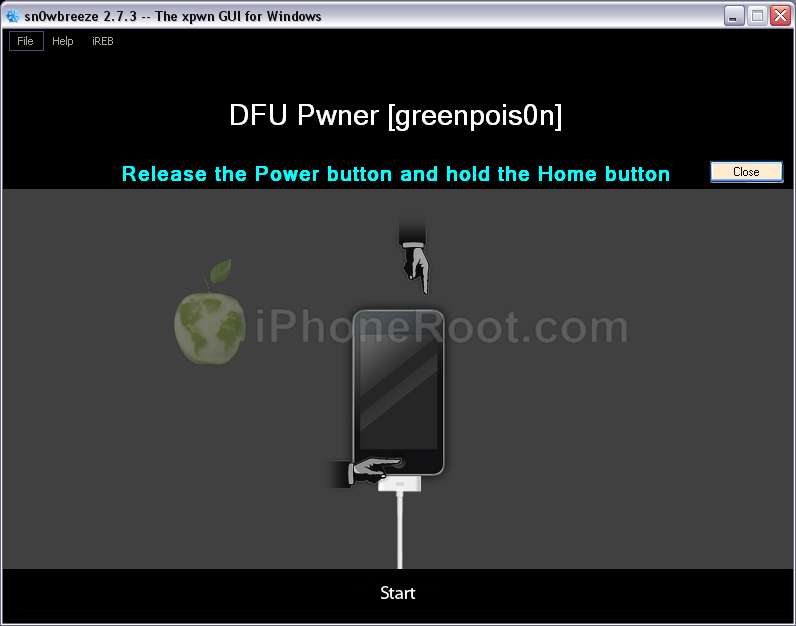
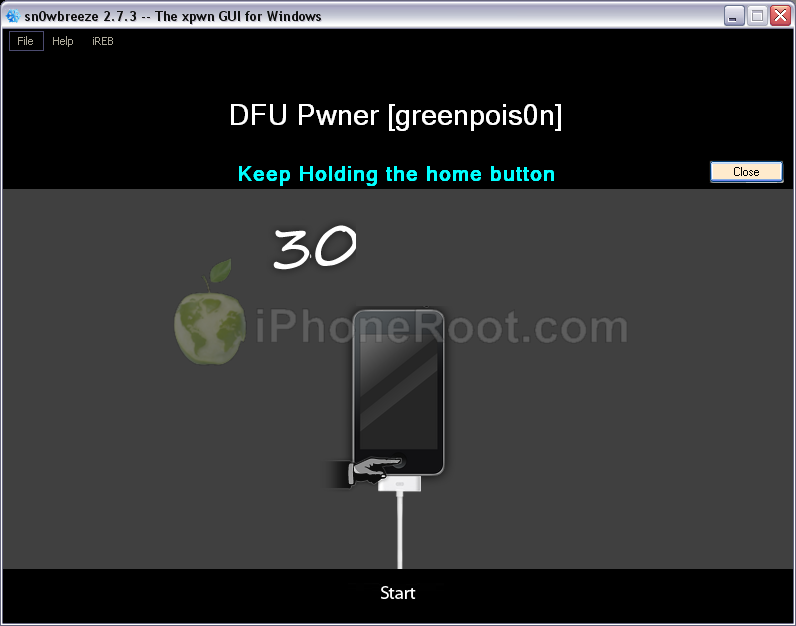
If you fail to put the device into DFU mode you can start again.
Step Seven
If you have followed the steps correctly, you will get the following message from Snw0breeze:

Close all opened windows of Sn0wbreeze and launch iTunes.
Select your device from the list of devices on the left. Now hold down Shift and click the Restore button.
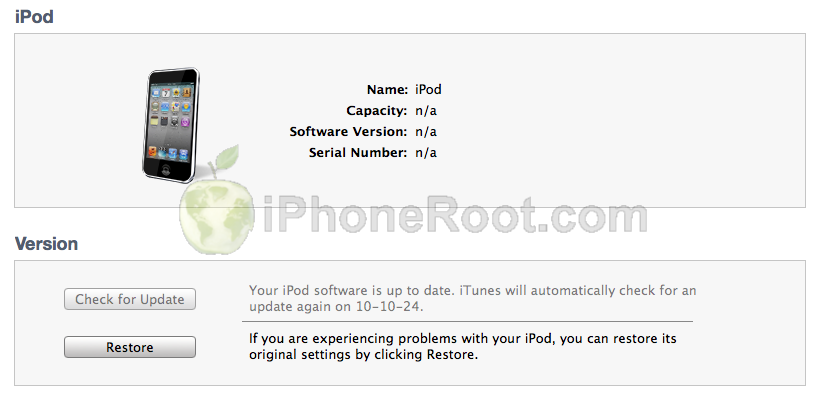
Navigate to the Desktop folder and select the newly created custom 4.3.3 firmware ipsw. The name will be sn0wbreeze_iPod Touch 3G-4.3.3.ipsw. Click the Open button to continue.
iTunes will now restore the firmware on your iPod Touch. This can also take up to 10 minutes. Once done you will be rebooted into jailbroken iOS 4.3.3!
After the restore you're done! Your device is jailbroken.
Step Eight
When your iPod Touch has restarted you can run Cydia. Let it do all the necessary updates.
To have access to the root file system of your iPod Touch (via file managers like iFunBox or iPhone Explorer) install application called afc2add in Cydia.
Step Nine
Do not forget to change your default password if you've installed openssh.
Follow us on :
 Leave a comment