 iPhoneRoot.com

News from category ‘Cydia’
Step-by-step Tutorial: How to Untether Jailbreak iPhone 3GS and iPhone 4 Using JailbreakMe [iOS 4.3.3]
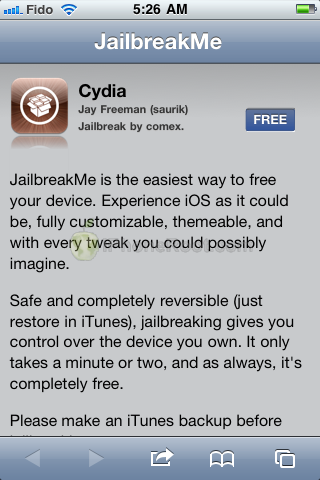
This is step-by-step instructions on how to perform untethered jailbreak of your iPhone 3GS и iPhone 4 with iOS 4.3.3 firmware using JailbreakMe. This jailbreak works in iPhone Safari browser. You need a computer only to update to iOS 4.3.3.
 Leave a comment, read comments [76]
Step-by-step Tutorial: How to Untether Jailbreak iPad 1 and iPad 2 Using JailbreakMe [iOS 4.3.3]
This is step-by-step instructions on how to perform untethered jailbreak of your iPad 1 or iPad 2 with iOS 4.3.3 firmware using JailbreakMe. This jailbreak works in iPad Safari browser. You need a computer only to update to iOS 4.3.3.
Leave a comment, read comments [123]
PhoneIt-iPad will turn your iPad 3G into a phone
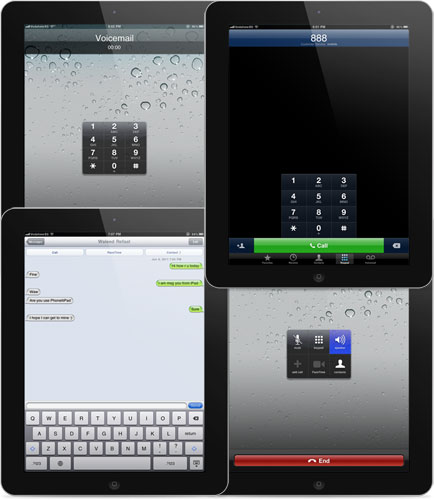
The iPhoneIslam team created a hack that brings us cellular calling and texting on a jailbroken iPad 3G.
The new hack is called PhoneIt-iPad and is available in Cydia repository http://apps.iphoneislam.com/ for $20. Take a look at the video:
Leave a comment, read comments [1]
'Wi-Fi Sync' App Developer Accuses Apple in Stealing His Idea

Last year we told about Greg Hughes, who created the "Wi-Fi Sync" app, which allows to synchronize your iOS-device with iTunes wirelessly. After Apple's rejection the developer sent it to the Cydia Store instead. Since then the app was sold over 50,000 times. But as you know, this week Apple unveiled that it made Wi-Fi Synchronization with iTunes an inbuilt feature in iOS5. In response Hughes decided to accuse the company in ripping his work.
Read the rest of this entry »
Leave a comment, read comments [3]
iOS 5 jailbreak released: Redsn0w 0.9.8 b1

MuscleNerd recently Tweeted that iOS 5 beta 1 jailbreak is already available. DevTeam released Redsn0w 0.9.8 b1.
For now the jailbreak is tethered (you have to run redsn0w each time you reboot) and available for Mac OS X only. It will not activate your device, so you need have registered UDID. iPhone 3GS users with 06.15 baseband: redsn0w will get you past the iTunes restore error. This redsn0w will probably work on future versions of iOS 5.
Redsn0w 0.9.8 b1 works with iOS 5 b1 on iPhone 4 (GSM / CDMA), iPhone 3GS, iPod Touch 3G, iPod Touch 4G, iPad 1.
This is mostely for developers of Cydia apps. Most tweaks and Cydia applications do not work on iOS 5.
You can download Redsn0w 0.9.8 b1 here.
Step-by-step Tutorial: How to Untether Jailbreak iPad 1 Using Sn0wBreeze 2.7.3 (Windows) [iOS 4.3.3]
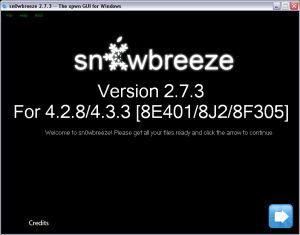
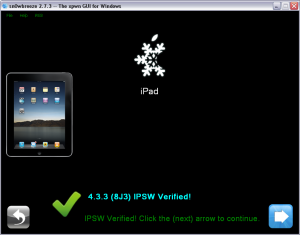
Using this tutorial you will be able to untether jailbreak iOS 4.3.3 running on iPad 1. This tutorial uses Sn0wBreeze 2.7.3 for Windows.
Leave a comment, read comments [9]
Step-by-step Tutorial: How to Untether Jailbreak iPod Touch 4G Using Sn0wBreeze 2.7.3 (Windows) [iOS 4.3.3]
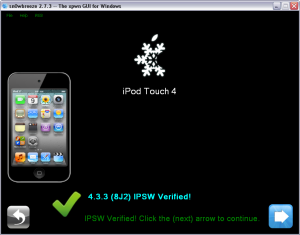
Using this tutorial you will be able to untether jailbreak iOS 4.3.3 running on iPod Touch 4G. This tutorial uses Sn0wBreeze 2.7.3 for Windows.
Leave a comment, read comments [44]
Step-by-step Tutorial: How to Untether Jailbreak iPod Touch 3G Using Sn0wBreeze 2.7.3 (Windows) [iOS 4.3.3]
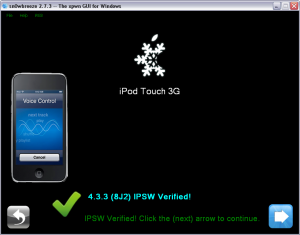
Using this tutorial you will be able to untether jailbreak iOS 4.3.3 running on iPod Touch 3G. This tutorial uses Sn0wBreeze 2.7.3 for Windows.
Step-by-step Tutorial: How to Untether Jailbreak and Unlock iPhone 4 Using Sn0wBreeze 2.7.3 (Windows) [iOS 4.3.3]

Using this tutorial you will be able to untether jailbreak iOS 4.3.3 running on iPhone 4. This tutorial uses Sn0wBreeze 2.7.3 for Windows.
Sn0wBreeze will also preserve baseband version if you need carrier unlock.
Leave a comment, read comments [139]
Step-by-step Tutorial: How to Untether Jailbreak and Unlock iPhone 3GS Using Sn0wBreeze 2.7.3 (Windows) [iOS 4.3.3]
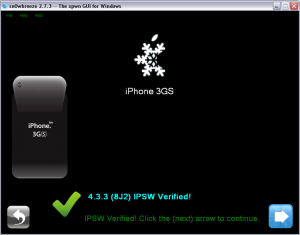
Using this tutorial you will be able to untether jailbreak iOS 4.3.3 running on iPhone 3GS. This tutorial uses Sn0wBreeze 2.7.3 for Windows.
Sn0wBreeze will also preserve baseband version if you need carrier unlock. If you have updated the baseband to version 06.15, you can use this tutorial to update to iOS 4.3.3. If you have iPhone 3GS and need to update baseband to 06.15, you can do it too (may disable your GPS).
Leave a comment, read comments [65]
Step-by-step Tutorial: How to Untether Jailbreak iPad 1 Using PwnageTool 4.3.3.1 (Mac OS) [iOS 4.3.3]
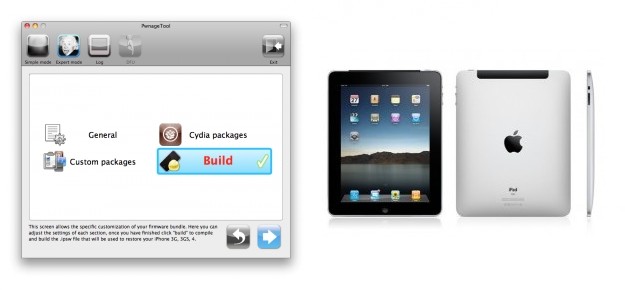
Using this tutorial you will be able to untether jailbreak iOS 4.3.3 running on iPad first generation. This tutorial uses PwnageTool 4.3.3.1 for Mac OS X.
Step-by-step Tutorial: How to Untether Jailbreak iPod Touch 4G Using PwnageTool 4.3.3.1 (Mac OS) [iOS 4.3.3]
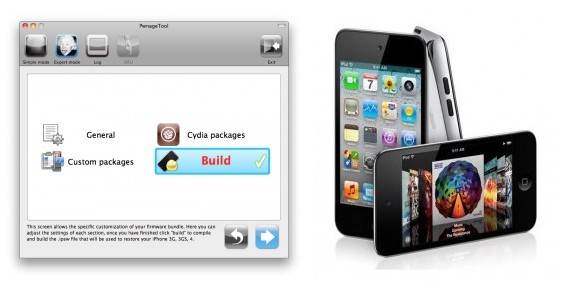
Using this tutorial you will be able to untether jailbreak iOS 4.3.3 running on iPod Touch 4G. This tutorial uses PwnageTool 4.3.3.1 for Mac OS X.
Leave a comment, read comments [2]
Step-by-step Tutorial: How to Untether Jailbreak iPod Touch 3G Using PwnageTool 4.3.3.1 (Mac OS) [iOS 4.3.3]
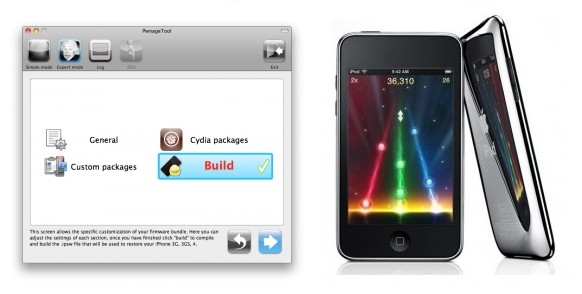
Using this tutorial you will be able to untether jailbreak iOS 4.3.3 running on iPod Touch 3G. This tutorial uses PwnageTool 4.3.3.1 for Mac OS X.
Step-by-step Tutorial: How to Untether Jailbreak iPhone 4 Using PwnageTool 4.3.3.1 (Mac OS) [iOS 4.3.3]
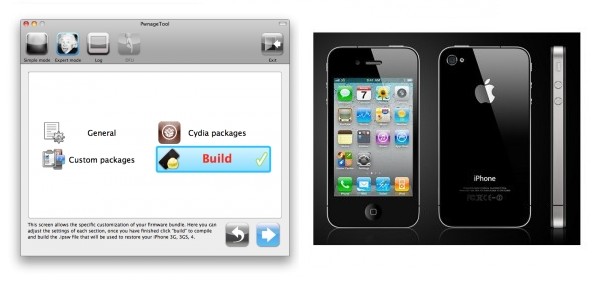
Using this tutorial you will be able to untether jailbreak iOS 4.3.3 running on iPhone 4. Pwnagetool will also preserve baseband version if you need carrier unlock. This tutorial uses PwnageTool 4.3.3.1 for Mac OS X.
Step-by-step Tutorial: How to Untether Jailbreak iPhone 3GS Using PwnageTool 4.3.3.1 (Mac OS) [iOS 4.3.3]
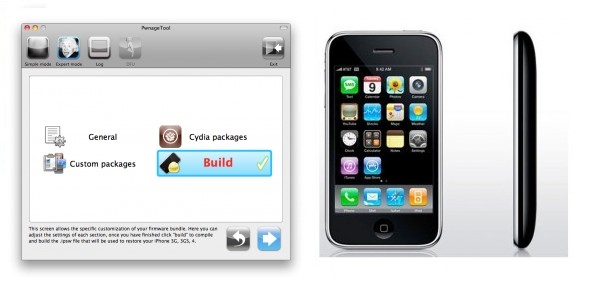
Using this tutorial you will be able to untether jailbreak iOS 4.3.3 running on iPhone 3GS. Pwnagetool will also preserve baseband version if you need carrier unlock. If you have updated the baseband to version 06.15, you can use this tutorial to update to iOS 4.3.3. This tutorial uses PwnageTool 4.3.3.1 for Mac OS X.
Leave a comment, read comments [6]