 iPhoneRoot.com

News tagged ‘Cydia’
The number of Cydia packages hits 400

Today the 400th package was added to Cydia 2.0 repository today. This number includes all kind of applications, modding themes, sound packages, themes, etc. Most of this stuff is free. All you need to use this is to jailbreak your iPhone.
Connect desktop or notebook to internet through iPhone 3G
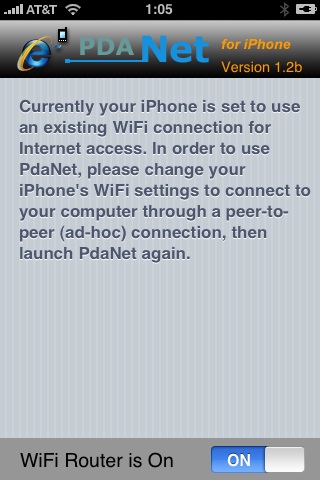
Many iPhone 3G users would like to use internet on a desktop or notebook through their phone. There were several solutions: iPhoneModem, NetShare, 3Proxy.. they all used SSH and SOCKS proxy. One of the working ones was described here .
Couple days ago PdaNet (fullname is PdaNet WiFi Router) was ported to iPhone. Now our life is much much easier.
Cydia updated to 1.0.2595-36
The popular application Cydia Installer is updated. Minor bugs fixed. Cydia is now a bit more stable (especially on 2.1 firmware) and users will get lewss "Bad URL" errors.
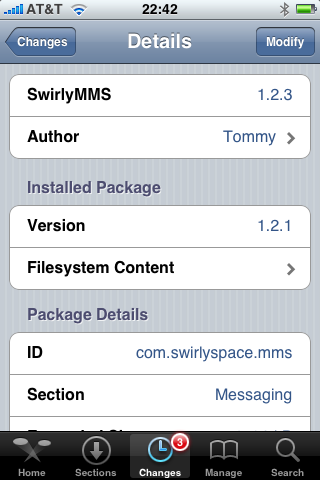
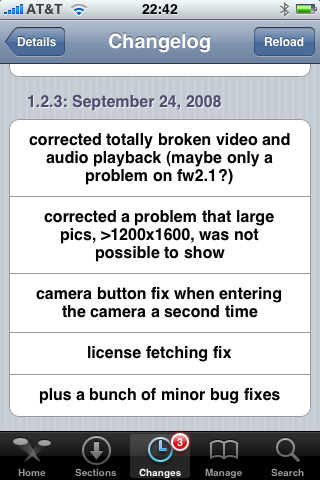
SwirlyMMS updated to 1.2.3

is updated to v1.2.3. Many bugs are fixed.
Avaliable in Cydia.
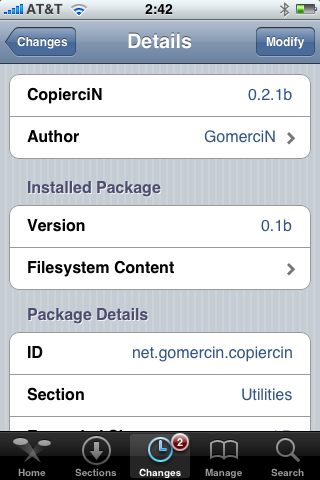
CopierciN updated to 0.2.1b

, copy/paste utility for iPhone, is updated. This application is avaliable in Cydia.
Minor changes:
Fixed:
- com.apple.MobileSMS.plist file is not overwritten now, it is modified instead.
Added:
- BiteSMS support
- Very basic “import from contacts” interface
Compatibility:
- Works with 2.1 firmware
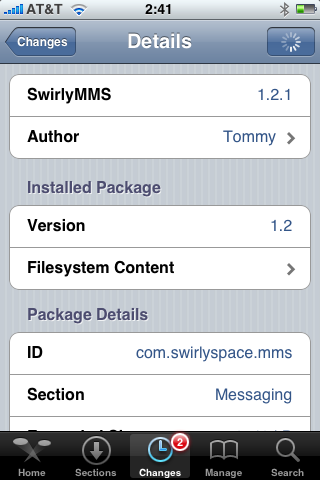
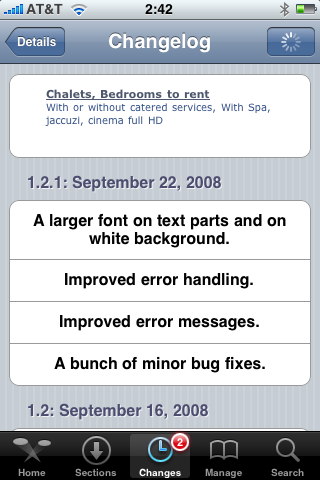
SwirlyMMS 1.2.1
is updated to v1.2.1. Minor bugfixes. Avaliable in Cydia.
QuickPwn 2.1 for Windows is ready
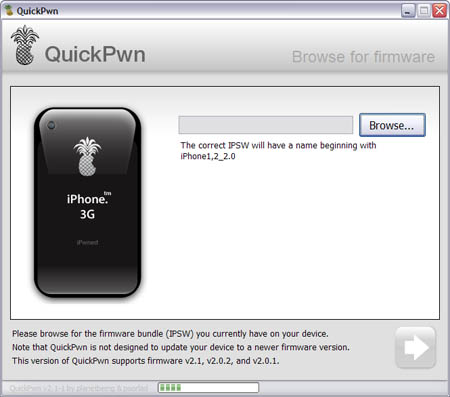
Congratulations, Windows users. The support for new firmware 2.1 is added. So here is what you can do:
- Support for FW v2.0.1, v2.0.2, v2.1.0
- Jailbreaking and Pwning iPhone 2G, iPhone 3G and iPod Touch
- Adding Cydia and Installer
- Replacing boot logos
- Unlocking iPhone 2G
Changes from QuickPwn RC3
- Support for firmware 2.1
- Auto-detection of firmware version, insistence on correct firmware bundle to prevent user epic fail.
- Use of iASign to activate to prevent bspatch epic fail.
- Removed buggy and never really tested 2.0 support
Sorry, no jailbreak for new iPod Touch and no unlock for iPhone 3G.
Here are download links:
Firmwares v2.1: ,
Related posts:
Auto-correction - solution to turn it off
I was amazed that very few people know how to turn auto-correction off. Here is what you need:
- Jailbreak your iPhone and install Cydia
- Install
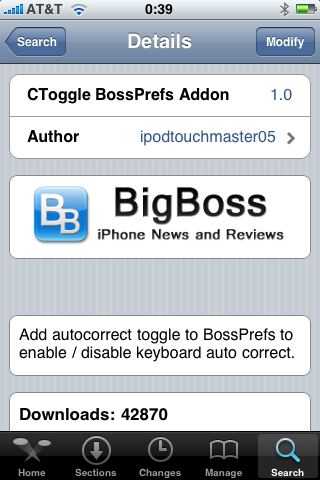
- Install CToggle BossPrefs Addon
- Run BossPrefs and turn auto-correction off
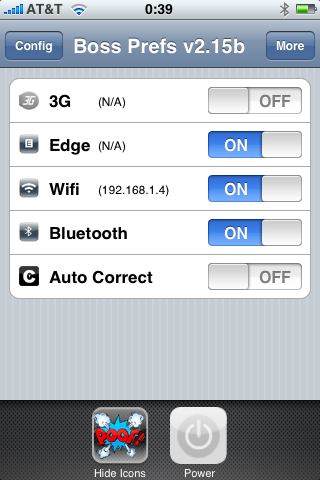
There is even a domain: http://please-let-us-disable-autocorrection-steve.com.. Nice.
 Leave a comment, read comments [1]
myFox - Firefox for iPhone?
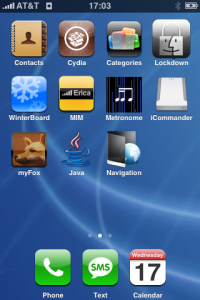
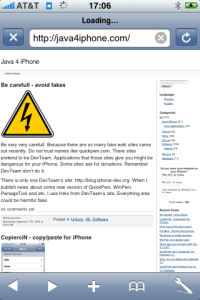
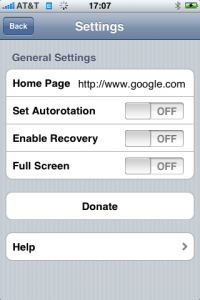
This is a Safari replacement browser for iPhone. It is avaliable via Cydia (Networking category).
- Full Screen Browsing
- Turn Landscape Mode switch on and off
- Bookmarks
- URL Recovery
- Home Page
- Google Search
- Mail Link
It is still in development stage, so more features will be quite soon.
Leave a comment, read comments [1]
SwirlyMMS - MMS for iPhone with 2.x support
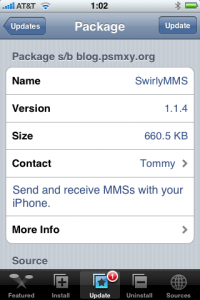
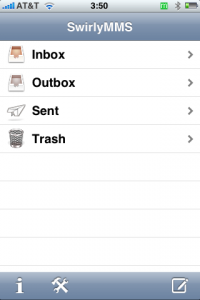
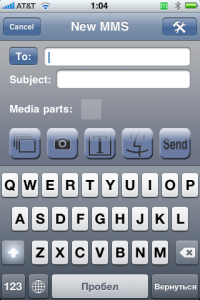
This applicatin allows to send MMS messages. SwirlyMMS is a for iPhone 2G users. Version for 1.x firmwares was in Cydia and Installer for a while. Recently the developers created version for 2.x firmwares. Avaliable through Cydia Installer.
CopierciN - copy/paste for iPhone
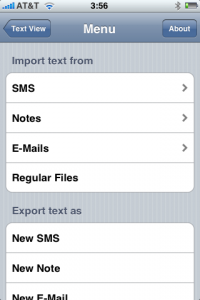
CopierciN is a cool app that implements some copy / paste functionality. It’s in the beta stages but has potential. It lets you import and export between apps like notes, sms, email. Avaliable via Cydia Installer for 2.x firmares.
CopieriN is a basic text editor which, hopefully, bring some kind of copy/paste mechanism to iPhone (to jailbroken ones only, unfortunately). It does not add copy/paste functionality directly to other applications but it provides a mechanism to import text from and export text to SMS, Notes, Mail applications (more to come in the future) and files in the filesystem.
Usage: It basically has two parts: Text Editor and Importer/Exporter. Within the text editor, you can select a piece of text using your finger, cut or copy it, and paste it to a selected location.
BossPrefs and Categories for firmware 2.1


and are updated for 2.1 firmware. As usual, download it from Cydia Installer.
Stop, do not update and jailbreak 2.1

It is recommended that you all hold off jailbreaking 2.1. There are many issues that dev team is working through. A jailbreak isn’t quite enough.
Many apps are not yet stable. Categories will not work because we cannot launch one app from another at this time. Cydia is not yet stable. I recommend you wait a day or two still.
Categories
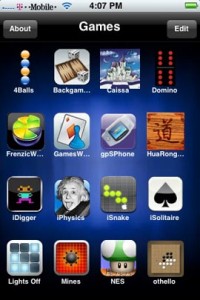
Categories allows you to create folders on your desktop. This allows you to organize your desktop rather than having it be a huge mess. For example, you can have these icons for folders with all games and communication applications:


The app comes with a GUI configurator so that you do not have to edit text files. When you add an app to a category, it is removed from the springboard list so that it no longer shows up on the main desktop. When you remove the app from the category it is returned back to the springboard. Here is an example of a categories folder full of games:
QuickPwn, PwnageTool and WinPwn

There are so many tools, some for Mac OS, others for Windows, different versions... Complicated. So let's summerize a little bit.
If you have iPhone 3G, you'll be able to install 3-rd party non AppStore applications (through separate applications called Cydia and Installer) and run these applications. If you have old iPhone, in addition to that you'll be able to unlock the device (use with any carrier).
There are two methods: quickpwn and custom firmware method. First one is for quikly pwning and jailbreaking the device without restore. You should use it if you have unlocked device or an AT&T contract.
If you are Windows user:
- Go for . The current version is 2.5.0.2 (also called 2.5 beta-2). Download . It supports both iPhone and iPhone 3G, firmwares 2.0, 2.0.1, 2.0.2. You can use either quickpwn or custom firmware method.
- There is a separate tool for Windows. The current version is RC3. Download . Do you need it? Yes, if you want to quick pwn and you do not like WinPwn (or you had problems with it).
If you're using Mac OS:
- Go for PwnageTool. The current version is 2.0.3.1. Download . Works with 2.0, 2.0.1, 2.0.2 firmwares using custom-firmware method.
- There is a version of QuickPwn tool for MAC OS. The current version is 1.0.0. Download . It works only with firmware 2.0.2. Do you need it? Yes, if you want to quick pwn.
QuickPwn is not a replacement for PwnageTool, they are different tools and provide different features, QuickPwn is for quickly pwning a device, whereas PwnageTool is designed to custom build and tailor the ipsw production process, both tools will be actively developed in the future.