 iPhoneRoot.com

News tagged ‘Video’
Ivy Bridge Will Provide Support For 4096x4096 Displays

As VR-Zone , last week Intel revealed that their upcoming Ivy Bridge processors will support display with resolution of 4096x4096 pixel and also they will be capable to process video data at this resolution.
Watch Saurik and P0sixninja speak about Jailbreaking at MyGreatFest

Watch saurik, p0sixninja and other members of the jailbreak community speak at MyGreatFest via videos posted by VIZBOXtv:
LilyPad: Solar iPad Case With Built-in HDMI and USB
LilyPad looked like the typical iPad case but applies technology based on “solar ink” to continually charge the device. LilyPad can supply power to iPad for about 12 days in common lighting conditions (both indoor and outdoor), before having to charge it from the mains.
Read the rest of this entry »
Video: iOS 5 iPad vs Windows 8 Slate
Winrumors has a very thorough 11 minutes video comparison of an iPad 2 running iOS 5 vs Windows 8 Slate. Almost every feature is compared in the video below, everything from lock-screen to social network integration. Take a look:
Apple Takes Second Place In Brand Value Rating
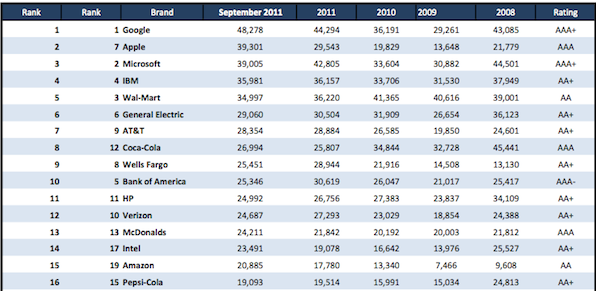
London-based research company Brand Finance, Apple takes the second position after Google in brand value rating. The 33% increase allowed Apple to overtake Microsoft, Wal-Mart, GE and IBM for the first time. The research firm attributes Apple’s high rating to loyal consumer base, successful marketing activities and innovative design.
TNT Released App For Streaming Television Shows And Movies To iPad
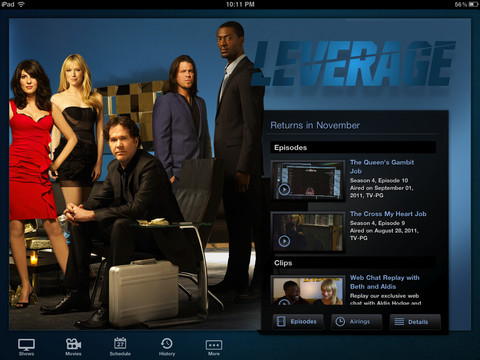
TNT, cable television channel owned by the Turner Broadcasting System, has launched an iPad app that allows watching full-length television movies and shows broadcasted by the network. The app includes integration with Facebook, GetGlue and Twitter, and gives you access to clips and behind-the-scenes videos. Also you can schedule remainders and check out program guides.
It should be noted that watching full episodes of such television shows as Falling Skies, Rizzoli & Isles and The Closer requires authentication through your TV provider. The free TNT app for iPad is available for from the App Store.
Step-by-step Tutorial: How to Tether Jailbreak iPod 4G Using RedSn0w 0.9.8b7b (Mac OS) [iOS 4.3.5]
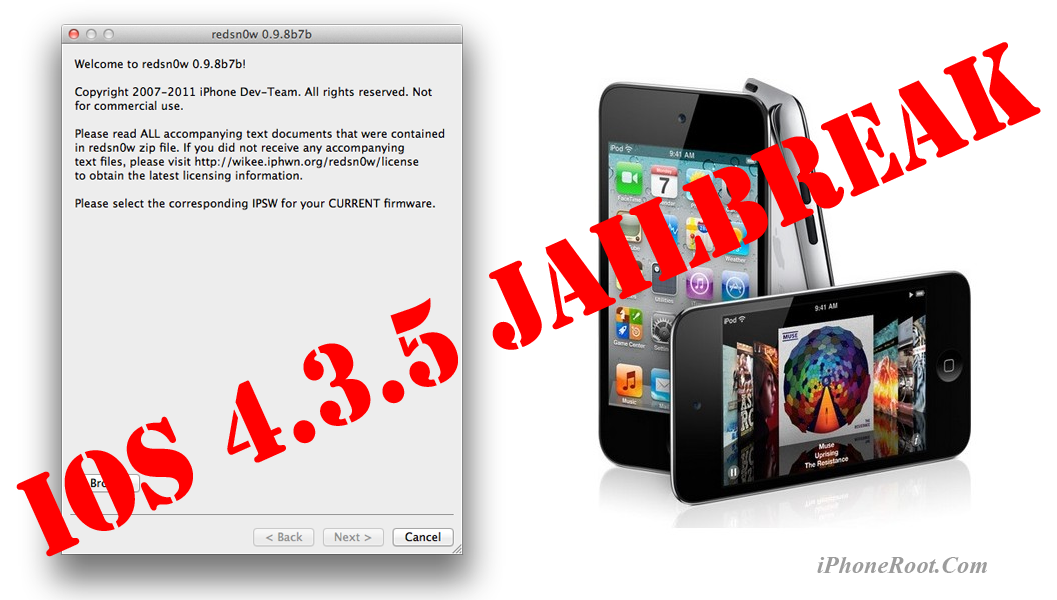
This is step-by-step instructions on how to perform tethered jailbreak of your iPod 4G on iOS 4.3.5 firmware using RedSn0w 0.9.8b7b for Mac OS.
Tethered jailbreak means that each time you restart your device you will need to connect it to a computer and run redsn0w.
If you have other device, here are links to our RedSn0w 0.9.8b7b iOS 4.3.5 jailbreak tutorials:
- Mac OS: iPhone 4, iPhone 3GS, iPad 1, iPod Touch 3G, iPod Touch 4G
- Windows: iPhone 4, iPhone 3GS, iPad 1, iPod Touch 3G, iPod Touch 4G
 Leave a comment, read comments [7]
Step-by-step Tutorial: How to Tether Jailbreak iPod 4G Using RedSn0w 0.9.8b7b (Windows) [iOS 4.3.5]
UPDATE: Apple released iOS 5.1 that is only tethered jailbreakable with redsn0w. Apple has stopped signing older, so you can NOT restore to anything other than 5.1 any more (both original and custom), unless you have saved your SHSH keys for that. If you are on older iOS you can jailbreak with redsn0w.
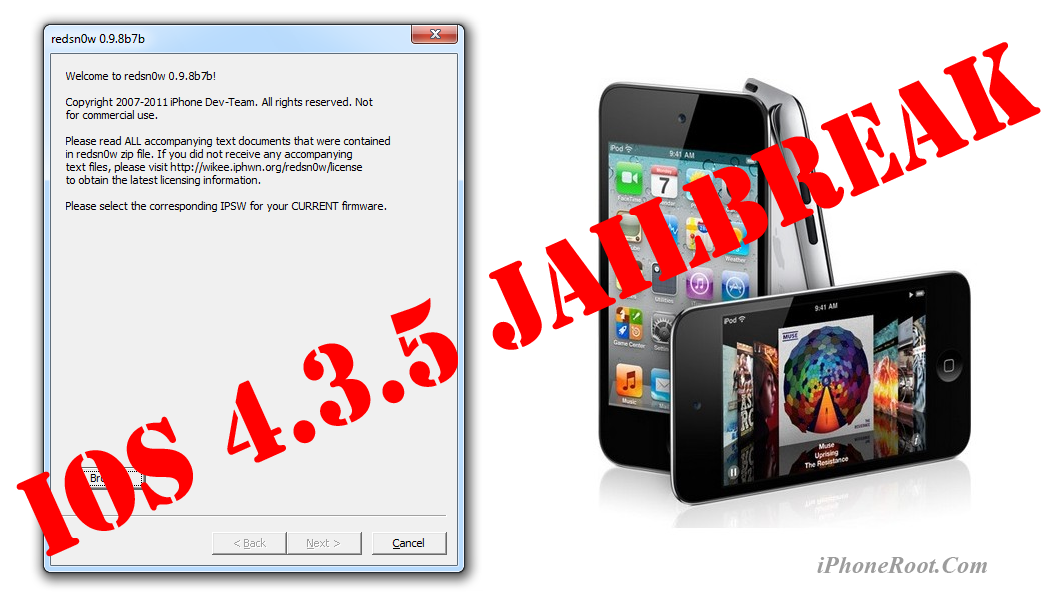
This is step-by-step instructions on how to perform tethered jailbreak of your iPod 4G on iOS 4.3.5 firmware using RedSn0w 0.9.8b7b for Windows.
Tethered jailbreak means that each time you restart your device you will need to connect it to a computer and run redsn0w.
If you have other device, here are links to our RedSn0w 0.9.8b7b iOS 4.3.5 jailbreak tutorials:
- Mac OS: iPhone 4, iPhone 3GS, iPad 1, iPod Touch 3G, iPod Touch 4G
- Windows: iPhone 4, iPhone 3GS, iPad 1, iPod Touch 3G, iPod Touch 4G
Leave a comment, read comments [121]
Step-by-step Tutorial: How to Tether Jailbreak iPod 3G Using RedSn0w 0.9.8b7b (Mac OS) [iOS 4.3.5]
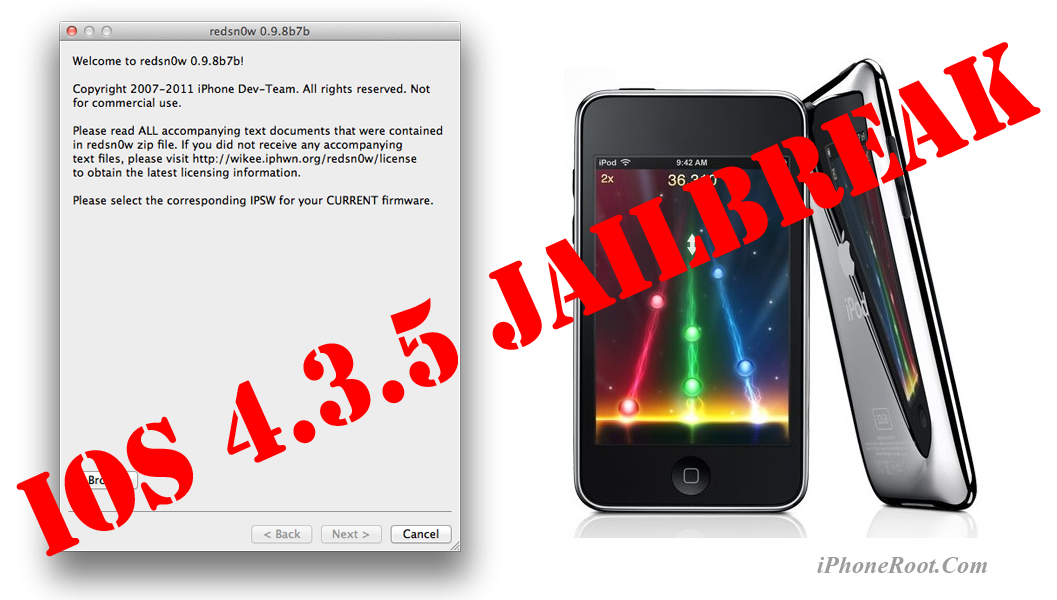
This is step-by-step instructions on how to perform tethered jailbreak of your iPod 3G on iOS 4.3.5 firmware using RedSn0w 0.9.8b7b for Mac OS.
Tethered jailbreak means that each time you restart your device you will need to connect it to a computer and run redsn0w.
If you have other device, here are links to our RedSn0w 0.9.8b7b iOS 4.3.5 jailbreak tutorials:
- Mac OS: iPhone 4, iPhone 3GS, iPad 1, iPod Touch 3G, iPod Touch 4G
- Windows: iPhone 4, iPhone 3GS, iPad 1, iPod Touch 3G, iPod Touch 4G
Leave a comment, read comments [2]
Step-by-step Tutorial: How to Tether Jailbreak iPod 3G Using RedSn0w 0.9.8b7b (Windows) [iOS 4.3.5]
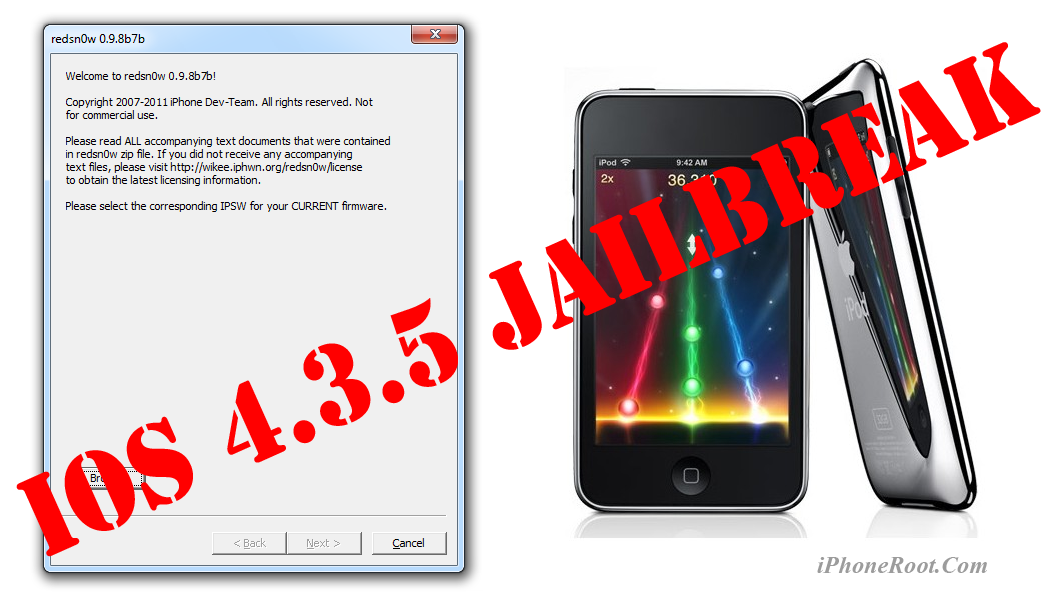
This is step-by-step instructions on how to perform tethered jailbreak of your iPod 3G on iOS 4.3.5 firmware using RedSn0w 0.9.8b7b for Windows.
Tethered jailbreak means that each time you restart your device you will need to connect it to a computer and run redsn0w.
If you have other device, here are links to our RedSn0w 0.9.8b7b iOS 4.3.5 jailbreak tutorials:
- Mac OS: iPhone 4, iPhone 3GS, iPad 1, iPod Touch 3G, iPod Touch 4G
- Windows: iPhone 4, iPhone 3GS, iPad 1, iPod Touch 3G, iPod Touch 4G
Leave a comment, read comments [23]
Step-by-step Tutorial: How to Tether Jailbreak iPad 1 Using RedSn0w 0.9.8b7b (Mac OS) [iOS 4.3.5]
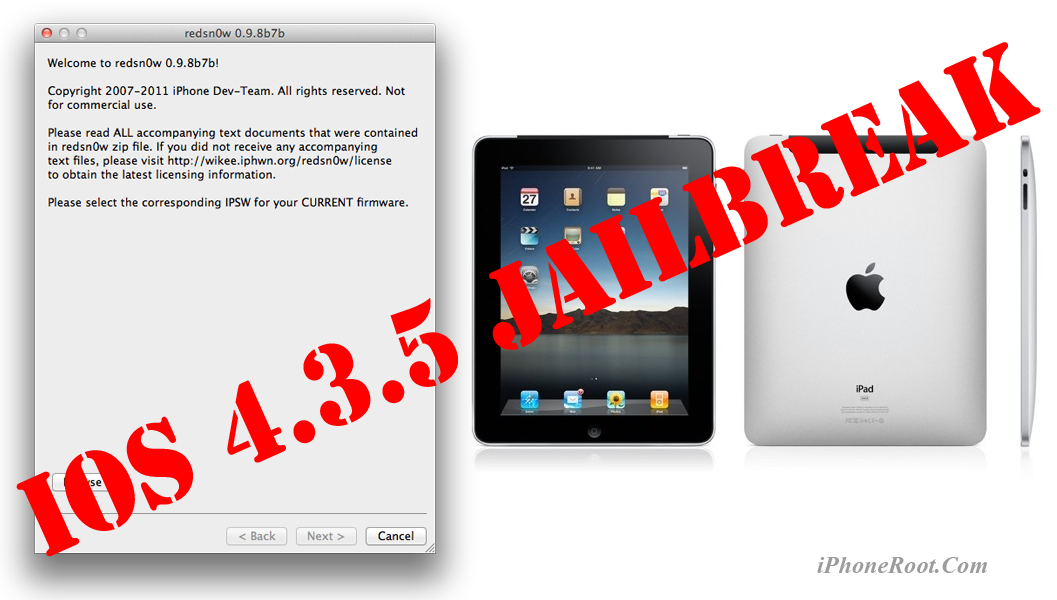
This is step-by-step instructions on how to perform tethered jailbreak of your iPad on iOS 4.3.5 firmware using RedSn0w 0.9.8b7b for Mac OS.
Tethered jailbreak means that each time you restart your device you will need to connect it to a computer and run redsn0w.
If you have other device, here are links to our RedSn0w 0.9.8b7b iOS 4.3.5 jailbreak tutorials:
- Mac OS: iPhone 4, iPhone 3GS, iPad 1, iPod Touch 3G, iPod Touch 4G
- Windows: iPhone 4, iPhone 3GS, iPad 1, iPod Touch 3G, iPod Touch 4G
Leave a comment, read comments [2]
Step-by-step Tutorial: How to Tether Jailbreak iPad 1 Using RedSn0w 0.9.8b7b (Windows) [iOS 4.3.5]
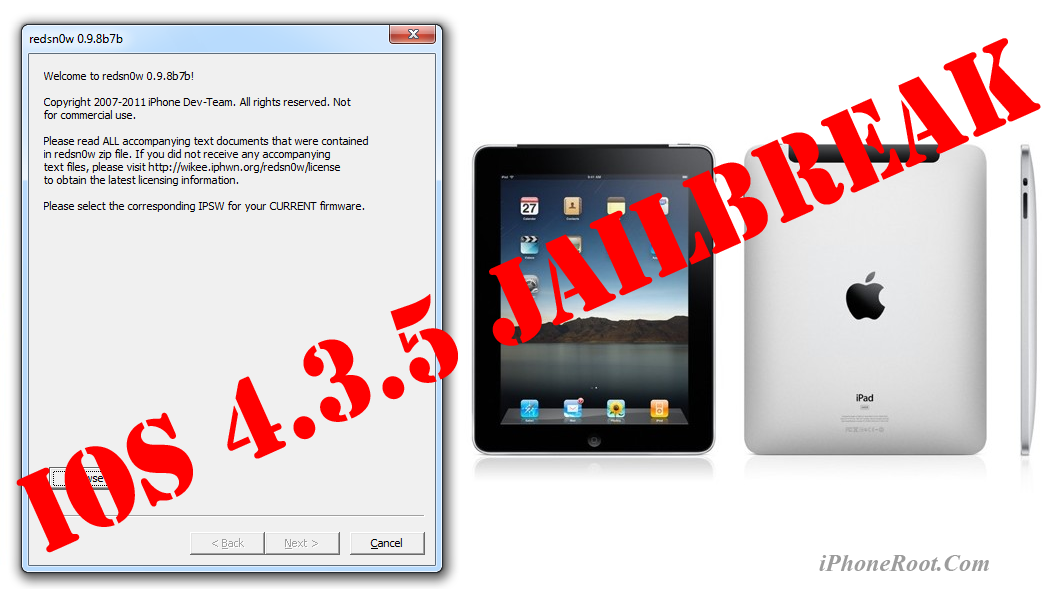
This is step-by-step instructions on how to perform tethered jailbreak of your iPad on iOS 4.3.5 firmware using RedSn0w 0.9.8b7b for Windows.
Tethered jailbreak means that each time you restart your device you will need to connect it to a computer and run redsn0w.
If you have other device, here are links to our RedSn0w 0.9.8b7b iOS 4.3.5 jailbreak tutorials:
- Mac OS: iPhone 4, iPhone 3GS, iPad 1, iPod Touch 3G, iPod Touch 4G
- Windows: iPhone 4, iPhone 3GS, iPad 1, iPod Touch 3G, iPod Touch 4G
Leave a comment, read comments [7]
iOS 5 with Nuance Speech Recognition Enabled in Carrier Testing
Voice input in Android
9to5Mac has reported that Apple seeded some mobile carriers with a “near-final” build of iOS 5 with the enabling of Nuance's Speech to Text as a system-wide service:
According to a source testing the feature, it works almost identically (video above) to the Android operating system’s speech-to-text feature. It’s also very polished, quick, and accurate said the source – which is obvious for being an Apple product but also is indicative of the product being nearly complete.
The special microphone button was already noticed in iOS 5. This allows users to dictate rather than type. It seems that Apple plans to release its Nuance speech recognition system alongside the public release of iOS 5 set for launch in this fall.
Cydia Tweak Brings WebOS-like Task Switching To iOS
iOS task switcher that is activated when you double-click the home button is obviously not the best solution for task switching on handsets.More user-friendly solution is implemented in webOS devices. It is based on metaphor of card switching and allows you to easily manage running tasks on the screen.
Union president Jim Hoffa Claimed That Apple Is Unpatriotic

Recently in an on State of the Union of CNN channel, Jim Hoffa, International Brotherhood of Teamsters Union President, claimed that Apple is unpatriotic as it outsources manufacturing in other countries.