 iPhoneRoot.com

Step-by-step Tutorial: How to Untether Jailbreak iPhone 3GS and iPhone 4 Using JailbreakMe [iOS 4.3.3]
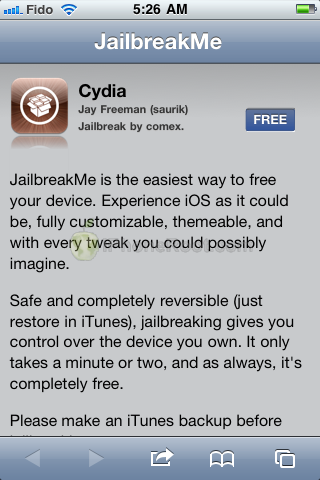
This is step-by-step instructions on how to perform untethered jailbreak of your iPhone 3GS и iPhone 4 with iOS 4.3.3 firmware using JailbreakMe. This jailbreak works in iPhone Safari browser. You need a computer only to update to iOS 4.3.3.
Important information. Please think first, before you do something.
If you need carrier unlock you should consider another jailbreak method.
UPDATE: Please, consider reading our Jailbreak & Unlock FAQ, especially if you have questions or troubles.
Step One
If you are already on iOS 4.3.3 (4.2.8 for CDMA) you can skip this step and go directly to Step 3.
UPDATE: Apple released iOS 4.3.4 that is only tethered jailbreakable with redsn0w. Apple has stopped signing iOS 4.3.3, so you can NOT restore to 4.3.3 any more (both original and custom), unless you have saved your SHSH keys for 4.3.3.
If you are on 4.3.3 just go to Step 3 and jailbreak. You can try to use jailbreakme on earlier iOS, but we have not tested it. Update to iOS 4.3.3 only is you have iOS 4.3.3 SHSH keys saved.
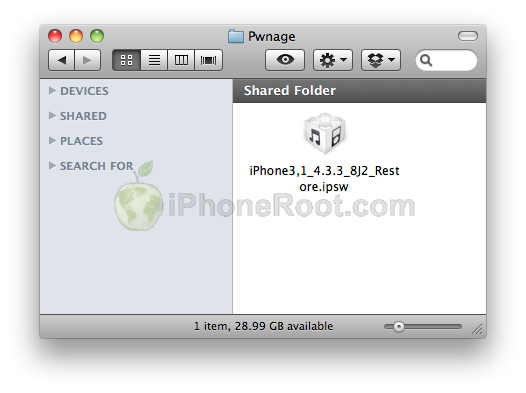
Create a folder on your desktop called Pwnage. Download the latest iOS 4.3.3 firmware (4.2.8 for iPhone 4 CDMA) for your iPhone model from below and place it in Pwnage folder:
iPhone 3GS:
iPhone 4 GSM:
iPhone 4 CDMA:
Step Two
Connect your iPhone to the computer and launch iTunes.

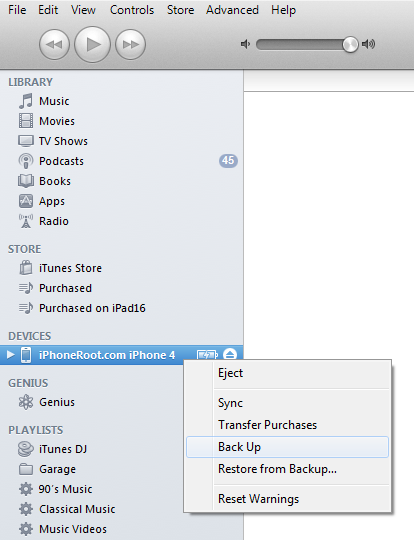
Select your iPhone from the list of devices on the left. Create a backup by right-clicking on iPhone name in Devices (iTunes left pane) and choosing Back Up.
Now hold down Option (Mac) or Shift (Windows) key and click the Restore button. Restore is preferred as it won't create any wasted space on your iPhone.
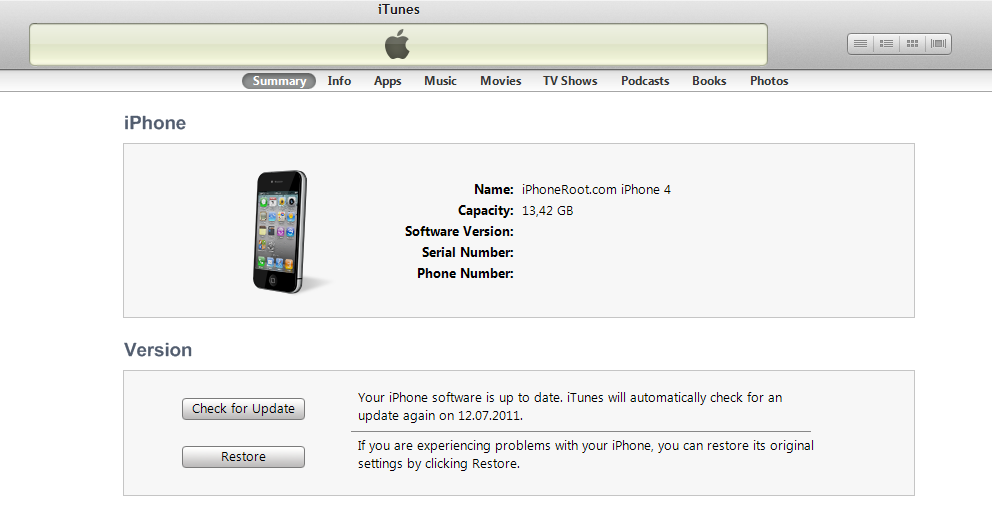
Navigate to the Pwnage folder on your desktop and select the 4.3.3 firmware ipsw. Click the Open button to continue.
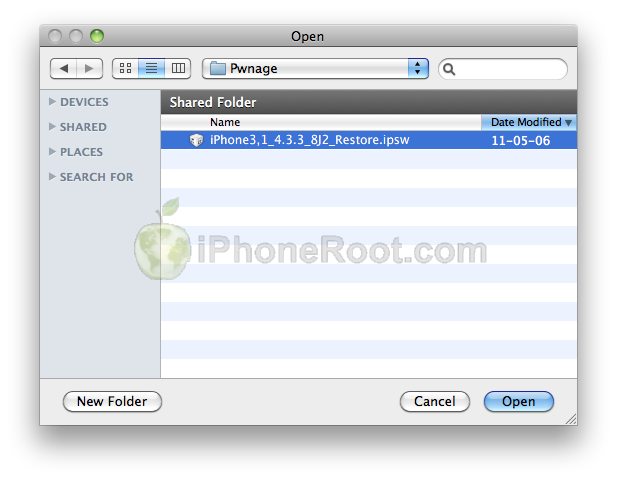
iTunes will update your iPhone to the desired firmware. You can restore from your saved backup if you want.
Step Three
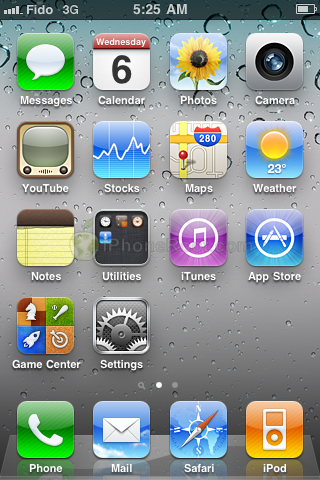
Your iPhone is now running iOS 4.3.3. Make sure you are connected to the Internet via WiFi. press to launch Safari from your iPhone desktop.
Step Four
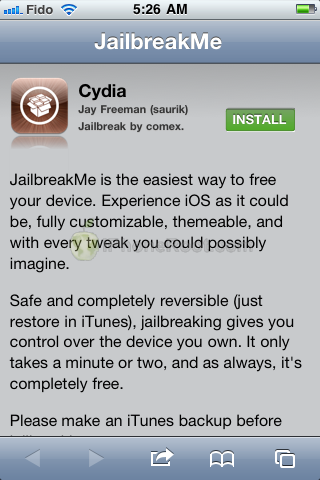
Navigate to http://www.jailbreakme.com and press the Free button.
Step Five
Pres the Install button.
Step Six
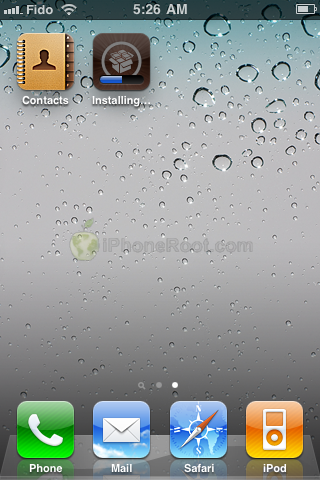
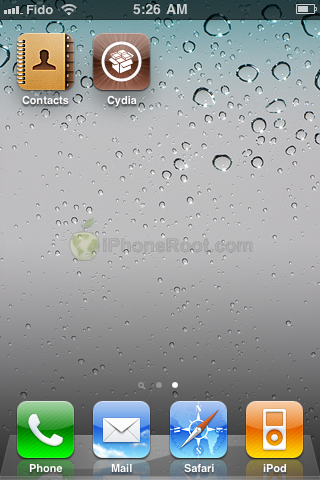
Safari will now close and Cydia will download and install.

Step Seven
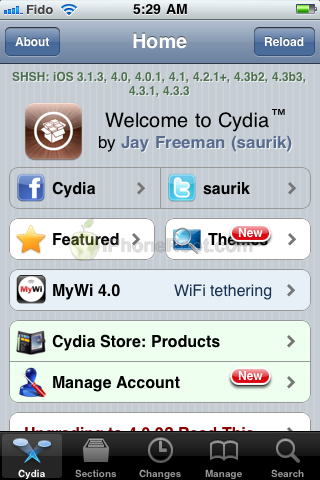
Press to launch Cydia and enjoy your jailbroken iPhone!
Follow us on :
Latest posts
 Leave a comment, read comments [76]