 iPhoneRoot.com

News tagged ‘custom firmware’
Step-by-step Tutorial: How to Untether Jailbreak iPhone, iPad and iPod Touch Using TaiG (Windows) [iOS 8.0-8.1.2]
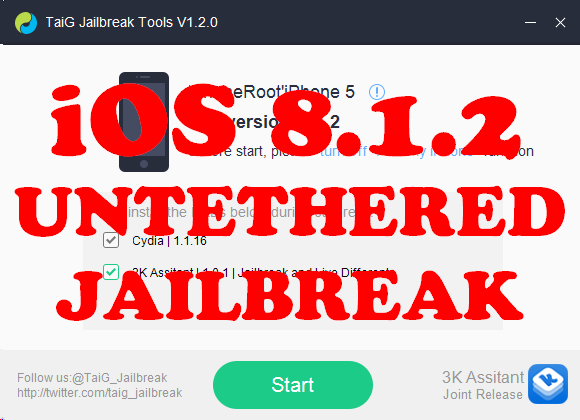
This is step-by-step instructions on how to perform untethered jailbreak of iOS 8.0 - iOS 8.1.2 firmwares using Taig for Windows.
This tutorial works for:
- iPhone 4S, iPhone 5, iPhone 5C, iPhone 5S, iPhone 6, iPhone 6 Plus
- iPod Touch 5G
- iPad 2, iPad 3, iPad 4, iPad Air, iPad Air 2, iPad Mini, iPad Mini 2, iPad Mini 3
Supported firmwares: iOS 8.0 - iOS 8.1.2.
 Leave a comment, read comments [7]
Step-by-step Tutorial: How to Untether Jailbreak iPhone, iPad and iPod Touch Using Pangu8 (Windows) [iOS 8.0-8.1]
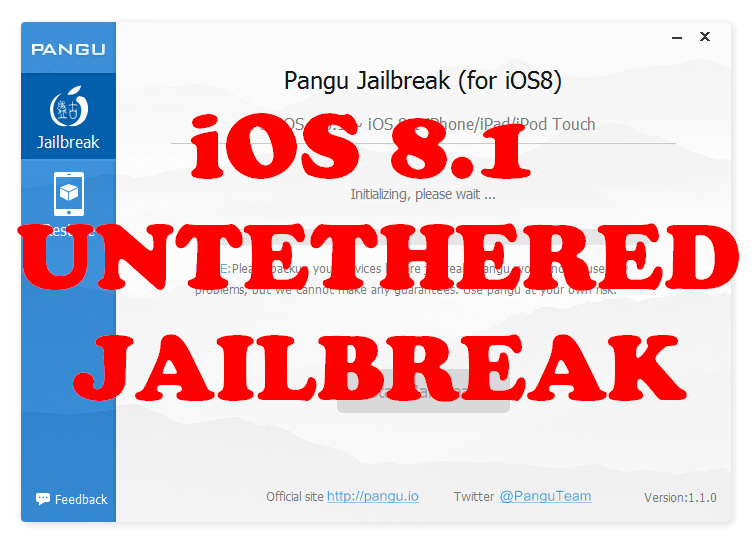
UPDATE: Apple released iOS 8.1.1, that is not yet jailbreakable. So you will be able to jailbreak your device only if you already have iOS 8.0-8.1 installed.
This is step-by-step instructions on how to perform untethered jailbreak of iOS 8.0 - iOS 8.1 firmwares using Pangu8 for Windows.
This tutorial works for:
- iPhone 4S, iPhone 5, iPhone 5C, iPhone 5S, iPhone 6, iPhone 6 Plus
- iPod Touch 5G
- iPad 2, iPad 3, iPad 4, iPad Air, iPad Air 2, iPad Mini, iPad Mini 2, iPad Mini 3
Supported firmwares: iOS 8.0 - iOS 8.1.
Leave a comment, read comments [15]
Step-by-step Tutorial: How to Untether Jailbreak iPhone, iPad and iPod Touch Using Pangu (Windows) [iOS 7.1-7.1.2]
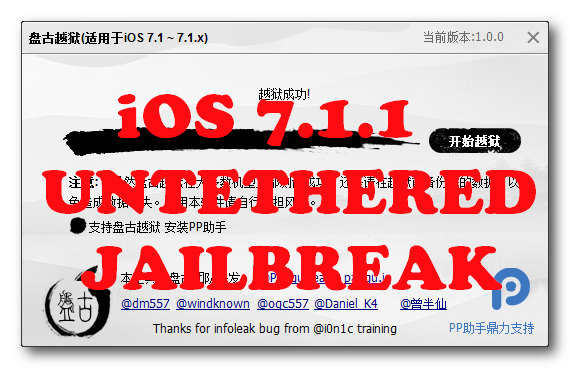
This is step-by-step instructions on how to perform untethered jailbreak of iOS 7.1 - iOS 7.1.2 firmwares using Pangu for Windows.
This tutorial works for:
- iPhone 4, iPhone 4S, iPhone 5, iPhone 5C, iPhone 5S
- iPod Touch 5G
- iPad 2, iPad 3, iPad 4, iPad Air, iPad Mini, iPad Mini 2
Supported firmwares:
- iOS 7.1
- iOS 7.1.1
- iOS 7.1.2
Leave a comment, read comments [29]
Step-by-step Tutorial: How to Untether Jailbreak iPhone, iPad and iPod Touch Using Evasi0n (Windows) [iOS 7.0-7.0.6]
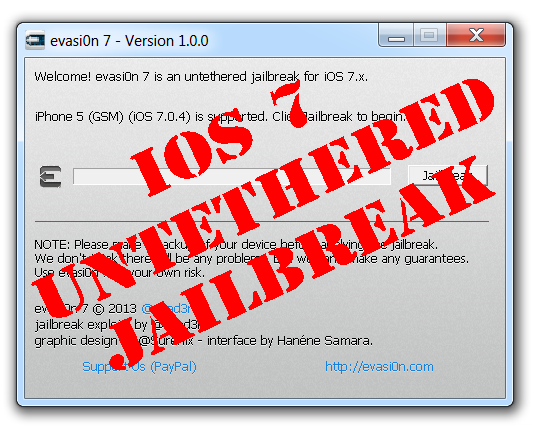
This is step-by-step instructions on how to perform untethered jailbreak of iOS 7.0 - iOS 7.0.6 firmwares using Evasi0n 7 for Windows.
This tutorial works for:
- iPhone 4, iPhone 4S, iPhone 5, iPhone 5C, iPhone 5S
- iPod Touch 5G
- iPad 2, iPad 3, iPad 4, iPad Air, iPad Mini, iPad Mini 2
Supported firmwares:
- iOS 7.0, 7.0.1, 7.0.2, 7.0.3, 7.0.4, 7.0.5, 7.0.6, 7.1 beta 1, 7.1 beta 2
This tutorial is for Windows users. Mac OS X tutorial is available here (tutorial is being prepared).
Leave a comment, read comments [78]
Step-by-step Tutorial: How to Update iPhone 3GS Modem Version to 06.15 Using RedSn0w 0.9.15 (Windows) [iOS 6.1.2]
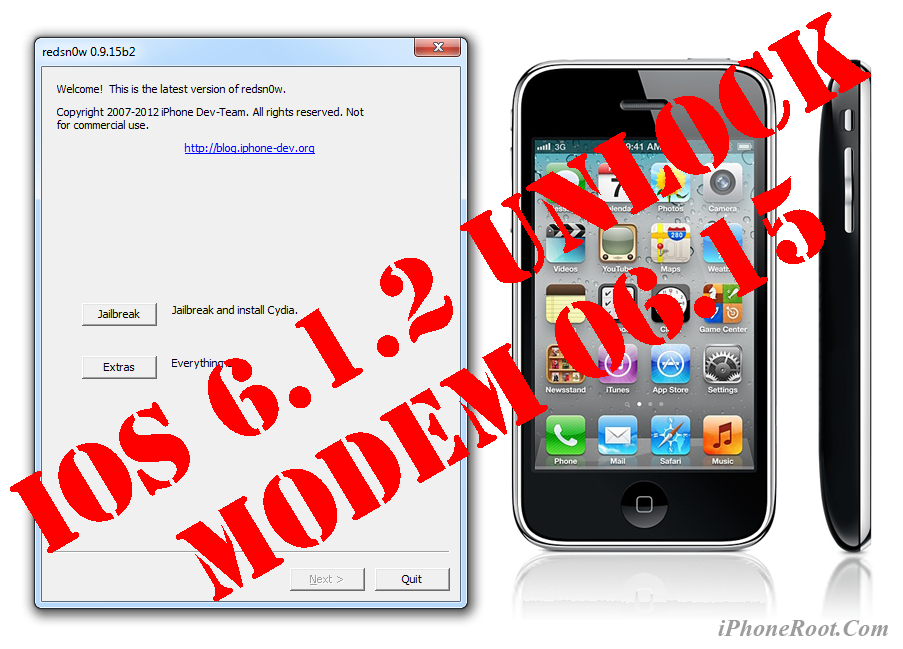
This is step-by-step instructions on how to update your iPhone 3GS modem to version 06.15 on iOS 6.0 - iOS 6.1.2. We will use RedSn0w 0.9.15 for Windows.
Leave a comment, read comments [24]
Sn0wBreeze 2.9.13 released: custom firmware and jailbreak for iOS 6.1.2
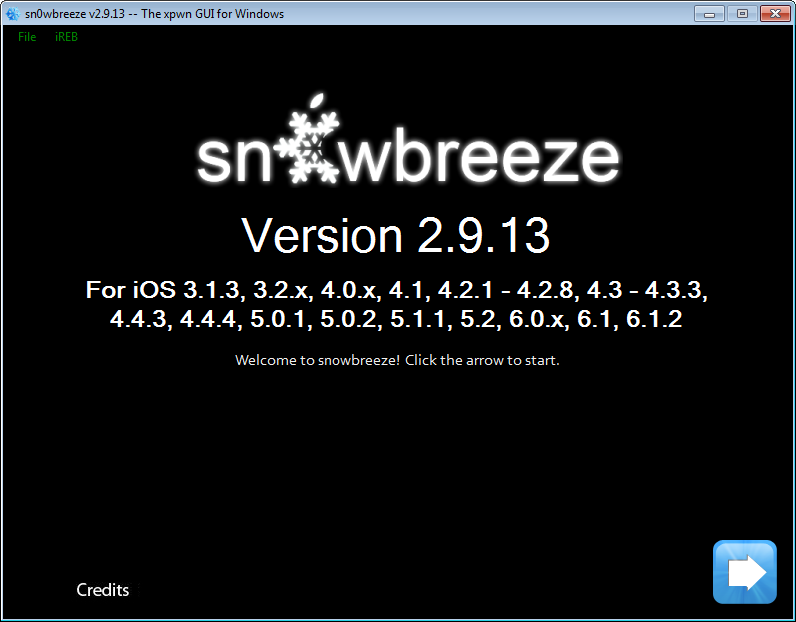
iH8Sn0w released Sn0wBreeze 2.9.13 that still supports untethered jailbreak of iOS 6.1.2. Version 2.9.13 fixes several issues and bugs found in earlier sn0wbreeze releases.
Sn0wbreeze 2.9.13 supports iPhone 3GS, iPhone 4 and iPod Touch 4G. It does not work with A5/A6 devices, like iPad 2, iPad 3, iPhone 4S, iPhone 5, etc.
Sn0wbreeze can be used to create a custom firmware with jailbreak and preserve iPhone modem (baseband) version for unlock. It can also be used to upgrade iPhone 3GS modem version to 06.15.
You can find the release notes below. You can download the latest version of Sn0wBreeze from .
Our step-by-step tutorials:
Tutorials for iOS 6.0 - 6.1.2 untethered jailbreak
Untethered jailbreak is available for all devices with iOS 6.0 - iOS 6.1.2. This includes:
- iPhone 3GS, iPhone 4, iPhone 4S, iPhone 5;
- iPod Touch 4G, iPod Touch 5G;
- iPad 2, iPad 3, iPad 4, iPad Mini;
If you don't need cellular unlock use Evasi0n utility, tutorials are available here:
If you need custom firmware to preserve baseband modem version for iPhone unlock use SnowBreeze. Tutorials are here:
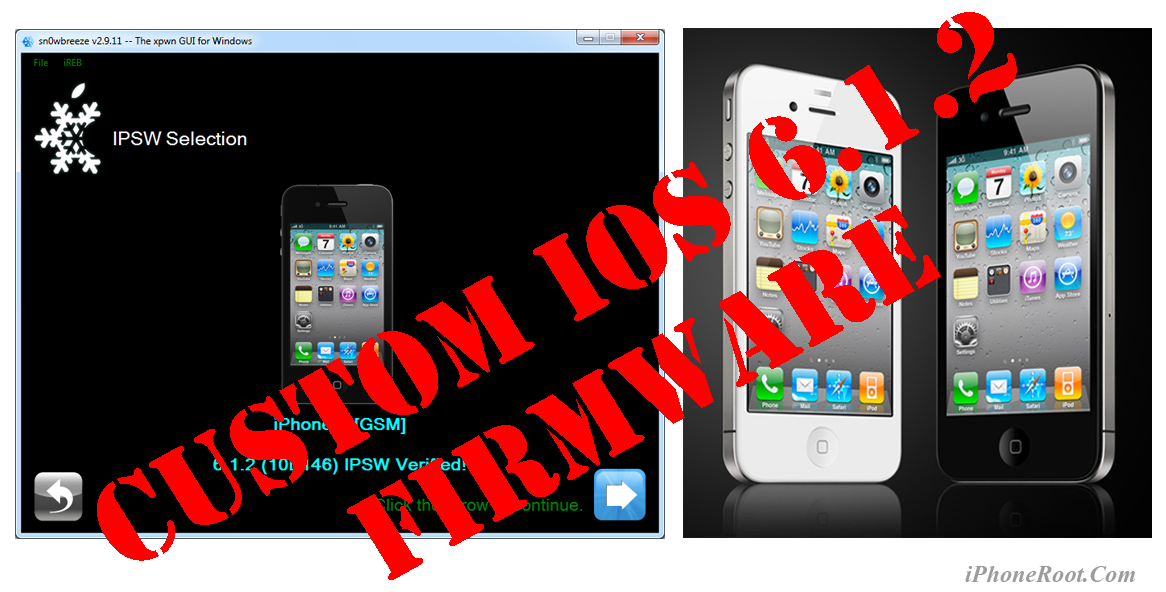
Step-by-step Tutorial: How to UnTether Jailbreak and Unlock iPhone 4 Using Sn0wBreeze 2.9.11 (Windows) [iOS 6.1.2]
UPDATE: Apple released iOS 6.1.3, so you can NOT restore to earlier firmware (both original and custom), unless you have saved your SHSH keys. If you are on iOS 6.0-6.1.2 you can use evasi0n to jailbreak.
Using this tutorial you will be able to create a custom firmware, untether jailbreak and unlock iOS 6.1.2 running on iPhone 4. This tutorial uses Sn0wBreeze 2.9.11 for Windows.
Sn0wBreeze 2.9.11 allows users to preserve modem version for unlock.
Leave a comment, read comments [73]
Step-by-step Tutorial: How to UnTether Jailbreak and Unlock iPhone 3GS Using Sn0wBreeze 2.9.11 (Windows) [iOS 6.1.2]
UPDATE: Apple released iOS 6.1.3, so you can NOT restore to earlier firmware (both original and custom), unless you have saved your SHSH keys. If you are on iOS 6.0-6.1.2 you can use evasi0n to jailbreak.
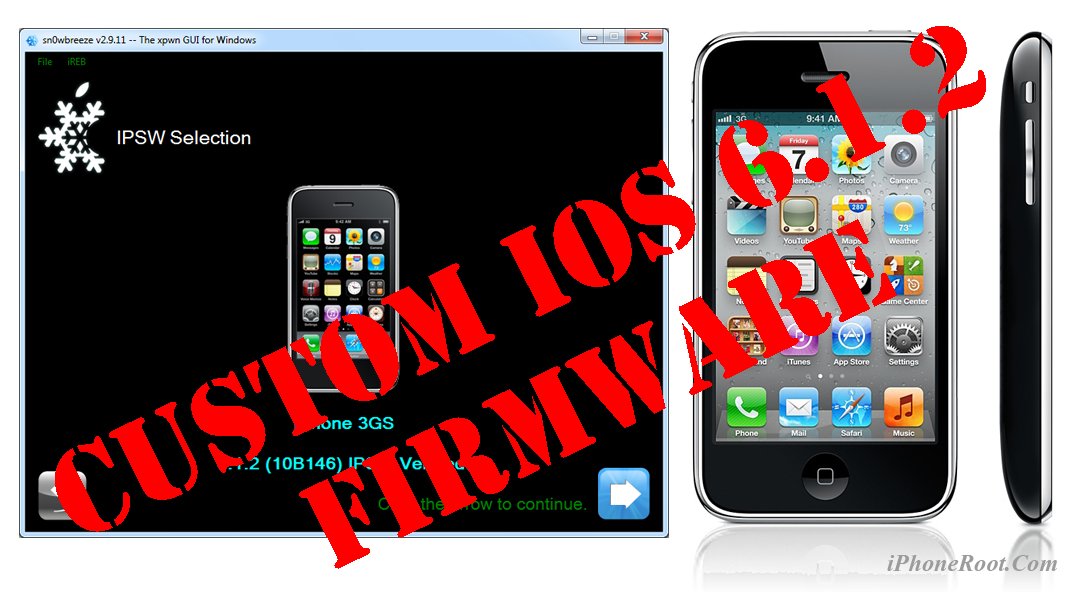
Using this tutorial you will be able to create a custom firmware, untether jailbreak and unlock iOS 6.1.2 running on iPhone 3GS. This tutorial uses Sn0wBreeze 2.9.11 for Windows.
Sn0wBreeze 2.9.11 allows users to preserve modem version for unlock.
Sn0wBreeze 2.9.11 does not allow users to update modem version to 06.15. If you need 06.15 - just use redsn0w (tutorial is here).
Leave a comment, read comments [292]
Sn0wBreeze 2.9.10 released: custom firmware and jailbreak for iOS 6.1.2
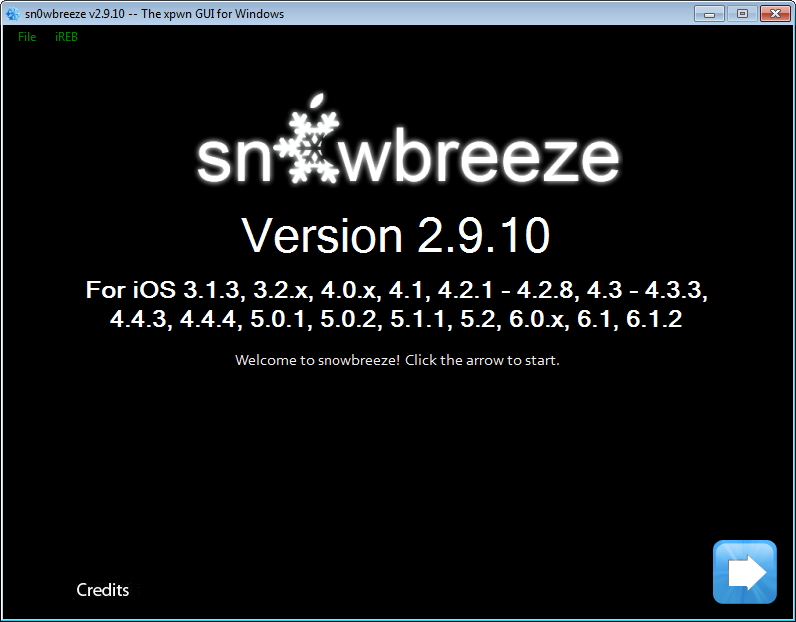
iH8Sn0w released Sn0wBreeze 2.9.10 that brings support for untethered jailbreak of iOS 6.1.2. New version supports iPhone 3GS, iPhone 4 and iPod Touch 4G. It does not work with A5/A6 devices, like iPad 2, iPad 3, iPhone 4S, iPhone 5, etc.
Sn0wbreeze can be used to create a custom firmware with jailbreak and preserve iPhone modem (baseband) version for unlock. It can also be used to upgrade iPhone 3GS modem version to 06.15.
You can find the release notes below. You can download the latest version of Sn0wBreeze from .
Our step-by-step tutorials:
Step-by-step Tutorial: How to Untether Jailbreak iPhone, iPad and iPod Touch Using Evasi0n (Mac OS X) [iOS 6.0-6.1.2]

UPDATE: Apple released iOS 6.1.3, so you can NOT restore to earlier firmware (both original and custom), unless you have saved your SHSH keys. If you are on iOS 6.0-6.1.2 you can use evasi0n to jailbreak.
This is step-by-step instructions on how to perform untethered jailbreak of iOS 6.0-6.1.2 firmwares using Evasi0n for Mac OS X.
This tutorial works for all devices with iOS 6.1:
- iPhone 3GS
- iPhone 4
- iPhone 4S
- iPhone 5
- iPod Touch 4G
- iPod Touch 5G
- iPad 2
- iPad 3
- iPad 4
- iPad Mini
This tutorial is for Mac OS X users. Windows tutorial is available here.
Leave a comment, read comments [11]
Step-by-step Tutorial: How to Untether Jailbreak iPhone, iPad and iPod Touch Using Evasi0n (Windows) [iOS 6.0-6.1.2]
UPDATE: Apple released iOS 6.1.3, so you can NOT restore to earlier firmware (both original and custom), unless you have saved your SHSH keys. If you are on iOS 6.0-6.1.2 you can use evasi0n to jailbreak.
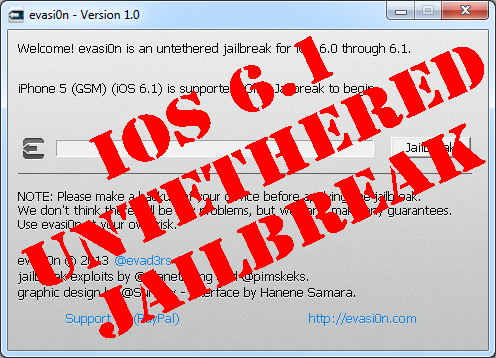
This is step-by-step instructions on how to perform untethered jailbreak of iOS 6.0-6.1.2 firmwares using Evasi0n for Windows.
This tutorial works for:
- iPhone 3GS
- iPhone 4
- iPhone 4S
- iPhone 5
- iPod Touch 4G
- iPod Touch 5G
- iPad 2
- iPad 3
- iPad 4
- iPad Mini
This tutorial is for Windows users. Mac OS X tutorial is available here.
Leave a comment, read comments [467]
Step-by-step Tutorial: How to Tether Jailbreak iPod Touch 4G Using Sn0wBreeze 2.9.7 (Windows) [iOS 6.0.1]
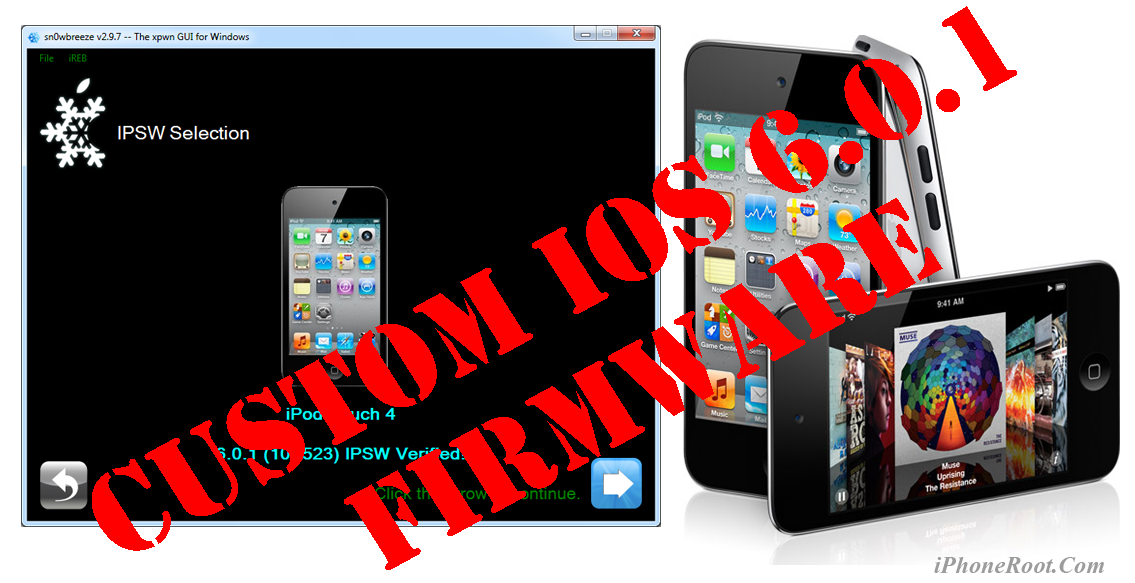
Using this tutorial you will be able to create a custom firmware, tether jailbreak iOS 6.0.1 running on iPod Touch 4G. This tutorial uses Sn0wBreeze 2.9.7 for Windows.
Tethered jailbreak means that each time you restart your device you will need to connect it to a computer and run iBooty.
Leave a comment, read comments [13]
Step-by-step Tutorial: How to Tether Jailbreak and Unlock iPhone 4 Using Sn0wBreeze 2.9.7 (Windows) [iOS 6.0.1]

Using this tutorial you will be able to create a custom firmware, tether jailbreak and unlock iOS 6.0.1 running on iPhone 4. This tutorial uses Sn0wBreeze 2.9.7 for Windows.
Tethered jailbreak means that each time you restart your device you will need to connect it to a computer and run iBooty.
Sn0wBreeze 2.9.7 allows users to preserve modem version for unlock.
Leave a comment, read comments [47]
Step-by-step Tutorial: How to (Un)Tether Jailbreak and Unlock iPhone 3GS Using Sn0wBreeze 2.9.7 (Windows) [iOS 6.0.1]
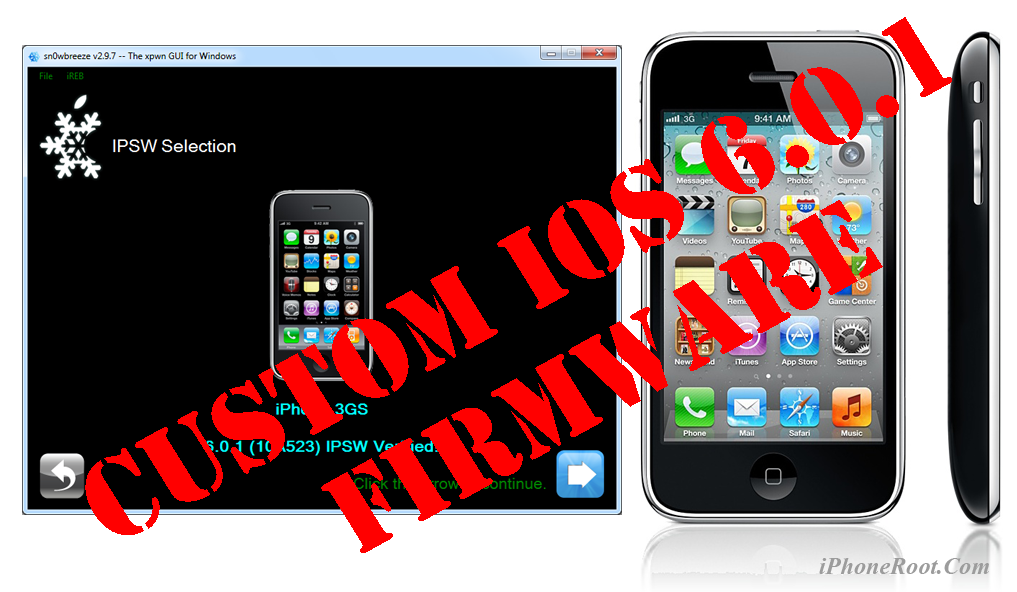
Using this tutorial you will be able to create a custom firmware, tether jailbreak and unlock iOS 6.0.1 running on iPhone 3GS. This tutorial uses Sn0wBreeze 2.9.7 for Windows.
If you have iPhone 3GS with an old bootrom version 359.3, the jailbreak is untethered. If your device has bootrom version 359.3.2 and higher, jailbreak will be tethered. You can detect your bootrom version using this tutorial.
Tethered jailbreak means that each time you restart your device you will need to connect it to a computer and run iBooty.
Sn0wBreeze 2.9.7 allows users to preserve modem version for unlock.
Sn0wBreeze 2.9.7 does not allow users to update modem version to 06.15. If you need 06.15 - just use redsn0w.
Leave a comment, read comments [56]