 iPhoneRoot.com

News from category ‘Tutorial’
Step-by-step Tutorial: How to Tether Jailbreak iPod 4G Using RedSn0w 0.9.8b7b (Mac OS) [iOS 4.3.5]
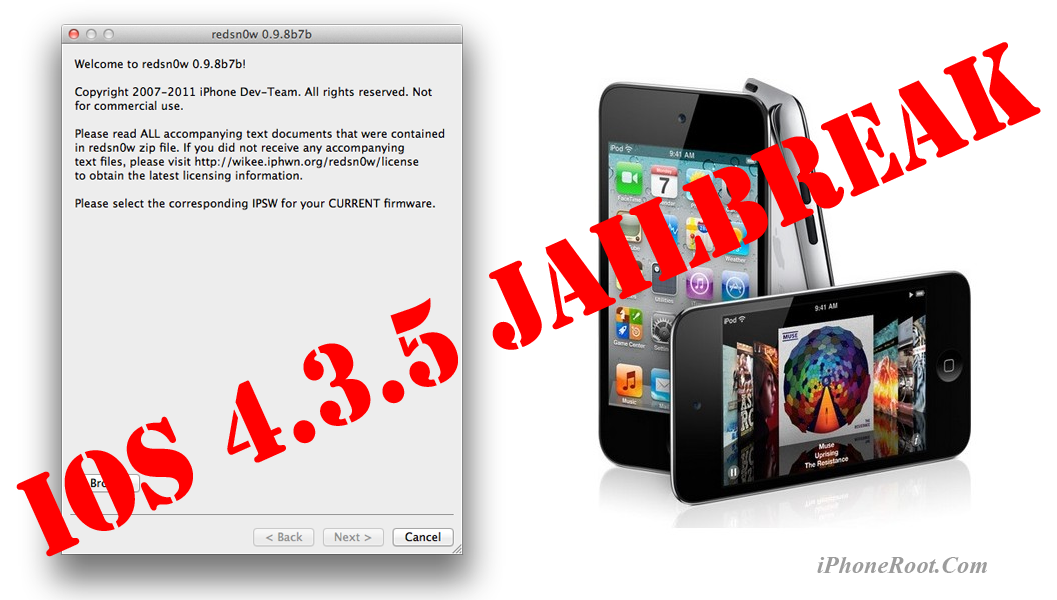
This is step-by-step instructions on how to perform tethered jailbreak of your iPod 4G on iOS 4.3.5 firmware using RedSn0w 0.9.8b7b for Mac OS.
Tethered jailbreak means that each time you restart your device you will need to connect it to a computer and run redsn0w.
If you have other device, here are links to our RedSn0w 0.9.8b7b iOS 4.3.5 jailbreak tutorials:
- Mac OS: iPhone 4, iPhone 3GS, iPad 1, iPod Touch 3G, iPod Touch 4G
- Windows: iPhone 4, iPhone 3GS, iPad 1, iPod Touch 3G, iPod Touch 4G
 Leave a comment, read comments [7]
Step-by-step Tutorial: How to Tether Jailbreak iPod 4G Using RedSn0w 0.9.8b7b (Windows) [iOS 4.3.5]
UPDATE: Apple released iOS 5.1 that is only tethered jailbreakable with redsn0w. Apple has stopped signing older, so you can NOT restore to anything other than 5.1 any more (both original and custom), unless you have saved your SHSH keys for that. If you are on older iOS you can jailbreak with redsn0w.
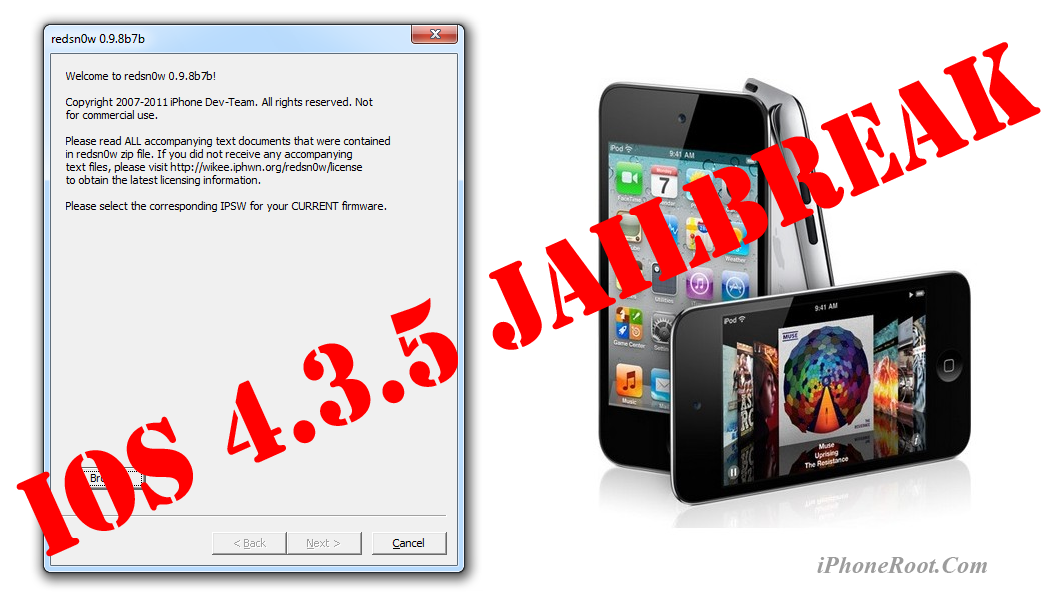
This is step-by-step instructions on how to perform tethered jailbreak of your iPod 4G on iOS 4.3.5 firmware using RedSn0w 0.9.8b7b for Windows.
Tethered jailbreak means that each time you restart your device you will need to connect it to a computer and run redsn0w.
If you have other device, here are links to our RedSn0w 0.9.8b7b iOS 4.3.5 jailbreak tutorials:
- Mac OS: iPhone 4, iPhone 3GS, iPad 1, iPod Touch 3G, iPod Touch 4G
- Windows: iPhone 4, iPhone 3GS, iPad 1, iPod Touch 3G, iPod Touch 4G
Leave a comment, read comments [121]
Step-by-step Tutorial: How to Tether Jailbreak iPod 3G Using RedSn0w 0.9.8b7b (Mac OS) [iOS 4.3.5]
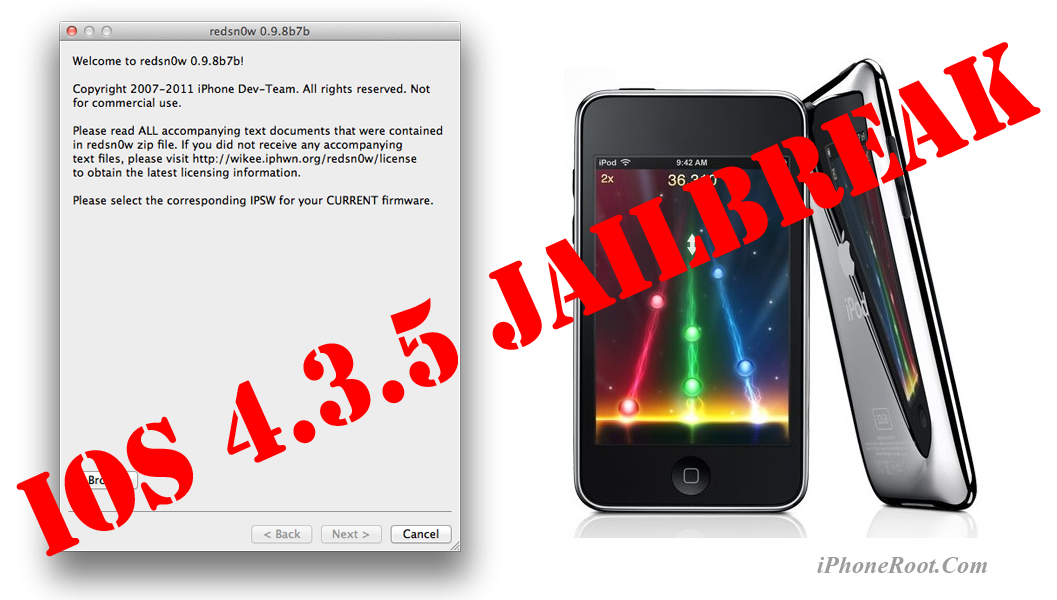
This is step-by-step instructions on how to perform tethered jailbreak of your iPod 3G on iOS 4.3.5 firmware using RedSn0w 0.9.8b7b for Mac OS.
Tethered jailbreak means that each time you restart your device you will need to connect it to a computer and run redsn0w.
If you have other device, here are links to our RedSn0w 0.9.8b7b iOS 4.3.5 jailbreak tutorials:
- Mac OS: iPhone 4, iPhone 3GS, iPad 1, iPod Touch 3G, iPod Touch 4G
- Windows: iPhone 4, iPhone 3GS, iPad 1, iPod Touch 3G, iPod Touch 4G
Leave a comment, read comments [2]
Step-by-step Tutorial: How to Tether Jailbreak iPod 3G Using RedSn0w 0.9.8b7b (Windows) [iOS 4.3.5]
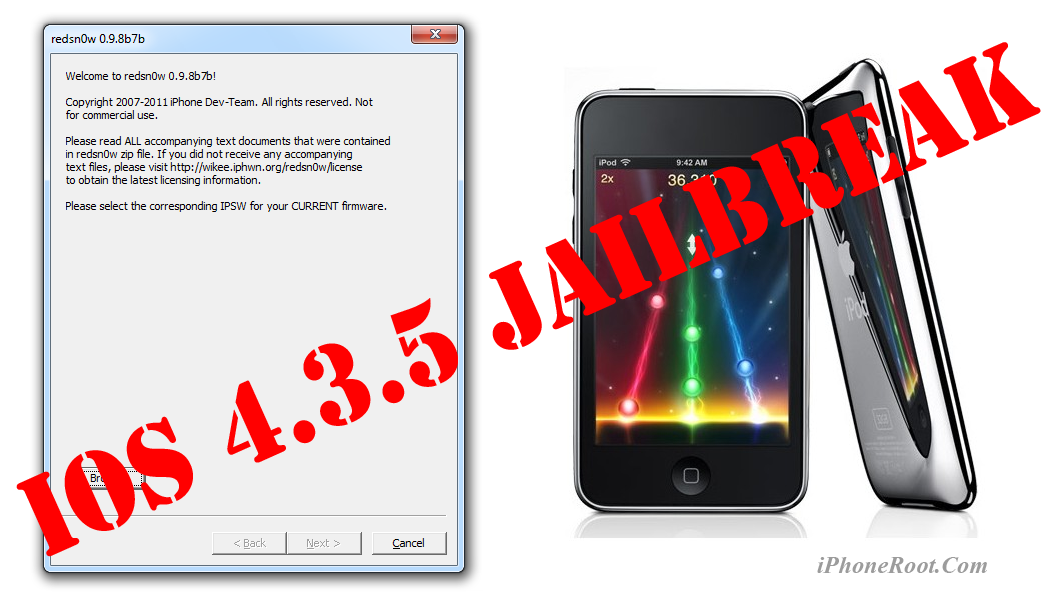
This is step-by-step instructions on how to perform tethered jailbreak of your iPod 3G on iOS 4.3.5 firmware using RedSn0w 0.9.8b7b for Windows.
Tethered jailbreak means that each time you restart your device you will need to connect it to a computer and run redsn0w.
If you have other device, here are links to our RedSn0w 0.9.8b7b iOS 4.3.5 jailbreak tutorials:
- Mac OS: iPhone 4, iPhone 3GS, iPad 1, iPod Touch 3G, iPod Touch 4G
- Windows: iPhone 4, iPhone 3GS, iPad 1, iPod Touch 3G, iPod Touch 4G
Leave a comment, read comments [23]
Step-by-step Tutorial: How to Tether Jailbreak iPad 1 Using RedSn0w 0.9.8b7b (Mac OS) [iOS 4.3.5]
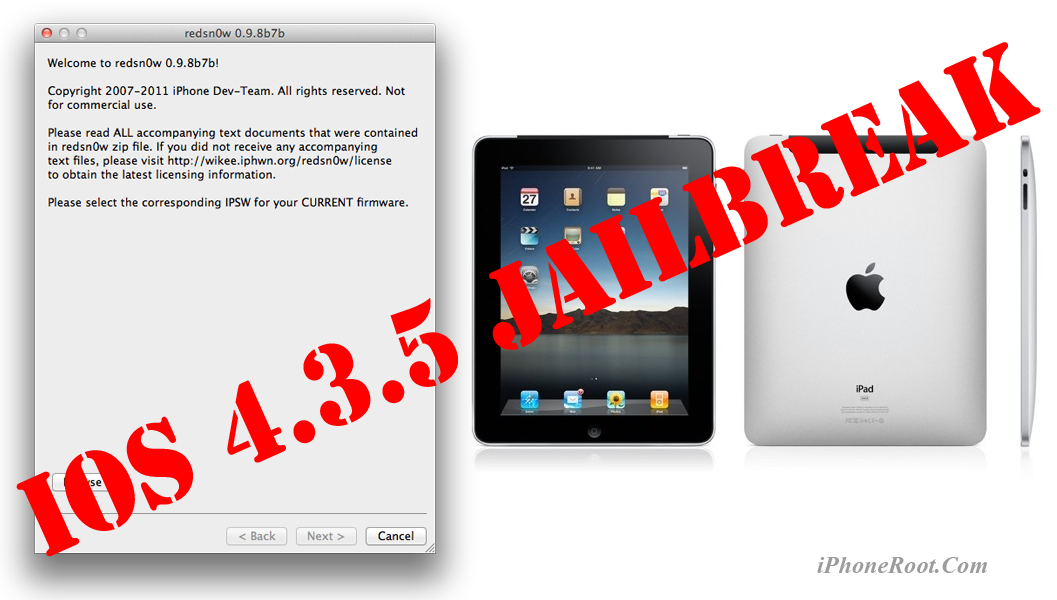
This is step-by-step instructions on how to perform tethered jailbreak of your iPad on iOS 4.3.5 firmware using RedSn0w 0.9.8b7b for Mac OS.
Tethered jailbreak means that each time you restart your device you will need to connect it to a computer and run redsn0w.
If you have other device, here are links to our RedSn0w 0.9.8b7b iOS 4.3.5 jailbreak tutorials:
- Mac OS: iPhone 4, iPhone 3GS, iPad 1, iPod Touch 3G, iPod Touch 4G
- Windows: iPhone 4, iPhone 3GS, iPad 1, iPod Touch 3G, iPod Touch 4G
Leave a comment, read comments [2]
Step-by-step Tutorial: How to Tether Jailbreak iPad 1 Using RedSn0w 0.9.8b7b (Windows) [iOS 4.3.5]
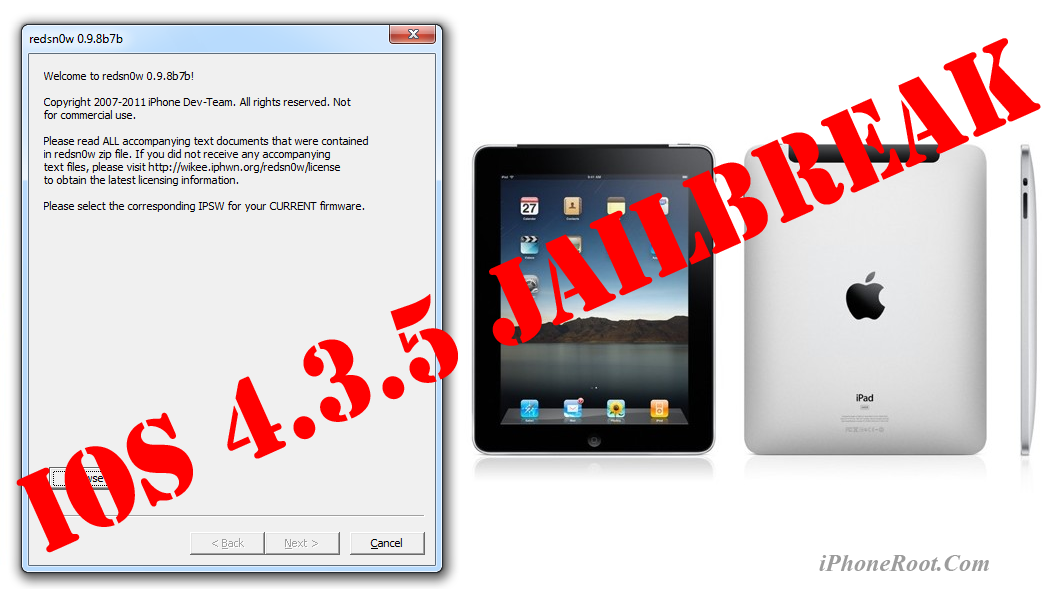
This is step-by-step instructions on how to perform tethered jailbreak of your iPad on iOS 4.3.5 firmware using RedSn0w 0.9.8b7b for Windows.
Tethered jailbreak means that each time you restart your device you will need to connect it to a computer and run redsn0w.
If you have other device, here are links to our RedSn0w 0.9.8b7b iOS 4.3.5 jailbreak tutorials:
- Mac OS: iPhone 4, iPhone 3GS, iPad 1, iPod Touch 3G, iPod Touch 4G
- Windows: iPhone 4, iPhone 3GS, iPad 1, iPod Touch 3G, iPod Touch 4G
Leave a comment, read comments [7]
How To Install and Jailbreak iOS 5 Beta 7 without Developer Account
Here is a great step-by-step video describing how to:
- install iOS 5 Beta 7 without Apple Developer account
- preserve baseband for future unlock,
- jailbreak and hactivate iOS 5 Beta 7
Let's watch:
Leave a comment, read comments [19]
Step-by-step Tutorial: How to (Un)Tether Jailbreak iPhone 3GS Using RedSn0w 0.9.8b7b (Mac OS) [iOS 4.3.5]
This is step-by-step instructions on how to perform jailbreak of your iPhone 3GS on iOS 4.3.5 firmware using RedSn0w 0.9.8b7b for Mac OS.
If you have iPhone 3GS with an old bootrom version 359.3, the jailbreak is untethered. If your device has bootrom version 359.3.2 and higher, jailbreak will be tethered. You can detect your bootrom version using this tutorial.
Tethered jailbreak means that each time you restart your device you will need to connect it to a computer and run redsn0w.
If you have other device, here are links to our RedSn0w 0.9.8b7b iOS 4.3.5 jailbreak tutorials:
- Mac OS: iPhone 4, iPhone 3GS, iPad 1, iPod Touch 3G, iPod Touch 4G
- Windows: iPhone 4, iPhone 3GS, iPad 1, iPod Touch 3G, iPod Touch 4G
Step-by-step Tutorial: How to Tether Jailbreak iPhone 4 Using RedSn0w 0.9.8b7b (Mac OS) [iOS 4.3.5]
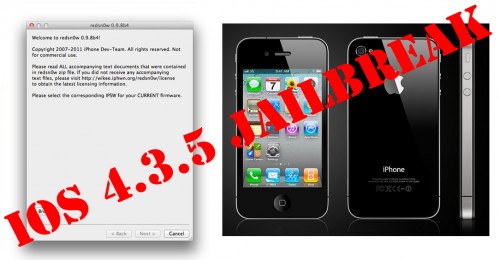
This is step-by-step instructions on how to perform tethered jailbreak of your iPhone 4 on iOS 4.3.5 firmware using RedSn0w 0.9.8b7b for Mac OS.
Tethered jailbreak means that each time you restart your device you will need to connect it to a computer and run redsn0w.
If you have other device, here are links to our RedSn0w 0.9.8b7b iOS 4.3.5 jailbreak tutorials:
- Mac OS: iPhone 4, iPhone 3GS, iPad 1, iPod Touch 3G, iPod Touch 4G
- Windows: iPhone 4, iPhone 3GS, iPad 1, iPod Touch 3G, iPod Touch 4G
Leave a comment, read comments [19]
Step-by-step Tutorial: How to (Un)Tether Jailbreak iPhone 3GS Using RedSn0w 0.9.8b7b (Windows) [iOS 4.3.5]
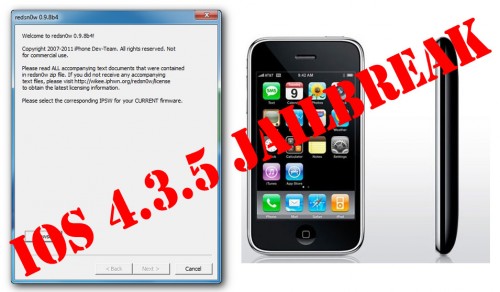
This is step-by-step instructions on how to perform jailbreak of your iPhone 3GS on iOS 4.3.5 firmware using RedSn0w 0.9.8b7b for Windows.
If you have iPhone 3GS with an old bootrom version 359.3, the jailbreak is untethered. If your device has bootrom version 359.3.2 and higher, jailbreak will be tethered. You can detect your bootrom version using this tutorial.
Tethered jailbreak means that each time you restart your device you will need to connect it to a computer and run redsn0w.
If you have other device, here are links to our RedSn0w 0.9.8b7b iOS 4.3.5 jailbreak tutorials:
- Mac OS: iPhone 4, iPhone 3GS, iPad 1, iPod Touch 3G, iPod Touch 4G
- Windows: iPhone 4, iPhone 3GS, iPad 1, iPod Touch 3G, iPod Touch 4G
Leave a comment, read comments [93]
Step-by-step Tutorial: How to Tether Jailbreak iPhone 4 Using RedSn0w 0.9.8b7b (Windows) [iOS 4.3.5]
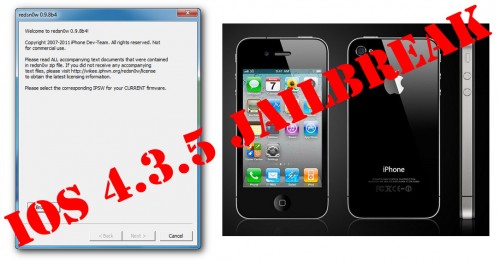
This is step-by-step instructions on how to perform tethered jailbreak of your iPhone 4 on iOS 4.3.5 firmware using RedSn0w 0.9.8b7b for Windows.
Tethered jailbreak means that each time you restart your device you will need to connect it to a computer and run redsn0w.
If you have other device, here are links to our RedSn0w 0.9.8b7b iOS 4.3.5 jailbreak tutorials:
- Mac OS: iPhone 4, iPhone 3GS, iPad 1, iPod Touch 3G, iPod Touch 4G
- Windows: iPhone 4, iPhone 3GS, iPad 1, iPod Touch 3G, iPod Touch 4G
Leave a comment, read comments [129]
How to install Mac OS X Lion from the Mac App Store

Here is an interesting video from iClarified with a quick tutorial how to install Mac OS X Lion from the Mac App Store. It is really easy:
Step-by-step Tutorial: How to Untether Jailbreak iPod Touch 3G and iPod Touch 4G Using JailbreakMe [iOS 4.3.3]
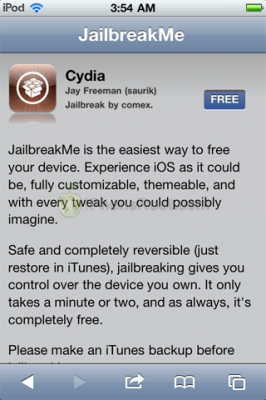
This is step-by-step instructions on how to perform untethered jailbreak of your iPod Touch 3G и iPod Touch 4 with iOS 4.3.3 firmware using JailbreakMe. This jailbreak works in iPod Touch Safari browser. You need a computer only to update to iOS 4.3.3.
Leave a comment, read comments [109]
Step-by-step Tutorial: How to Untether Jailbreak iPhone 3GS and iPhone 4 Using JailbreakMe [iOS 4.3.3]
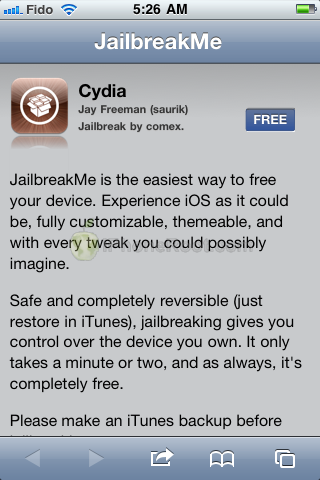
This is step-by-step instructions on how to perform untethered jailbreak of your iPhone 3GS и iPhone 4 with iOS 4.3.3 firmware using JailbreakMe. This jailbreak works in iPhone Safari browser. You need a computer only to update to iOS 4.3.3.
Leave a comment, read comments [76]
Step-by-step Tutorial: How to Untether Jailbreak iPad 1 and iPad 2 Using JailbreakMe [iOS 4.3.3]
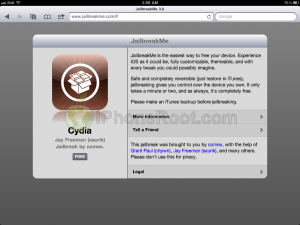
This is step-by-step instructions on how to perform untethered jailbreak of your iPad 1 or iPad 2 with iOS 4.3.3 firmware using JailbreakMe. This jailbreak works in iPad Safari browser. You need a computer only to update to iOS 4.3.3.
Leave a comment, read comments [123]