 iPhoneRoot.com

News from category ‘Firmware’
Apple Official Promo Video: "Introducing iOS 5"
Here is an official almost 6 minute promo video from Apple about iOS 5.
iOS 5 Concept: Dynamic Icons [Video]
Jan-Michael Cart has posted an interesting iOS 5 concept video demonstrating an idea for dynamic icons. Each icon dynamically transforms to indicate notifications, time, some other info. We doubt this will appear in iOS 5, but the idea is quite interesting. Take a look:
Leaked Photo of iOS 5
TechCrunch has posted a new rumor photo of iOS 5. It shows integrated into the iOS status bar Twitter notifications. We have heard rumors saying that Twitter will be tightly integrated into new iOS 5.
Again, no clue if it’s actually real or not, but the idea might be right. Notifications that come down from the top bar could be how Apple ends up doing things in iOS 5. After all, this would mimic already existing functionality — when tethering, a blue strip appears along the top; when on the phone, it’s a green strip. Might notifications (or at least Twitter notifications) produce a gray strip?

iOS 5 will be announced today at WWDC.
Rumor: New Time Capsule To Run iOS, A4/A5 CPU

Apple reportedly could release new versions of Time Capsule next week, during WWDC. Rumors claim that Time Capsule will receive some important updates: the Time Capsule would recognize known devices on a network, check for software updates available, download them in the background, and later seed them to all devices in a few seconds without having to wait for a download process. Such process would allow users to store content on iCloud. The new Time Capsule is said to run the A4 or A5 processors, just like the second-generation of Apple TV, and iOS operating system.
Such Time Capsule that will run iOS and be capable of caching content for other devices, will allow iPhones and iPads to connect to iCloud, as well as will increase streaming speed and overall quality of media content. iOS-based Time Capsule could also be used for a broader set of functionalities such as serving content to Apple TVs or enabling additional options in Lion’s.
Step-by-step Tutorial: How to Untether Jailbreak iPad 1 Using Sn0wBreeze 2.7.3 (Windows) [iOS 4.3.3]
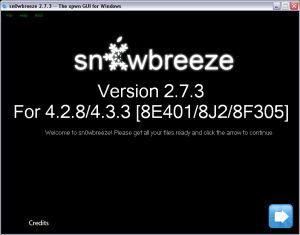
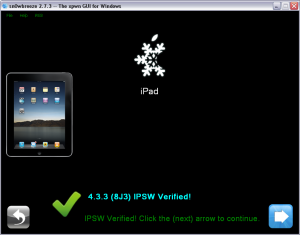
Using this tutorial you will be able to untether jailbreak iOS 4.3.3 running on iPad 1. This tutorial uses Sn0wBreeze 2.7.3 for Windows.
 Leave a comment, read comments [9]
Step-by-step Tutorial: How to Untether Jailbreak iPod Touch 4G Using Sn0wBreeze 2.7.3 (Windows) [iOS 4.3.3]
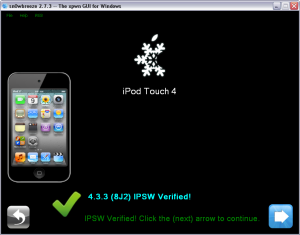
Using this tutorial you will be able to untether jailbreak iOS 4.3.3 running on iPod Touch 4G. This tutorial uses Sn0wBreeze 2.7.3 for Windows.
Leave a comment, read comments [44]
Step-by-step Tutorial: How to Untether Jailbreak iPod Touch 3G Using Sn0wBreeze 2.7.3 (Windows) [iOS 4.3.3]
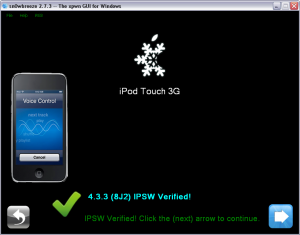
Using this tutorial you will be able to untether jailbreak iOS 4.3.3 running on iPod Touch 3G. This tutorial uses Sn0wBreeze 2.7.3 for Windows.
Step-by-step Tutorial: How to Untether Jailbreak and Unlock iPhone 4 Using Sn0wBreeze 2.7.3 (Windows) [iOS 4.3.3]

Using this tutorial you will be able to untether jailbreak iOS 4.3.3 running on iPhone 4. This tutorial uses Sn0wBreeze 2.7.3 for Windows.
Sn0wBreeze will also preserve baseband version if you need carrier unlock.
Leave a comment, read comments [139]
Step-by-step Tutorial: How to Untether Jailbreak and Unlock iPhone 3GS Using Sn0wBreeze 2.7.3 (Windows) [iOS 4.3.3]
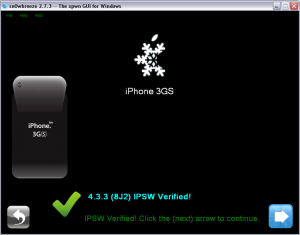
Using this tutorial you will be able to untether jailbreak iOS 4.3.3 running on iPhone 3GS. This tutorial uses Sn0wBreeze 2.7.3 for Windows.
Sn0wBreeze will also preserve baseband version if you need carrier unlock. If you have updated the baseband to version 06.15, you can use this tutorial to update to iOS 4.3.3. If you have iPhone 3GS and need to update baseband to 06.15, you can do it too (may disable your GPS).
Leave a comment, read comments [65]
Step-by-step Tutorial: How to Untether Jailbreak Apple TV 2G Using Seas0nPass (Windows / Mac OS) [iOS 4.3]

Using this tutorial you will be able to untether jailbreak iOS 4.3 running on Apple TV 2G. This tutorial uses Seas0nPass for Mac OS X or Windows.
UPDATE: Please, consider reading our Jailbreak & Unlock FAQ, especially if you have questions or troubles.
Step one
- Make sure you're running the latest version of iTunes.
- Download Seas0nPass: [10.6 or later] | [XP or later]
- A micro USB cable will be required to connect Apple TV 2G to computer.
- Disconnect all iPods, iPhones, and iPads from the computer before running Seas0nPass.
Step-by-step Tutorial: How to Untether Jailbreak Apple TV 2G Using PwnageTool 4.3.3.1 (Mac OS) [iOS 4.3]
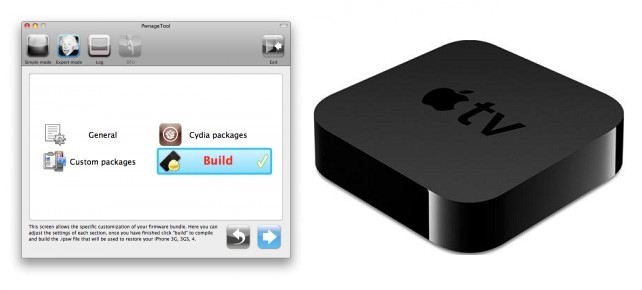
Using this tutorial you will be able to create custom firmware and untether jailbreak iOS 4.3 running on Apple TV 2G. This tutorial uses PwnageTool 4.3.3.1 for Mac OS X.
Step-by-step Tutorial: How to Untether Jailbreak iPad 1 Using PwnageTool 4.3.3.1 (Mac OS) [iOS 4.3.3]
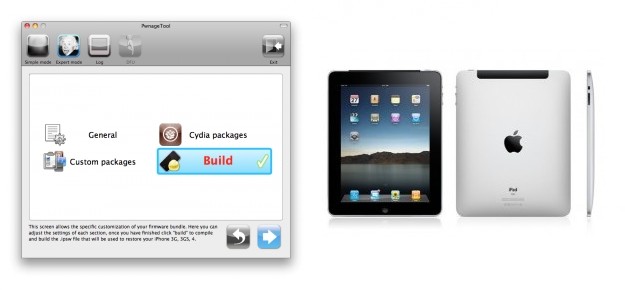
Using this tutorial you will be able to untether jailbreak iOS 4.3.3 running on iPad first generation. This tutorial uses PwnageTool 4.3.3.1 for Mac OS X.
Step-by-step Tutorial: How to Untether Jailbreak iPod Touch 4G Using PwnageTool 4.3.3.1 (Mac OS) [iOS 4.3.3]
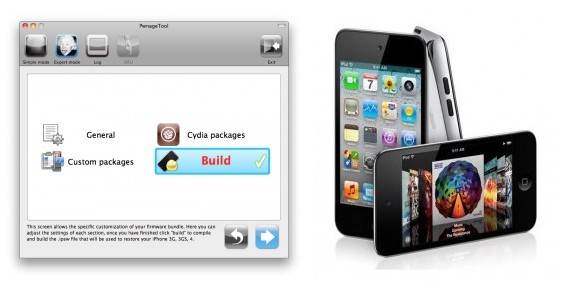
Using this tutorial you will be able to untether jailbreak iOS 4.3.3 running on iPod Touch 4G. This tutorial uses PwnageTool 4.3.3.1 for Mac OS X.
Leave a comment, read comments [2]
Step-by-step Tutorial: How to Untether Jailbreak iPod Touch 3G Using PwnageTool 4.3.3.1 (Mac OS) [iOS 4.3.3]
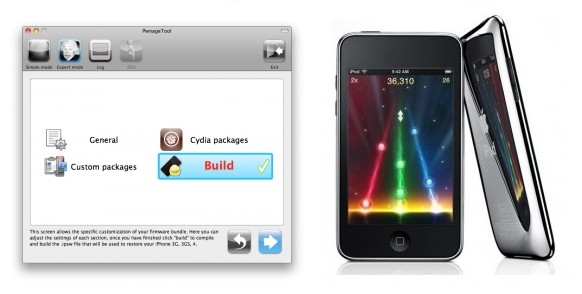
Using this tutorial you will be able to untether jailbreak iOS 4.3.3 running on iPod Touch 3G. This tutorial uses PwnageTool 4.3.3.1 for Mac OS X.
Step-by-step Tutorial: How to Untether Jailbreak iPhone 4 Using PwnageTool 4.3.3.1 (Mac OS) [iOS 4.3.3]
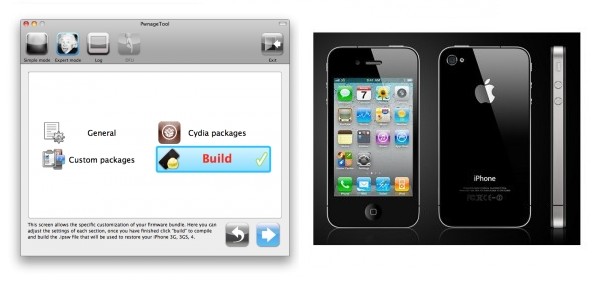
Using this tutorial you will be able to untether jailbreak iOS 4.3.3 running on iPhone 4. Pwnagetool will also preserve baseband version if you need carrier unlock. This tutorial uses PwnageTool 4.3.3.1 for Mac OS X.