 iPhoneRoot.com

News from category ‘Software’
iH8Sn0w released Sn0wBreeze 2.8b7 to jailbreak, hactivate and bypass UDID check for iOS 5 Beta 7

iH8Sn0w released Sn0wBreeze 2.8b7, which adds jailbreak support for the latest iOS 5 beta 7 firmware.
Sn0wBreeze creates custom firmware and allows users to preserve baseband for unlock (ultrasn0w doesn't work with iOS 5 yet). This new version also adds hacktivation and removes UDID developer check. This means that you can try iOS 5 without developer account from Apple.
You can download Sn0wBreeze 2.8b7 for Windows here.
 Leave a comment, read comments [2]
iOS 5 beta 7 is jailbreakable by RedSn0w 0.9.8b7
MuscleNerd, the iPhone Dev-Team member, has announced via Twitter that developers can use RedSn0w 0.9.8b7 to jailbreak iOS 5 Beta 7.

MuscleNerd: Today's iOS5b7 can be JB with last night's redsn0w b7 http://is.gd/6eek4Y but point it at b6 IPSW...annoying off-by-1 now 🙂
You can download RedSn0w 0.9.8b7 here. iOS 5 Beta 7 is available for developers and here for everybody else.
DevTeam released RedSn0w 0.9.8b7
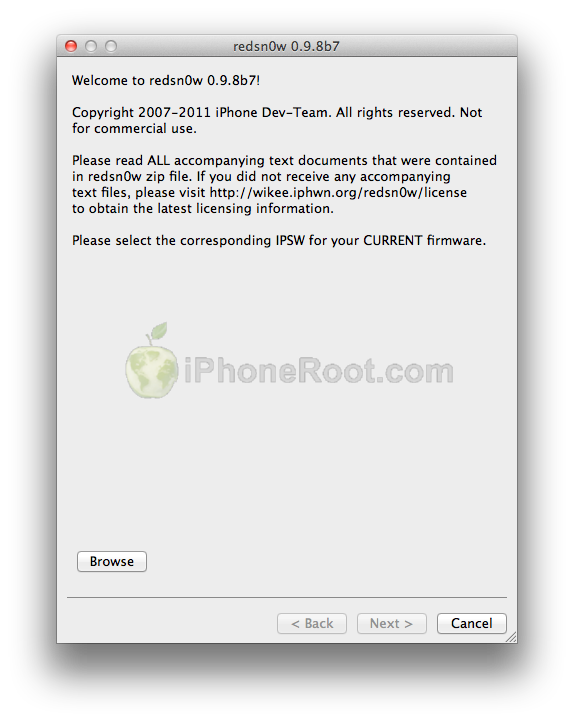
The iPhone Dev-Team recently released RedSn0w 0.9.8b7 which brings explicit support for a tethered 4.3.5 jailbreak as well as new iOS 5.0b6 iPad 1 jailbreak:
Apple updated the iPad1 iOS5b6 IPSW without changing its version number or filename, so we're releasing redsn0w 0.9.8b7 to handle both the original and changed IPSW. We've also added explicit support for a tethered 4.3.5/4.2.10 jailbreak (instead of pointing at the 4.3.4/4.2.9 IPSWs) and fixed a 4.2.10 problem.
You can download RedSn0w 0.9.8b7 here.
You can find our instructions on how to jailbreak your device here:
 iPhone 3GS
Tethered and UnTethered jailbreak iOS 4.3.5:
 iPhone 4
Tethered jailbreak iOS 4.3.5:
 iPad 1
Tethered jailbreak iOS 4.3.5:
 iPod Touch 3G
Tethered jailbreak iOS 4.3.5:
 iPod Touch 4G
Tethered jailbreak iOS 4.3.5:
Photo Stream reveals the new iPhone 5 icon

An interesting icon had been found in the latest beta of Apple's Photo Stream. It obviously reveals the look of iPhone 5 and shows that the new device sports an extended screen and wider home button.
9to5mac to render and compare the appearance of iPhone 5 with its precedessor.
Read the rest of this entry »
Download links for iOS 5 beta 7

iOS 5 beta 7 has been released recently. It is available only for Apple registered developers. But you can try it too. Remember that you do it at your own risk. Remember your UDID must be registered at Apple in order to activate your device after install.
You can download new iOS 5 beta 7 firmware and iTunes 10.5 beta 7 using the links below:
Leave a comment, read comments [4]
Apple Releases iOS 5 Beta 7 to Developers
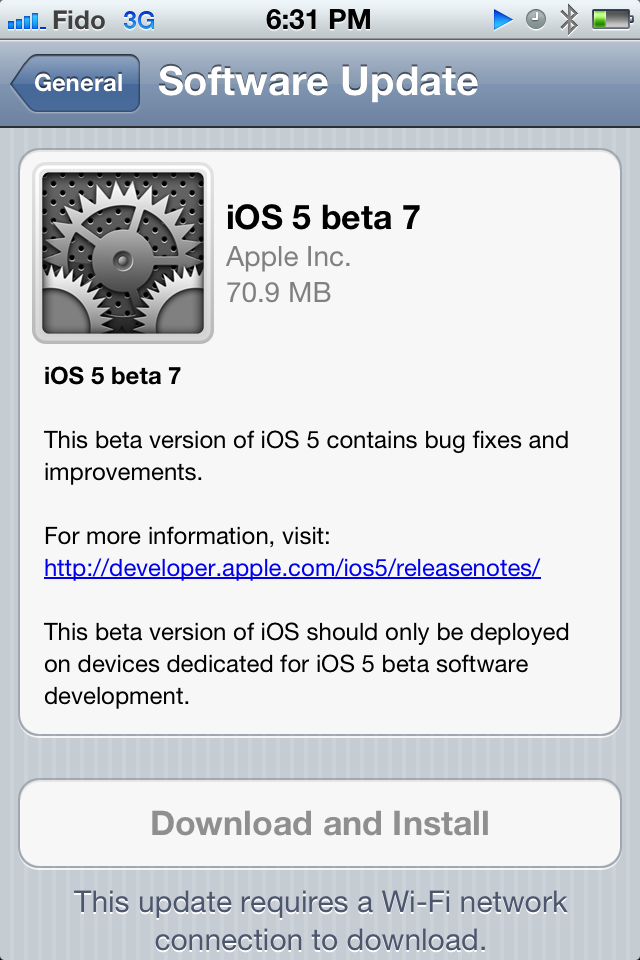
Apple has just released iOS 5 beta 7 to developers. It is is available via OTA update and as a download from Apple dev center . Apple has released iTunes 10.5 beta 7 and Xcode 4.2 beta 7 as well.
9to5mac found the following new features:
Version 7 Of Parallels Desktop Has Launched For Lion
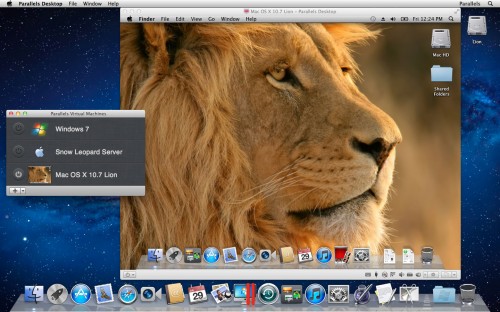
Parallels es version 7 of their well-known virtualization software allowing Mac users to run Mac OS X and Windows on a single machine. The version 7 reportedly includes 90 new enhancements. Among them:
Leave a comment, read comments [2]
Mobee’s Accessory Turns Magic Trackpad Into A Full-featured Numpad

Magic Numpad is an original invention from Mobee and it represents an accessory that can transform your Magic Trackpad into a full-featured numpad by using a thin plastic film with a printed numpad. This numpad is very similar to the numeric keypad of the wired Apple Keyboard. Certainly, this accessory shipped with accompanying app for Mac OS X that determine where you pressed the trackpad and converts your input into key commands of Mac OS X.
Flipboard Will Offer TV Shows And Will Be Available For iPhone

Reuters, the Palo Alto, California-based Flipboard Inc wants to land deals with studios for obtaining rights to offer episodes of TV shows and movies through its social magazine app.
Read the rest of this entry »
Popular Android Dolphin Browser Is Now Available For iOS
Third-party Dolphin Browser app has become very popular among Android users and has been downloaded nearly 9 million times. As TechCrunch , Sequoia Capital invested over $10 million in this app, and some part of that sum will likely be directed to developing iOS version of the browser, which has just appeared in the App Store.
The iOS version has most of the features that made this app so popular among users of Android devices. They are convenient sidebar for quick access to bookmarks, built-in translations, customizable gestures, tabbed browsing, speed dial and more. It should be noted that Dolphin is based on Apple’s WebKit, as well as other third-party browser available on the App Store, default Safari app, and majority of browsers for smartphones.
This browser has some main competitors like Opera and several smaller competitors like SkyFire that are steadily gaining popularity among iOS users.
Android users will find out that add-ons are absent from the version for iOS devices, as iPhone’s technical limitation doesn’t allow using native application add-ons. These add-ons are mainly used to change the look and feel of the browser. However, TechCrunch, development of JavaScript-based add-ons for iPhone may be underway.
Dolphin Browser app is available for free from the App Store. ()
Video overview of 30 popular Cydia tweaks
Here is a nice video overview of popular Cydia apps.
My personal top 30 Cydia tweaks of 2011. The tweaks chosen are both new and old, popular and unpopular. 30 is a big number so, I hope that most of you are able to find a tweak that you will enjoy having on your iPhone, iPod Touch, or iPad. The tweaks are my personal picks and we all will have our opinion. I know that there are allot of other awesome Cydia tweaks that I was unable to mention but, feel free to tell us about them in a video response or comment.
Cydia tweaks include: Tab+, Multiconmover, Infiniboard, Infinidock, SBSettings, Alphacon, Android Delete, Graviboard, Grid Lock, Animate Battery, Winterboard, Flipover, List Launcher, Cy Delete, Folder Enhancer, Pull to Refresh Safari, RetinaPad, Barrel, Camera Wallpaper, icon renamer, double tap to open, Pagenames, iSwipe, Stayopened, iTypeappleicon, retina app, icons, page pusher, Bytafont, AndroidLock XT, Insomnia
If you have never done jailbreak, you might want to try 🙂
Apple Released iTunes Match Beta For Developers
Yesterday Apple released a beta of the iTunes Match for developers. Apple described the system as follows:
iTunes Match stores your complete music library in iCloud, allowing you to enjoy your collection anywhere, anytime, on any iPhone, iPad, iPod touch, or computer.
Step-by-step Tutorial: How to (Un)Tether Jailbreak iPhone 3GS Using RedSn0w 0.9.8b7b (Mac OS) [iOS 4.3.5]
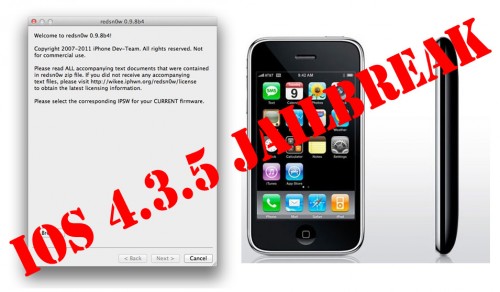
This is step-by-step instructions on how to perform jailbreak of your iPhone 3GS on iOS 4.3.5 firmware using RedSn0w 0.9.8b7b for Mac OS.
If you have iPhone 3GS with an old bootrom version 359.3, the jailbreak is untethered. If your device has bootrom version 359.3.2 and higher, jailbreak will be tethered. You can detect your bootrom version using this tutorial.
Tethered jailbreak means that each time you restart your device you will need to connect it to a computer and run redsn0w.
If you have other device, here are links to our RedSn0w 0.9.8b7b iOS 4.3.5 jailbreak tutorials:
- Mac OS: iPhone 4, iPhone 3GS, iPad 1, iPod Touch 3G, iPod Touch 4G
- Windows: iPhone 4, iPhone 3GS, iPad 1, iPod Touch 3G, iPod Touch 4G
Step-by-step Tutorial: How to Tether Jailbreak iPhone 4 Using RedSn0w 0.9.8b7b (Mac OS) [iOS 4.3.5]
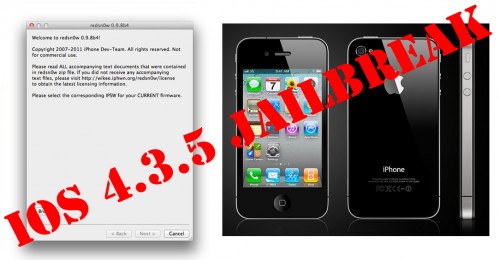
This is step-by-step instructions on how to perform tethered jailbreak of your iPhone 4 on iOS 4.3.5 firmware using RedSn0w 0.9.8b7b for Mac OS.
Tethered jailbreak means that each time you restart your device you will need to connect it to a computer and run redsn0w.
If you have other device, here are links to our RedSn0w 0.9.8b7b iOS 4.3.5 jailbreak tutorials:
- Mac OS: iPhone 4, iPhone 3GS, iPad 1, iPod Touch 3G, iPod Touch 4G
- Windows: iPhone 4, iPhone 3GS, iPad 1, iPod Touch 3G, iPod Touch 4G
Leave a comment, read comments [19]
Step-by-step Tutorial: How to (Un)Tether Jailbreak iPhone 3GS Using RedSn0w 0.9.8b7b (Windows) [iOS 4.3.5]
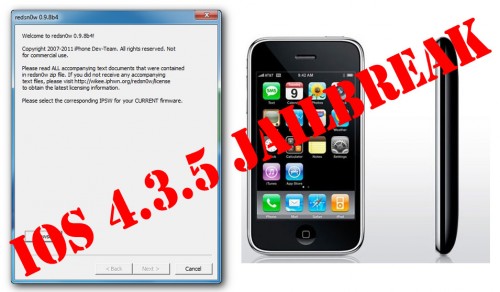
This is step-by-step instructions on how to perform jailbreak of your iPhone 3GS on iOS 4.3.5 firmware using RedSn0w 0.9.8b7b for Windows.
If you have iPhone 3GS with an old bootrom version 359.3, the jailbreak is untethered. If your device has bootrom version 359.3.2 and higher, jailbreak will be tethered. You can detect your bootrom version using this tutorial.
Tethered jailbreak means that each time you restart your device you will need to connect it to a computer and run redsn0w.
If you have other device, here are links to our RedSn0w 0.9.8b7b iOS 4.3.5 jailbreak tutorials:
- Mac OS: iPhone 4, iPhone 3GS, iPad 1, iPod Touch 3G, iPod Touch 4G
- Windows: iPhone 4, iPhone 3GS, iPad 1, iPod Touch 3G, iPod Touch 4G
Leave a comment, read comments [93]