 iPhoneRoot.com

News from category ‘Software’
Apple Offers New Subscription Gaming Services In App Store
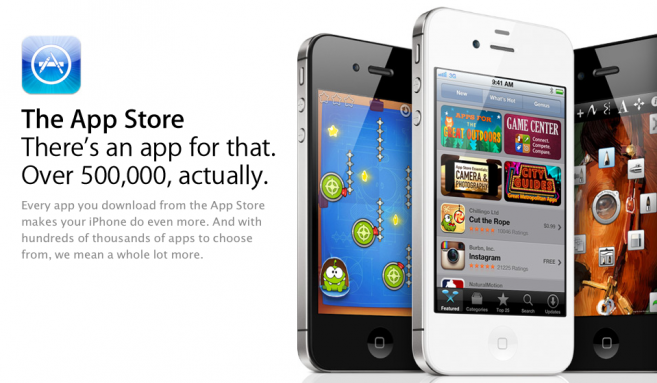
According to Bloomberg’s , Apple launched a new class of offerings in App Store, by allowing game development studio to offer its titles to iPad users on a subscription basis. Such offerings could be a new revenue stream for game publishers and new option for users, which was earlier available only for digital publications. Bloomberg reports:
“Big Fish Games, a Seattle-based game publisher, won approval from Apple to become the first to offer users access to dozens of titles for $6.99 a month. Until now, games have only been available one at a time, requiring users to download individual applications”.
The option will be available through a dedicated Big Fish app where subscribers can gain unlimited access to such games as “Mahjong Towers” and “Mystery Case Files” series.
Games that can be accessed through the subscription service are streamed to an iPad from Big Fish Games’ data centers and initially they will require Wi-Fi access to be played.
The standard subscription package from the game publisher will be offered for $4.99 a month, increasing to $6.99 monthly subscription early next year when more titles can be accessed through the app. Also the company will offer a free ad-supported option to play up to 30 minutes per day.
Apple rumored to issue iOS 5.0.2 for battery woes, iOS 5.1 with Siri additions
German site Macerkopf reports that Apple is working on two software updates for iOS 5 to fix battery issues and to add new features to Apple’s voice recognition assistant Siri. Macerkopf tells us:
iOS 5.0.2 coming very soon, solving the battery bugs. Should arrive before the end of next week. Apple is working hard on the update. In addition Apple is working on the first big iOS 5 Update (iOS 5.1), bringing some Siri-extensions. Also the Siri hardware-control is in work "take a picture", "make a video", "switch on/off WiFi", "switch on/off BT" and more.
The new update will be iOS 5.0.2 and is expected to be released next week to address continued battery life issues even after last week's release of iOS 5.0.1 that was also targeted at solving battery issues. But there are still no signs of developer testing for an iOS 5.0.2. The other update Apple is working on to improve Siri functionality on the iPhone 4S will be probably dubbed iOS 5.1. The update seems to be released earlier next year. Apple may add new languages and expansion of maps and local search to new countries in the update.
Step-by-step Tutorial: How to Tether Jailbreak iPod Touch 4G Using RedSn0w 0.9.9b8 (Windows) [iOS 5.0.1]
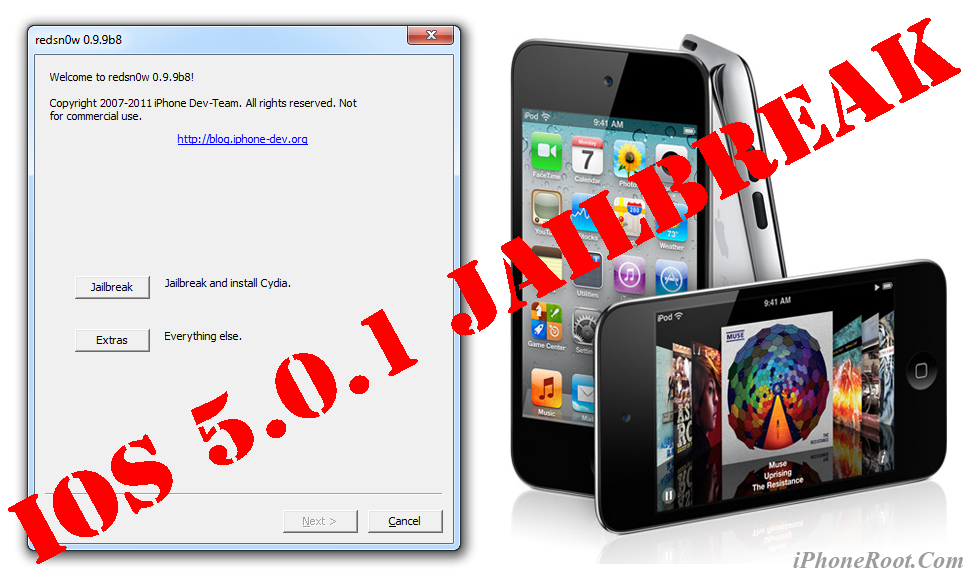
This is step-by-step instructions on how to perform tethered jailbreak of your iPod Touch 4G on iOS 5.0.1 firmware using RedSn0w 0.9.9b8 for Windows.
Tethered jailbreak means that each time you restart your device you will need to connect it to a computer and run redsn0w.
 Leave a comment, read comments [255]
Step-by-step Tutorial: How to Tether Jailbreak iPod Touch 3G Using RedSn0w 0.9.9b8 (Windows) [iOS 5.0.1]

This is step-by-step instructions on how to perform tethered jailbreak of your iPod Touch 3G on iOS 5.0.1 firmware using RedSn0w 0.9.9b8 for Windows.
Tethered jailbreak means that each time you restart your device you will need to connect it to a computer and run redsn0w.
Leave a comment, read comments [15]
Step-by-step Tutorial: How to Tether Jailbreak iPad Using RedSn0w 0.9.9b8 (Windows) [iOS 5.0.1]

This is step-by-step instructions on how to perform tethered jailbreak of your iPad on iOS 5.0.1 firmware using RedSn0w 0.9.9b8 for Windows.
Tethered jailbreak means that each time you restart your device you will need to connect it to a computer and run redsn0w.
Leave a comment, read comments [31]
Developers crack Siri’s security protocol to enable it with any device

A team of developers called Applidium has announced that they managed to investigate how Siri, exclusive service available on the iPhone 4S, talks to Apple servers. Applidium notes that iPhone 4S uses standard HTTPS network requests to communicate with Apple's servers, but sends data using an "ACE" command rather than regular web GET requests. Moreover, each Siri request involves a unique identifier based on UUID. Such identifier prevents access of unauthorized devices to Apple’s servers. User’s requests are compressed with the Speex audio codec optimized for VoIP. Applidium discovered that iPhone, to provide Siri’s voice recognition, should support at least Siri's basic voice recognition features, but Apple doesn’t plan to port such capabilities on earlier iOS 5 models.
So far, Applidium's investigation has revealed that Siri packages requests in compressed property lists, but further exploration of the protocol is hampered by a number of issues, including the complexity of requests, the fact that they are tied to a hardware key, and that they are subject to change.
Noteworthy, Apple could at any time stop supporting a particular hardware identifier, if it is suspected of being used to exploit its servers, and change way of data transmitting.
Applidium says "anyone could now write an Android app that uses the real Siri! Or use Siri on an iPad!" But you will need a real unique user key of an actual iPhone 4S.
Step-by-step Tutorial: How to (Un)Tether Jailbreak and Unlock iPhone 3GS Using RedSn0w 0.9.9b8 (Windows) [iOS 5.0.1]

This is step-by-step instructions on how to perform jailbreak and unlock of your iPhone 3GS on iOS 5.0.1 firmware using RedSn0w 0.9.9b8 for Windows.
If you need unlock Redsn0w will provide you with choice of updating your baseband to 06.15. If you have new iPhone 3GS that was made after 35 week of 2011 upgrading modem will not help to unlock.
Important: official ultrasn0w unlock is not yet ready for iOS 5.0.1. You will need to wait for ultrasn0w update. For now only jailbreak! There is a workaround described here.
Important: If you need unlock and have 05.13 baseband or lower - do not update to Apple firmware, use RedSn0w or Sn0wBreeze to create custom firmware!
Tethered jailbreak means that each time you restart your device you will need to connect it to a computer and run redsn0w.
Leave a comment, read comments [88]
Step-by-step Tutorial: How to Tether Jailbreak iPhone 4 Using RedSn0w 0.9.9b8 (Windows) [iOS 5.0.1]
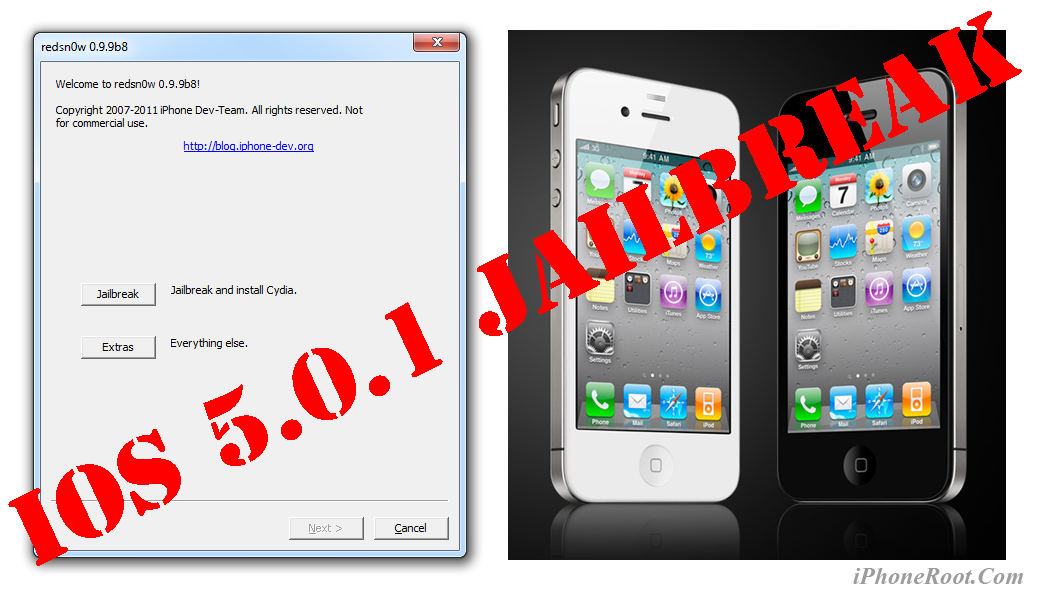
This is step-by-step instructions on how to perform tethered jailbreak of your iPhone 4 on iOS 5.0.1 firmware using RedSn0w 0.9.9b8 for Windows.
Tethered jailbreak means that each time you restart your device you will need to connect it to a computer and run redsn0w.
Leave a comment, read comments [139]
LinkedIn Announced a CardMunch iPhone App For Converting Business Cards Into Digital Form
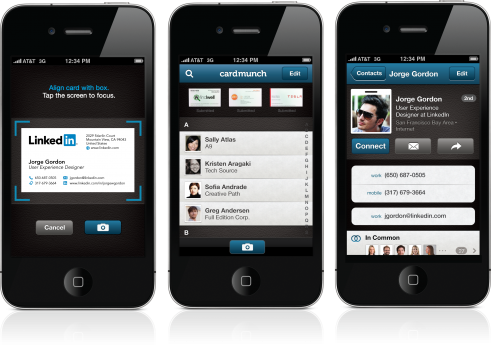
Smartphones can be useful for doing many things, especially for management of personal information. If you regularly deal with business cards, you likely found specialized applications that allow you to effortlessly scan any business card to create a new contact entry on your device. The App Store has dozens of such apps as iPhone’s from Shape Services.
Step-by-step Tutorial: How to Tether Jailbreak iPod Touch 4G Using Sn0wBreeze 2.8b11 (Windows) [iOS 5.0.1]
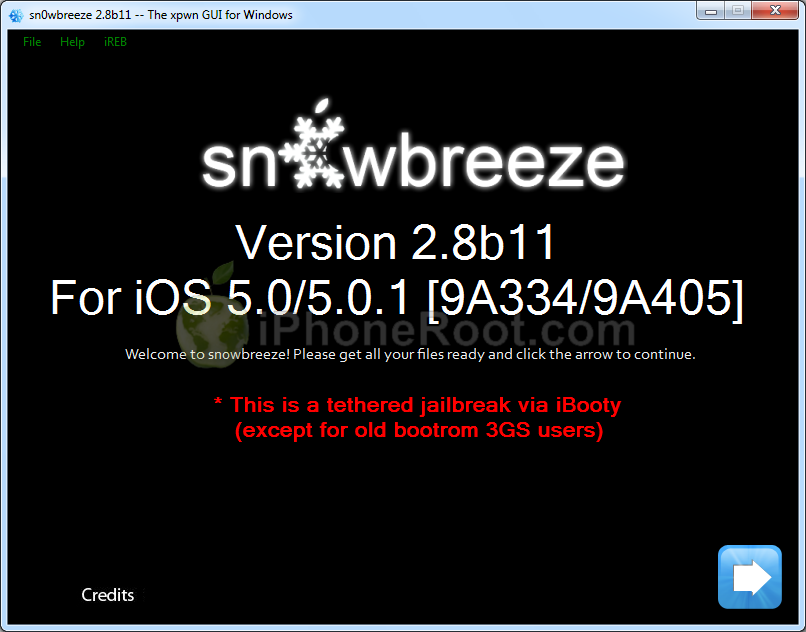
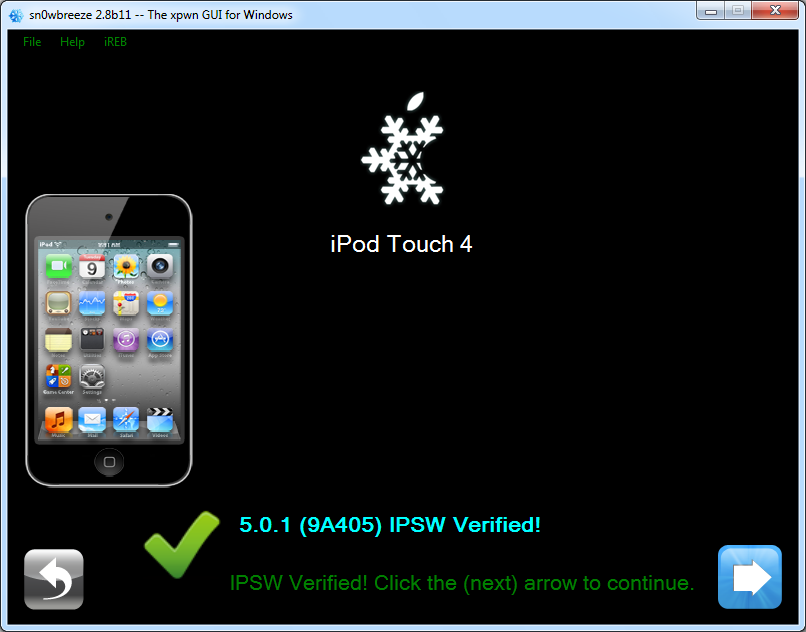
Using this tutorial you will be able to create a custom firmware and tether jailbreak iOS 5.0.1 running on iPod Touch 4G. This tutorial uses Sn0wBreeze 2.8b11 for Windows.
Leave a comment, read comments [192]
Step-by-step Tutorial: How to Tether Jailbreak iPod Touch 3G Using Sn0wBreeze 2.8b11 (Windows) [iOS 5.0.1]
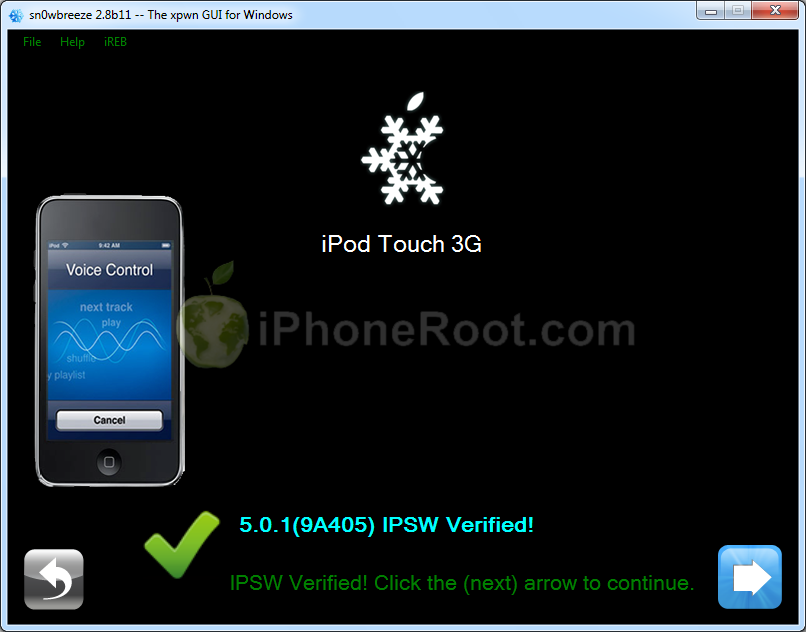
Using this tutorial you will be able to create a custom firmware and tether jailbreak iOS 5.0.1 running on iPod Touch 3G. This tutorial uses Sn0wBreeze 2.8b11 for Windows.
Step-by-step Tutorial: How to Tether Jailbreak iPad Using Sn0wBreeze 2.8b11 (Windows) [iOS 5.0.1]
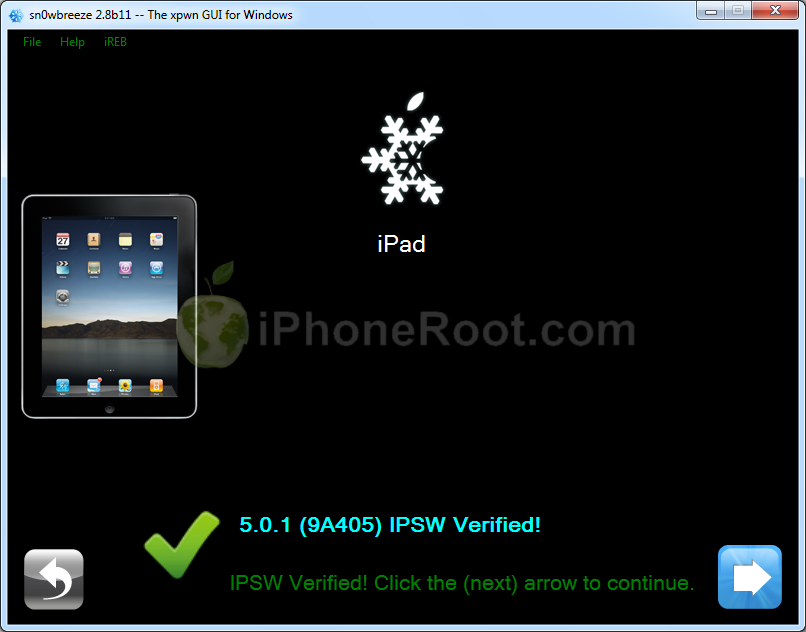
Using this tutorial you will be able to create a custom firmware and tether jailbreak iOS 5.0.1 running on first generation iPad. This tutorial uses Sn0wBreeze 2.8b11 for Windows.
Leave a comment, read comments [35]
Step-by-step Tutorial: How to Tether Jailbreak and Unlock iPhone 4 Using Sn0wBreeze 2.8b11 (Windows) [iOS 5.0.1]
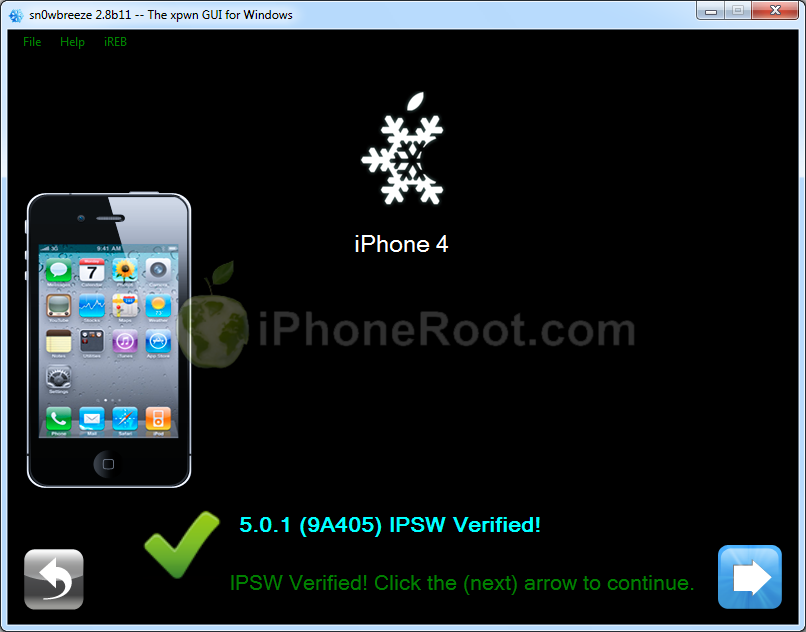
Using this tutorial you will be able to create a custom firmware, tether jailbreak and unlock iOS 5.0.1 running on iPhone 4. This tutorial uses Sn0wBreeze 2.8b11 for Windows.
Sn0wBreeze will also preserve baseband version if you need carrier unlock.
Leave a comment, read comments [160]
Step-by-step Tutorial: How to (Un)Tether Jailbreak and Unlock iPhone 3GS Using Sn0wBreeze 2.8b11 (Windows) [iOS 5.0.1]
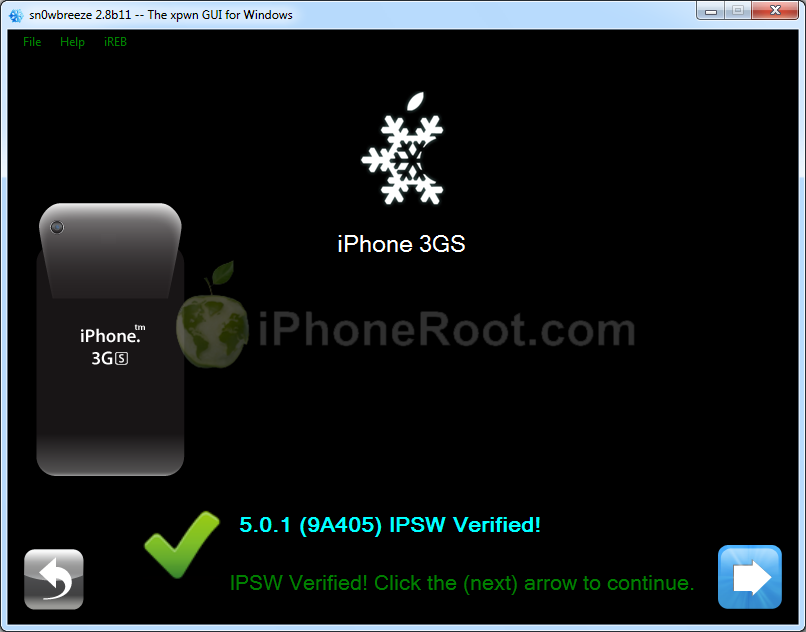
Using this tutorial you will be able to create a custom firmware, jailbreak and unlock iOS 5.0.1 running on iPhone 3GS. This tutorial uses Sn0wBreeze 2.8b11 for Windows.
If you have iPhone 3GS with an old bootrom version 359.3, the jailbreak is untethered. If your device has bootrom version 359.3.2 and higher, jailbreak will be tethered. You can detect your bootrom version using this tutorial.
Sn0wBreeze will also preserve baseband version if you need carrier unlock. It can also update your modem version to 06.15 if you need unlock and stuck with 05.14 or higher baseband. If you have new iPhone 3GS that was made after 35 week of 2011 upgrading modem will not help to unlock.
Leave a comment, read comments [342]
Adobe manager puts partial blame on Apple for mobile Flash failure

Mike Chambers, Principal Product Manager at Adobe, blames Apple of halting development of the Flash Player for mobile devices, because Apple refused to support Flash on its iOS devices. As he clarified, Adobe will support existing versions of Flash Player for mobile devices, and concentrate on HTML 5 technology.
"Considering how politically charged the issue has been, the decision to stop development of the Flash Player for Mobile Browsers was not an easy decision. However, at the end of the day, there were a number of items that made it clear that putting resources towards its continued development would not be the best use of resources," he wrote.