 iPhoneRoot.com

News from category ‘Tutorial’
Step-by-step Tutorial: How to Untether Jailbreak iPod Touch 4G Using RedSn0w 0.9.10 (Windows) [iOS 5.0.1]
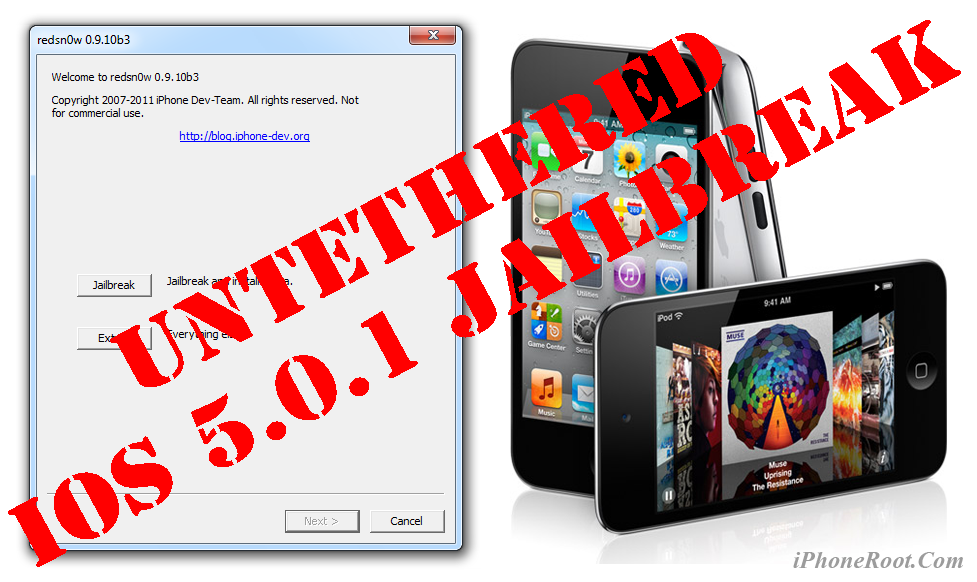
UPDATE: Apple released iOS 5.1 that is only tethered jailbreakable with redsn0w. Apple has stopped signing iOS 5.0.1, so you can NOT restore to 5.0.1 any more (both original and custom), unless you have saved your SHSH keys for 5.0.1. If you are on 5.0.1 you can jailbreak with redsn0w.
This is step-by-step instructions on how to perform untethered jailbreak of your iPod Touch 4G on iOS 5.0.1 firmware using RedSn0w 0.9.10 for Windows.
Untethered jailbreak means that each time you restart your device you will NOT need to connect it to a computer and run utilities.
 Leave a comment, read comments [506]
Step-by-step Tutorial: How to Untether Jailbreak iPhone 4 Using RedSn0w 0.9.10 (Windows) [iOS 5.0.1]
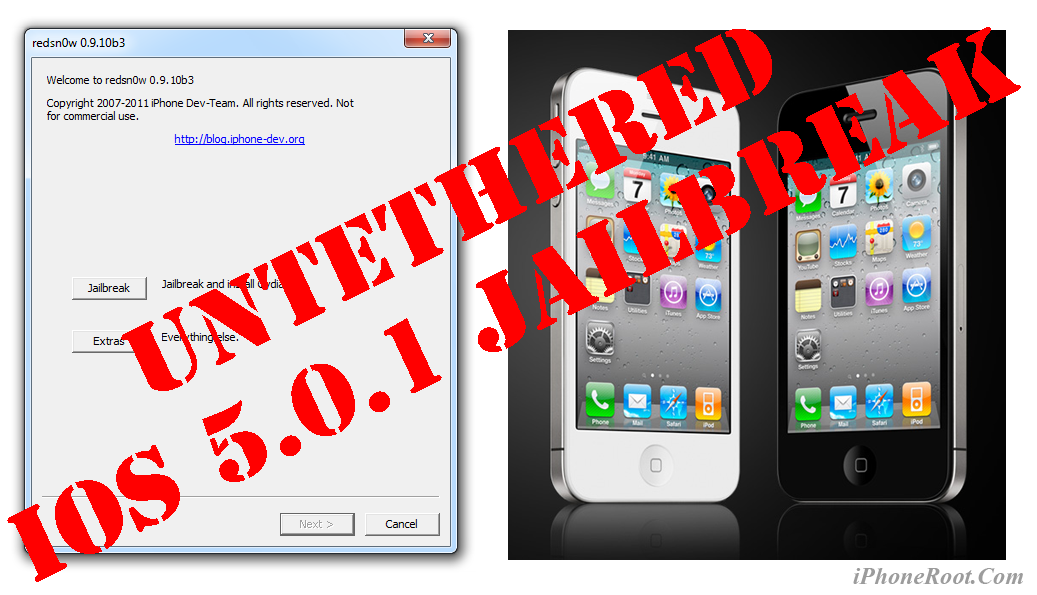
UPDATE: Apple released iOS 5.1 that is only tethered jailbreakable with redsn0w. Apple has stopped signing iOS 5.0.1, so you can NOT restore to 5.0.1 any more (both original and custom), unless you have saved your SHSH keys for 5.0.1. If you are on 5.0.1 you can jailbreak with redsn0w.
This is step-by-step instructions on how to perform untethered jailbreak of your iPhone 4 on iOS 5.0.1 firmware using RedSn0w 0.9.10 for Windows.
Untethered jailbreak means that each time you restart your device you will NOT need to connect it to a computer and run utilities.
Leave a comment, read comments [819]
Tutorial: untether your tethered iOS 5.0.1 jailbreak with Corona

You can quickly untether your tethered jailbreak with Corona package from Cydia. This works only is you have iPhone 3GS, iPhone 4, iPad 1, iPod Touch 3G or iPod Touch 4G with jailbroken iOS 5.0.1 firmware.
Leave a comment, read comments [64]
How to install untethered iOS 5.0.1 jailbreak
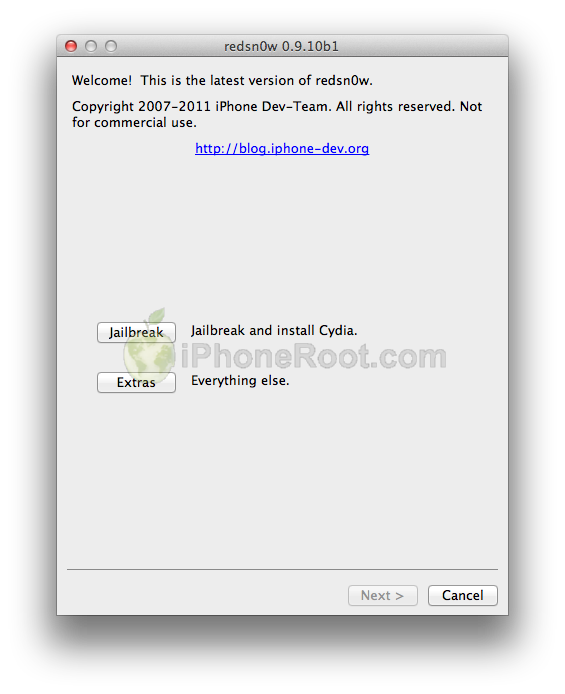
Untethered jailbreak is available for iOS 5.0.1 firmware on iPhone3GS, iPhone4, iPhone4-CDMA, iPad1, iPod touch 3G, iPod touch 4G.
1. If you're already on iOS 5.0.1 with a tethered jailbreak, you have two even choices:
- Run redsn0w 0.9.10 over your current jailbreak (deselect “Install Cydia”)
- Install the Cydia package prepared by the chronic devteam. It is called Corona 5.0.1 Untether. (tutorial)
2. If you are not on 5.0.1 yet, update now! If you unlock via ultrasn0w or gevey, make sure you update to 5.0.1 via a custom IPSW! See our guides for sn0wbreeze here. Once you're at 5.0.1, use the latest redsn0w 0.9.10 to both jailbreak and untether.
You can download RedSn0w 0.9.10b1 here.
Our step-by-step tutorials for untethered jailbreak using redsn0w 0.9.10:
Leave a comment, read comments [88]
HowTo unlock iPhone 3GS and iPhone 4 with iOS 5.0.1
UPDATE: ultrasn0w for iOS 5.0.1 released.
This tutorial is for those users of locked iPhone 3GS and iPhone 4, who updated to iOS 5.0.1 and realized that ultrasn0w unlock doesn't work there.
Indeed DevTeam have not updated software unlock utility ultrasn0w to work with the latest iOS 5.0.1. There are two workarounds, that will make ultrasn0w work on 5.0.1.
Leave a comment, read comments [41]
Step-by-step Tutorial: How to Tether Jailbreak iPod Touch 4G Using RedSn0w 0.9.9b8 (Windows) [iOS 5.0.1]
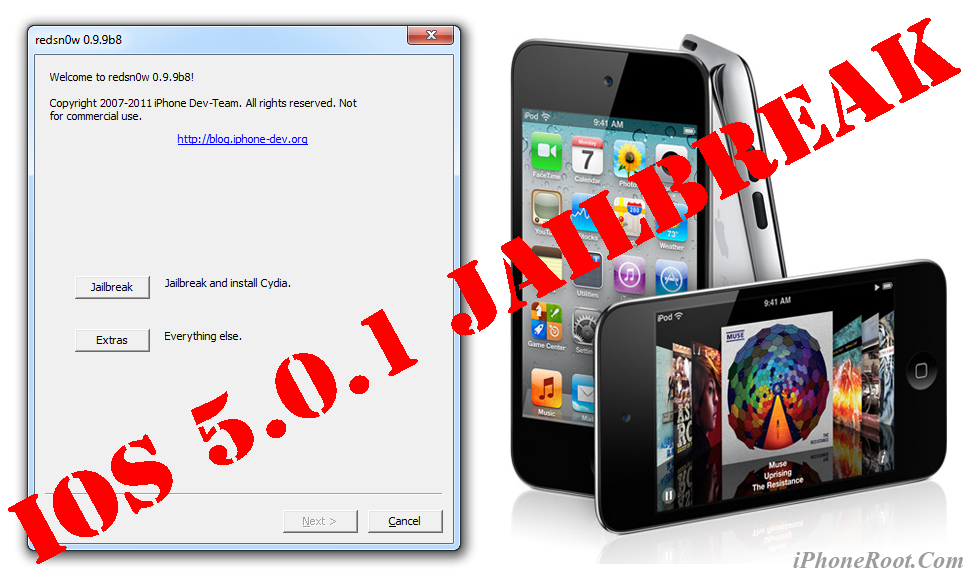
This is step-by-step instructions on how to perform tethered jailbreak of your iPod Touch 4G on iOS 5.0.1 firmware using RedSn0w 0.9.9b8 for Windows.
Tethered jailbreak means that each time you restart your device you will need to connect it to a computer and run redsn0w.
Leave a comment, read comments [255]
Step-by-step Tutorial: How to Tether Jailbreak iPod Touch 3G Using RedSn0w 0.9.9b8 (Windows) [iOS 5.0.1]

This is step-by-step instructions on how to perform tethered jailbreak of your iPod Touch 3G on iOS 5.0.1 firmware using RedSn0w 0.9.9b8 for Windows.
Tethered jailbreak means that each time you restart your device you will need to connect it to a computer and run redsn0w.
Leave a comment, read comments [15]
Step-by-step Tutorial: How to Tether Jailbreak iPad Using RedSn0w 0.9.9b8 (Windows) [iOS 5.0.1]

This is step-by-step instructions on how to perform tethered jailbreak of your iPad on iOS 5.0.1 firmware using RedSn0w 0.9.9b8 for Windows.
Tethered jailbreak means that each time you restart your device you will need to connect it to a computer and run redsn0w.
Leave a comment, read comments [31]
Step-by-step Tutorial: How to (Un)Tether Jailbreak and Unlock iPhone 3GS Using RedSn0w 0.9.9b8 (Windows) [iOS 5.0.1]

This is step-by-step instructions on how to perform jailbreak and unlock of your iPhone 3GS on iOS 5.0.1 firmware using RedSn0w 0.9.9b8 for Windows.
If you need unlock Redsn0w will provide you with choice of updating your baseband to 06.15. If you have new iPhone 3GS that was made after 35 week of 2011 upgrading modem will not help to unlock.
Important: official ultrasn0w unlock is not yet ready for iOS 5.0.1. You will need to wait for ultrasn0w update. For now only jailbreak! There is a workaround described here.
Important: If you need unlock and have 05.13 baseband or lower - do not update to Apple firmware, use RedSn0w or Sn0wBreeze to create custom firmware!
Tethered jailbreak means that each time you restart your device you will need to connect it to a computer and run redsn0w.
Leave a comment, read comments [88]
Step-by-step Tutorial: How to Tether Jailbreak iPhone 4 Using RedSn0w 0.9.9b8 (Windows) [iOS 5.0.1]
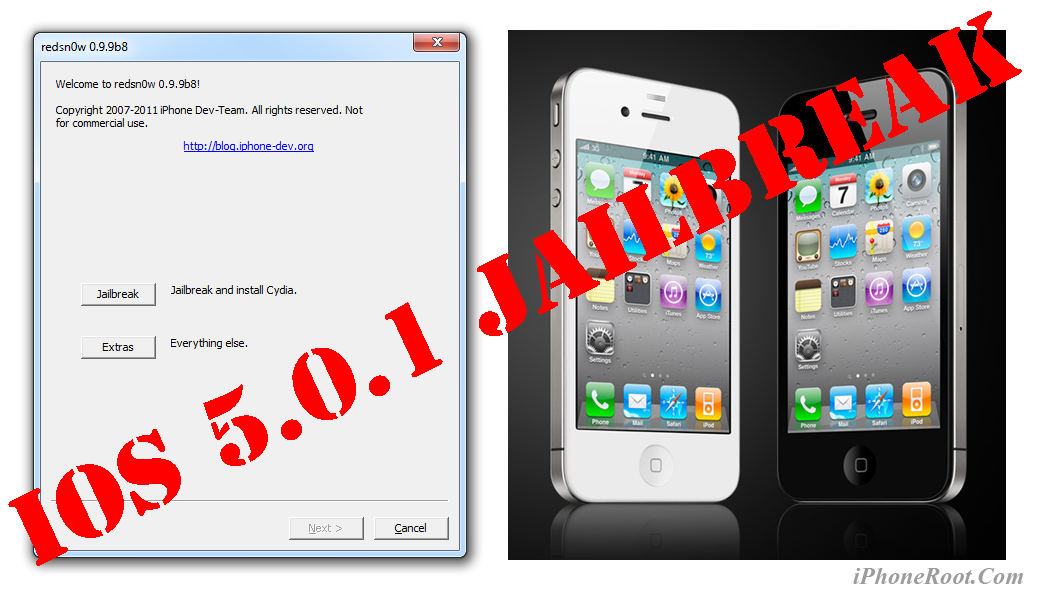
This is step-by-step instructions on how to perform tethered jailbreak of your iPhone 4 on iOS 5.0.1 firmware using RedSn0w 0.9.9b8 for Windows.
Tethered jailbreak means that each time you restart your device you will need to connect it to a computer and run redsn0w.
Leave a comment, read comments [139]
Step-by-step Tutorial: How to Tether Jailbreak iPod Touch 4G Using Sn0wBreeze 2.8b11 (Windows) [iOS 5.0.1]
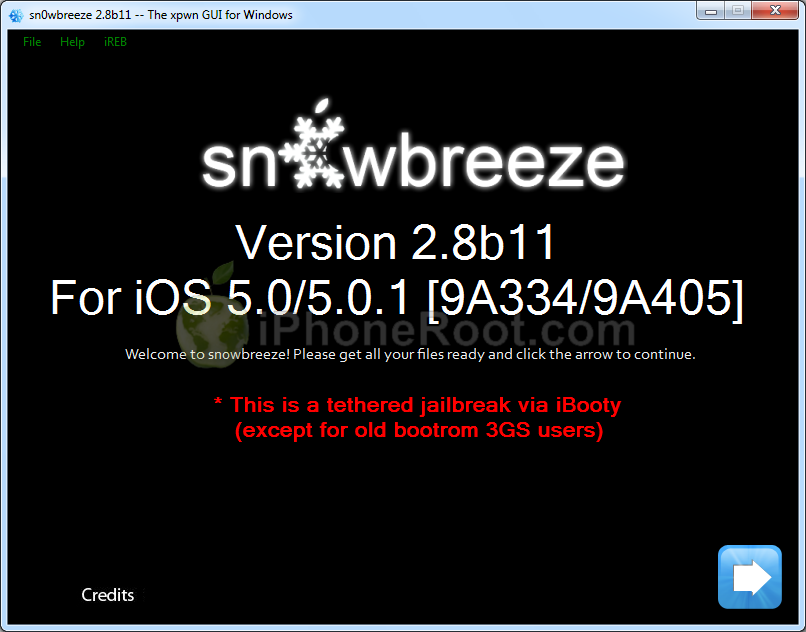
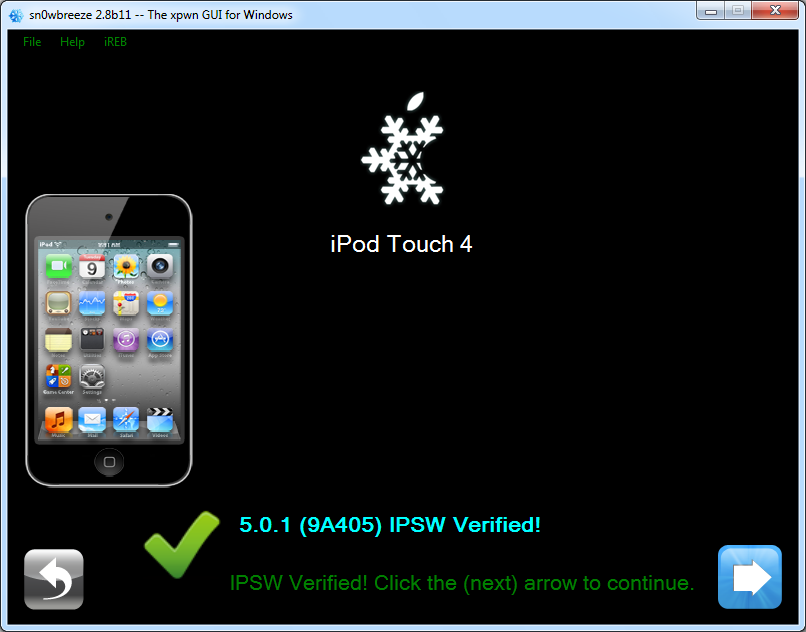
Using this tutorial you will be able to create a custom firmware and tether jailbreak iOS 5.0.1 running on iPod Touch 4G. This tutorial uses Sn0wBreeze 2.8b11 for Windows.
Leave a comment, read comments [192]
Step-by-step Tutorial: How to Tether Jailbreak iPod Touch 3G Using Sn0wBreeze 2.8b11 (Windows) [iOS 5.0.1]
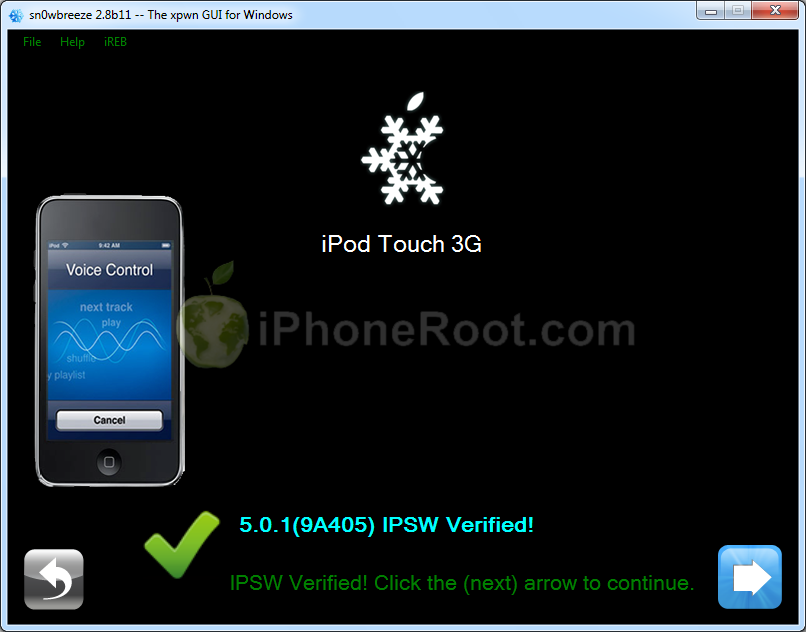
Using this tutorial you will be able to create a custom firmware and tether jailbreak iOS 5.0.1 running on iPod Touch 3G. This tutorial uses Sn0wBreeze 2.8b11 for Windows.
Step-by-step Tutorial: How to Tether Jailbreak iPad Using Sn0wBreeze 2.8b11 (Windows) [iOS 5.0.1]
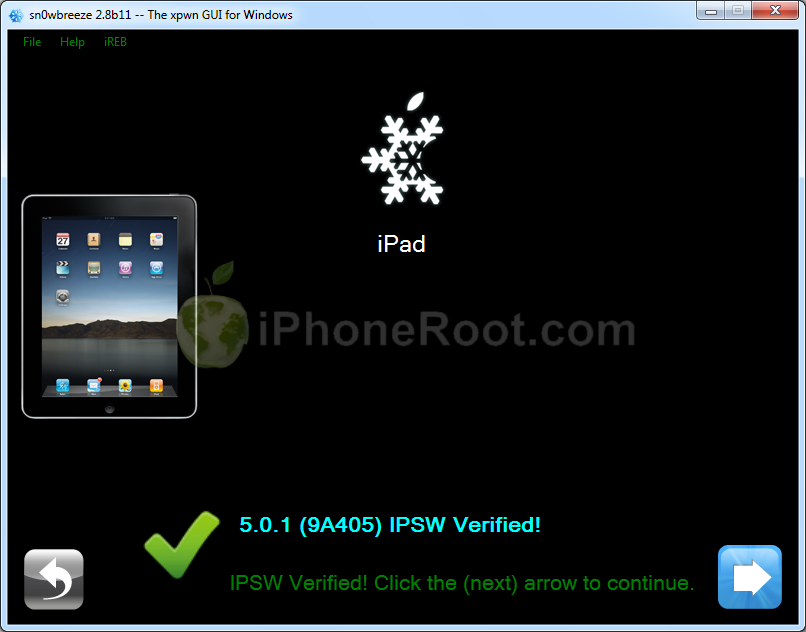
Using this tutorial you will be able to create a custom firmware and tether jailbreak iOS 5.0.1 running on first generation iPad. This tutorial uses Sn0wBreeze 2.8b11 for Windows.
Leave a comment, read comments [35]
Step-by-step Tutorial: How to Tether Jailbreak and Unlock iPhone 4 Using Sn0wBreeze 2.8b11 (Windows) [iOS 5.0.1]
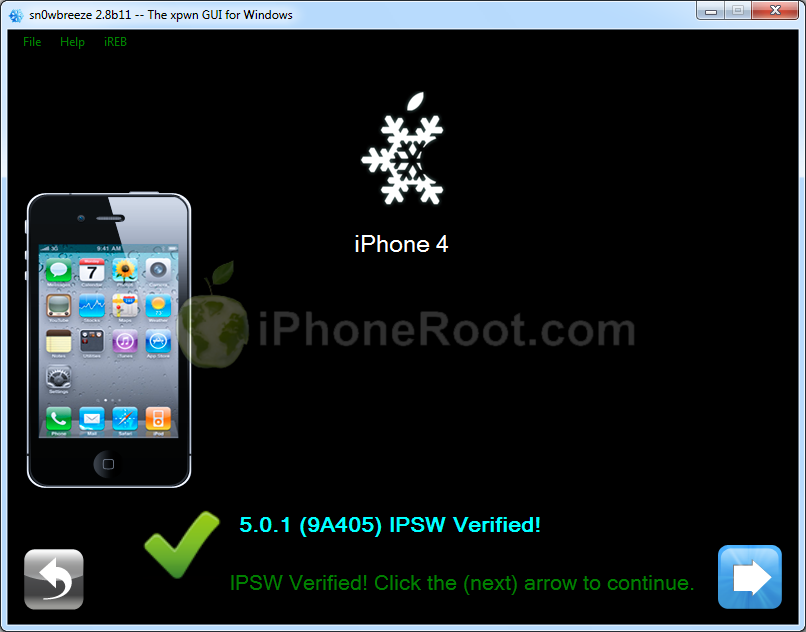
Using this tutorial you will be able to create a custom firmware, tether jailbreak and unlock iOS 5.0.1 running on iPhone 4. This tutorial uses Sn0wBreeze 2.8b11 for Windows.
Sn0wBreeze will also preserve baseband version if you need carrier unlock.
Leave a comment, read comments [160]
Step-by-step Tutorial: How to (Un)Tether Jailbreak and Unlock iPhone 3GS Using Sn0wBreeze 2.8b11 (Windows) [iOS 5.0.1]
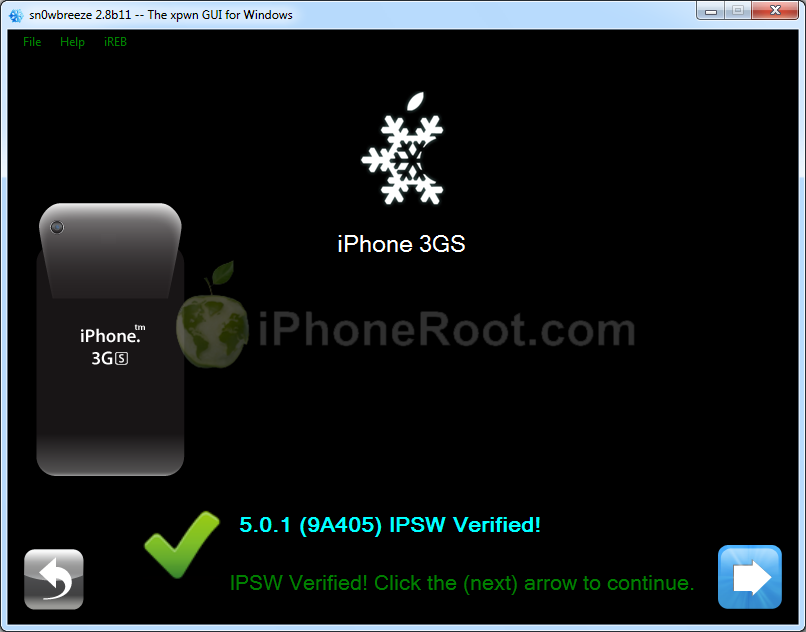
Using this tutorial you will be able to create a custom firmware, jailbreak and unlock iOS 5.0.1 running on iPhone 3GS. This tutorial uses Sn0wBreeze 2.8b11 for Windows.
If you have iPhone 3GS with an old bootrom version 359.3, the jailbreak is untethered. If your device has bootrom version 359.3.2 and higher, jailbreak will be tethered. You can detect your bootrom version using this tutorial.
Sn0wBreeze will also preserve baseband version if you need carrier unlock. It can also update your modem version to 06.15 if you need unlock and stuck with 05.14 or higher baseband. If you have new iPhone 3GS that was made after 35 week of 2011 upgrading modem will not help to unlock.
Leave a comment, read comments [342]