 iPhoneRoot.com

News from category ‘Cydia’
Untethered jailbreak for iPad 2 and iPhone 4S will be released in a few days
The 'dream team' of iPhone hackers has made more progress on the A5 jailbreak with planetbeing just announcing that they're out of Apple's sandbox.
And we're out of the sandbox with @saurik's invaluable help! (well, at least there's a PoC) 😀 Turning out more complex than X-Gold 618.
pod2g also mentioned progress in twitter:
@planetbeing escaped from the sandbox with the help of @saurik. Thanks to their awesome work, there should be nothing left blocking for the A5 jailbreak. Now it should be a matter of days. Still no precise ETA of course.
 Leave a comment, read comments [22]
Saurik makes contribution towards iPad 2 and iPhone 4S untethered jailbreak
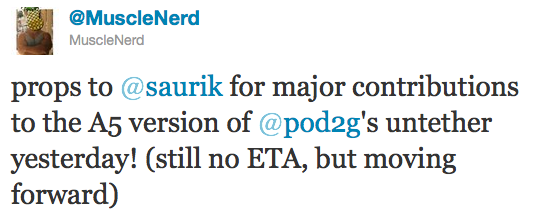
It looks like iPad 2 and iPhone 4S untethered jailbreak will truly be a team effort. Recently another hacker Saurik joined the team and made "some major contributions" yesterday.
Last week Pod2g announced that Planetbeing, MuscleNerd, and P0sixninja joined his effort to release an untethered iOS 5.0.1 jailbreak of the iPhone 4S and iPad 2 (A5 CPU devices).
Today, MuscleNerd noted that the team has received some major contributions from saurik:
iPhone Dev-Team Releases PwnageTool 5.0.1 for iOS 5.0.1

The iPhone Dev-Team has updated PwnageTool with support for the iOS 5.0.1 untethered jailbreak. PwnageTool lets you easily create a custom ipsw for upgrading to iOS 5.0.1.
Unlockers can use custim firmware to preserve baseband version and unlock with ultrasn0w or gevey. Depending on your device you can also configure the ipsw with boot logos and Cydia packages.
PwnageTool 5.0.1 supports iPhone 3GS, iPhone 4, iPad 1, Apple TV 2G, iPod Touch 3G, iPod Touch 4G.
You can download the new version of PwnageTool 5.0.1 from here.
UPDATE: Here are our step-by-step tutorials that will guide you through all the process of untethered jailbreaking iOS 5.0.1 with PwangeTool 5.0.1:


Leave a comment, read comments [3]
Step-by-step Tutorial: How to Untether Jailbreak and Unlock iPhone 3GS Using RedSn0w 0.9.10 (Windows) [iOS 5.0.1]
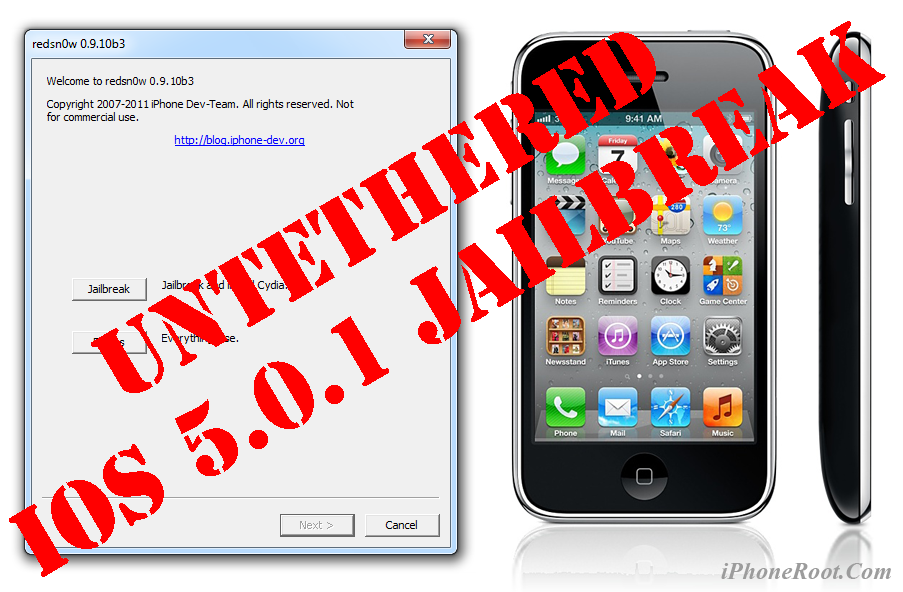
UPDATE: Apple released iOS 5.1 that is only tethered jailbreakable with redsn0w. Apple has stopped signing iOS 5.0.1, so you can NOT restore to 5.0.1 any more (both original and custom), unless you have saved your SHSH keys for 5.0.1. If you are on 5.0.1 you can jailbreak with redsn0w.
This is step-by-step instructions on how to perform untethered jailbreak of your iPhone 3GS on iOS 5.0.1 firmware using RedSn0w 0.9.10 for Windows.
Untethered jailbreak means that each time you restart your device you will NOT need to connect it to a computer and run utilities.
Important: If you need unlock and have 05.13 baseband or lower - do not update to Apple firmware, use RedSn0w or Sn0wBreeze to create custom firmware!
If you need unlock Redsn0w will provide you with choice of updating your baseband to 06.15. If you have new iPhone 3GS that was made after 35 week of 2011 upgrading modem will not help to unlock.
Leave a comment, read comments [470]
"Dream Team" will work on untethered iPad 2 and iPhone 4S jailbreak

Pod2g has recently announced that Planetbeing, MuscleNerd, and P0sixninja have joined his effort to release an iOS 5.0.1 untethered jailbreak for the iPhone 4S and iPad 2.
@planetbeing, the legendary hacker behind iPhone Linux and lot of jailbreaks has joined the A5 research! The famous @MuscleNerd, the leader of the iPhone Dev Team, who did a lot of tests for Corona and whom integrated it and made it simple in redsn0w is willing to help also. And last, but not least @p0sixninja, the leader of the Chronic Dev Team, and my partner for years on iPhone security research has started to code and fuzz the Apple sandbox.
That means that we now have a dream team to create a public release of the A5 jailbreak.
Leave a comment, read comments [7]
Step-by-step Tutorial: How to Untether Jailbreak iPad 1 Using RedSn0w 0.9.10 (Windows) [iOS 5.0.1]
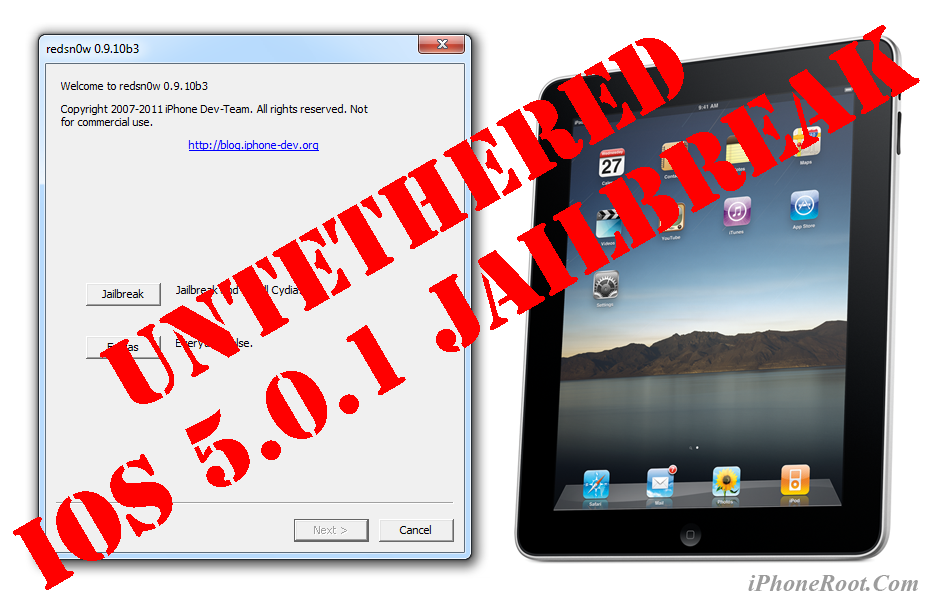
UPDATE: Apple released iOS 5.1 that is only tethered jailbreakable with redsn0w. Apple has stopped signing iOS 5.0.1, so you can NOT restore to 5.0.1 any more (both original and custom), unless you have saved your SHSH keys for 5.0.1. If you are on 5.0.1 you can jailbreak with redsn0w.
This is step-by-step instructions on how to perform untethered jailbreak of your iPad on iOS 5.0.1 firmware using RedSn0w 0.9.10 for Windows.
Untethered jailbreak means that each time you restart your device you will NOT need to connect it to a computer and run utilities.
Leave a comment, read comments [71]
Step-by-step Tutorial: How to Untether Jailbreak iPod Touch 3G Using RedSn0w 0.9.10 (Windows) [iOS 5.0.1]
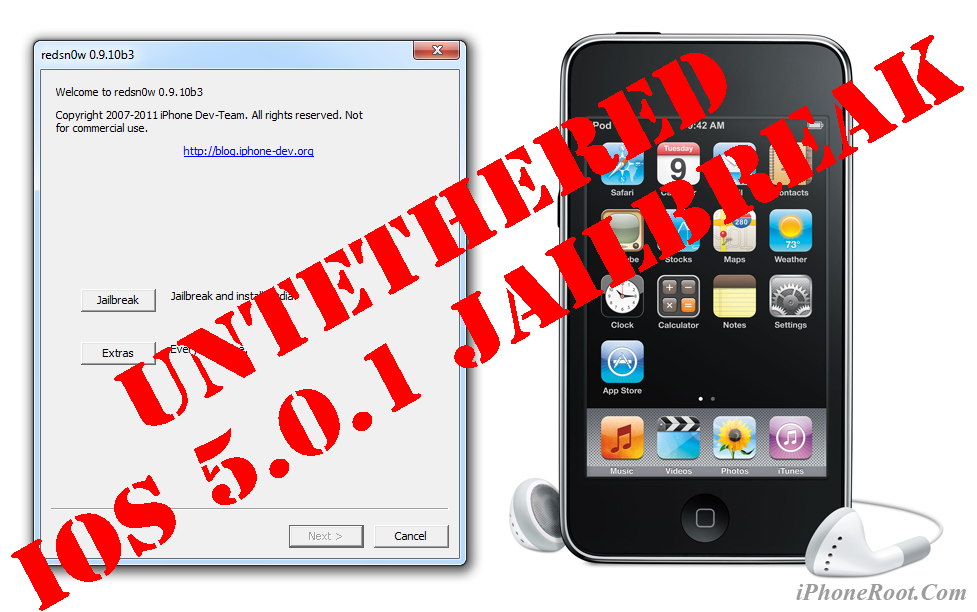
UPDATE: Apple released iOS 5.1 that is only tethered jailbreakable with redsn0w. Apple has stopped signing iOS 5.0.1, so you can NOT restore to 5.0.1 any more (both original and custom), unless you have saved your SHSH keys for 5.0.1. If you are on 5.0.1 you can jailbreak with redsn0w.
This is step-by-step instructions on how to perform untethered jailbreak of your iPod Touch 3G on iOS 5.0.1 firmware using RedSn0w 0.9.10 for Windows.
Untethered jailbreak means that each time you restart your device you will NOT need to connect it to a computer and run utilities.
Leave a comment, read comments [11]
Step-by-step Tutorial: How to Untether Jailbreak iPod Touch 4G Using RedSn0w 0.9.10 (Windows) [iOS 5.0.1]
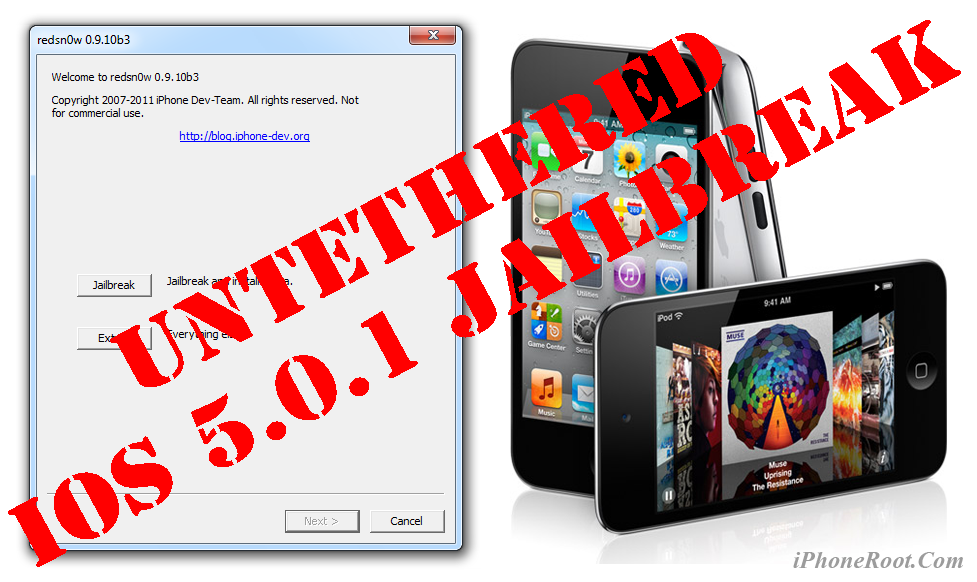
UPDATE: Apple released iOS 5.1 that is only tethered jailbreakable with redsn0w. Apple has stopped signing iOS 5.0.1, so you can NOT restore to 5.0.1 any more (both original and custom), unless you have saved your SHSH keys for 5.0.1. If you are on 5.0.1 you can jailbreak with redsn0w.
This is step-by-step instructions on how to perform untethered jailbreak of your iPod Touch 4G on iOS 5.0.1 firmware using RedSn0w 0.9.10 for Windows.
Untethered jailbreak means that each time you restart your device you will NOT need to connect it to a computer and run utilities.
Leave a comment, read comments [506]
New versions of RedSn0w and Corona released
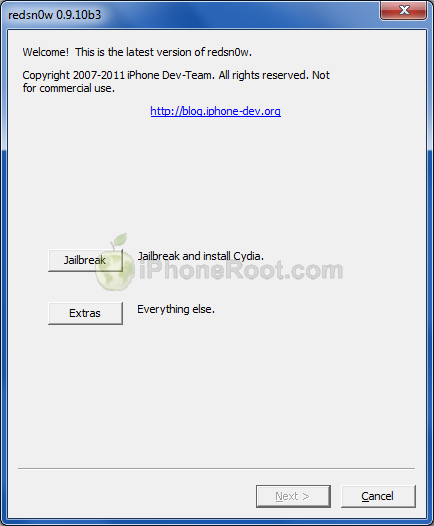
New version of iOs 5.0.1 untethered jailbreak utility was released - RedSn0w 0.9.10b3. New version fixes issues with launchctl and MobileSubstrate that many users experienced. The same fixes were integrated to Corona package.
So if you had any problems with Cydia apps or faced errors while jailbreaking - update Corona or rerun RedSn0w (remember to de-select the “Install Cydia” option if it’s already installed).
You can download RedSn0w 0.9.10b3 here. Corona update is available in Cydia.
Our step-by-step tutorials for untethered jailbreak using redsn0w 0.9.10:
Leave a comment, read comments [1]
Step-by-step Tutorial: How to Untether Jailbreak iPhone 4 Using RedSn0w 0.9.10 (Windows) [iOS 5.0.1]
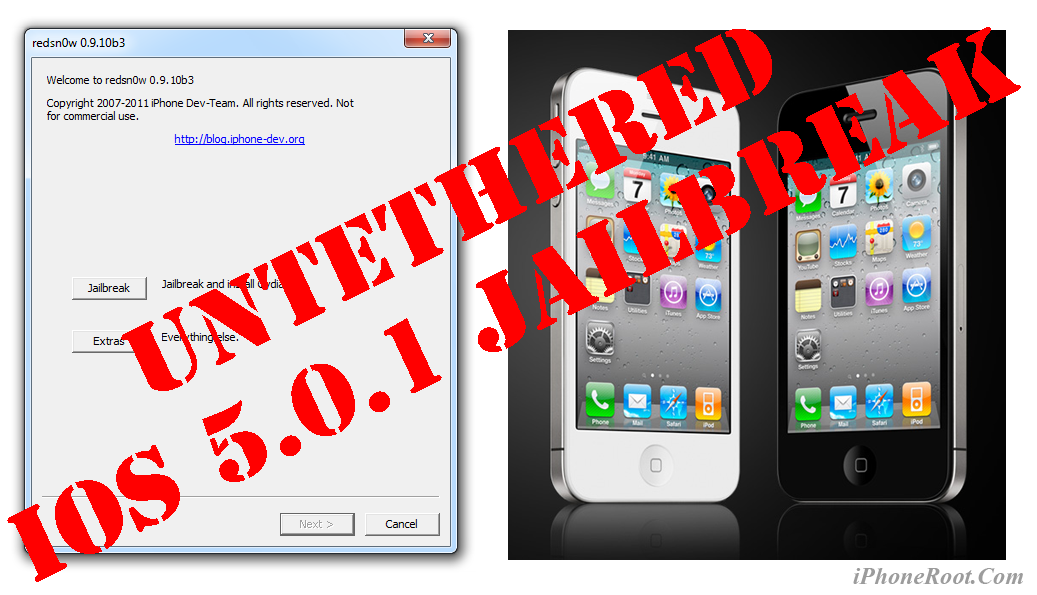
UPDATE: Apple released iOS 5.1 that is only tethered jailbreakable with redsn0w. Apple has stopped signing iOS 5.0.1, so you can NOT restore to 5.0.1 any more (both original and custom), unless you have saved your SHSH keys for 5.0.1. If you are on 5.0.1 you can jailbreak with redsn0w.
This is step-by-step instructions on how to perform untethered jailbreak of your iPhone 4 on iOS 5.0.1 firmware using RedSn0w 0.9.10 for Windows.
Untethered jailbreak means that each time you restart your device you will NOT need to connect it to a computer and run utilities.
Leave a comment, read comments [819]
Tutorial: untether your tethered iOS 5.0.1 jailbreak with Corona

You can quickly untether your tethered jailbreak with Corona package from Cydia. This works only is you have iPhone 3GS, iPhone 4, iPad 1, iPod Touch 3G or iPod Touch 4G with jailbroken iOS 5.0.1 firmware.
Leave a comment, read comments [64]
How to install untethered iOS 5.0.1 jailbreak
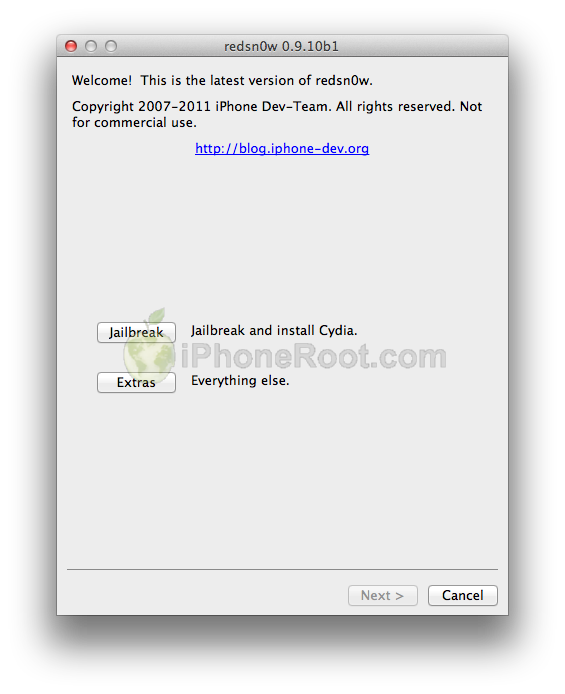
Untethered jailbreak is available for iOS 5.0.1 firmware on iPhone3GS, iPhone4, iPhone4-CDMA, iPad1, iPod touch 3G, iPod touch 4G.
1. If you're already on iOS 5.0.1 with a tethered jailbreak, you have two even choices:
- Run redsn0w 0.9.10 over your current jailbreak (deselect “Install Cydia”)
- Install the Cydia package prepared by the chronic devteam. It is called Corona 5.0.1 Untether. (tutorial)
2. If you are not on 5.0.1 yet, update now! If you unlock via ultrasn0w or gevey, make sure you update to 5.0.1 via a custom IPSW! See our guides for sn0wbreeze here. Once you're at 5.0.1, use the latest redsn0w 0.9.10 to both jailbreak and untether.
You can download RedSn0w 0.9.10b1 here.
Our step-by-step tutorials for untethered jailbreak using redsn0w 0.9.10:
Leave a comment, read comments [88]
Untethered jailbreak for iOS 5.0.1 released
Great news!!! Much anticipated untethered jailbreak for iOS 5.0.1 released.
We will publish details shortly!
UPDATE: How to use untethered iOS 5.0.1 jailbreak
Leave a comment, read comments [12]
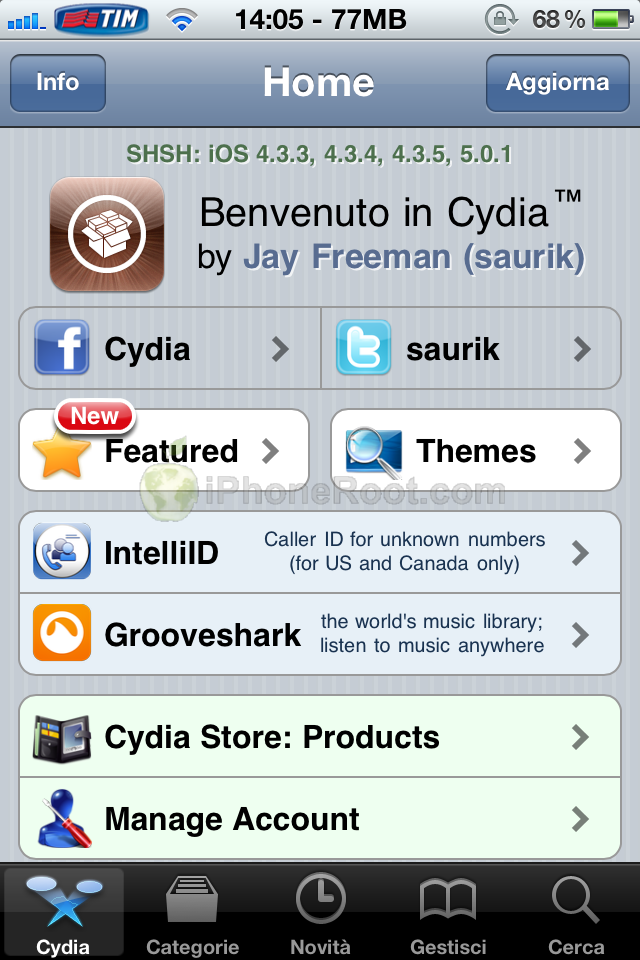
Cydia will save SHSH/APTickets for iOS 5.0.1
Good news, Cydia is now saving SHSH blobs/APTickets for iOS 5.0.1 firmware. These blobs will be used in the future for downgrading to iOS 5.0.1. So just run Cydia and it will do all the work.
You can also use RedSn0w, iFaith and TinyUmbrella to save your SHSH blobs and create signed custom firmware.
Leave a comment, read comments [4]
iPhone Dev-Team released UltraSn0w 1.2.5 with iOS 5.0.1 support
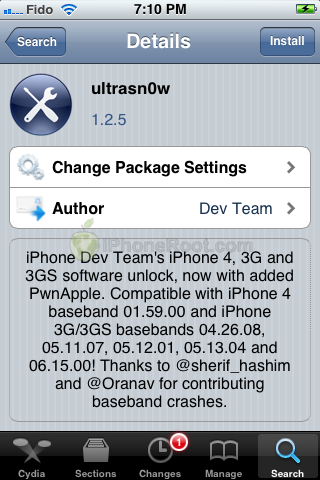
The iPhone Dev-Team has released UltraSn0w 1.25 which brings iOS 5.0.1 support to the unlock for older compartible basebands.
iPhone Dev Team's iPhone 4, 3G, and 3GS software unlock, now with added PwnApple. Compatible with iPhone 4 baseband 01.59.00 and iPhone 3G/3GS basebands 04.26.08, 05.11.07, 05.12.01, 05.13.04 and 06.15.00! Thanks to @sherif_hashim and @Oranav for contributing baseband crashes
UltraSn0w 1.2.5 is now available in Cydia.
If you have one of the supported basebands and wish to update to iOS 5.0.1 you will need to do so with a custom ipsw that doesn't update your baseband.
Leave a comment, read comments [26]