 iPhoneRoot.com

News from category ‘Cydia’
Step-by-step Tutorial: How to Untether Jailbreak and Unlock iPhone 4 Using Sn0wBreeze 2.9.5 (Windows) [iOS 5.1.1]

Using this tutorial you will be able to create a custom firmware, untether jailbreak and unlock iOS 5.1.1 running on iPhone 4. This tutorial uses Sn0wBreeze 2.9.5 for Windows.
Sn0wBreeze will also preserve baseband version if you need carrier unlock.
 Leave a comment, read comments [129]
Sn0wBreeze 2.9.5 released: added iPhone 4 (GSM) 9B208 support and GPS fixed for iPhone 3GS
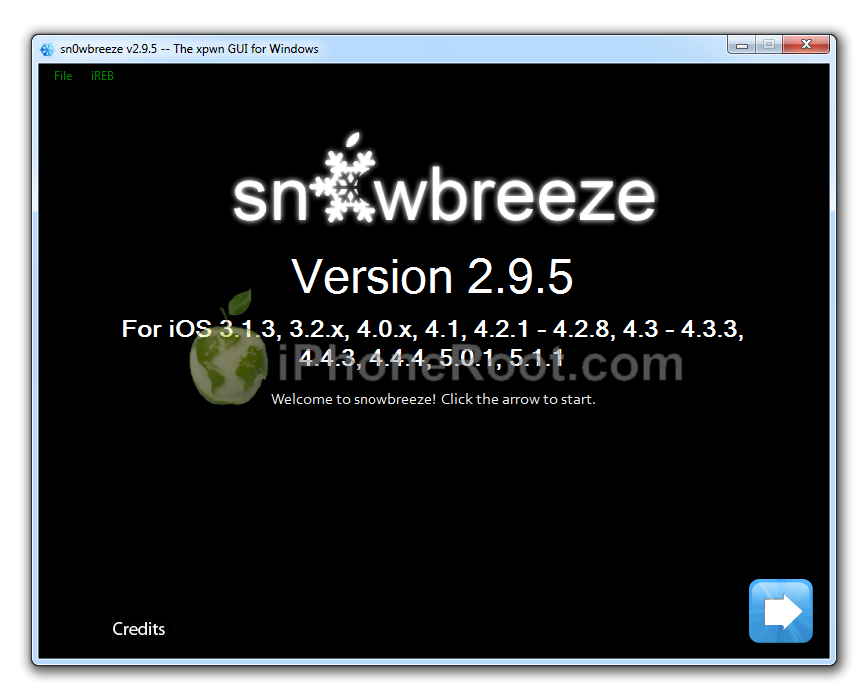
iH8Sn0w released Sn0wBreeze 2.9.5. What's new:
- Added 5.1.1/9B208 untether payload for the iPhone 4 GSM.
- Added iPhone 3GS (iPad Baseband users) location services fix.
Just like version 2.9.4 the new 2.9.5 version supports untethered jailbreak of A4 devices on iOS 5.1.1. Sn0wbreeze can be used to create a custom firmware with jailbreak and preserve iPhone modem (baseband) version for unlock.
Sn0wbreeze 2.9.5 supports iPhone 3GS, iPhone 4, iPad 1, iPod Touch 3G, iPod Touch 4G and Apple TV 2G. It does not work with A5 devices, like iPad 2, iPad 3 and iPhone 4S.
You can download Sn0wBreeze 2.9.5 from here.
Our step-by-step tutorials for Sn0wBreeze 2.9.5 are available here:
Leave a comment, read comments [22]
Step-by-step Tutorial: How to Untether Jailbreak and Unlock iPhone 3GS Using Sn0wBreeze 2.9.5 (Windows) [iOS 5.1.1]
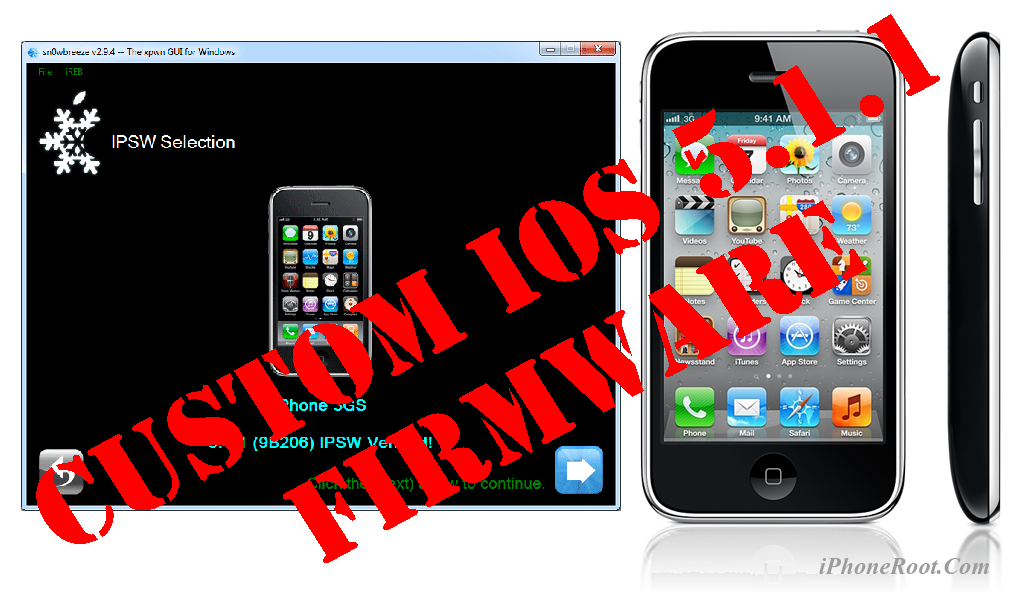
Using this tutorial you will be able to create a custom firmware, untether jailbreak and unlock iOS 5.1.1 running on iPhone 3GS. This tutorial uses Sn0wBreeze 2.9.5 for Windows.
Sn0wBreeze will also preserve baseband version if you need carrier unlock. It can also update your modem version to 06.15 if you need unlock and stuck with 05.14 or higher baseband. If you have new iPhone 3GS that was made after 28 week of 2011 upgrading modem will not help to unlock.
Leave a comment, read comments [368]
Updated Absinthe 2.0.2 released

Chronic Dev Team released an update to untethered iOS 5.1.1 jailbreak utility - Absinthe 2.0.2. New version supports the latest iOS 5.1.1 9B208 firmware for iPhone 4 GSM. If you experience problems with previous versions - try 2.0.2
You can download Absinthe 2.0.2 here.
Step-by-step tutorials are available here.
Leave a comment, read comments [4]
Seas0nPass Updated to Perform Untethered Jailbreak of Apple TV 2G

FireCore has announced an update to Seas0nPass that provides an untethered jailbreak for the latest 5.0.1 (5.1.1) firmware for the Apple TV 2G. Unfortunately Seas0nPass is not yet compatible with the new ATV3.
Save your SHSH blobs for iOS 5.1.1

Don't Forget to Save Your iOS 5.1.1 SHSH Blobs to preserve the ability to do iOS 5.1.1 untethered jailbreak in the future. Apple might release updated iOS firmware soon to fix and disable the jailbreak. After next firmware release you will not be able to restore to 5.1.1 any more.
Leave a comment, read comments [12]
Sn0wBreeze 2.9.4 Supports Untethered Jailbreak of iOS 5.1.1
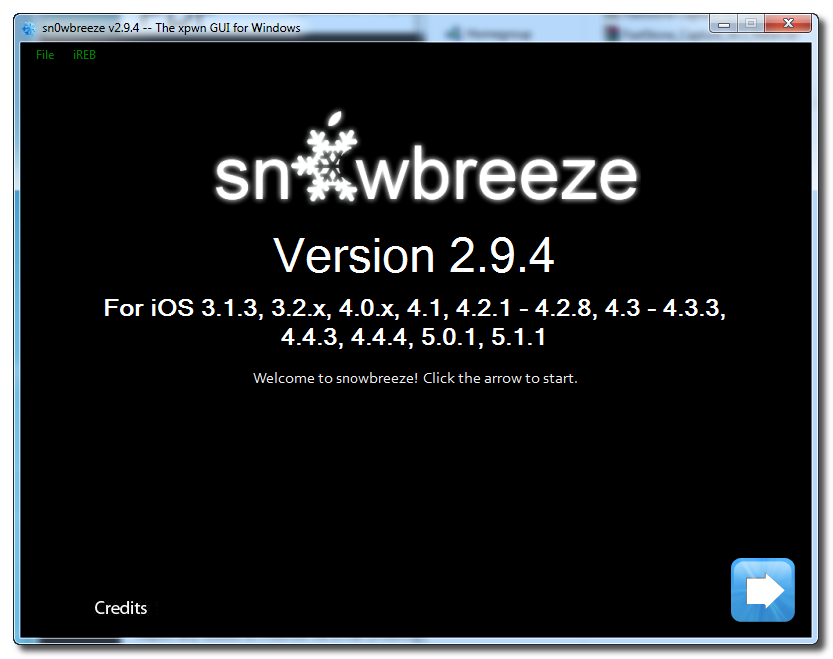
iH8Sn0w released Sn0wBreeze 2.9.4 with the ability to perform an untethered jailbreak of A4 devices on iOS 5.1.1. Sn0wbreeze can be used to create a custom firmware with jailbreak and preserve iPhone modem (baseband) version for unlock.
Sn0wbreeze 2.9.4 supports iPhone 3GS, iPhone 4, iPad 1, iPod Touch 3G, iPod Touch 4G and Apple TV 2G. It does not work with A5 devices, like iPad 2, iPad 3 and iPhone 4S.
You can download Sn0wBreeze 2.9.4 from here.
Our step-by-step tutorials for Sn0wBreeze 2.9.5 are available here:
Leave a comment, read comments [12]
Updated Absinthe 2.0.1 released
Chronic Dev Team released an update to untethered iOS 5.1.1 jailbreak utility - Absinthe 2.0.1. If you experience problems with previous version - try 2.0.1
You can download Absinthe 2.0.1 here.
Step-by-step tutorials are available here.
Leave a comment, read comments [21]
How to convert an iOS 5.1.1 tethered jailbreak to an untethered

If you currently have iPhone 4, iPhone 3GS, iPad 1, iPod Touch 3G or iPod Touch 4G that's tethered jailbroken on iOS 5.1.1, you can use the new Rocky Racoon 5.1.1 Untether package to convert your tethered jailbreak into an untethered jailbreak.
This is great, because this is easy. Much easier than running Absinthe 2.0.
Leave a comment, read comments [63]
Step-by-step Tutorial: How to Untether Jailbreak Using Absinthe 2.0 (Windows) [iOS 5.1.1]

This is step-by-step instructions on how to perform untethered jailbreak of iOS 5.1.1 firmware using Absinthe 2.0 for Windows.
This tutorial works for:
- iPad 3 (WiFi / CDMA / GSM)
- iPad 2 (WiFi / CDMA / GSM)
- iPad 1
- iPhone 4S
- iPhone 4 (GSM), iPhone 4 (CDMA)
- iPhone 3GS
- iPod Touch 4G
- iPod Touch 3G
Leave a comment, read comments [630]
How to run Absinthe 2.0 jailbreak
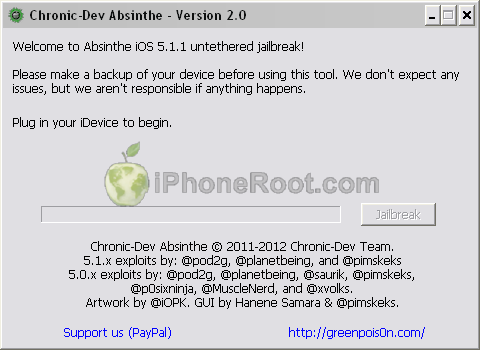
Here are recommendations from Chronic Dev Team:
- Make a backup of your device in iTunes by right clicking on your device name under the ‘Devices’ menu and click ‘Back Up’.
- Once your backup is complete return to your device and go to Settings – General – Reset – Erase all Content and Settings. This will make the jailbreak process much faster.
- Open Absinthe and be sure you are still connected via USB cable to your computer.
- Click ‘Jailbreak’ and wait…. just be patient and do not disconnect your device.
- Once jailbroken return to iTunes and restore your backup from earlier. Right click on your device name under the ‘Devices’ menu in the left panel of iTunes and click ‘Restore from Back Up…’ then select the latest backup you created before. (restoring this backup will return all the content previously on your device ie, apps, photos, etc.)
Step-by-step tutorials are available here.
Leave a comment, read comments [18]
Absinthe 2.0: Untethered iOS 5.1.1 Jailbreak Released!!!
Chronic Dev Team released Absinthe 2.0 with much anticipated untethered jailbreak for iOS 5.1.1.
Absinthe 2.0 supports the following devices:
- iPad 3 (WiFi/CDMA/Global)
- iPad 2 (WiFi/CDMA/GSM)
- iPad 1
- iPhone 4S
- iPhone 4 (GSM), iPhone 4 (CDMA)
- iPhone 3GS
- iPod 4G
- iPod 3G
You can download Absinthe 2.0 here.
Step-by-step tutorials are available here.
Leave a comment, read comments [24]
iOS 5.1.1 untethered jailbreak is almost ready
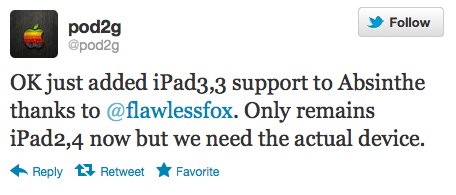
Pod2g has announced that iPad 3,3 support has been added to the Absinthe jailbreak utility, leaving only the iPad 2,4 jailbreak to be implemented.
OK just added iPad3,3 support to Absinthe thanks to @flawlessfox. Only remains iPad2,4 now but we need the actual device.
Any people of #HITB2012AMS has an iPad2,4? Model number: either MC954 or MC989. Please check in Settings / General / About.
Leave a comment, read comments [21]
Paid iOS 5.1.1 untethered jailbreak released for A4 Devices [Video]

InteVyDis has released an untethered jailbreak for A4 devices on iOS 5.1.1 as part of Vulndisco Mobile 1.7. The module is vd_ios_untether_5_1_1. It works by creating a custom bundle you have to install via RedSn0w. Evgeny Legerov posted in twitter:
vulndisco mobile 1.7 is out with untethered 5.1.1
This jailbreak is not free and costs big money. It works only on A4 devices - iPhone 3GS, iPhone 4, iPad 1, iPod Touch 3G and iPod Touch 4G. It is not yet tested by other hackers. So this might be fake. However famous hacker I01nc notes that the company is a legit source of exploits:
You Can Safely Update to iOS 5.1.1 If You Don't Need an Unlock
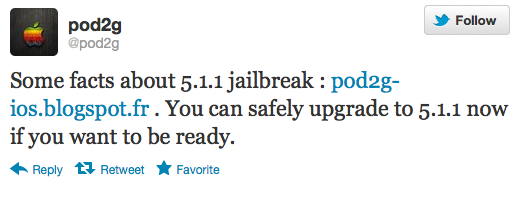
Pod2g has announced that those looking to be ready for the iOS 5.1.1 jailbreak can now safely update if they don't care about an unlock.
You can safely upgrade to 5.1.1 now if you want to be ready.
Huge warning as usual for unlockers that want to preserve their baseband to keep their unlock.
Leave a comment, read comments [35]