 iPhoneRoot.com

News from category ‘Software’
Take a Look at the First iAd on the iPhone
As expected iAds have arrived July 1. This advertisement for the Nissan Leaf is the first to make an appearance.
The initial launch of iAd rich media ads, featuring advertising from some of the world's leading brands, will begin July 1. At launch, we’ll roll out in North America and ramp up the number of ads served in the weeks and months ahead. For developers outside of North America, iAd will be rolled out in a few months.
Take a look:
 Leave a comment
App Store will no longer support iOS 2.x apps
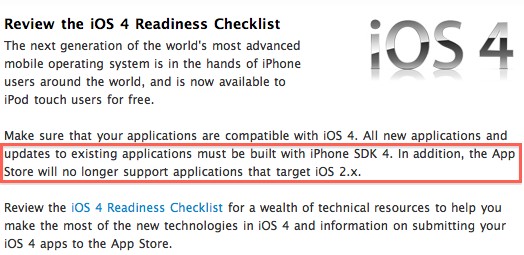
Apple announced yesterday that applications targeting to iOS 2.x will no longer be supported. This means that apps for iOS 2.x will be rejected during approval process. Developers are encouraged to re-build their apps in Xcode and set the target to iOS 3.x or later so they will not run into submission or app removal issues.
RedSn0w 0.9.5b5-5: iOS 4 jailbreak updated
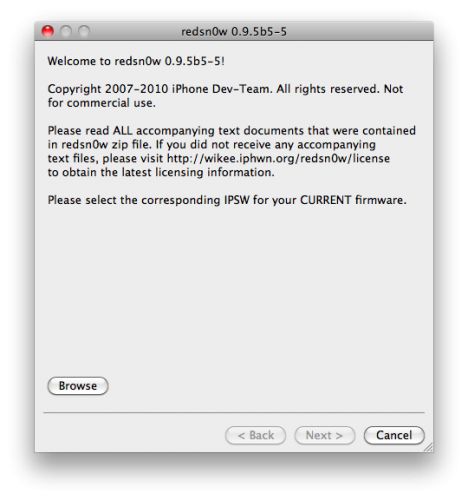
DevTeam updated iOS 4 jailbreak utility redsn0w to version 0.9.5b5-5. That should fix any APN or MMS issues that users were seeing. It’s safe to re-run it on an already jailbroken iPhone without restoring. Just deselect "Install Cydia" if you do that.
Supported devices are still only iPhone3G and iPod Touch 2G (not MC)
You can download the latest version here.
Apple's internal iPhone 4 antenna troubleshooting guidelines leak
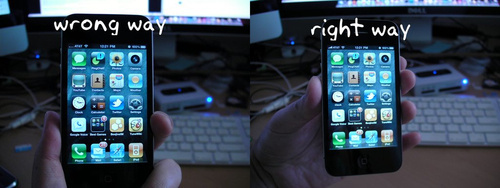
BGR have got internal Apple docs related to iPhone 4 antenna problems. So here's what Apple representatives are supposed to follow when you call about your reception troubles:
Hulu Plus for iPhone, iPad and iPod Touch released (video walkthrough)

Hulu officially announced their Hulu Plus service for iOS Devices. The application is available via AppStore for iPhone, iPad and iPod touch. With Hulu users will be able to stream in HD entire current seasons of shows such as Glee, Modern Family, The Office and 30 Rock as well as the entire back library of many other shows, such as Arrested Development, The X-Files and Heroes. These can be viewed on TV, computer, iPad, iPhone or iPod Touch over Wi-Fi or 3G.
Below is a short walkthrough of the application:
New Google Docs Viewer for iPhone and iPad
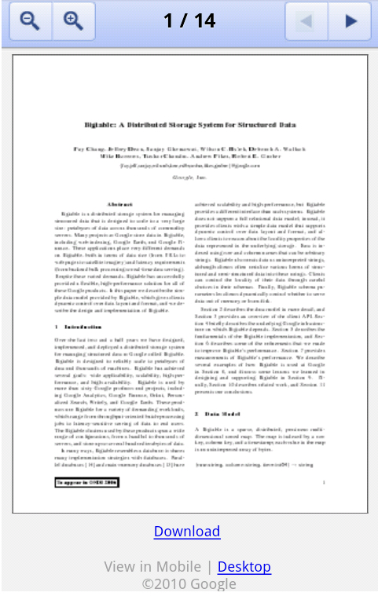
A new version of the Google Docs Viewer has been launched by the company for the iPad, Android and iPhone to let you view PDF, doc, docx and ppt file uploaded to your documents list without needing to download the file itself.
With our mobile viewer you can switch quickly between pages and pan/zoom within a page. On your iPhone and iPad, you can pinch to zoom in or out. You can try it out by going to on your Android-powered device, iPad or iPhone and select any document in these formats that you've previously uploaded.
iOS4 Secrets Video (part two)
CNet specialist will talk about data protection, folders and new music playlist feature. Let's watch:
You can watch part one of this here.
iOS4 Secrets Video (part one)
CNet specialists will show us how to turn off cell phone's data, enhance sms experience and couple photo tricks. Let's watch:
Do not forget to take a look at part two.
iPhone 4 has been successfully hacked (jailbroken)
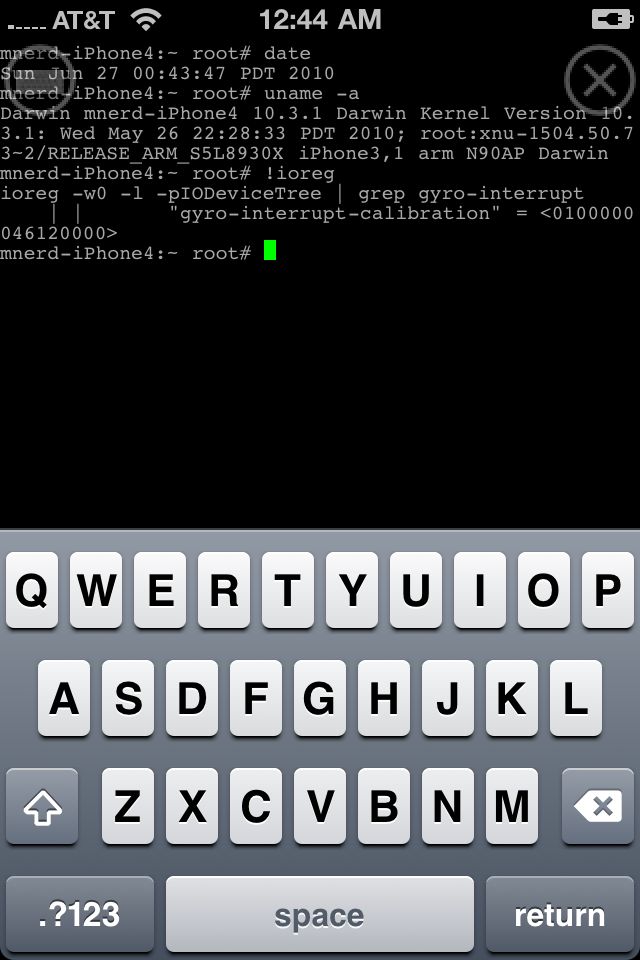
Congratulations to all iPhone users. iPhone 4 has been successfully jailbroken. iPhone hackers @planetbeing and @chpwn has managed to get root access on the device using @comex’s userland jailbreak method. However do not expect new jailbreak utility soon. @p0sixninja has confirmed that it cant be released in its current shape because it contains some of Apple’s proprietary code:
@i_Enthusiast the jailbreak shown is a more of a stepping stone for us, it can’t be released because it includes some of apples software
You should not expect the carrier unlock soon too. This is because iPhone 4 uses a new baseband OS, which will require a complete rewrite for ultrasn0w unlocking tool:
Learn iPhone 4 in 10 min: video quick-start guide
Here's a quick 10-minute video walkthrough of everything you need to know about new Apple iPhone 4:
For more on iOS 4, check out the iOS 4 in 10 minutes video.
[via tipb]
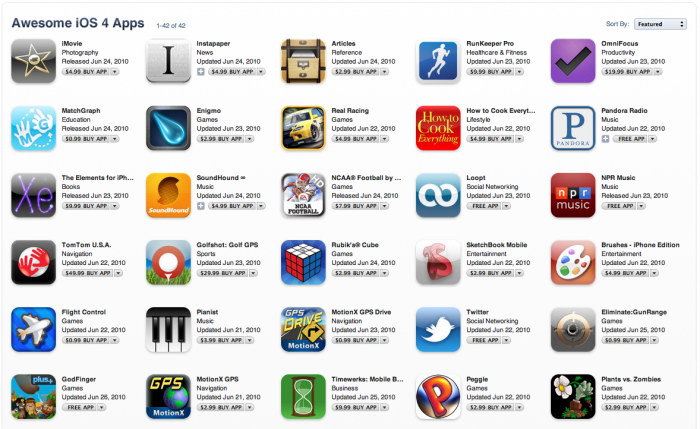
Apple adds featured iOS 4 apps section to iTunes
iTunes now has a with 42 (currently) featured apps that are built with new iOS4 features in mind:
FaceTime Testing Hotline from Apple
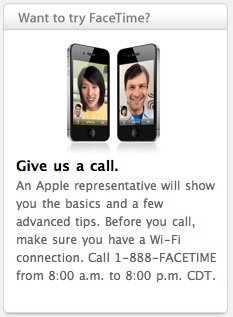
One of the main iPhone 4’s innovations is FaceTime, a new video calling feature. Unfortunately, at the moment it is only limited to calls from one iPhone 4 to another, and it makes it rather challenging for people to try it out, since not all of them know other iPhone 4 users.
Apple has suggested a solution: a new testing and support hotline at 1-888-FACETIME. Before starting a FaceTime session with a representative from Apple, callers will be asked a couple of questions about their new phone. Then they can get more information about the new feature, ask some questions and test FaceTime.
The hotline currently works from 8.00 a.m. to 8.00 p.m. Central Time.
Steve Jobs: iPhone 4 Signal Probem Is a 'Non Issue'

The problem of signal loss with the iPhone 4 is still on, and users have begun to address the company itself for more information. Is it a hardware or software problem? What is being done to fix it? Steve Jobs is very laconic about it: yes, the problem is there but this is a “non-issue” and you should just avoid holding it that way.
Sounds incredible, but there it is, Apple’s official statement.
Read the rest of this entry »
iPad and iPhone Application from Barack Obama
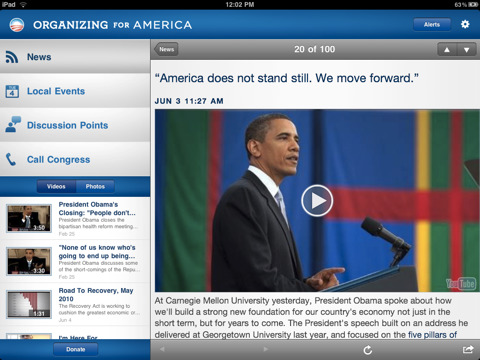
A new application for the iPad, iPod and iPhone from US President himself has just been released: Organizing for America.
This is an ambitious plan to connect to the voters in this year’s election season and to reach out to those who were inspired by the elections in 2008. With the application you can always stay involved and up to date with the main political events no matter where you are. You can even find some local events and get in touch with OFA supporters in your area. With Organizing for America, you’ll have immediate access to the latest news, photos and video.
Organizing for America features:
Twitter for iPhone now supports iOS 4
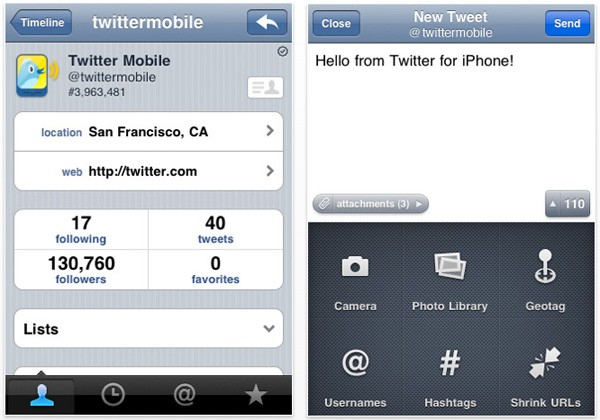
Keeping up with the times, the official Twitter application now supports iOS 4 in its latest build. The program can now run in the background, and you’ll be able to send twits while working with other applications. Nor will you have to start the application all over every time you want to check on the latest events.
The app is free and can be downloaded .