iPhoneRoot.com

Apple Released iOS 11.2.5 and macOS High Sierra 10.13.3
Apple has updated its operating systems and released iOS version 11.2.5 and macOS High Sierra 10.13.3.

 Leave a comment
Apple Hit With Lawsuits over Meltdown and Spectre Vulnerabilities
The first class action against Apple is started in the US over Meltdown and Spectre vulnerabilities that affect Intel, ARM and AMD processors. Despite some fixes have already been issued, two people from US started a lawsuit on behalf of all users who purchased a device with the processor designed by Apple, including iPhone, iPad, iPod touch and Apple TV devices.

Apple Fixed the Breach that Allowed Downgrades to Older iOS Versions
Due to a mistake on Apple’s servers, there was a short moment when users could downgrade to older versions of iOS. The list of signed iOS versions on the IPSW.me website included signed versions of iOS 11 to iOS 6.

Apple’s Meltdown and Spectre Patch Slows Down iOS Performance Significantly
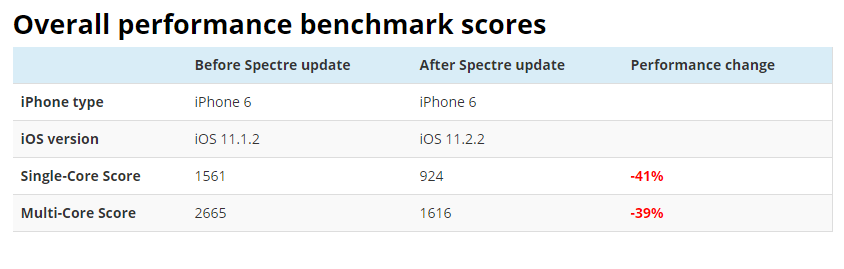
Apple recently issued a patch for the vulnerabilities named Meltdown and Spectre, that have been found in the Intel processors. The patch should have been installed on every device that received the update, but there’s a pitfall. Despite Apple assured customers the fix won’t slow down the devices, it actually did.
Advertisers Lose Hundreds of Millions of Their Profit Because of New Safari Feature
The Intelligent Tracking Prevention feature Apple introduced in Safari led to a million dollars loss to advertising companies.

Apple Releases iOS 11.2.2 and macOS 10.13.2 Supplemental Updates with Fix for Spectre Vulnerability
Apple issued updates to address the recent Spectre vulnerability, discovered by Google Zero Project. The fix for Meltdown breach has been added to previous versions of operating systems. Now Apple has addressed another vulnerability called Spectre, that is harder to exploit, but still, Apple issued a fix for Spectre soon enough.

A Recently Discovered Vulnerability Affects All Apple Products, Some Patches are Issued
Apple has confirmed that the Meltdown and Spectre vulnerabilities that have been discovered by researchers from Google Project Zero affected all Apple products. The vulnerability impacts Intel, ARM and AMD processors. These are hardware vulnerabilities that require a software patch.
Apple Offers Battery Replacements for iPhone 6 and Newer for $29
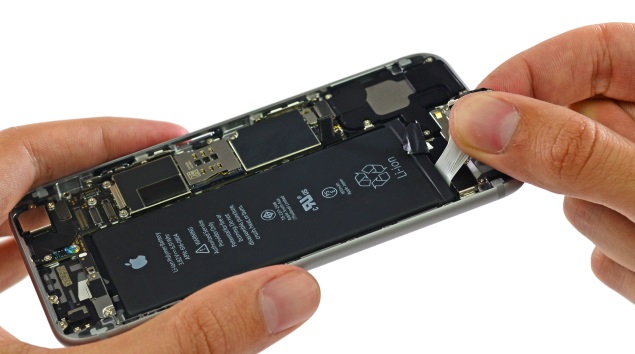
Apple started to replace batteries for iPhone 6 and later for the reduced price $29. Earlier Apple announced it will start replacing batteries in late January, but now the company changed the terms and started replacing the batteries immediately.
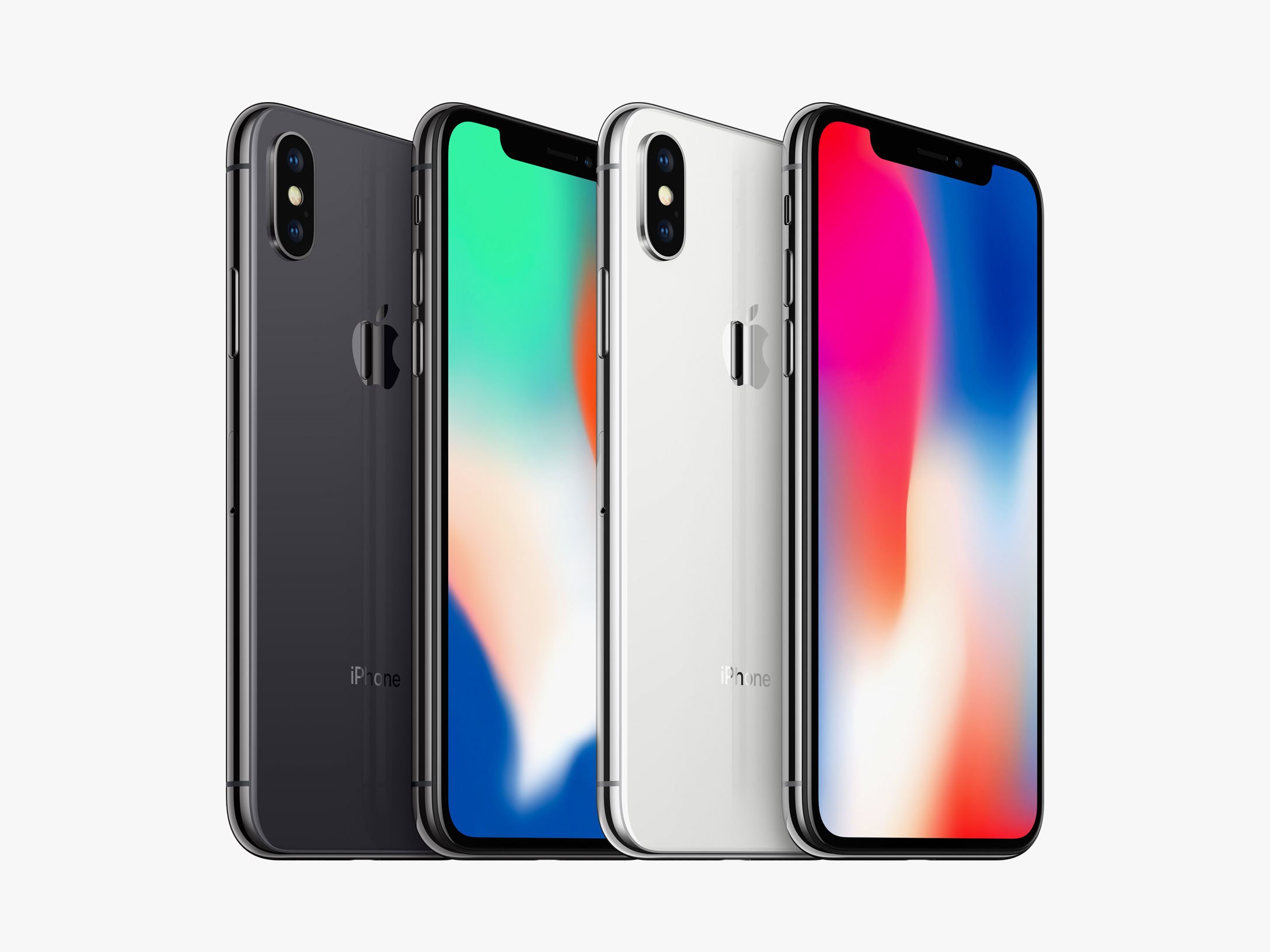
iPhone X May Become Cheaper Sooner Than Usual
Apple usually slashes the prices for its smartphones after the new model is released. But a report from the supply chain sources say that the price for iPhone X may be cut in early 2018.
Face ID Experiencing Issues With Authenticating Family Purchases
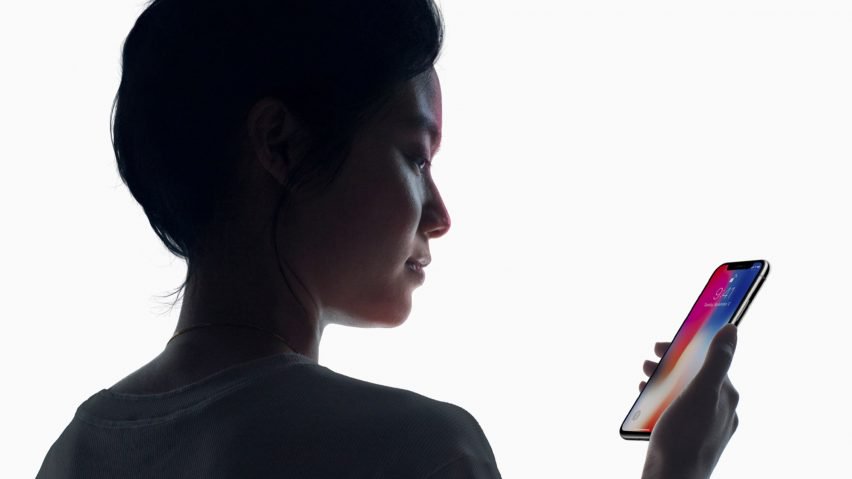
Apple’s Face ID authentication method is considered to be quite secure and sophisticated. At least, Android has nothing to oppose talking about security and that’s why Face ID was designed to authenticate payments.
Apple is Sued After Admitting that it Slows Down Older iPhones
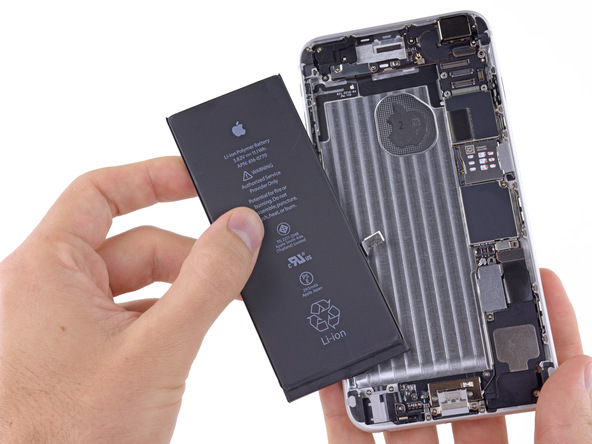
There were several lawsuits against Apple after the company admitted slowing down older iPhones in an effort to preserve the battery life. The plaintiff Keaton Harvey told that he was forced to buy a new iPhone because of battery problems with his old iPhone 6 that was shutting down spontaneously with over 50 percent charge left.
Next Generation TrueDepth iPhone Camera Will Need a Stronger Battery
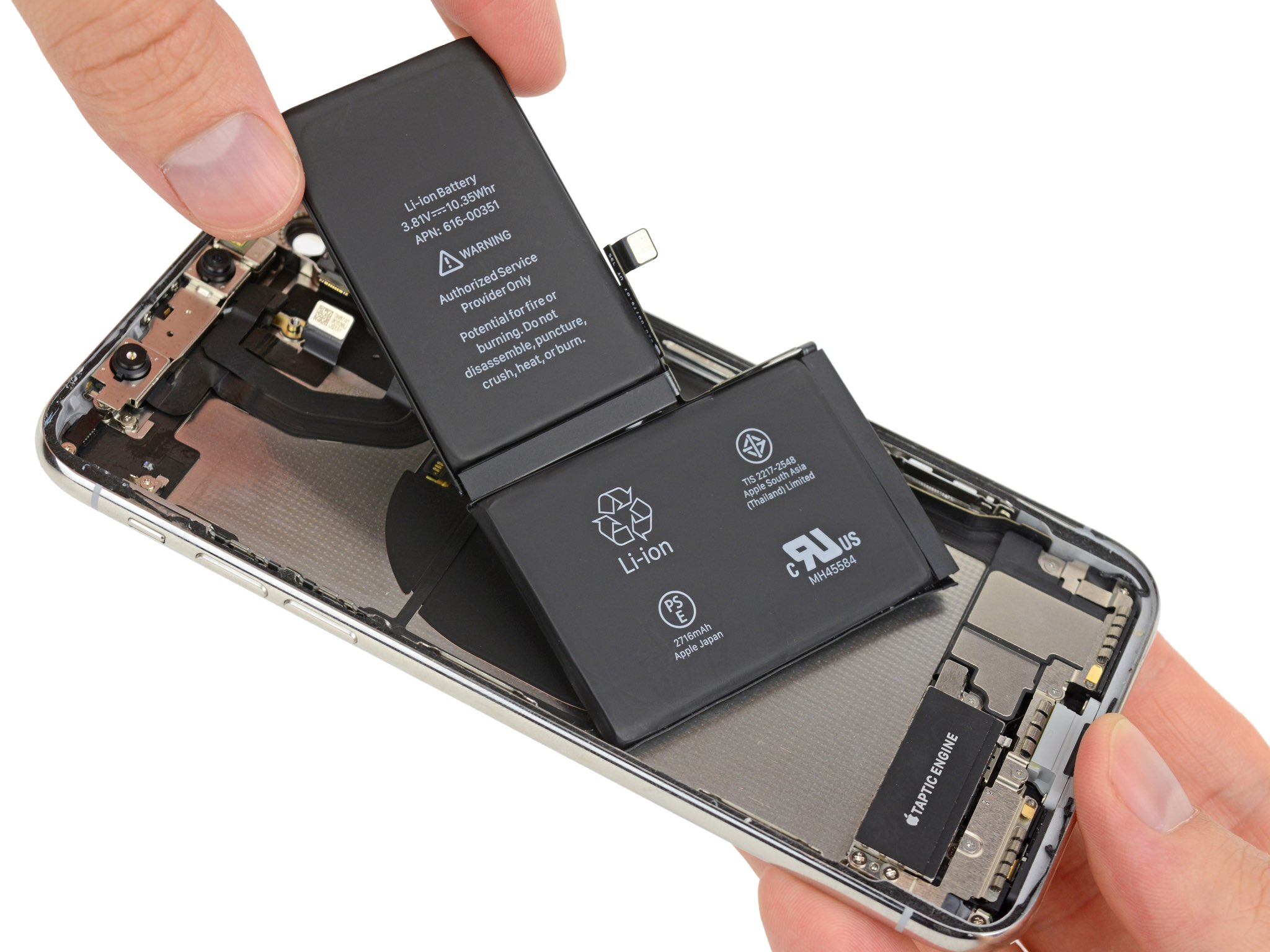
The KGI analyst Ming-Chi Kuo issued a research note where he predicted that the upgraded TrueDepth camera will need a battery with larger capacity and Apple has the technologies for developing such batteries.
Experts Discovered the Relation Between Battery Age and Older iPhone Models’ Performance
Earlier reports claimed that the performance issues of the older iPhone models could be related to the old battery and if the battery is changed to a new one, the issues may be solved. John Poole, the Geedbench founder, discovered that the performance issues were related to the battery age.
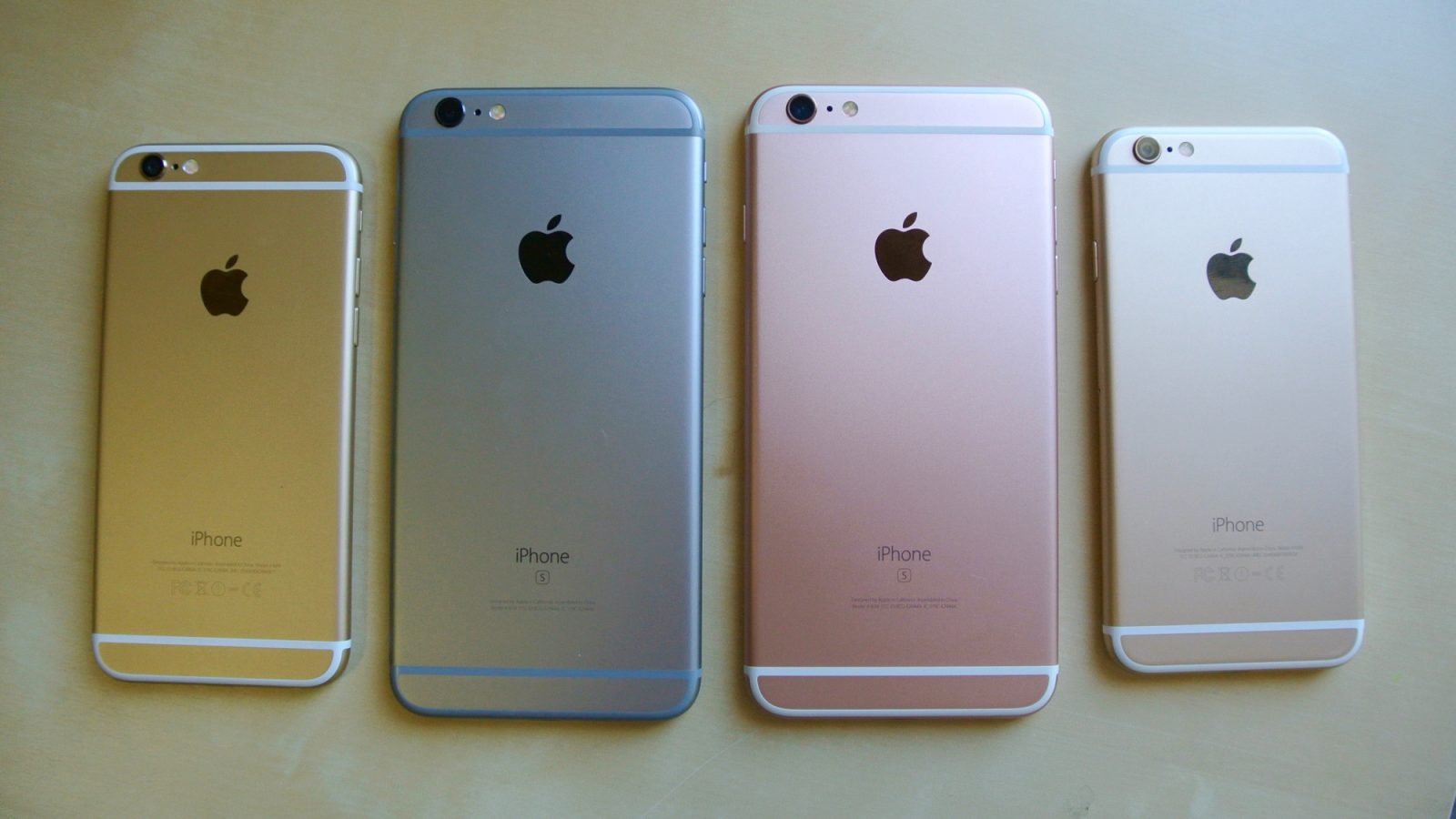
iPhone X is Now in Supply — Demand Balance
The iPhone X delivery time has improved to 1-2 days in USA, United Kingdom, and some other countries. This means Apple has ramped up the production enough to meet the demand for its flagship at least for the moment.
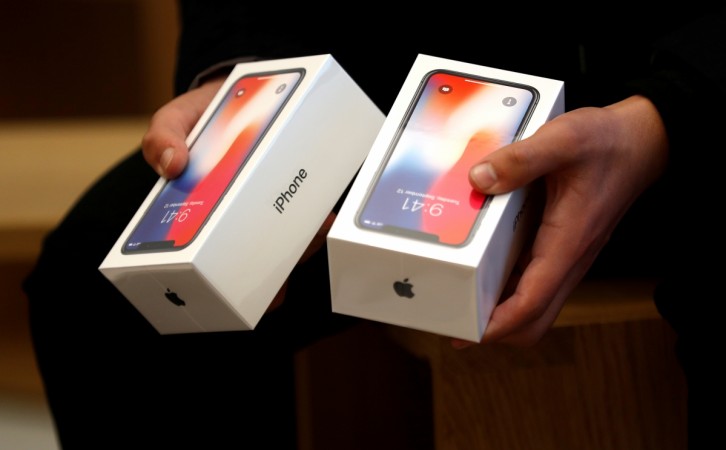
iPhone X is Bad News for Samsung
While Samsung is selling a lot of its Galaxy Note 8 handsets, Apple is the leader in the invention sphere. The demand for iPhone X is still strong and Apple still cannot produce enough devices to meet the demand.