 iPhoneRoot.com

News from category ‘Firmware’
Step-by-step Tutorial: How to (Un)Tether Jailbreak and Unlock iPhone 3GS Using Sn0wBreeze 2.8b11 (Windows) [iOS 5.0.1]
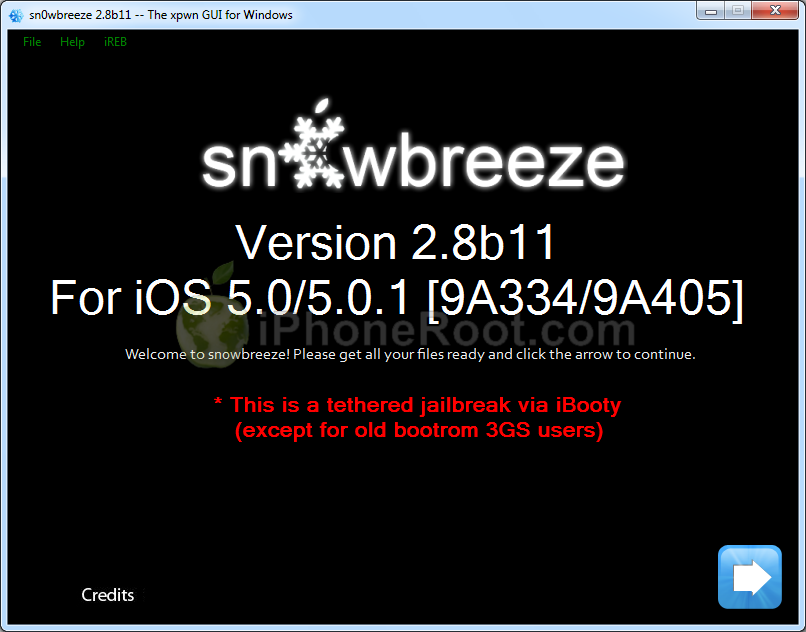
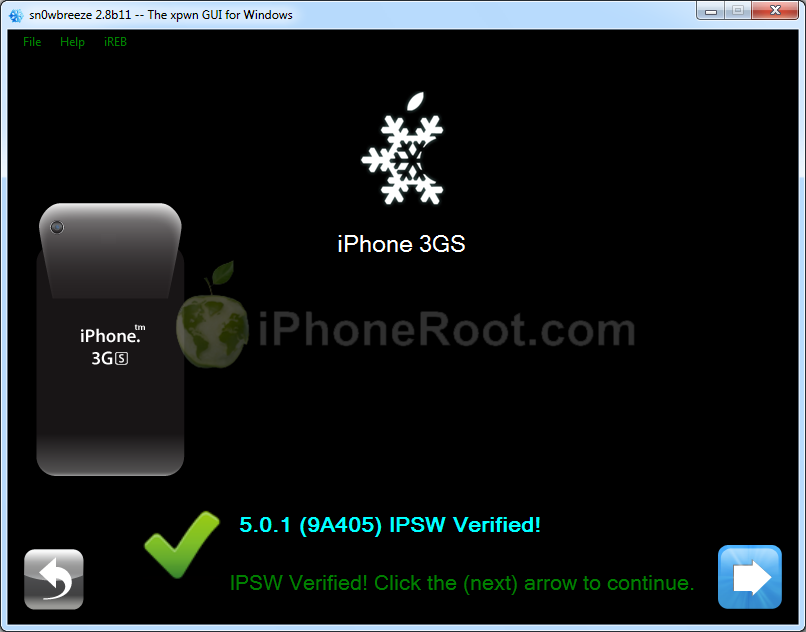
Using this tutorial you will be able to create a custom firmware, jailbreak and unlock iOS 5.0.1 running on iPhone 3GS. This tutorial uses Sn0wBreeze 2.8b11 for Windows.
If you have iPhone 3GS with an old bootrom version 359.3, the jailbreak is untethered. If your device has bootrom version 359.3.2 and higher, jailbreak will be tethered. You can detect your bootrom version using this tutorial.
Sn0wBreeze will also preserve baseband version if you need carrier unlock. It can also update your modem version to 06.15 if you need unlock and stuck with 05.14 or higher baseband. If you have new iPhone 3GS that was made after 35 week of 2011 upgrading modem will not help to unlock.
 Leave a comment, read comments [342]
Sn0wBreeze 2.8b11 Released to Jailbreak iOS 5.0.1
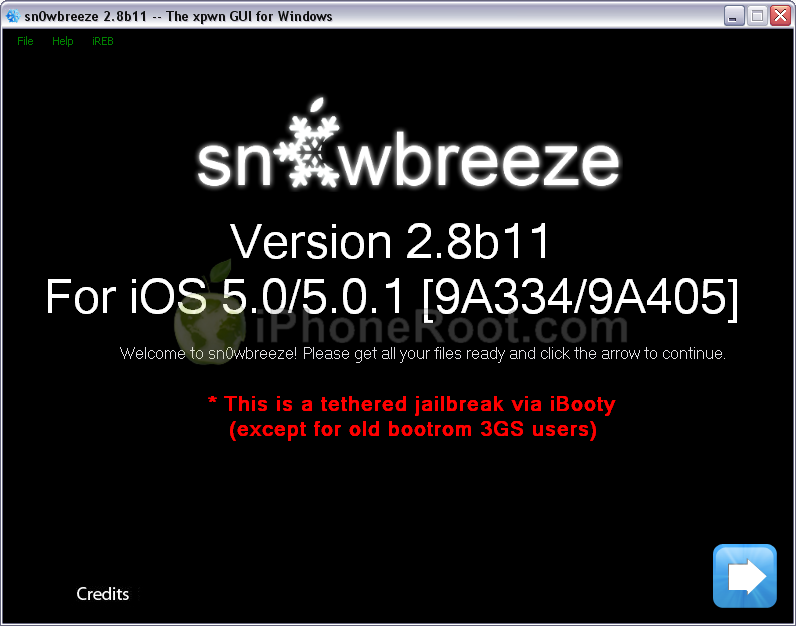
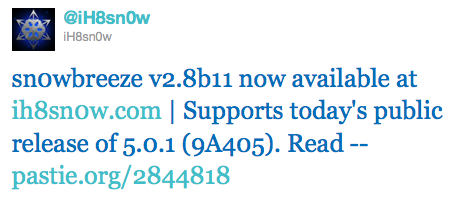
iH8Sn0w has released Sn0wBreeze 2.8b11 with support of recently released iOS 5.0.1 firmware.
As usual the jailbreak is semi-tethered for iPhone 4, iPad, iPhone 3GS with new bootrom, iPad Touch 3G, iPod Touch 4G and untethered for iPhone 3GS with old bootrom.
Sn0wBreeze 2.8b11 will create a custom firmware with jailbreak and preserve modem version for unlock. Unlockers will also be able to flash 06.15 iPad modem for unlock.
You can download Sn0wBreeze 2.8b11 here.
Here are our step-by-step tutorials that will guide you through all the process of jailbreaking iOS 5.0.1 with sn0wbreeze 2.8b11:
Other tutorials are available here.
Leave a comment, read comments [7]
Jailbreakers and unlockers: don't update to iOS 5.0.1
Apple has recently released iOS 5.0.1. It is still tethered jailbreakable. However if you want untethered jailbreak or unlock - you should stay away from 5.0.1
Earlier this week pod2g reported that a code signing bug found in iOS 5.0 will make it easier for hackers to develop a full jailbreak for iOS 5 firmware version. That bug might have been closed in iOS 5.0.1. UPDATE: According to pod2g the bug is still present, but harder to exploit because another exploit found by Charlie Miller is fixed in iOS 5.0.1.
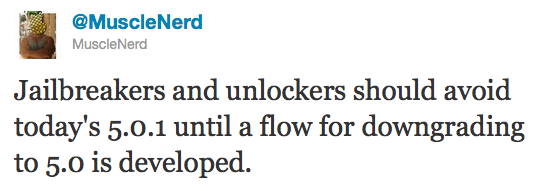
Also, MuscleNerd via twitter has warned iOS users that there is no downgrade from iOS 5.0.1 to iOS 5.0 yet and he recommends to wait until downgrade mechanism is available.
Jailbreakers and unlockers should avoid today's 5.0.1 until a flow for downgrading to 5.0 is developed.
Downgrade flow needs to be modified for AP "nonce" http://is.gd/b3G0io ... saved SHSH blobs are not enough to downgrade to 5.0
Apple Releases iOS 5.0.1 to Address Battery Life Issues
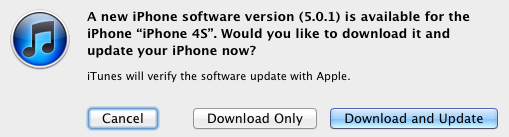
Yesterday Apple released the promised update of the iOS 5.0. The iOS 5.0.1 should fix battery life issues found on devices upgraded to the iOS 5, as well as on new iPhone 4S. Apple publicly said the battery life bugs affected a small number of users. In addition to addressing battery life issues, the update also brings new multi-touch gestures for the first-generation iPad.
This update contains improvements and other bug fixes including:
- Fixes bugs affecting battery life
- Adds Multitasking Gestures for original iPad
- Resolves bugs with Documents in the Cloud
- Improves voice recognition for Australian users using dictation
The update also includes security improvements, as well as a new way for developers to specify files that should remain on a device even in low storage situations.
iOS 5.0.1 is available for iPhone (4S, 4, and 3GS), iPod touch (third- and fourth-generation), and all iPad models. The update is now available to all users through iTunes, and will be soon available as an over-the-air update.
Direct links for downloads:
- iPhone: , , ,
- iPad: , , ,
- iPod touch: ,
Work on iOS 5 Battery Issues Continues with Customer Testing, Internal Support Notices

Last week, Apple confirmed that some users indeed experienced problems with battery life on their devices with the iOS 5. The company said that the issue was caused by some bugs in the operating system and now Apple is working on update that will solve the problem. The iOS 5.0.1 seems to be in developing testing already and Apples intends to expand its testing, asking customers, who have experienced problems with their devices, to participate in testing.
Apple invites you to participate in a software seeding project. We have selected you, based on a referral from AppleCare for participation in our program, to assist us in testing an upcoming iOS 5 Software Update. Please follow the directions below to complete the invitation process.
Apple also asked retail store staff to recommend customers to wait for “a few weeks” until the update will be released, not offering replacement handsets for battery life issues.
A small number of customers have reported lower than expected battery life on iOS 5 devices. If you are helping one of those customers, follow standard procedure to rule out any hardware issues with the device. If no hardware issues are found, let the customer know that Apple has found a few bugs in iOS 5 affecting battery life and Apple will release a software update to address those in a few weeks.
Hidden panorama mode discovered in Apple's iOS 5 Camera app
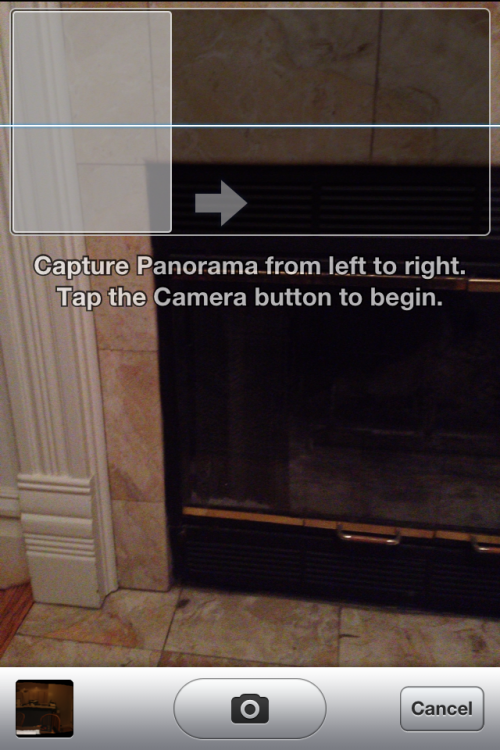
iOS hacker Conrad Kramer, better known as Contradev, have discovered a way how to enable the hidden panorama mode within Apple’s Camera application of the iOS 5. But, he noted, the feature seems to be not completed and in ongoing development by Apple. It offers settings for a grid and HDR when creating a panorama photo. A user can capture individual photos from left to right and the software will stitch it together. Kramer has said that the function is easily activated by "EnableFirebreak" key in a preference file within the mobile operating system.
Another hacker Grant Paul, also known as Chpwn, posted a screenshot (see above) of the panorama mode and has already submitted an application, called Firebreak, to Cydia to enable the panorama mode for Jailbroken iPhones.
It is obvious that Apple has been testing the Panorama mode that could appear in the iOS 5, but it is unclear why Apple did not include the feature in the final release.
Step-by-step Tutorial: How to (Un)Tether Jailbreak and Unlock iPhone 3GS Using Sn0wBreeze 2.8b10 (Windows) [iOS 5]
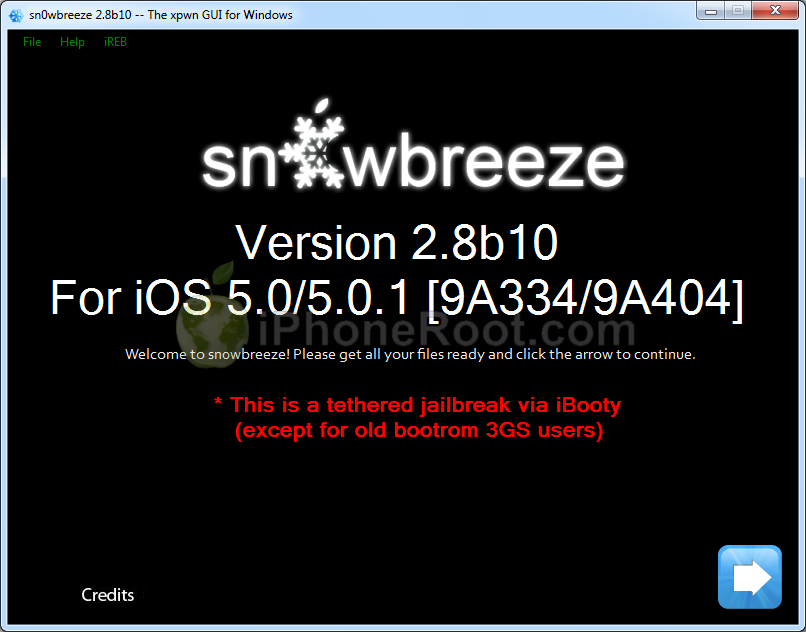
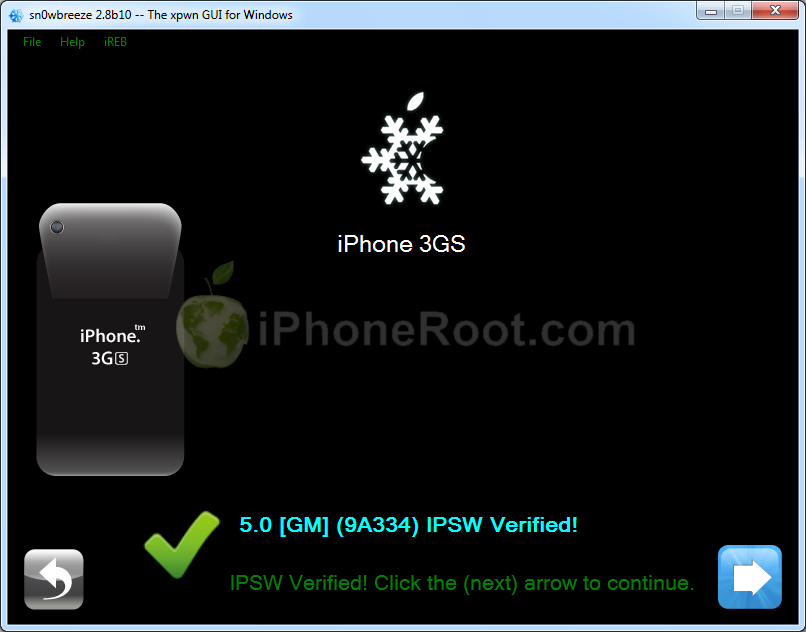
UPDATE: With the release of iOS 5.0.1, you might get troubles restoring to iOS 5.0. Don't worry, new sn0wbreeze is already available. Our tutorial for iOS 5.0.1 is available here.
Using this tutorial you will be able to create a custom firmware, jailbreak and unlock iOS 5 running on iPhone 3GS. This tutorial uses Sn0wBreeze 2.8b10 for Windows.
If you have iPhone 3GS with an old bootrom version 359.3, the jailbreak is untethered. If your device has bootrom version 359.3.2 and higher, jailbreak will be tethered. You can detect your bootrom version using this tutorial.
Sn0wBreeze will also preserve baseband version if you need carrier unlock. It can also update your modem version to 06.15 if you need unlock and stuck with 05.14 or higher baseband.
Leave a comment, read comments [65]
Pod2g found vulnerability to untether jailbreak iOS 5
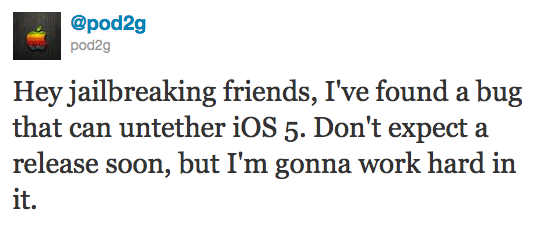
Famous hacker Pod2g has recently announced that he discovered a bug that can untether the iOS 5 jailbreak! He posted via twitter:
Hey jailbreaking friends, I've found a bug that can untether iOS 5. Don't expect a release soon, but I'm gonna work hard in it.
Pod2g has found many vulnerabilities in the past including famous SHAtter.
Sn0wBreeze 2.8b10 released

iH8Sn0w has released Sn0wBreeze 2.8b10. Here is a changelog:
- Supports iOS 5.0 (9A334)/5.0.1-b2 (9A404)
- Fixed iBooks sandbox crashing issues.
- Fixed location services issues with iPhone 3GS users running the iPad baseband (06.15).
- Re-added iPad baseband (06.15) install option to iPhone 3GS.
- Removes UDID requirement/Beta timer in 5.0.1.
- Tethered devices are booted via iBooty which is extracted to the Desktop after running sn0wbreeze.
As usual the jailbreak is semi-tethered for iPhone 4, iPad, iPhone 3GS with new bootrom, iPad Touch 3G, iPod Touch 4G and untethered for iPhone 3GS with old bootrom.
You can download Sn0wBreeze 2.8b10 here.
UPDATE: Sn0wBreeze 2.8b10 step-by-step jailbreak and unlock tutorials:
Leave a comment, read comments [4]
Jailbreak for iOS 5.0.1 beta released
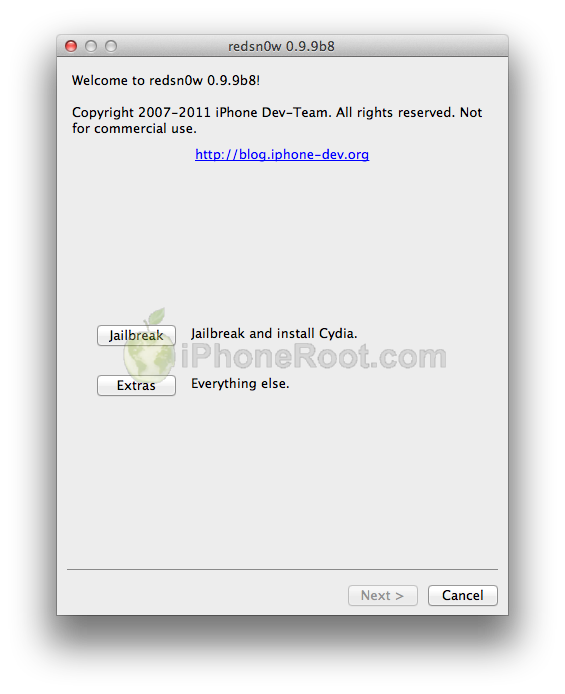
The iPhone Dev-Team has updated RedSn0w with support for jailbreaking iOS 5.0.1 beta which was recently released for iOS developers. (UPDATE: iOS 5.0.1 released)
RedSn0w 0.9.9b8 recognizes 5.0.1 beta and you don't have to "point at 5.0 IPSW" any more. Since the IPSW isn't public, you'll still need to provide it once to redsn0w (Extra -> Select IPSW).
Apple released iOS 5.0.1 beta to developers
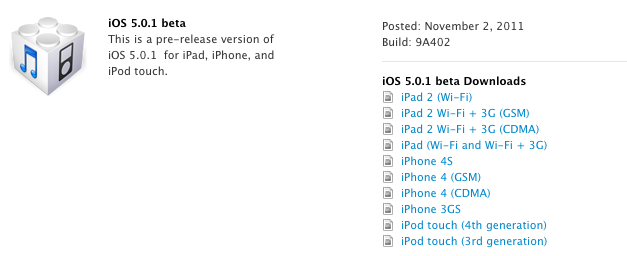
Apple has just relased iOS 5.0.1 (9A402) to developers. The new update features battery life fixes, multitasking gestures on the original iPad, improves Voice recognition for Australian users, and features other bug and security fixes. The update is about 811MB. Developers can download it from the Developer Center.
iOS 5.0.1 beta also introduces a new way for developers to specify files that should remain on device, even in low storage situations.
Changelog:
Read the rest of this entry »
Samsung requests iPhone 4S firmware source code

SmartOffice reports that Samsung is requesting Apple to provide them with the source code for the iPhone 4S firmware. Samsung doesn’t abandon their attempt to ban the device in Australia, trying to find any loophole to achieve success. Moreover, Samsung wants to know details of subsidy agreements with all Australian carriers.
“It goes to show that since the iPhone 3G was made available in Australia in July 2008, the impact on the market for every iPhone product has been significant, and has lead to a substantial increase … in market share by revenue. If subsidies are given for the iPhone 4S, there are less to go around for my client’s products,” - Samsung counsel Cynthia Cochrane told the federal court.
As for the source code Apple denies any infringement. The Company claims that Samsung agreed to license the three wireless 3G-related patents in question under FRAND agreements. Samsung thinks that agreement doesn’t cover Apple in Australia and claims Apple denied previous attempts to extend the license internationally. But it seems that all Samsung’s attempts will be unsuccessful, because the case will be handled by Justice Annabelle Bennett, who handed out the injunction against Samsung’s Tab 10.1.
Leave a comment, read comments [1]
How to do a Semi Tethered Jailbreak on iOS 5
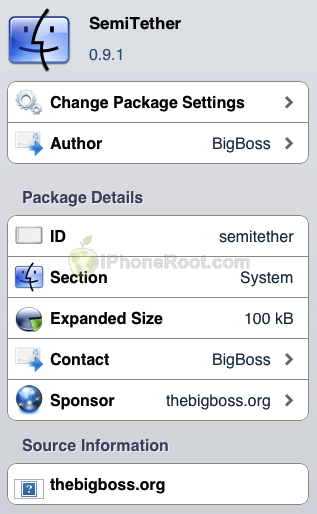
These instructions will show you how to make your tethered iOS 5 jailbreak a semi tethered jailbreak for iPhone, iPad, or iPod touch.
A semi-tethered jailbreak is a workaround solution which solves the problem of being unable to reboot with a tethered jailbreaked device. The semi tethered jailbreak by BigBoss will allow you to reboot on the road, but with limited functionality.
You can use your phone, text, safari and many other features. Once you get home and can use redsn0w again to “just boot tethered”. Once you do that, you’re back to fully functional state.
Leave a comment, read comments [67]
Step-by-step Tutorial: How to (Un)Tether Jailbreak and Unlock iPhone 3GS Using Sn0wBreeze 2.8b8 (Windows) [iOS 5]
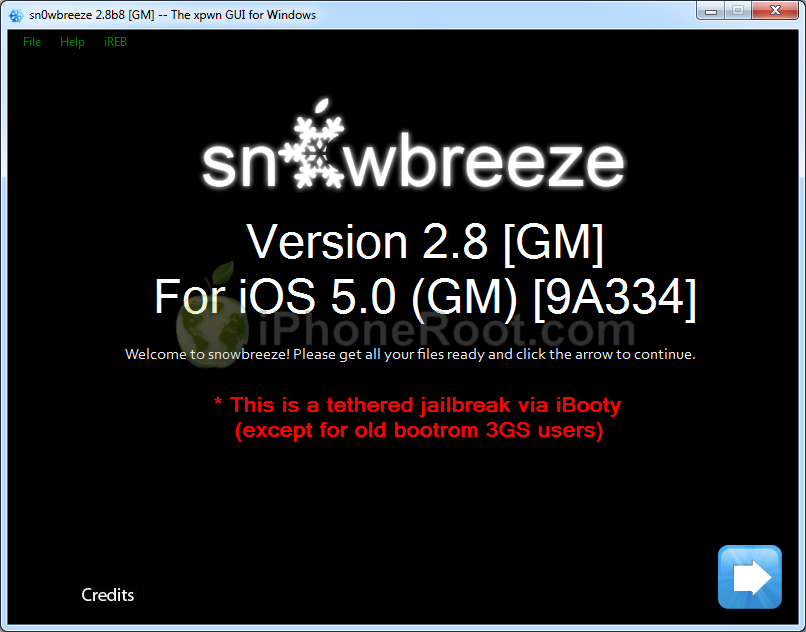
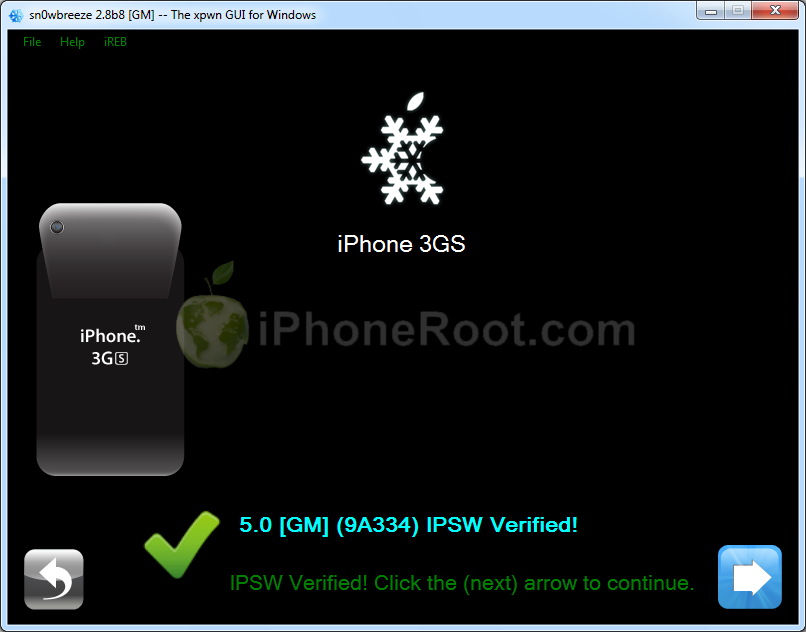
UPDATE: use our Sn0wBreeze 2.8b10 tutorial here.
Using this tutorial you will be able to create a custom firmware, jailbreak and unlock iOS 5 running on iPhone 3GS. This tutorial uses Sn0wBreeze 2.8b8 for Windows.
If you have iPhone 3GS with an old bootrom version 359.3, the jailbreak is untethered. If your device has bootrom version 359.3.2 and higher, jailbreak will be tethered.
Sn0wBreeze will also preserve baseband version if you need carrier unlock.
Leave a comment, read comments [42]
Step-by-step Tutorial: How to Tether Jailbreak and Unlock iPhone 4 Using Sn0wBreeze 2.8b8 (Windows) [iOS 5]
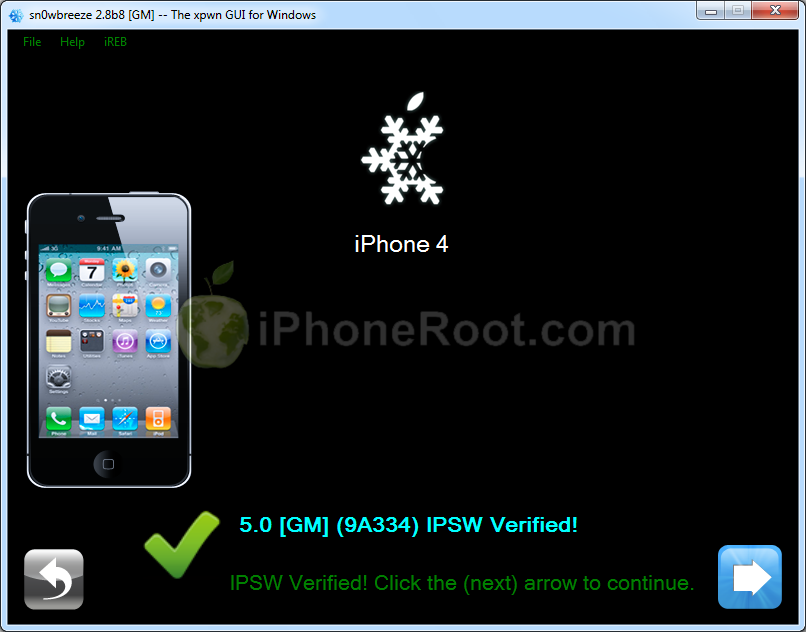
UPDATE: With the release of iOS 5.0.1, you might get troubles restoring to iOS 5.0. Don't worry, new sn0wbreeze is already available. Our tutorial for iOS 5.0.1 is available here.
Using this tutorial you will be able to create a custom firmware, tether jailbreak and unlock iOS 5 running on iPhone 4. This tutorial uses Sn0wBreeze 2.8b8 for Windows.
Sn0wBreeze will also preserve baseband version if you need carrier unlock.
Leave a comment, read comments [80]