 iPhoneRoot.com

News from category ‘Tutorial’
Step-by-step tutorial: How to Unlock Your iPhone 4S, iPhone 4, iPhone 3GS Using SAM v0.1.16 [iOS 5.0, 5.0.1, 5.1]

UPDATE: Apple is blocking SAM unlock
These are instructions on how to unlock your iPhone using updated SAM v0.1.16. This method will work with the iPhone 4S, iPhone 4 and iPhone 3GS on iOS 5.x. All modems are supported.
Step One
Jailbreak your iPhone. You can find instructions on how to do that using the Jailbreak Tutorials.
Step Two
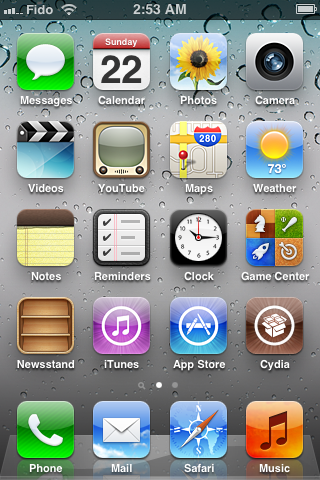
Tap to launch Cydia from your SpringBoard.
 Leave a comment, read comments [95]
Step-by-step tutorial: How to Unlock Your iPhone 4S, iPhone 4, iPhone 3GS Using SAM [iOS 5.0, 5.0.1, 5.1]
UPDATE: SAM was updated. Our new tutorial is available here.
UPDATE2: Apple is blocking SAM unlock
These are instructions on how to unlock your iPhone using SAM. This method will work with the iPhone 4S, iPhone 4 and iPhone 3GS on iOS 5.x. All modems are supported.
Step One
Jailbreak your iPhone. You can find instructions on how to do that using the Jailbreak Tutorials.
Step Two
Tap to launch Cydia from your SpringBoard.
Leave a comment, read comments [134]
Tutorial: how to unlock iPhone from AT&T
As announced, AT&T has begun unlocking off contract iPhones for customers. TNW details the procedure. If you quality you can contact the company via phone, chat, or in-store.
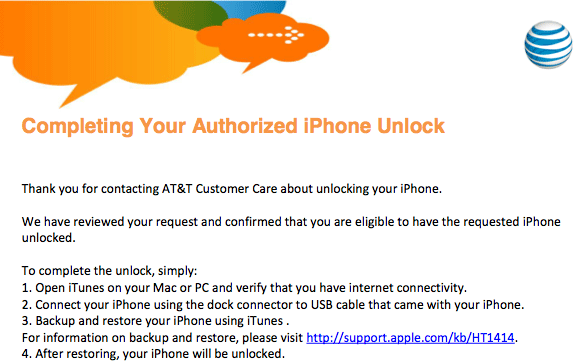
The only piece of information required by AT&T is the International Mobile Equipment Identity (IMEI) number, which can be found under Settings -> General ->About on your device. Then in 72 hours you will receive email confirmation.
The maximum amount of unlock codes that can be given to an account is 5/year. You can see a copy of the unlock confirmation below.
Leave a comment, read comments [158]
Step-by-step Tutorial: How to (Un)Tether Jailbreak and Unlock iPhone 3GS Using Sn0wBreeze 2.9.3 (Windows) [iOS 5.1]
UPDATE: Apple released iOS 5.1.1 and has stopped signing iOS 5.1, so you can NOT restore to 5.1 any more (both original and custom), unless you have saved your SHSH keys for 5.0.1. If you are on 5.1 you can jailbreak with redsn0w. iOS is also tethered jailbreakable with redsn0w.
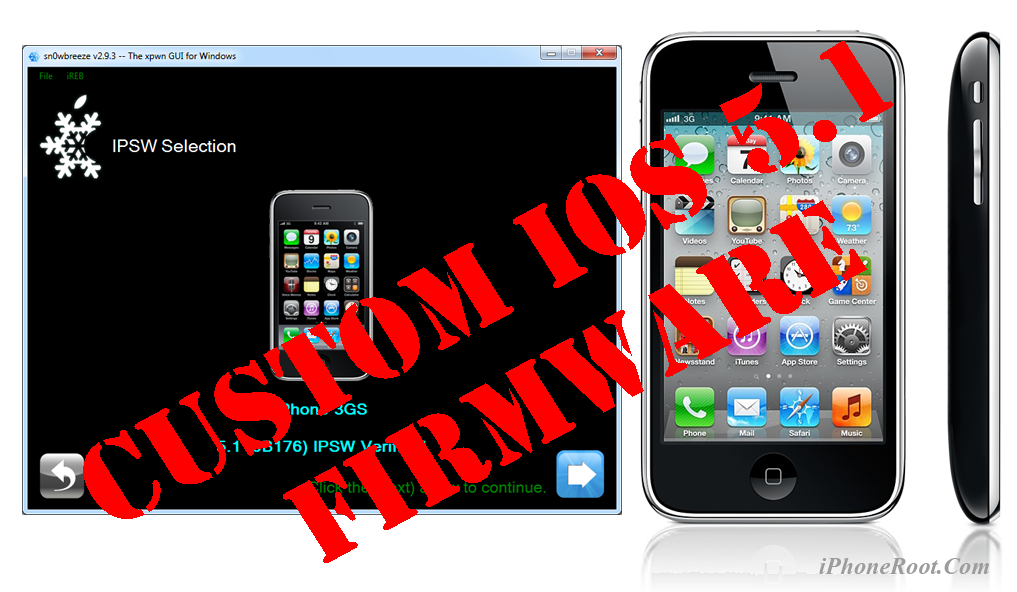
Using this tutorial you will be able to create a custom firmware, tether jailbreak and unlock iOS 5.1 running on iPhone 3GS. This tutorial uses Sn0wBreeze 2.9.3 for Windows.
If you have iPhone 3GS with an old bootrom version 359.3, the jailbreak is untethered. If your device has bootrom version 359.3.2 and higher, jailbreak will be tethered. You can detect your bootrom version using this tutorial.
Tethered jailbreak means that each time you restart your device you will need to connect it to a computer and run iBooty.
Sn0wBreeze will also preserve baseband version if you need carrier unlock. It can also update your modem version to 06.15 if you need unlock and stuck with 05.14 or higher baseband. If you have new iPhone 3GS that was made after 28 week of 2011 upgrading modem will not help to unlock.
Leave a comment, read comments [84]
Step-by-step Tutorial: How to Tether Jailbreak and Unlock iPhone 4 Using Sn0wBreeze 2.9.3 (Windows) [iOS 5.1]
UPDATE: Apple released iOS 5.1.1 and has stopped signing iOS 5.1, so you can NOT restore to 5.1 any more (both original and custom), unless you have saved your SHSH keys for 5.0.1. If you are on 5.1 you can jailbreak with redsn0w. iOS is also tethered jailbreakable with redsn0w.
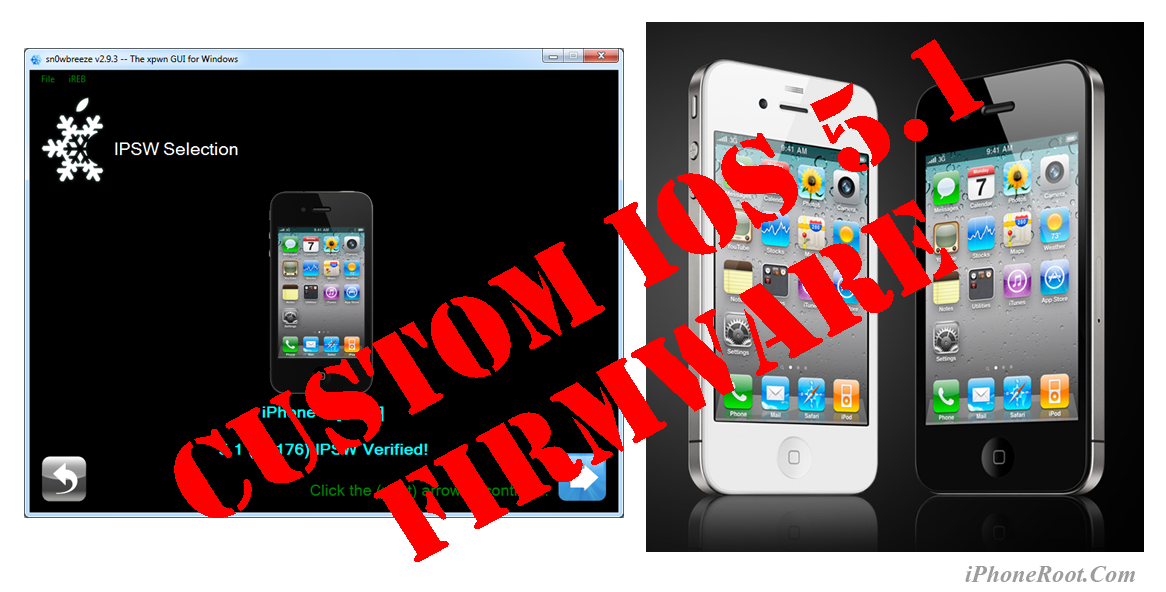
Using this tutorial you will be able to create a custom firmware, tether jailbreak and unlock iOS 5.1 running on iPhone 4. This tutorial uses Sn0wBreeze 2.9.3 for Windows.
Tethered jailbreak means that each time you restart your device you will need to connect it to a computer and run iBooty.
Sn0wBreeze will also preserve baseband version if you need carrier unlock.
Leave a comment, read comments [29]
Tutorials for iOS 5.1 jailbreak
UPDATE: Tutorials for iOS 5.1.1 can be found here.
Here are our step-by-step tutorials that will guide you through all the process of jailbreaking iOS 5.1 with redsn0w and sn0wbreeze:
 iPhone 4
Tethered jailbreak iOS 5.1:
 iPhone 3GS
(Un)Tethered jailbreak iOS 5.1
Leave a comment, read comments [51]
Step-by-step Tutorial: How to Tether Jailbreak iPod Touch 3G Using RedSn0w 0.9.10 (Windows) [iOS 5.1]
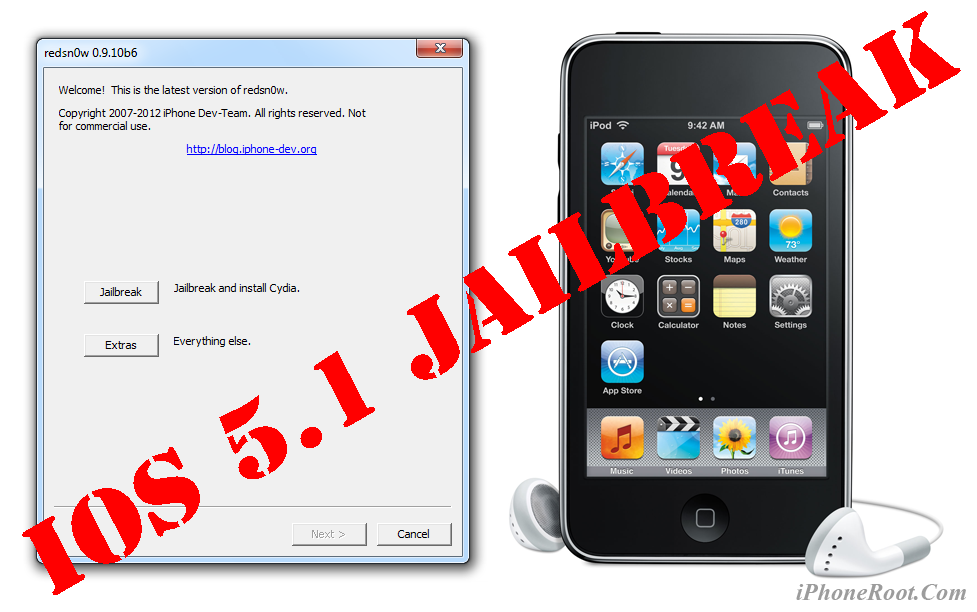
UPDATE: Apple released iOS 5.1.1 and has stopped signing iOS 5.1, so you can NOT restore to 5.1 any more (both original and custom), unless you have saved your SHSH keys for 5.0.1. If you are on 5.1 you can jailbreak with redsn0w. iOS is also tethered jailbreakable with redsn0w.
This is step-by-step instructions on how to perform tethered jailbreak of your iPod Touch 3G on iOS 5.1 firmware using RedSn0w 0.9.10 for Windows.
Tethered jailbreak means that each time you restart your device you will need to connect it to a computer and run redsn0w.
Leave a comment, read comments [1]
Step-by-step Tutorial: How to Tether Jailbreak iPod Touch 4G Using RedSn0w 0.9.10 (Windows) [iOS 5.1]
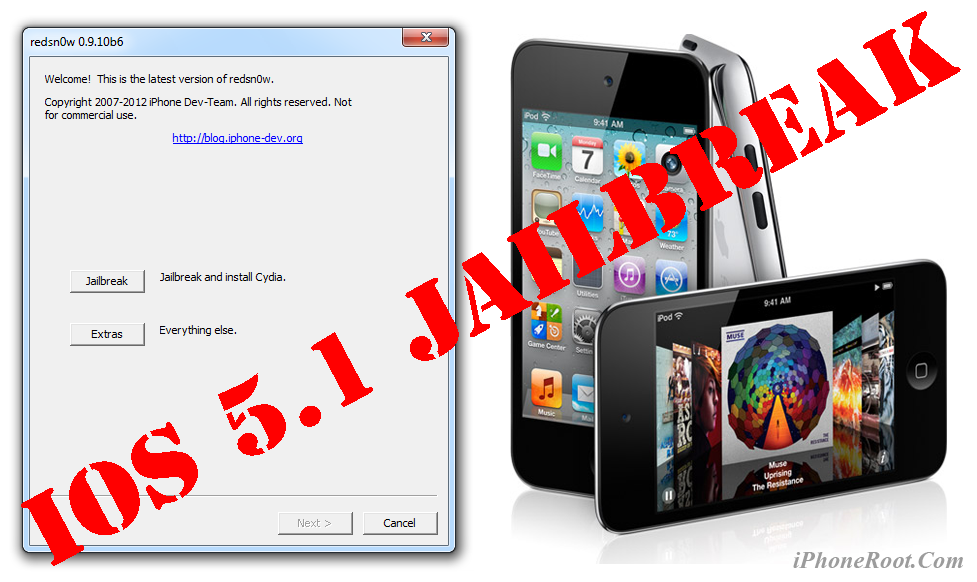
UPDATE: Apple released iOS 5.1.1 and has stopped signing iOS 5.1, so you can NOT restore to 5.1 any more (both original and custom), unless you have saved your SHSH keys for 5.0.1. If you are on 5.1 you can jailbreak with redsn0w. iOS is also tethered jailbreakable with redsn0w.
This is step-by-step instructions on how to perform tethered jailbreak of your iPod Touch 4G on iOS 5.1 firmware using RedSn0w 0.9.10 for Windows.
Tethered jailbreak means that each time you restart your device you will need to connect it to a computer and run redsn0w.
Leave a comment, read comments [84]
Step-by-step Tutorial: How to Tether Jailbreak iPad 1 Using RedSn0w 0.9.10 (Windows) [iOS 5.1]
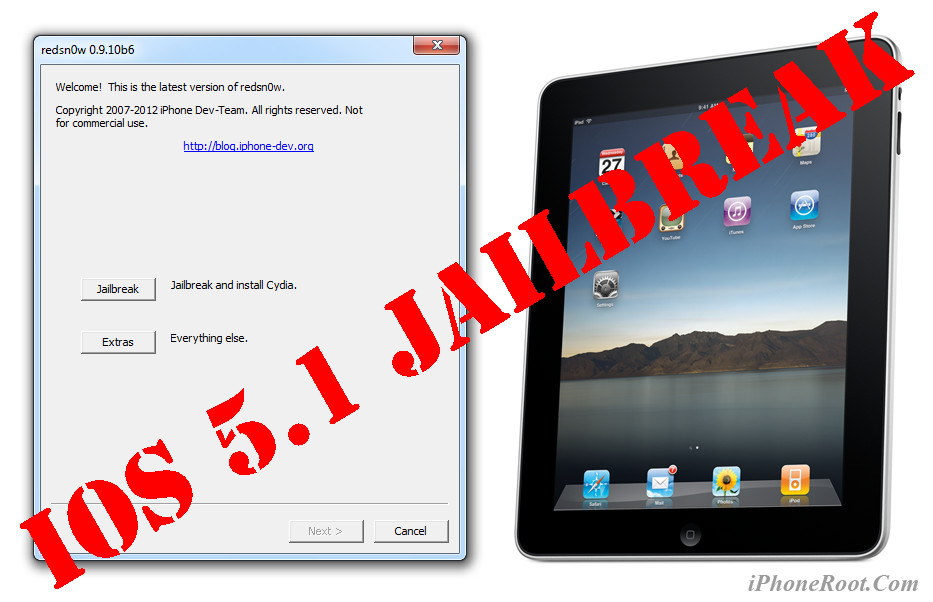
UPDATE: Apple released iOS 5.1.1 and has stopped signing iOS 5.1, so you can NOT restore to 5.1 any more (both original and custom), unless you have saved your SHSH keys for 5.0.1. If you are on 5.1 you can jailbreak with redsn0w. iOS is also tethered jailbreakable with redsn0w.
This is step-by-step instructions on how to perform tethered jailbreak of your iPad 1 on iOS 5.1 firmware using RedSn0w 0.9.10 for Windows.
Tethered jailbreak means that each time you restart your device you will need to connect it to a computer and run redsn0w.
Leave a comment, read comments [49]
Step-by-step Tutorial: How to (Un)Tether Jailbreak and Unlock iPhone 3GS Using RedSn0w 0.9.10 (Windows) [iOS 5.1]
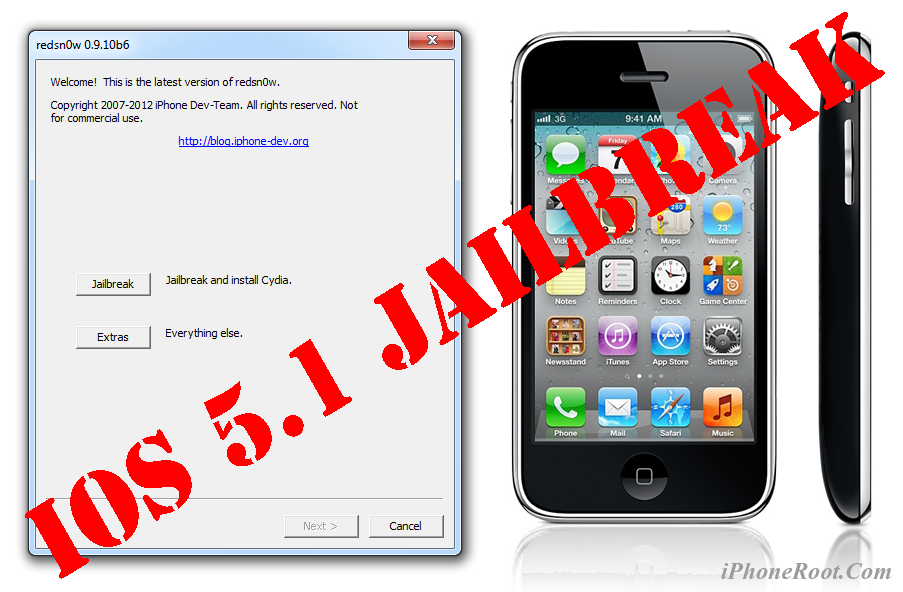
UPDATE: Apple released iOS 5.1.1 and has stopped signing iOS 5.1, so you can NOT restore to 5.1 any more (both original and custom), unless you have saved your SHSH keys for 5.0.1. If you are on 5.1 you can jailbreak with redsn0w. iOS is also tethered jailbreakable with redsn0w.
This is step-by-step instructions on how to perform jailbreak and unlock of your iPhone 3GS on iOS 5.1 firmware using RedSn0w 0.9.10 for Windows.
If you have iPhone 3GS with an old bootrom version 359.3, the jailbreak is untethered. If your device has bootrom version 359.3.2 and higher, jailbreak will be tethered. You can detect your bootrom version using this tutorial.
Tethered jailbreak means that each time you restart your device you will need to connect it to a computer and run redsn0w.
Leave a comment, read comments [152]
Step-by-step Tutorial: How to Tether Jailbreak iPhone 4 Using RedSn0w 0.9.10 (Windows) [iOS 5.1]
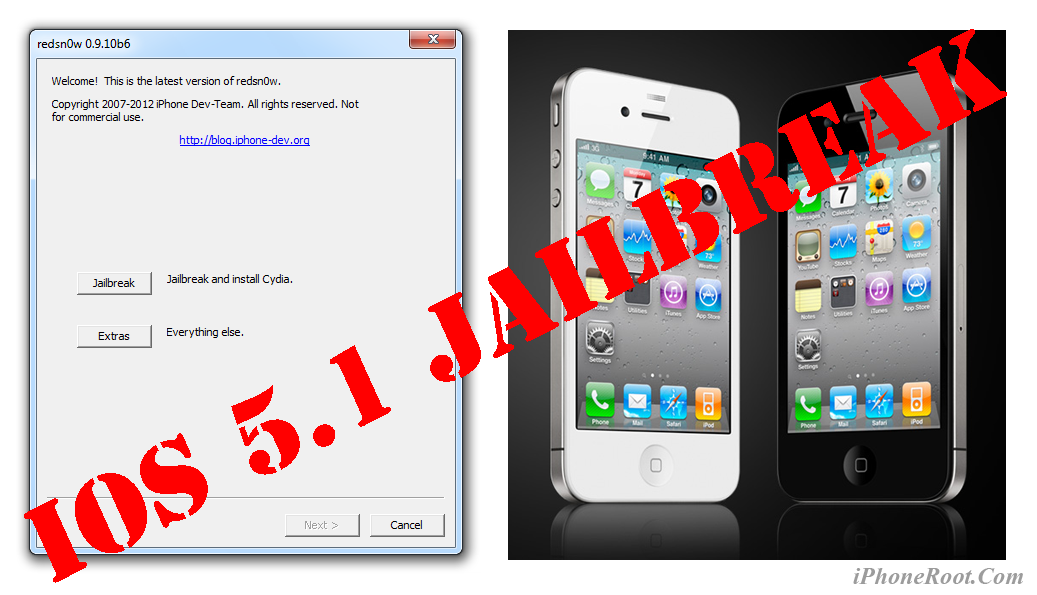
UPDATE: Apple released iOS 5.1.1 and has stopped signing iOS 5.1, so you can NOT restore to 5.1 any more (both original and custom), unless you have saved your SHSH keys for 5.0.1. If you are on 5.1 you can jailbreak with redsn0w. iOS is also tethered jailbreakable with redsn0w.
This is step-by-step instructions on how to perform tethered jailbreak of your iPhone 4 on iOS 5.1 firmware using RedSn0w 0.9.10 for Windows.
Tethered jailbreak means that each time you restart your device you will need to connect it to a computer and run redsn0w.
Leave a comment, read comments [125]
New iPhoto and iMovie apps can be manually copied to the original iPad
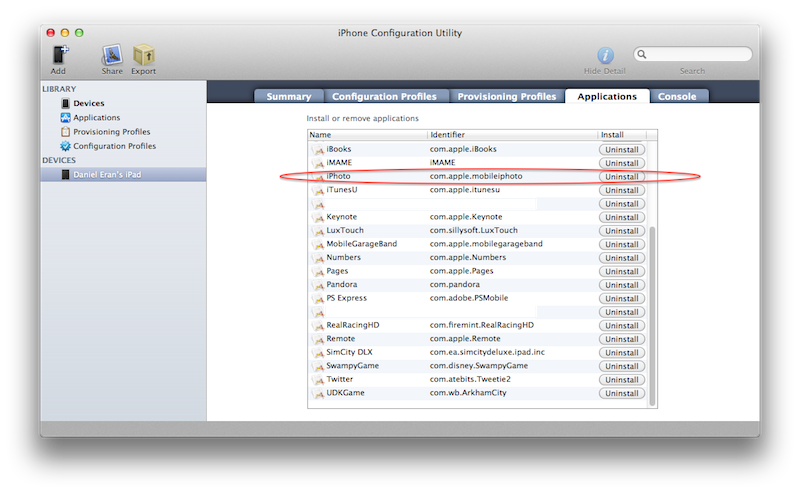
Apple doesn't support its new iPhoto app, as well as iMovie, on the original iPad. The reason is obvious - the original iPad doesn’t have a camera. But the apps can be installed manually using Apple's iPhone Configuration Utility. iPhoto and iMovie seem to work well enough on the original iPad, although it lacks speed of the iPad 2 and memory of the newest iPad.
To install iMovie and iPhoto to the original iPad you need:
1. to install Apple's free iPhone Configuration Utility, available at http://www.apple.com/support/iphone/enterprise/
2. to buy the apps in iTunes, they'll be within your Music folder under iTunes/iTunes Media/Mobile Applications.
Tutorials for iOS 5.0.1 jailbreak
UPDATE: Tutorials for iOS 5.1 are availbale here.
UPDATE: Tutorials for iOS 5.1.1 can be found here.
Here are our step-by-step tutorials that will guide you through all the process of jailbreaking iOS 5.0.1 with sn0wbreeze, redsn0w, pwnagetool and absenthe:
 iPhone 4S
UnTethered jailbreak iOS 5.0 / iOS 5.0.1:
iPhone 4
UnTethered jailbreak iOS 5.0.1:
- RedSn0w (Windows)
- Custom firmware using RedSn0w
- Custom firmware using Sn0wBreeze (Windows)
- Custom firmware using PwnageTool (Mac)
Leave a comment, read comments [67]
Step-by-step Tutorial: How to UnTether Jailbreak iPod Touch 3G Using Sn0wBreeze 2.9.1 (Windows) [iOS 5.0.1]
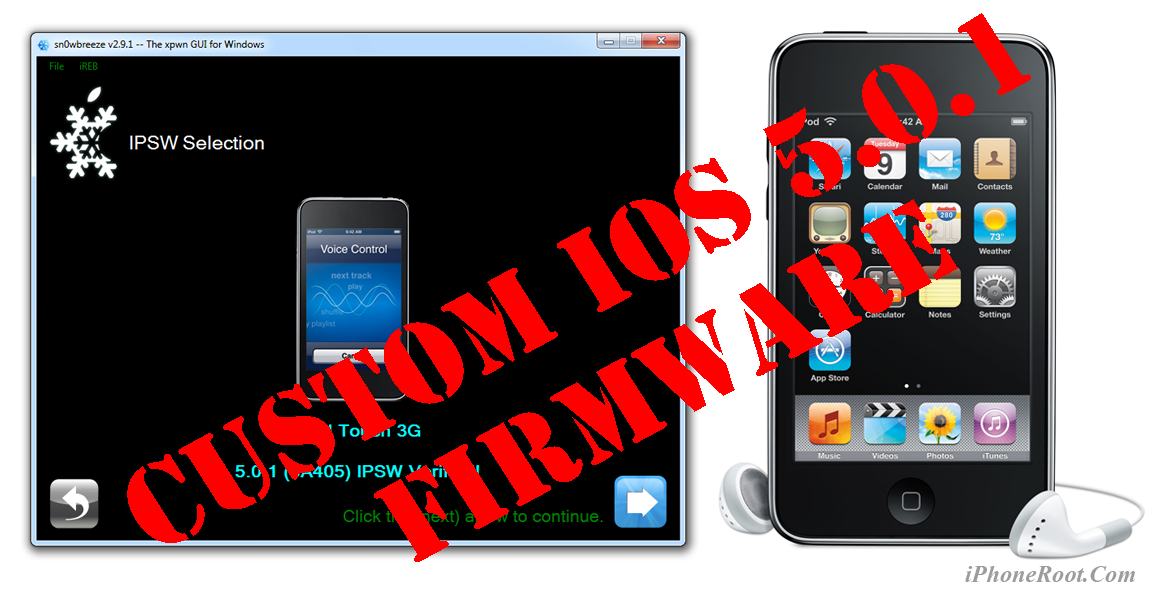
UPDATE: Apple released iOS 5.1 that is only tethered jailbreakable with redsn0w. Apple has stopped signing iOS 5.0.1, so you can NOT restore to 5.0.1 any more (both original and custom), unless you have saved your SHSH keys for 5.0.1. If you are on 5.0.1 you can jailbreak with redsn0w.
Using this tutorial you will be able to create a custom firmware, jailbreak iOS 5.0.1 running on iPod Touch 3G. This tutorial uses Sn0wBreeze 2.9.1 for Windows.
Jailbreak is untethered. Untethered jailbreak means that each time you restart your device you will NOT need to connect it to a computer and run utilities.
Leave a comment, read comments [14]
Step-by-step Tutorial: How to UnTether Jailbreak iPod Touch 4G Using Sn0wBreeze 2.9.1 (Windows) [iOS 5.0.1]
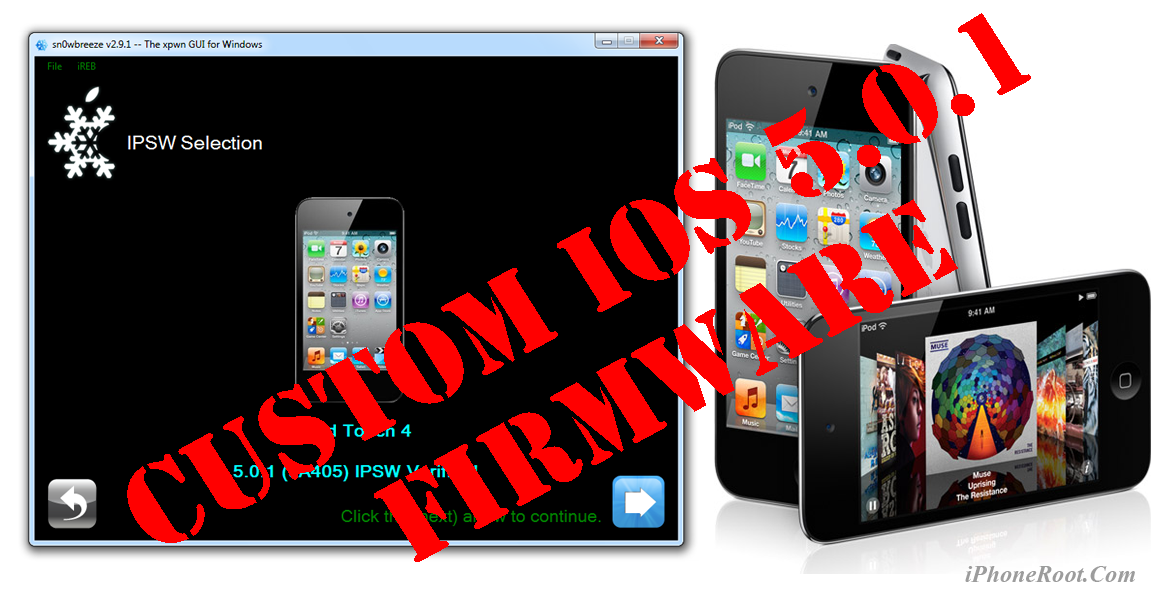
UPDATE: Apple released iOS 5.1 that is only tethered jailbreakable with redsn0w. Apple has stopped signing iOS 5.0.1, so you can NOT restore to 5.0.1 any more (both original and custom), unless you have saved your SHSH keys for 5.0.1. If you are on 5.0.1 you can jailbreak with redsn0w.
Using this tutorial you will be able to create a custom firmware, jailbreak iOS 5.0.1 running on iPod Touch 4G. This tutorial uses Sn0wBreeze 2.9.1 for Windows.
Jailbreak is untethered. Untethered jailbreak means that each time you restart your device you will NOT need to connect it to a computer and run utilities.
Leave a comment, read comments [42]