 iPhoneRoot.com

News tagged ‘06.15.00’
Step-by-step Tutorial: How to (Un)Tether Jailbreak and Unlock iPhone 3GS Using RedSn0w 0.9.9b5 (Mac OS) [iOS 5]
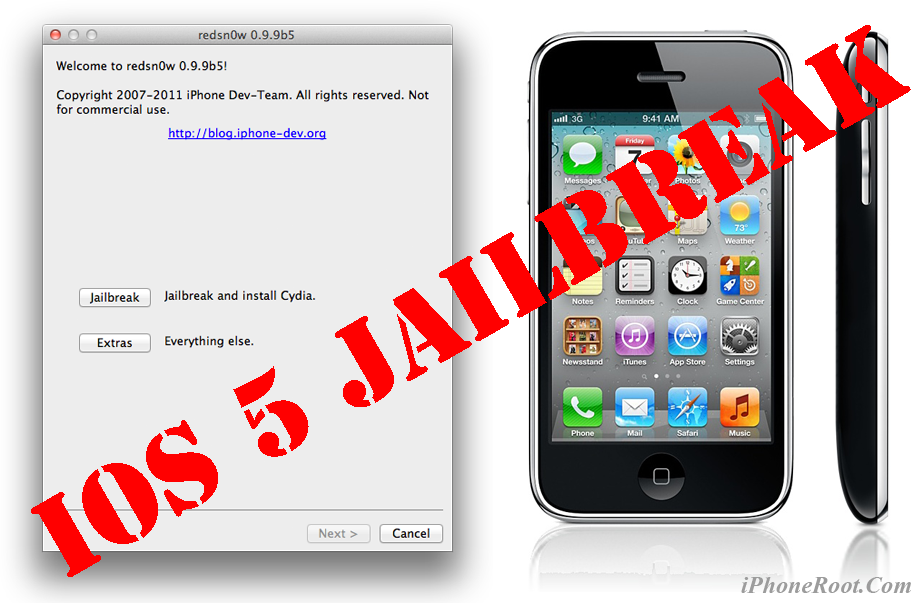
This is step-by-step instructions on how to perform jailbreak of your iPhone 3GS on iOS 5 firmware using RedSn0w 0.9.9b6 for Mac OS X.
If you need unlock Redsn0w will provide you with choice of updating your baseband to 06.15.
Important: If you need unlock and have 05.13 baseband or lower - do not update to Apple firmware, use RedSn0w or Sn0wBreeze to create custom firmware!
If you have iPhone 3GS with an old bootrom version 359.3, the jailbreak is untethered. If your device has bootrom version 359.3.2 and higher, jailbreak will be tethered. You can detect your bootrom version using this tutorial.
Tethered jailbreak means that each time you restart your device you will need to connect it to a computer and run redsn0w.
 Leave a comment, read comments [8]
Step-by-step Tutorial: How to (Un)Tether Jailbreak and Unlock iPhone 3GS Using RedSn0w 0.9.9b6 (Windows) [iOS 5]

This is step-by-step instructions on how to perform jailbreak of your iPhone 3GS on iOS 5 firmware using RedSn0w 0.9.9b6 for Windows.
If you need unlock Redsn0w will provide you with choice of updating your baseband to 06.15.
Important: If you need unlock and have 05.13 baseband or lower - do not update to Apple firmware, use RedSn0w or Sn0wBreeze to create custom firmware!
If you have iPhone 3GS with an old bootrom version 359.3, the jailbreak is untethered. If your device has bootrom version 359.3.2 and higher, jailbreak will be tethered. You can detect your bootrom version using this tutorial.
Tethered jailbreak means that each time you restart your device you will need to connect it to a computer and run redsn0w.
Leave a comment, read comments [198]
DevTeam releases ultrasn0w unlock for iOS 5
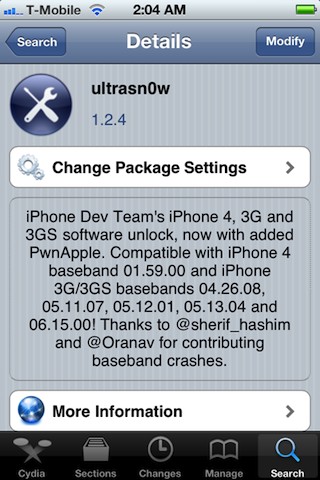
The iPhone Dev-Team has released an update to their UltraSn0w unlock bringing support for iOS 5. Remember that NO new basebands are supported in this release. It only adds support for iOS 5 with old basebands.
Here is the list of supported basebands:
- iPhone 4: 01.59.00
- iPhone 3G/3GS: 04.26.08, 05.11.07, 05.12.01, 05.13.04, 06.15.00.
If have one of the above baseband version and need unlock you can upgrade to iOS 5 without updating your baseband using RedSn0w 0.9.9b5 or Sn0wBreeze 2.8b8.
Ultrasn0w 1.2.4 is available in Cydia.
Leave a comment, read comments [9]
Step-by-step Tutorial: How to Untether Jailbreak and Unlock iPhone 4 Using Sn0wBreeze 2.7.3 (Windows) [iOS 4.3.3]

Using this tutorial you will be able to untether jailbreak iOS 4.3.3 running on iPhone 4. This tutorial uses Sn0wBreeze 2.7.3 for Windows.
Sn0wBreeze will also preserve baseband version if you need carrier unlock.
Leave a comment, read comments [139]
Step-by-step Tutorial: How to Untether Jailbreak and Unlock iPhone 3GS Using Sn0wBreeze 2.7.3 (Windows) [iOS 4.3.3]
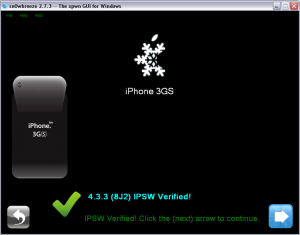
Using this tutorial you will be able to untether jailbreak iOS 4.3.3 running on iPhone 3GS. This tutorial uses Sn0wBreeze 2.7.3 for Windows.
Sn0wBreeze will also preserve baseband version if you need carrier unlock. If you have updated the baseband to version 06.15, you can use this tutorial to update to iOS 4.3.3. If you have iPhone 3GS and need to update baseband to 06.15, you can do it too (may disable your GPS).
Leave a comment, read comments [65]
Step-by-step Tutorial: How to Untether Jailbreak iPhone 4 Using PwnageTool 4.3.3.1 (Mac OS) [iOS 4.3.3]
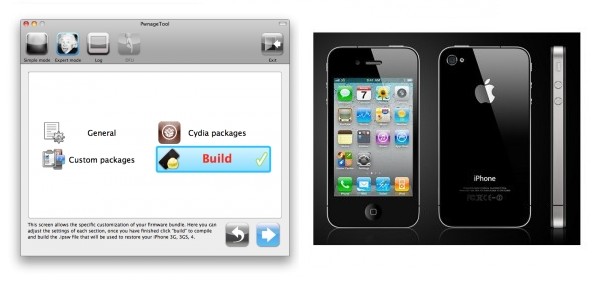
Using this tutorial you will be able to untether jailbreak iOS 4.3.3 running on iPhone 4. Pwnagetool will also preserve baseband version if you need carrier unlock. This tutorial uses PwnageTool 4.3.3.1 for Mac OS X.
Step-by-step Tutorial: How to Untether Jailbreak iPhone 3GS Using PwnageTool 4.3.3.1 (Mac OS) [iOS 4.3.3]
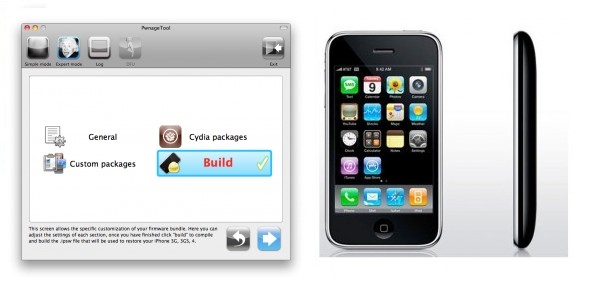
Using this tutorial you will be able to untether jailbreak iOS 4.3.3 running on iPhone 3GS. Pwnagetool will also preserve baseband version if you need carrier unlock. If you have updated the baseband to version 06.15, you can use this tutorial to update to iOS 4.3.3. This tutorial uses PwnageTool 4.3.3.1 for Mac OS X.
Leave a comment, read comments [6]
UltraSn0w 1.2.1 released: supports iPhone iOS 4.3.1
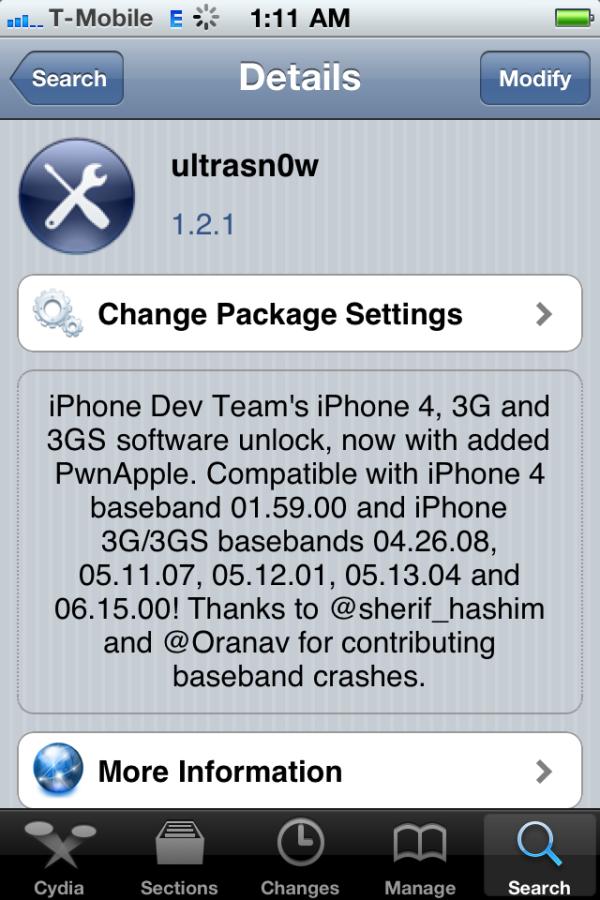
The iPhone Dev-Team released an update to UltraSn0w that makes it compatible with iOS 4.3.1 for basebands previously unlocked. You can use ultrasn0w if you need carrier unlock and you have compatible baseband, preserved with pwnagetool, sn0wbreeze or tinyumbrella.
Ultrasn0w 1.2.1 supports only the following basebands:
- iPhone 4: 01.59.00
- iPhone 3G/3GS: 04.26.08, 05.11.07, 05.12.01, 05.13.04, 06.15.00.
You can install ultrasn0w via Cydia.
Here are DevTeam comments:
Leave a comment, read comments [11]
Sn0wBreeze 2.5.1 released: supports Apple TV 2G and 06.15 baseband
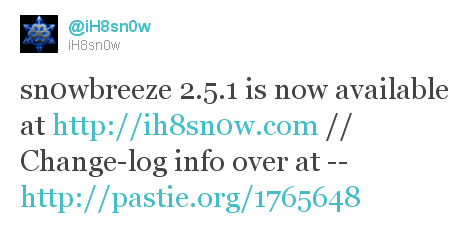
iH8sn0w updated their iOS 4.3.1 untethered jailbreak utility - released Sn0wBreeze 2.5.1.
They have added
- Apple TV 2G support,
- Cydia 1.1.1,
- ability to use 06.15 baseband for iPhone 3GS,
- afc2 (to use ifunbox and iphone explorer)
- fixed some bugs
Sn0wBreeze is used to create custom firmwares with jailbreak and preserve iPhone baseband. It is available for Windows only.
You can download Sn0wBreeze 2.5.1 here.
Here' official changelog.
Leave a comment, read comments [2]
UltraSn0w for iOS 4.3.1 is almost ready
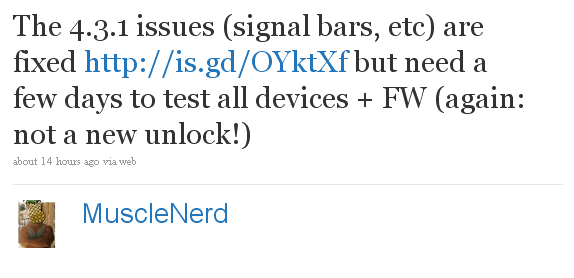
The iPhone Dev-Team has recently announced that they've managed to fix UltraSn0w issues with iOS 4.3.1. They still want to test it on various devices before releasing.
This update is for those who are on an unlockable baseband. For users who used PwnageTool 4.3 or Sn0wBreeze 2.5 to update iPhone firmware. This will not add any new basebands to unlockable list.
Ultrasn0w supports the following basebands:
- iPhone 4: 01.59.00
- iPhone 3G/3GS: 04.26.08, 05.11.07, 05.12.01, 05.13.04, 06.15.00.
MuscleNerd tweet:
Leave a comment, read comments [10]
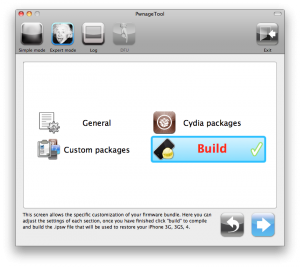
Step-by-step Tutorial: jailbreak iOS 4.2.1 on iPhone/iPod/iPad using PwnageTool 4.2 (Mac OS)
UPDate: Attention! We've received info, that Apple stopped signing iOS 4.2 for devices for which iOS 4.3 is available. This means you will not be able to restore to 4.2.1 without saved SHSH keys.
UPDATE: Please, consider reading our Jailbreak & Unlock FAQ, especially if you have questions or troubles.
Using this tutorial you will be able to jailbreak iOS 4.2.1 running on iPhone 3G, iPhone 3GS, iPhone 4, iPod Touch 3G, iPod Touch 4G and iPad. Pwnagetool will also preserve baseband version if you need carrier unlock. If you have updated the baseband to version 06.15, you can use this tutorial. This tutorial uses PwnageTool 4.2 for Mac OS X.
We are not developers of jailbreak utilities, so we cannot assure that everything will work just fine. However we tried this tutorial on several devices and succeeded.
We will use iPhone 4 in our jailbreak tutorial. The process is the same for all devices.
Step One
Make a folder called "Pwnage" on the desktop. Download a couple of things:
Leave a comment, read comments [33]
WARNING: updating to iPad baseband for iPhone unlock may disable your GPS
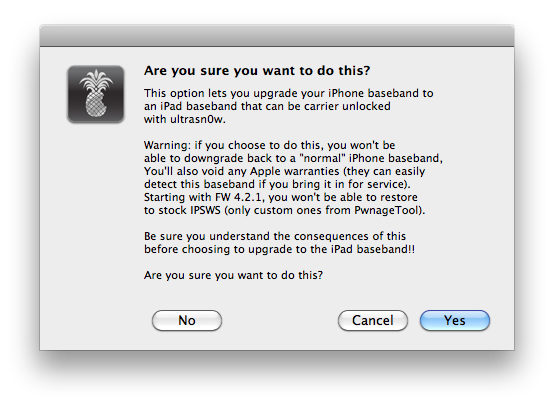
The iPhone Dev-Team has issued a notice stating that updating your iPhone to the iPad baseband for unlock could result in the loss of GPS functionality.
Unlockers have been reporting mixed results about GPS functionality at 06.15.00. Until we can track down what differentiates those who retain GPS vs. those who lose it, be conservative and assume you’ll lose GPS at 06.15.00. As we work on finding the cause (and possibly a fix), please report your personal findings in our comments section. (Update: early indications are that while 06.15.00 is capable of GPS, it will require some further hacks. But please still be conservative and assume you will lose GPS at 06.15, in case the hacks don’t work).
Hackers are currently working to fix this.
As usual we remind all users - if you don't absolutely need to update your baseband, don't do it.
Leave a comment, read comments [1]
Ultrasn0w unlock is being released

This is the tweet from MuscleNerd posted a minute ago. So it is just minutes to wait for new unlock utility ultrasn0w.
UPDATE: New ultrasn0w released! New PwnageTool 4.1.3 released. Read carefully from DevTeam first, then reread again!
UPDATE 2: new ultrasn0w 1.2 supports the following basebands:
- iPhone 4: 01.59.00
- iPhone 3G/3GS: 04.26.08, 05.11.07, 05.12.01, 05.13.04, 06.15.00.
UPDATE 3: Step-by-step Tutorial: How to Jailbreak and Unlock
Read the rest of this entry »
Leave a comment, read comments [24]