 iPhoneRoot.com

News from category ‘Cydia’
WhiteD00r custom iOS 4.2.1 firmware for iPhone 2G and iPod touch 1G released
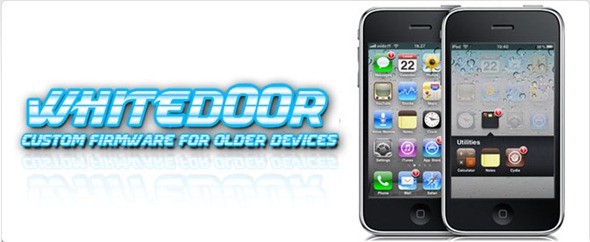
Apple stopped to support original iPhone 2G and iPod touch 1G starting from iOS 4.0. Their decision was justified because of the low RAM and sow CPU in these first-gen devices released back in 2007.
iPhone jailbreak community has now come up with a mod, which brings the complete look and feel of iOS 4.2.1 for iPhone 2G, 3G and iPod touch 1G and 2G. The mod is basically based on the iPhone OS 3.1.3, to replicate the experience of iOS 4 on the first and second generation iPhone and iPod touch.
This custom firmware, named WhiteD00r, includes everything from iOS 4.x: wallpapers, new semi transparent dock (and UI), backgrounds, all new icons from iOS 4.x, Voice Control, multitasking, video recording, and more. Full list of features can be found .
Moreover WhiteD00r was also relased for iPhone 3G and iPod touch 2G. Regular iOS 4.х works really slow, on these devices, while modified 3.1.3 has much more chances.
WhiteD00r custom 4.2.1 firmware for iPhone 2G, iPhone 3G, iPod touch 1G and iPod touch 2G can be downloaded from .
Here is a video of it in action:
 Leave a comment, read comments [17]
New Greenpois0n RC6.1 jailbreak released with iBooks DRM fix

The Chronic Dev Team has released Greenpois0n RC6.1, a new version of their ‘untethered’ iOS 4.2.1 jailbreak tool which now includes an update that disables Apple’s means of protecting the iBooks application from jailbreakers.
Recent Greenpois0n changelog:
- RC6.1: comex 'hunnypot' iBooks fix, don't overwrite animate if it already exist
- RC6: Apple TV 2 support, fixed emulators compatibility issues with greenpois0n
- RC5.4: Verizon iPhone 4 is now supported !
Greenpois0n RC6.1 supports iPod Touch 2G, iPod Touch 3G, iPod Touch 4G, iPad, iPhone 3GS, iPhone 4, Verizon iPhone 4 (iOS 4.2.6) and Apple TV 2G.
You can download the latest Greenpois0n RC6.1 here.
Leave a comment, read comments [2]
PwnageTool 4.2 with untethered iOS 4.2.1 jailbreak released
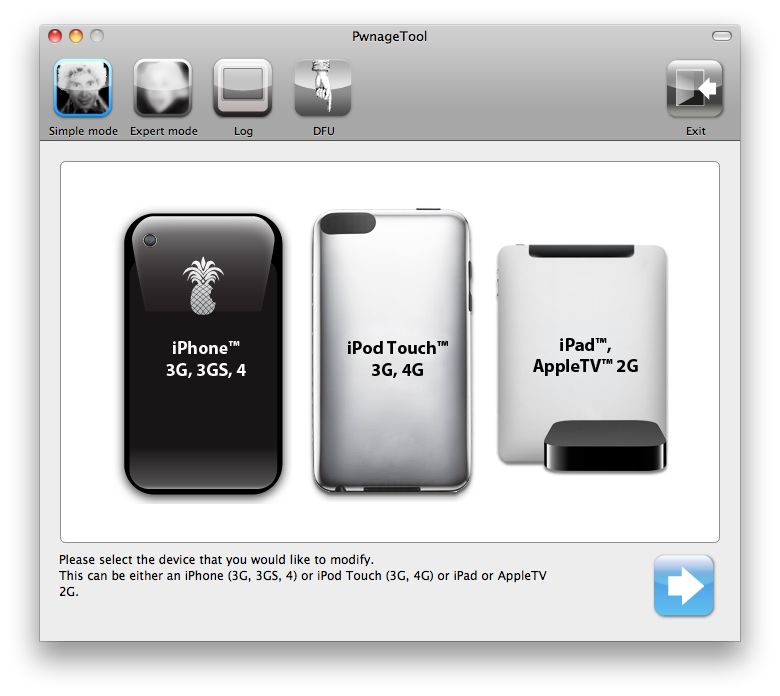
DevTeam released PwnageTool 4.2 utility. It is able to create a custom IPSW that can perform an untethered jailbreak on iOS 4.2.1. As usual it can preserve baseband version for unlockers. Devteam used the same method that was implemented in greenpois0n.
PwnageTool supports all 4.2.1 devices other than iPod touch 2G:
- iPhone3G
- iPhone3GS
- iPhone4
- iPhone4-Verizon
- iPod touch 3G
- iPod touch 4G
- iPad
- AppleTV 2G
Jailbreak is even improved compared to GreenPois0n RC6:
Leave a comment, read comments [10]
Cydia Has Been Blocked in the UK, Ireland, and China

Developer Steve Troughton-Smith has tweeted that customers of Three in Ireland and the UK and China Unicom in China woke up today and found that that Cydia on their devices was blocked by the carrier. So, now the jailbroken devices don’t have access to certain content from Cydia when on the Three and China Unicom networks. Though, only main page is unavailable. Moreover, Cydia is blocked over 3G networks that means that the popular store still available via Wi-Fi.
Untethered iOS 4.2.1 jailbreak: Greenpois0n for Windows released
The Chronic Dev-Team has released Greenpois0n for Windows which brings an untethered jailbreak to iOS 4.2.1 devices. You can jailbreak iPhone 4, iPhone 3GS, iPod Touch 2G, iPod Touch 3G, iPod Touch 4G, iPad.
You can download the latest version of GreenPois0n from here.
Update: Step-By-Step tutorial
UPDATE: Please, consider reading our Jailbreak & Unlock FAQ, especially if you have questions or troubles.
Leave a comment, read comments [24]
Step-by-step tutorial: untethered jailbreak iOS 4.2.1 on iPhone, iPod or iPad using Greenpois0n for Mac OS
These are step-by-step instructions on how to jailbreak iOS 4.2.1 on iPhone 3GS, iPhone 4, iPad, iPod Touch 2G, iPod Touch 3G, iPod Touch 4G using Greenpois0n for Mac OS X. Tutorial for Windows users is available here. All the steps are the same for all devices, we will cover iPhone.
Greenpois0n has been updated to support the iOS 4.1 and iOS 4.2.1 firmware. Use Limera1n if you want to jailbreak iOS 4.0, iOS 4.0.1, iOS 4.0.2.
Remember: Greenpois0n recommends a clean restore before continuing.
Unlockers: do not update to iOS 4.1 or iOS 4.2.1 if you need the unlock. Ultrasn0w does not support that baseband yet. The only exception is the iPhone 4. Experienced users can also try update to iOS 4.2.1 without upgrading your baseband by using TinyUmbrella. Start TSS Server->Start iTunes->Plug in your iPhone->Restore 4.2.1->Error 1013->Put phone into DFU Mode->Launch Greenpois0n.
We are not authors of this app. We do not promise that everything will go well, use this tutorial at your own risk.
UPDATE: Please, consider reading our Jailbreak & Unlock FAQ, especially if you have questions or troubles.
Step One
Open your web browser and download the latest Mac version of GreenPois0n from here.
Leave a comment, read comments [75]
GreenPois0n RC5 released: untethered jailbreak for iOS 4.2.1
The Chronic Dev-Team has finally released the new version of Greenpois0n, which features a full untethered jailbreak for iOS 4.2.1. No SHSH blobs needed. The exploit used has already been patched in iOS 4.3, so it not work on future iOS 4.3.
You can jailbreak iPhone 4, iPhone 3GS, iPod Touch 2G, iPod Touch 3G, iPod Touch 4G, iPad. Unlike redsn0w 0.9.6 this is untethered, so there is no need to connect iOS device to a computer after restart.
There is only Mac OS X version available. Chronic Dev-Team will release Windows and probably Linux version soon.
Unlockers: do not update to stock iOS 4.2.1. You should keep your baseband version. Wait for new version of PwnageTool.
You can download GreenPois0n RC5 from here.
UPDATE: Step-by-step tutorial
UPDATE: Please, consider reading our Jailbreak & Unlock FAQ, especially if you have questions or troubles.
Leave a comment, read comments [5]
New Cydia Feature: Theme Center
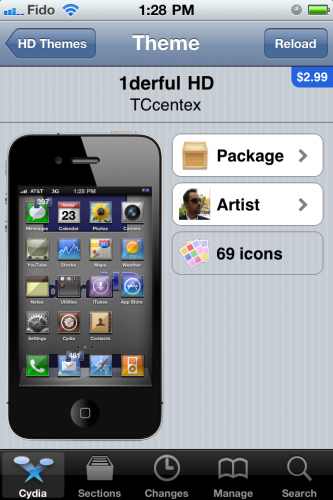
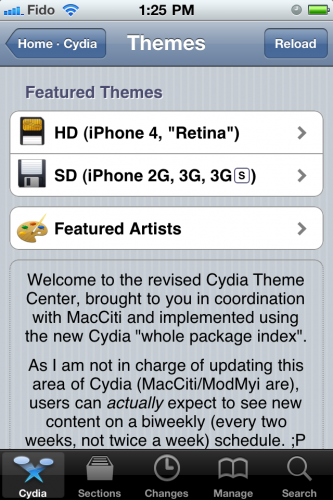
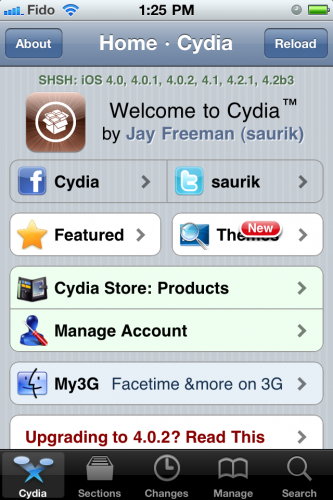
Jay Freeman (better known as Saurik) has reported that he added a new feature to Cydia, the jailbreak application store. “Cydia Theme Center” provides easer search of for Retina and non-Retina themes. Right now, you will find a selection of free and paid themes popular in Cydia, as well as themes selected by the employees of MacCiti and ModMyi. Soon Cydia user also will be able to vote their favorites into Theme Center. Freeman has predicted that the feature would be really popular. After release of Theme Center he posted to Twitter: The second feature to use my Whole Package Index, the “Cydia Theme Center”, went up an hour ago, and 15,000 people have already tried it! ;P
Cydia Is Coming To The Mac

Recently Jay Freeman, better known as Saurik, creator of popular alternative store Cydia for jailbroken devices, claimed during the 360|MacDev conference that Cydia is coming to the Mac. Not surprising! Cydia is used by more than 10 million devices (about 10% of all iPhone users) and provides access to some amazing tweaks, apps and extensions of iOS. There are well over 30,000 packages available for iOS. The Cydia’s creator refers to that Cydia as a store for things that are not apps, but extensions of what iOS devices can do. Saurik feels like the same type of store would be useful for Mac OS X devices. That is why he created Mac Cydia, which will be available in some weeks. We don’t know exactly what kind of tweaks and apps could be sold into Cydia for Mac. Perhaps Cydia will be aimed at offering easy installation of themes, system mods and tweaks.
Graviboard Lets Gravity Take Over Your Springboard
Graviboard is an upcoming interesting iOS jailbreak application, which will be soon available in the Cydia Store for $2.99. The application allows iDevice owners to set their icons free by abolishing the gravity that holds them on their places on the Springboard. You may drag these “floating” icons around the screen, and there still might open the apps by touching.
Jailbreak Hack Enables Landscape Springboard on iPhone
Everybody knows that the iPhone Springboard can’t be turned in landscape mode. Apple wants you to hold the device in portrait mode only. But some apps, like Mail, support the horizontal orientation. So, Cydia developers offer us the alternative solution, a new hack available in Cydia called “SBRotator” ($1.99). If you change your iPhone’s orientation, using the app, the Springboard will just follow it. But Springboard orientation change requires a proper layout change too. SBRotator puts an extra tab which enables you find the configuration that best suits your needs. Moreover, the program allows you to resize icons for landscape mode.
New Cydia v1.0.3366-1 is added to iPhoneRoot repo
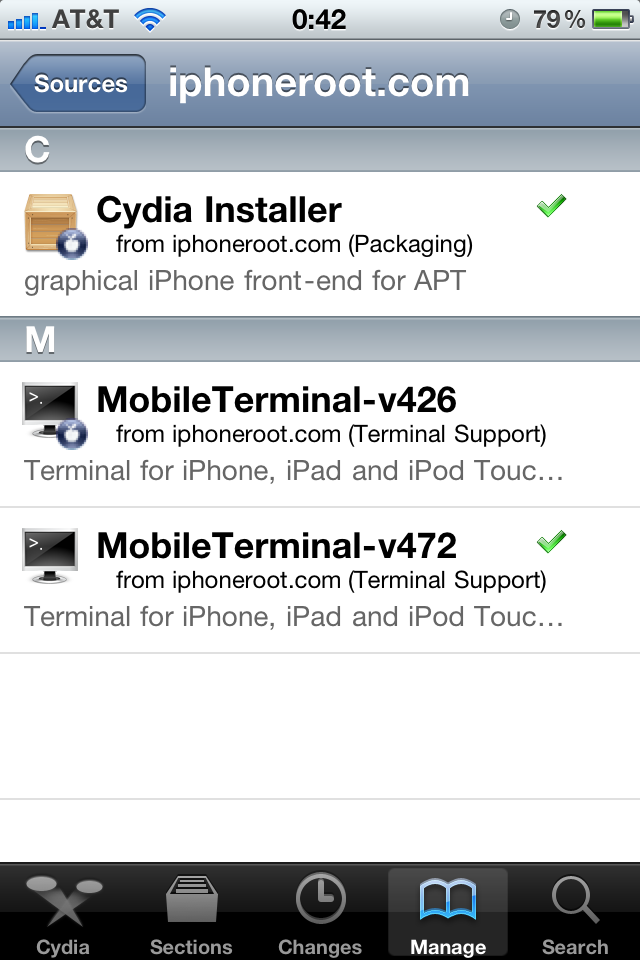
We have already written about new Cydia version 1.0.3366-1 that was released recently. It is much faster and has many new other improvements.
The problem was that to install it users had to download deb package, install it manually in terminal, etc. It was hard. We have decided to make Cydia update easy, so we have added Cydia v1.0.3366-1 to our repository. To update Cydia just add our repository in Cydia: https://iphoneroot.com/repo/ and update.
To add repository run Cydia. Go to Manage -> Sources. Click Edit (top right corner), after that click Add (top left corner), type https://iphoneroot.com/repo/ and click Add Source button. Then click Return to Cydia and Done button. After that you can either click on iphoneroot.com select Cydia and install it or go to Changes and update it there.
Tutorial how to add iphoneroot repo with screenshots is available here.
Leave a comment, read comments [1]
New version of Cydia 1.0.3366-1 is ready
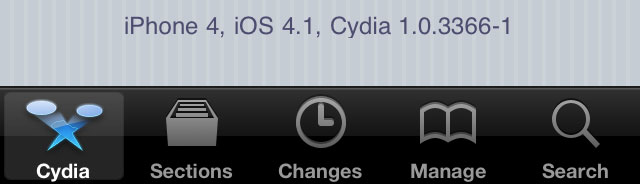
The new version 1.0.3366-1 of Cydia is ready.
Commenting on the release Saurik said:
some of my long term performance plans are 'hitting pay dirt', and Cydia is much faster than it was before; that said, it isn't done yet: there's one more thing that I think is going to make a huge difference that isn't even in there yet but should be for the final release.
This version of Cydia is included in the latest release of RedSn0w, and can also be downloaded as deb file from . But if you're on an iPhone 4 or other already jailbroken device, you can still install it. There are 4 different ways to do that:
Leave a comment, read comments [5]
Step-by-step Tutorial: How to Jailbreak and Unlock Your iPhone 3G/3GS Using RedSn0w 0.9.6b5 (Mac OS X) [iOS 4.2.1]
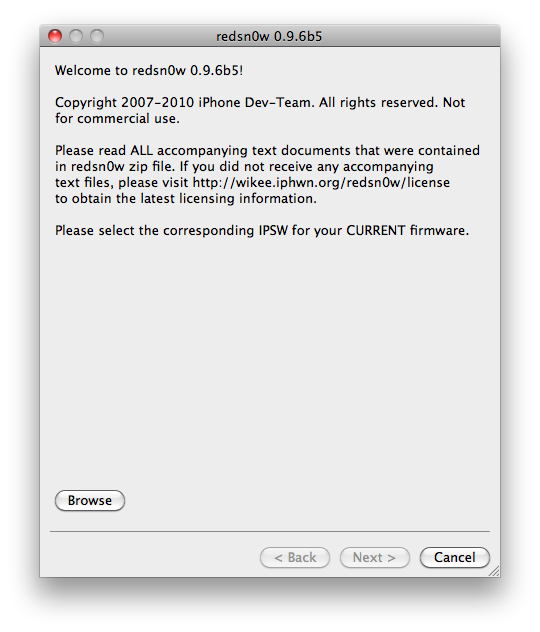
Jailbreak utility RedSn0w 0.9.6 b5 is available for both Windows and Mac OS X. The process is the same on both operating systems. So you can use redsn0w tutorial for windows. There is only one major difference - download redsn0w for Mac OS here or .
Step-by-step Tutorial: How to Jailbreak and Unlock Your iPhone 3GS Using RedSn0w 0.9.6b5 (Windows) [iOS 4.2.1]

UPDATE: Please think first, before you do something.
UPDATE 2: If you have 05.13 baseband or lower - do not update to 4.2.1, use PwnageTool to create custom firmware!
UPDATE 3: If you have new bootrom and ios 4.1, do not update to 4.2.1 - you will loose untethered jailbreak.
UPDATE 4: WARNING: updating to iPad baseband for iPhone unlock may disable your GPS
This is step-by-step instructions on how to jailbreak and unlock your iPhone 3GS on iOS 4.2.1 firmware using RedSn0w 0.9.6b5 for Windows.
For iPhone 3G use this tutorial.
If you have an iPhone 3GS with the new bootrom you will only be able to perform a tethered jailbreak at this time. This means you will need Redsn0w's assistance to boot into your jailbroken device.
UPDATE: Please, consider reading our Jailbreak & Unlock FAQ, especially if you have questions or troubles.
IMPORTANT FOR UNLOCKERS
During this process you can update your baseband to the 06.15 version. If you are on 05.14 or 05.15 or higher you will need to do this to unlock. You do not need to do this for jailbreak only. Please read the following very carefully before deciding whether to do this.
Leave a comment, read comments [404]