 iPhoneRoot.com

News from category ‘Tutorial’
Step-by-step Tutorial: How to Untether Jailbreak Apple TV 2G Using Seas0nPass (Windows / Mac OS) [iOS 5.1.1]

Using this tutorial you will be able to untether jailbreak iOS 5.1.1 (5.0 9B206f and 5.0.2 9B830) running on Apple TV 2G. This tutorial uses Seas0nPass for Mac OS X or Windows.
UPDATE: Please, consider reading our Jailbreak & Unlock FAQ, especially if you have questions or troubles.
Step one
- Make sure you're running the latest version of iTunes.
- Download Seas0nPass: |
- A micro USB cable will be required to connect Apple TV 2G to computer.
- Disconnect all iPods, iPhones, and iPads from the computer before running Seas0nPass.
Step-by-step Tutorial: How to Untether Jailbreak and Unlock iPhone 4 Using Sn0wBreeze 2.9.5 (Windows) [iOS 5.1.1]

Using this tutorial you will be able to create a custom firmware, untether jailbreak and unlock iOS 5.1.1 running on iPhone 4. This tutorial uses Sn0wBreeze 2.9.5 for Windows.
Sn0wBreeze will also preserve baseband version if you need carrier unlock.
 Leave a comment, read comments [129]
Step-by-step Tutorial: How to Untether Jailbreak and Unlock iPhone 3GS Using Sn0wBreeze 2.9.5 (Windows) [iOS 5.1.1]
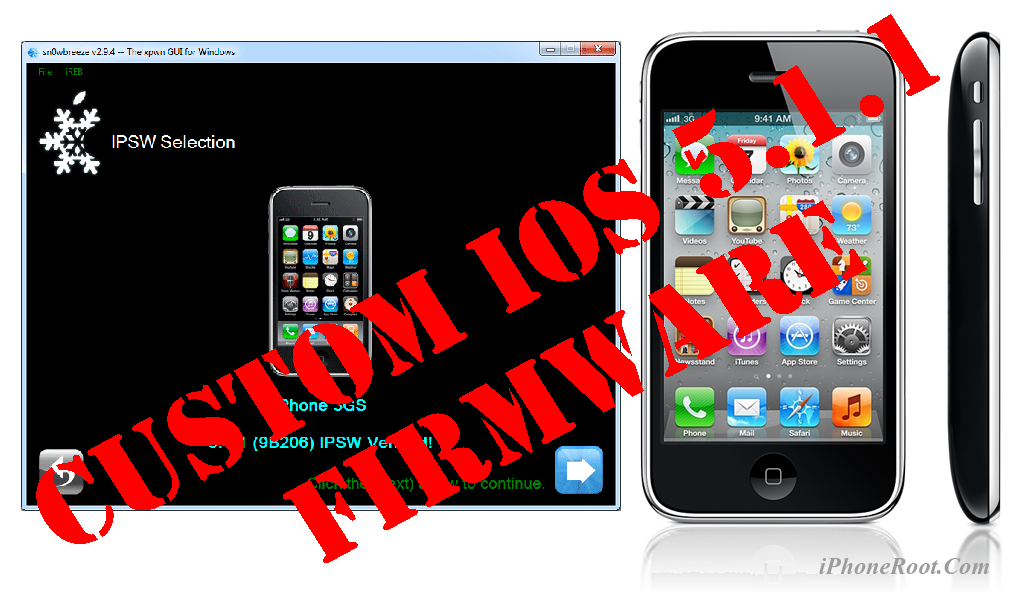
Using this tutorial you will be able to create a custom firmware, untether jailbreak and unlock iOS 5.1.1 running on iPhone 3GS. This tutorial uses Sn0wBreeze 2.9.5 for Windows.
Sn0wBreeze will also preserve baseband version if you need carrier unlock. It can also update your modem version to 06.15 if you need unlock and stuck with 05.14 or higher baseband. If you have new iPhone 3GS that was made after 28 week of 2011 upgrading modem will not help to unlock.
Leave a comment, read comments [368]
How to backup your SHSH blobs using TinyUmbrella for Windows

Every time Apple releases a new firmware it stops the ability to restore to an older firmware. If you need to restore to old firmware you need to save your SHSH keys as soon as possible.
Here are instructions on how to backup your SHSH blobs using TinyUmbrella utility for Windows.
Step One
Download the latest version of TinyUmbrella from to your Desktop.
Leave a comment, read comments [59]
How to convert an iOS 5.1.1 tethered jailbreak to an untethered

If you currently have iPhone 4, iPhone 3GS, iPad 1, iPod Touch 3G or iPod Touch 4G that's tethered jailbroken on iOS 5.1.1, you can use the new Rocky Racoon 5.1.1 Untether package to convert your tethered jailbreak into an untethered jailbreak.
This is great, because this is easy. Much easier than running Absinthe 2.0.
Leave a comment, read comments [63]
Step-by-step Tutorial: How to Untether Jailbreak Using Absinthe 2.0 (Windows) [iOS 5.1.1]

This is step-by-step instructions on how to perform untethered jailbreak of iOS 5.1.1 firmware using Absinthe 2.0 for Windows.
This tutorial works for:
- iPad 3 (WiFi / CDMA / GSM)
- iPad 2 (WiFi / CDMA / GSM)
- iPad 1
- iPhone 4S
- iPhone 4 (GSM), iPhone 4 (CDMA)
- iPhone 3GS
- iPod Touch 4G
- iPod Touch 3G
Leave a comment, read comments [630]
How to run Absinthe 2.0 jailbreak
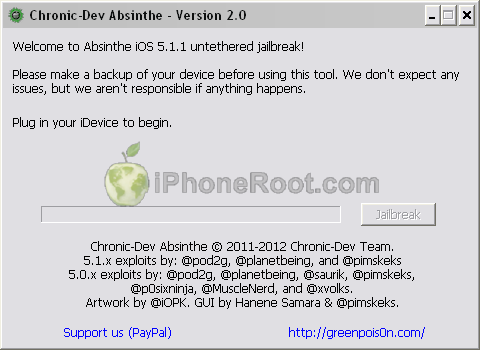
Here are recommendations from Chronic Dev Team:
- Make a backup of your device in iTunes by right clicking on your device name under the ‘Devices’ menu and click ‘Back Up’.
- Once your backup is complete return to your device and go to Settings – General – Reset – Erase all Content and Settings. This will make the jailbreak process much faster.
- Open Absinthe and be sure you are still connected via USB cable to your computer.
- Click ‘Jailbreak’ and wait…. just be patient and do not disconnect your device.
- Once jailbroken return to iTunes and restore your backup from earlier. Right click on your device name under the ‘Devices’ menu in the left panel of iTunes and click ‘Restore from Back Up…’ then select the latest backup you created before. (restoring this backup will return all the content previously on your device ie, apps, photos, etc.)
Step-by-step tutorials are available here.
Leave a comment, read comments [18]
Step-by-step Tutorial: How to (Un)Tether Jailbreak and Unlock iPhone 3GS Using RedSn0w 0.9.11 (Windows) [iOS 5.1.1]

This is step-by-step instructions on how to perform jailbreak and unlock of your iPhone 3GS on iOS 5.1.1 firmware using RedSn0w 0.9.11 for Windows.
If you have iPhone 3GS with an old bootrom version 359.3, the jailbreak is untethered. If your device has bootrom version 359.3.2 and higher, jailbreak will be tethered. You can detect your bootrom version using this tutorial.
Tethered jailbreak means that each time you restart your device you will need to connect it to a computer and run redsn0w.
Leave a comment, read comments [58]
Step-by-step Tutorial: How to Tether Jailbreak iPod Touch 4G Using RedSn0w 0.9.11 (Windows) [iOS 5.1.1]
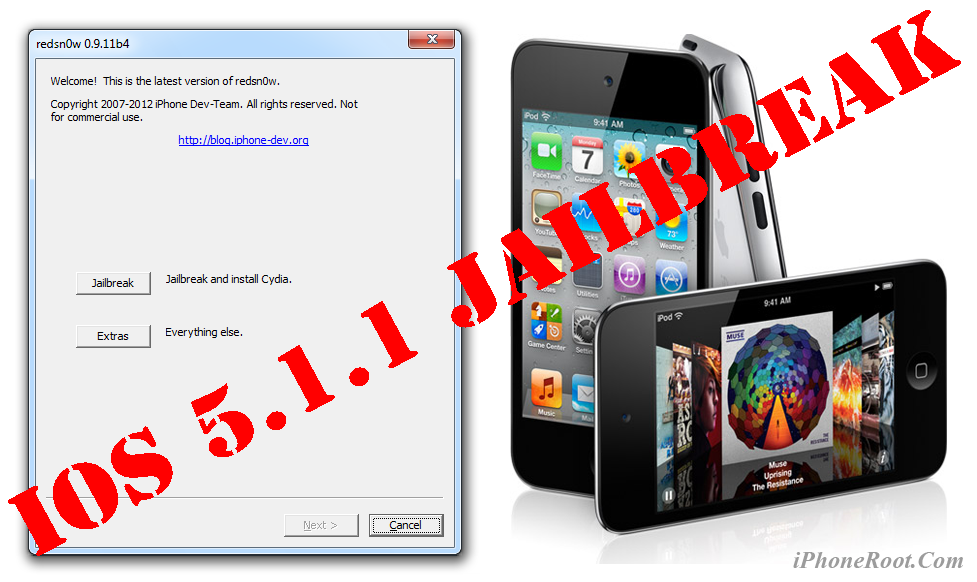
This is step-by-step instructions on how to perform tethered jailbreak of your iPod Touch 4G on iOS 5.1.1 firmware using RedSn0w 0.9.11 for Windows.
Tethered jailbreak means that each time you restart your device you will need to connect it to a computer and run redsn0w.
Leave a comment, read comments [13]
Step-by-step Tutorial: How to Tether Jailbreak iPod Touch 3G Using RedSn0w 0.9.11 (Windows) [iOS 5.1.1]
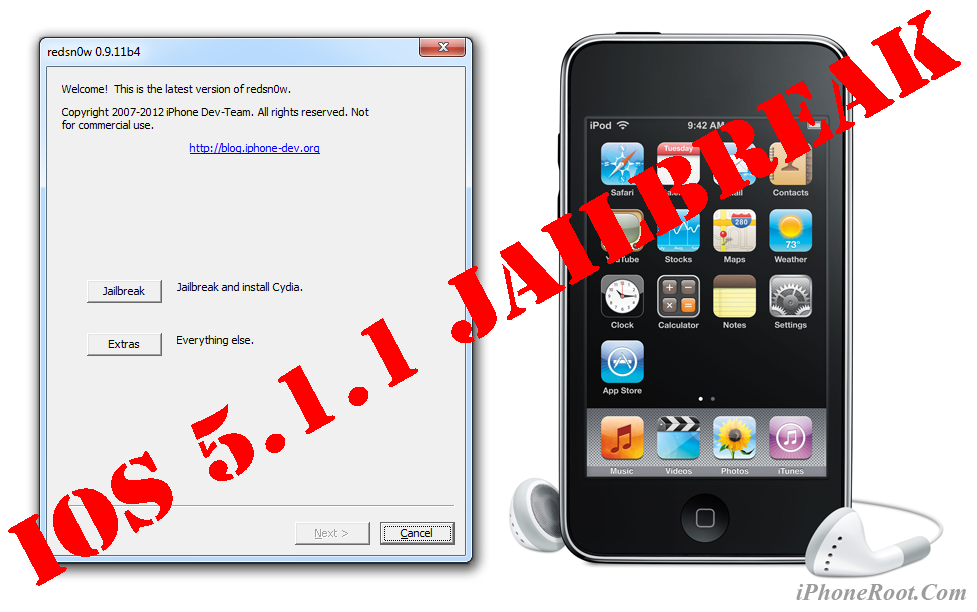
This is step-by-step instructions on how to perform tethered jailbreak of your iPod Touch 3G on iOS 5.1.1 firmware using RedSn0w 0.9.11 for Windows.
Tethered jailbreak means that each time you restart your device you will need to connect it to a computer and run redsn0w.
Step-by-step Tutorial: How to Tether Jailbreak iPad 1 Using RedSn0w 0.9.11 (Windows) [iOS 5.1.1]
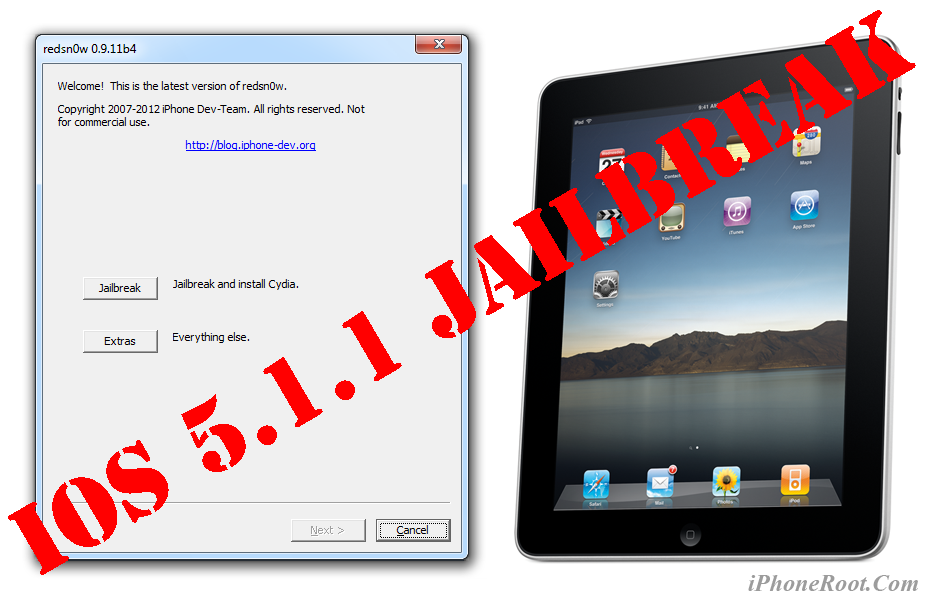
This is step-by-step instructions on how to perform tethered jailbreak of your iPad 1 on iOS 5.1.1 firmware using RedSn0w 0.9.11 for Windows.
Tethered jailbreak means that each time you restart your device you will need to connect it to a computer and run redsn0w.
Step-by-step Tutorial: How to Tether Jailbreak iPhone 4 Using RedSn0w 0.9.11 (Windows) [iOS 5.1.1]
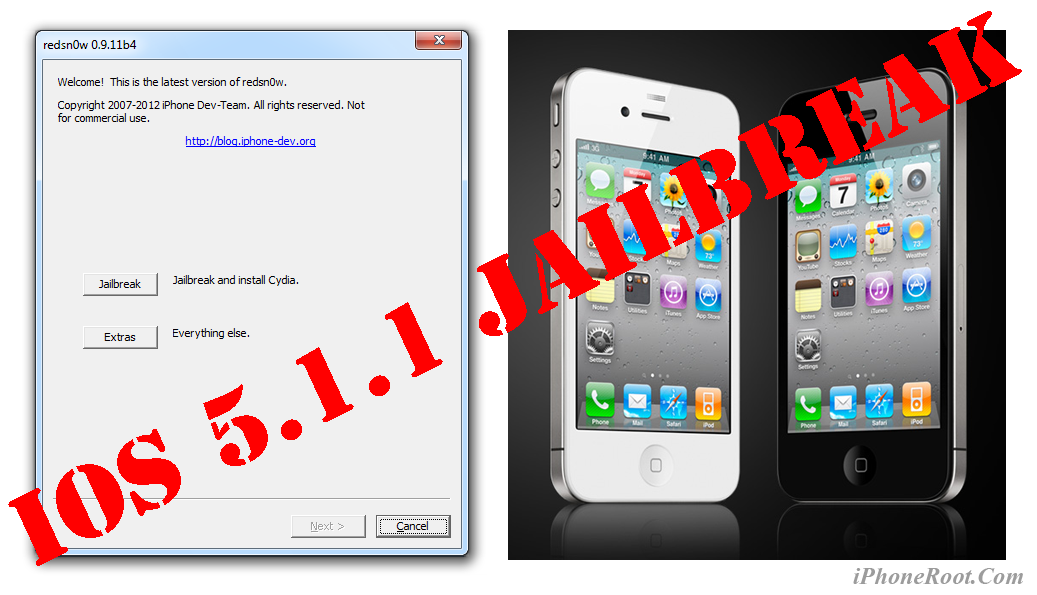
This is step-by-step instructions on how to perform tethered jailbreak of your iPhone 4 on iOS 5.1.1 firmware using RedSn0w 0.9.11 for Windows.
Tethered jailbreak means that each time you restart your device you will need to connect it to a computer and run redsn0w.
Leave a comment, read comments [59]
Step-by-step Tutorial: How to Tether Jailbreak iPod Touch 3G Using Sn0wBreeze 2.9.3 (Windows) [iOS 5.1]
UPDATE: Apple released iOS 5.1.1 and has stopped signing iOS 5.1, so you can NOT restore to 5.1 any more (both original and custom), unless you have saved your SHSH keys for 5.0.1. If you are on 5.1 you can jailbreak with redsn0w. iOS is also tethered jailbreakable with redsn0w.
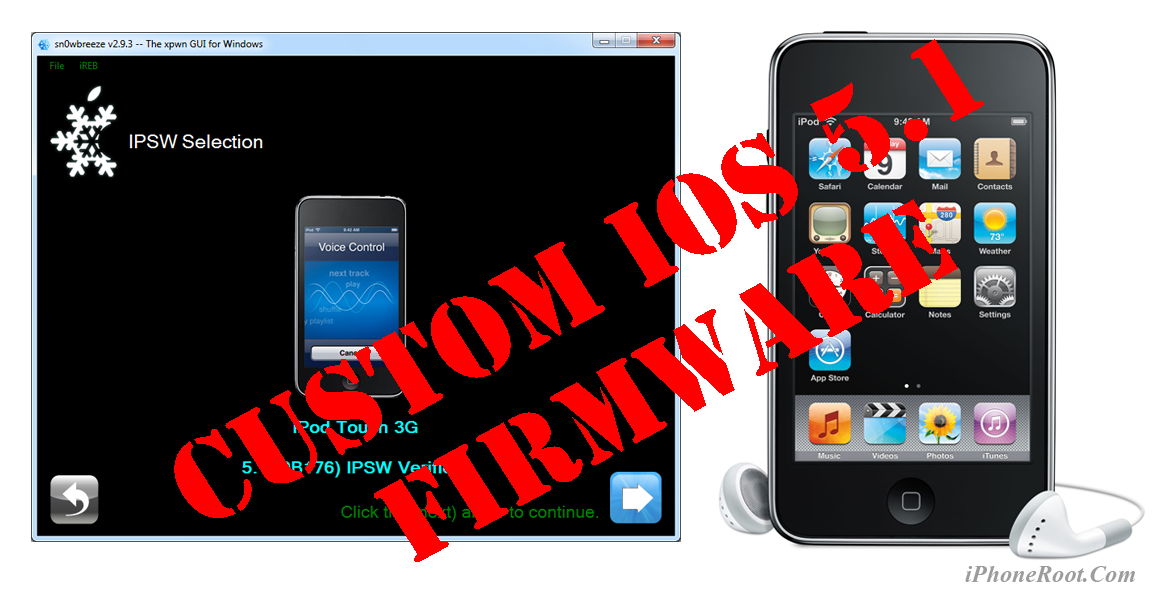
Using this tutorial you will be able to create a custom firmware, tether jailbreak and unlock iOS 5.1 running on iPod Touch 3G. This tutorial uses Sn0wBreeze 2.9.3 for Windows.
Tethered jailbreak means that each time you restart your device you will need to connect it to a computer and run iBooty.
Step-by-step Tutorial: How to Tether Jailbreak iPod Touch 4G Using Sn0wBreeze 2.9.3 (Windows) [iOS 5.1]
UPDATE: Apple released iOS 5.1.1 and has stopped signing iOS 5.1, so you can NOT restore to 5.1 any more (both original and custom), unless you have saved your SHSH keys for 5.0.1. If you are on 5.1 you can jailbreak with redsn0w. iOS is also tethered jailbreakable with redsn0w.
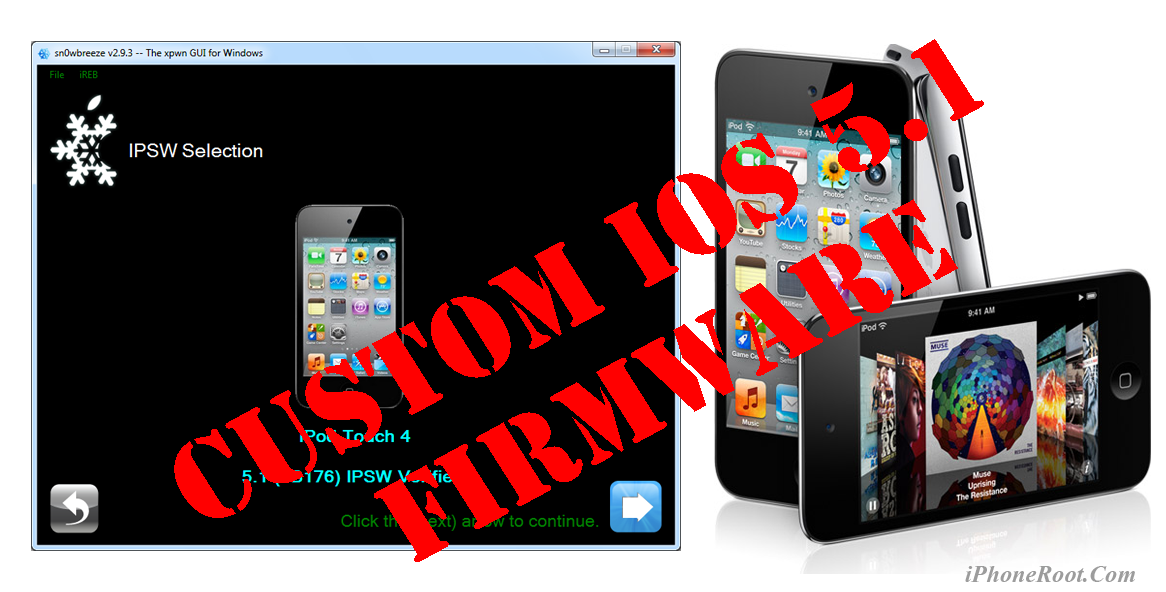
Using this tutorial you will be able to create a custom firmware, tether jailbreak and unlock iOS 5.1 running on iPod Touch 4G. This tutorial uses Sn0wBreeze 2.9.3 for Windows.
Tethered jailbreak means that each time you restart your device you will need to connect it to a computer and run iBooty.
Leave a comment, read comments [6]
Step-by-step Tutorial: How to Tether Jailbreak iPad 1 Using Sn0wBreeze 2.9.3 (Windows) [iOS 5.1]
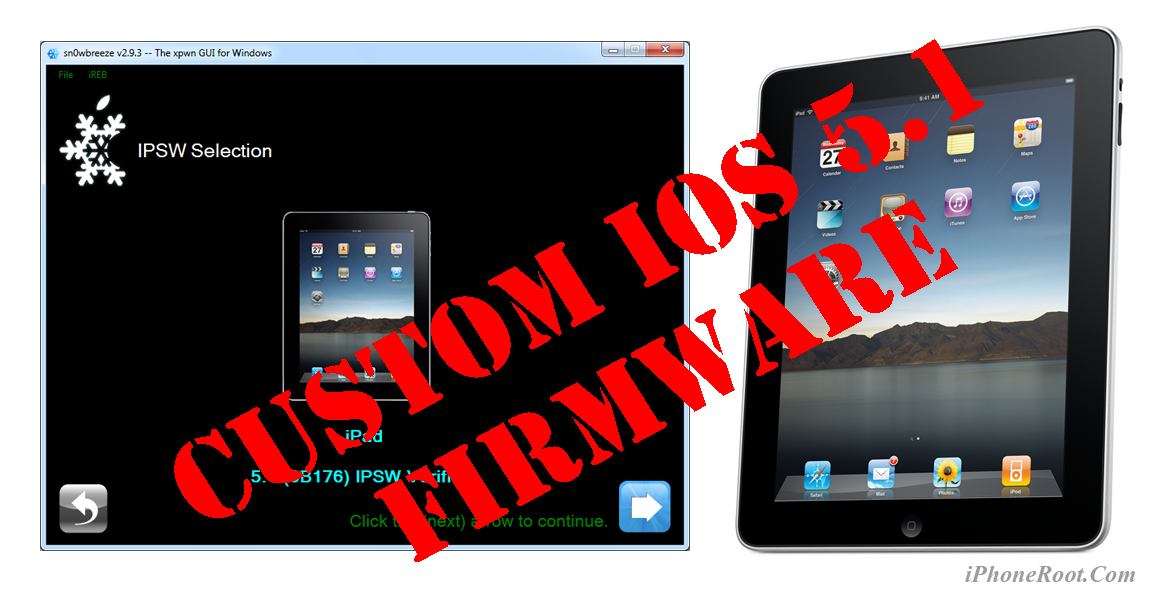
UPDATE: Apple released iOS 5.1.1 and has stopped signing iOS 5.1, so you can NOT restore to 5.1 any more (both original and custom), unless you have saved your SHSH keys for 5.0.1. If you are on 5.1 you can jailbreak with redsn0w. iOS is also tethered jailbreakable with redsn0w.
Using this tutorial you will be able to create a custom firmware, tether jailbreak and unlock iOS 5.1 running on iPad 1. This tutorial uses Sn0wBreeze 2.9.3 for Windows.
Tethered jailbreak means that each time you restart your device you will need to connect it to a computer and run iBooty.
Leave a comment, read comments [7]