 iPhoneRoot.com

News tagged ‘джейлбрейк прошивки’
Step-by-step Tutorial: How to Tether Jailbreak and Unlock iPhone 4 Using Sn0wBreeze 2.8b11 (Windows) [iOS 5.0.1]
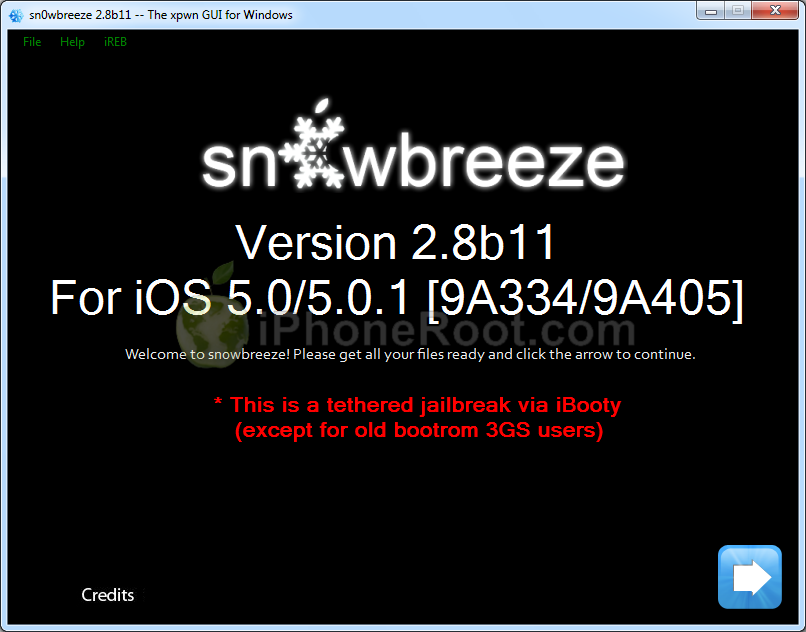
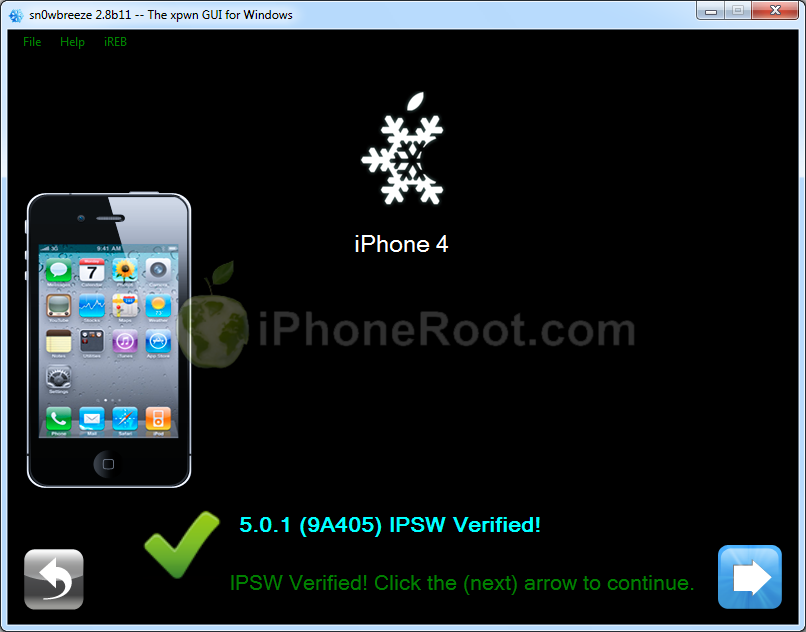
Using this tutorial you will be able to create a custom firmware, tether jailbreak and unlock iOS 5.0.1 running on iPhone 4. This tutorial uses Sn0wBreeze 2.8b11 for Windows.
Sn0wBreeze will also preserve baseband version if you need carrier unlock.
 Leave a comment, read comments [160]
Sn0wBreeze 2.8b11 Released to Jailbreak iOS 5.0.1
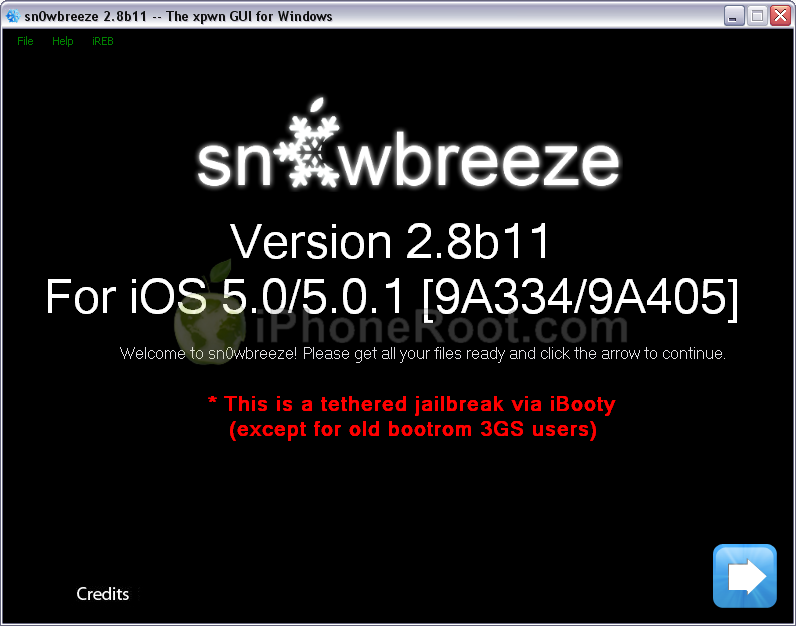
iH8Sn0w has released Sn0wBreeze 2.8b11 with support of recently released iOS 5.0.1 firmware.
As usual the jailbreak is semi-tethered for iPhone 4, iPad, iPhone 3GS with new bootrom, iPad Touch 3G, iPod Touch 4G and untethered for iPhone 3GS with old bootrom.
Sn0wBreeze 2.8b11 will create a custom firmware with jailbreak and preserve modem version for unlock. Unlockers will also be able to flash 06.15 iPad modem for unlock.
You can download Sn0wBreeze 2.8b11 here.
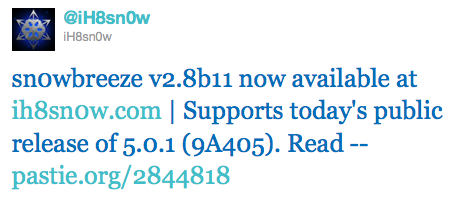
Here are our step-by-step tutorials that will guide you through all the process of jailbreaking iOS 5.0.1 with sn0wbreeze 2.8b11:
Other tutorials are available here.
Leave a comment, read comments [7]
Pod2g found vulnerability to untether jailbreak iOS 5
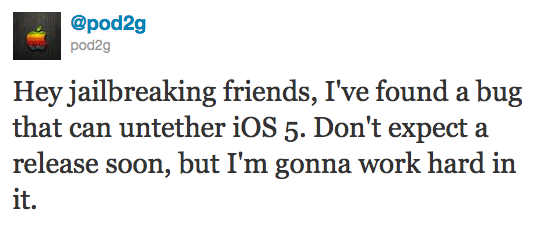
Famous hacker Pod2g has recently announced that he discovered a bug that can untether the iOS 5 jailbreak! He posted via twitter:
Hey jailbreaking friends, I've found a bug that can untether iOS 5. Don't expect a release soon, but I'm gonna work hard in it.
Pod2g has found many vulnerabilities in the past including famous SHAtter.
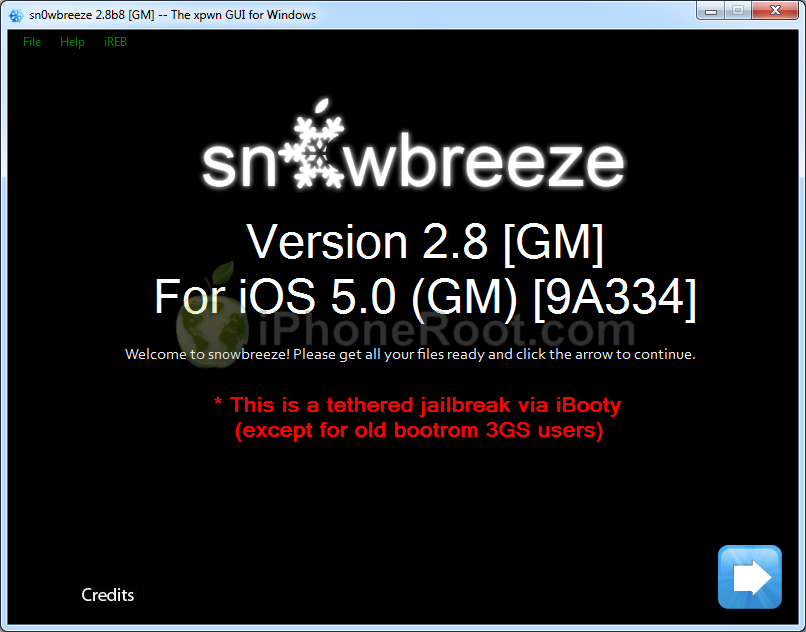
Step-by-step Tutorial: How to Tether Jailbreak and Unlock iPhone 4 Using Sn0wBreeze 2.8b8 (Windows) [iOS 5]
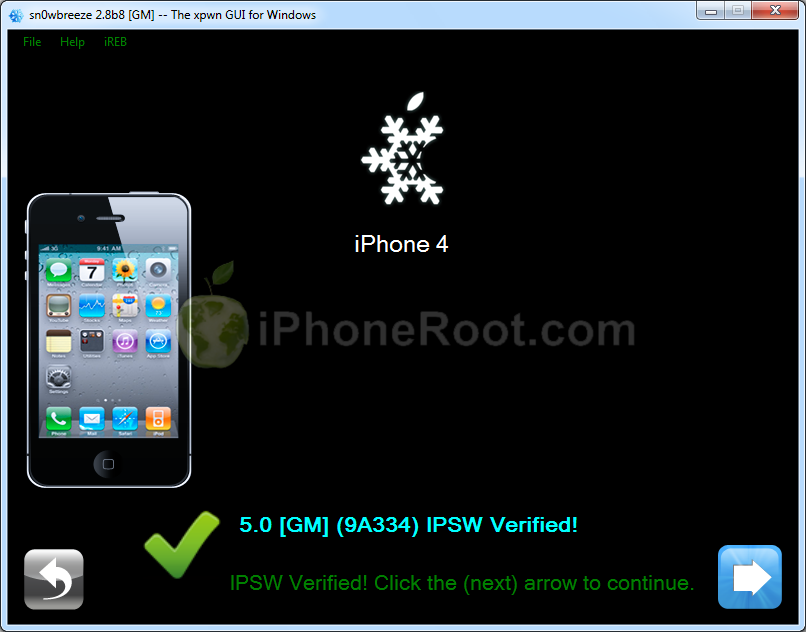
UPDATE: With the release of iOS 5.0.1, you might get troubles restoring to iOS 5.0. Don't worry, new sn0wbreeze is already available. Our tutorial for iOS 5.0.1 is available here.
Using this tutorial you will be able to create a custom firmware, tether jailbreak and unlock iOS 5 running on iPhone 4. This tutorial uses Sn0wBreeze 2.8b8 for Windows.
Sn0wBreeze will also preserve baseband version if you need carrier unlock.
Leave a comment, read comments [80]
Tutorials for iOS 5 jailbreak
Here are our step-by-step tutorials that will guide you through all the process of jailbreaking iOS 5 with redsn0w 0.9.9 and sn0wbreeze 2.8:
 iPhone 4
Semi-Tethered jailbreak iOS 5:
Leave a comment, read comments [8]
iOS 5 jailbreak is ready (RedSn0w 0.9.9b5)
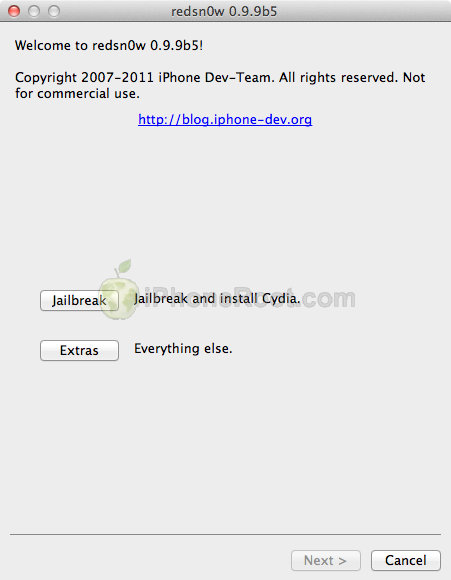
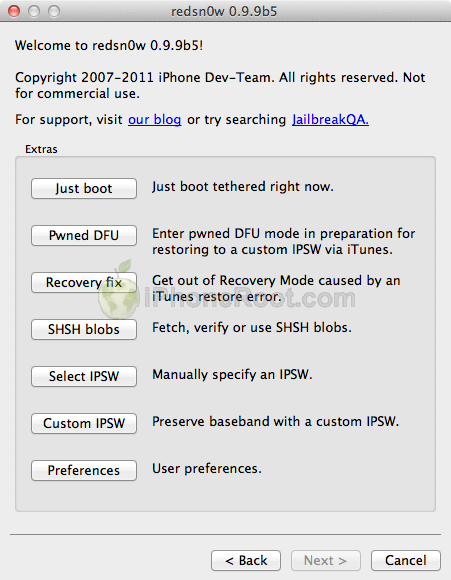
The iPhone Dev-Team has released RedSn0w 0.9.9b5 - an official tethered jailbreak for iOS 5. Users don't have to point to downloaded iOS 5 ipws any more. Just run and jailbreak.
Currently only the Mac version has been made available. Windows version is coming soon. However Windows users can still jailbreak iOS 5 with Redsn0w 0.9.9.b4, - just go to "Extras" -> "Select IPWS" and select your iOS 5 ipsw file (can download here).
Good news for users who need carrier unlock (ultrasn0w or Gevey Sim). With RedSn0w 0.9.9b5 you can update to iOS 5 and preserve the baseband (modem) version for unlock:
The new "Custom IPSW" button on the Extras screen will create a custom IPSW without the baseband update for 4.3.3 or 5.0gm (iPhone3GS and iPhone4 only, for now). Remember not to accidentally restore to the stock IPSW after you create the custom one! The custom one begins with NO_BB_ (for "no baseband").
You must enter "Pwned DFU" mode before trying to use the NO_BB_ IPSW with iTunes (and your hosts file cannot be pointing to Cydia's servers due to the new blob nonce mechanism they're using in iOS5).
We will update our step-by-step tutorials soon.
You can download RedSn0w 0.9.9b5 (Mac) and RedSn0w 0.9.9b4 (Windows) here.
PS: RedSn0w 0.9.9 is a bit different from 0.9.8 version. You can learn more about other new redsn0w 0.9.9 features here.
UPDATE: Windwos users can use sn0wbreeze 2.8b8 to preserve baseband.
UPDATE: redsn0w 0.9.9b6 released, download here
UPDATE:
Here are links to our RedSn0w 0.9.9 iOS 5 jailbreak tutorials:
- Windows: iPhone 4, iPhone 3GS, iPad 1, iPod Touch 3G, iPod Touch 4G
- Mac OS: iPhone 4, iPhone 3GS, iPad 1, iPod Touch 3G, iPod Touch 4G
RedSn0w 0.9.8b7b: untethered 4.3.5 jailbreak for iPhone 3GS and full support for iOS 5 Beta 7
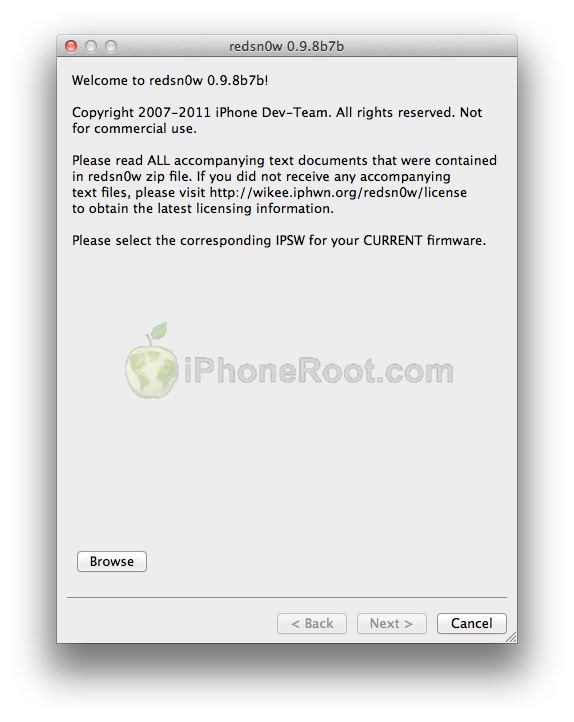
The iPhone Dev-Team has released RedSn0w 0.9.8b7b to bring two new main features:
- explicit tethered jailbreak support for iOS 5 Beta 7
- untethered jailbreak for iPhone 3GS with old bootrom (iOS 4.3.5 or iOS 5 Beta 7)
Musclenerd posted via twitter:
New redsn0w is.gd/6eek4Y explicitly supports iOS5b7 (no need to point at b6 IPSW). Also brings back old-bootrom 3GS goodies.
This is great news for both developers and owners of old bootrom iPhone 3GS's who accidentally updated to iOS 4.3.5.
DevTeam posted:
About 12 hours after we released redsn0w 0.9.8b7 with some improvements for iOS5b6, Apple went and released iOS5b7 (what are the odds of that?!?). Even though that redsn0w could still jailbreak iOS5b7, you needed to point it at the iOS5b6 IPSW to do so. Today’s redsn0w 0.9.8b7b lets you point redsn0w directly at the iOS5b7 IPSW instead.
We’ve also added some overall improvements for old-bootrom 3GS owners (where the 24kpwn exploit applies): on those devices, you can tell redsn0w to untether 4.3.5 and lower, or iOS5b7. Old-bootrom 3GS owners can once again choose custom logos, and/or verbose booting (for the really nerdy iPhone3GS fans out there!). And it allows 4.3.4 or 4.3.5 users to use ultrasn0w again (if they have a compatible baseband).
Last but not least, we fixed some lingering Verizon iPhone4 4.2.10 JB issues.
We will update our tutorials shortly.
You can download RedSn0w 0.9.8b7b here.
Here are links to our RedSn0w 0.9.8b7b iOS 4.3.5 jailbreak tutorials:
- Mac OS: iPhone 4, iPhone 3GS, iPad 1, iPod Touch 3G, iPod Touch 4G
- Windows: iPhone 4, iPhone 3GS, iPad 1, iPod Touch 3G, iPod Touch 4G
Leave a comment, read comments [43]
DevTeam released tethered jailbreak for iOS 5 Beta 5

The iPhone Dev-Team released RedSn0w 0.9.8b5 that supports tethered jailbreak for the most recent iOS 5 beta 5:
redsn0w has been updated to 0.9.8b5, adding support for Apple's new iOS5 beta5 (point it directly at the beta5 IPSW). Please use this only if you're a jailbreak app developer with a legit Apple dev account, and remember it's a tethered jailbreak for now!
You can download RedSn0w 0.9.8b5 for Windows and Mac OS here.
Leave a comment, read comments [2]
RedSn0w can jailbreak iOS 4.3.5
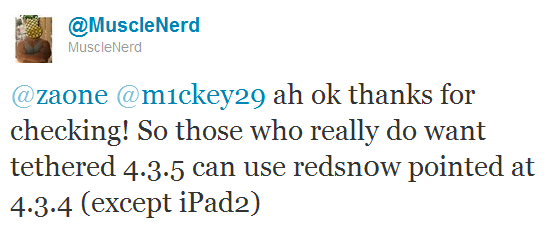
RedSn0w can perform a tethered jailbreak on iOS 4.3.5 for all devices except the iPad 2, according to MuscleNerd's tweet:
So those who really do want tethered 4.3.5 can use redsn0w pointed at 4.3.4 (except iPad2)
We strongly recommend NOT to update to iOS 4.3.4 or iOS 4.3.5 to preserve untethered jailbreak. We will soon post step-by-step tutorials on how to perform iOS 4.3.5 tethered jailbreak.
You can download the latest redsn0w here.
UPDATE: Here are latest step-by-step tutorials to jailbreak iOS 4.3.5:
 iPhone 3GS
Tethered jailbreak iOS 4.3.5:
iPhone 4
Tethered jailbreak iOS 4.3.5:
There will be no untethered jailbreak for iOS 4.3.4

Famous iPhone hacker Stefan Esser, also known as i0n1c, recently wrote on twitter that we should not expect untether jailbreak for iOS 4.3.4 anytime soon. i0n1c was the one who created untether for iOS 4.3.3 firmware.
Our advice is simple - save your 4.3.3 SHSH keys asap. With these SHSH keys you will be able to restore to iOS 4.3.3 anytime, without - only iOS 4.3.4. Here are tutorials for you.
Step-by-step Tutorial: How to Untether Jailbreak Apple TV 2G Using Sn0wBreeze 2.7.3 (Windows) [iOS 4.3]
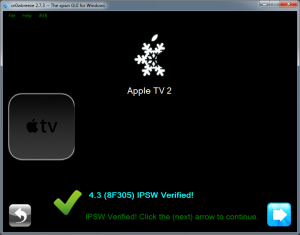
Using this tutorial you will be able to untether jailbreak iOS 4.3 (8F305) running on Apple TV 2G. This tutorial uses Sn0wBreeze 2.7.3 for Windows.
iOS 5 jailbreak for Windows released
We didn't have to wait long for the Windows version of recently released iOS 5 jailbreak utility for Mac OS.
DevTeam created a Windows version of Redsn0w 0.9.8 b1 and iH8sn0w released Sn0wBreese 2.8 b1. Both perform a tethered jailbreak of iOS 5 beta 1 on iPhone 3GS/4, iPod Touch 3G/4G and iPad 1.
You still need activated UUID. Both tools do NOT hactivate devices.
You can download Redsn0w 0.9.8 b1 and and Sn0wBreese 2.8 b1 for Windows here.
Step-by-step Tutorial: How to Untether Jailbreak iPad 1 Using Sn0wBreeze 2.7.3 (Windows) [iOS 4.3.3]
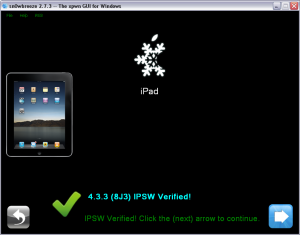
Using this tutorial you will be able to untether jailbreak iOS 4.3.3 running on iPad 1. This tutorial uses Sn0wBreeze 2.7.3 for Windows.
Leave a comment, read comments [9]
Step-by-step Tutorial: How to Untether Jailbreak iPod Touch 4G Using Sn0wBreeze 2.7.3 (Windows) [iOS 4.3.3]
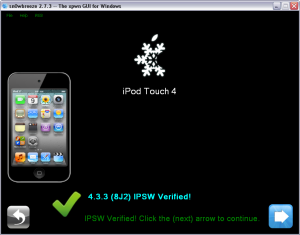
Using this tutorial you will be able to untether jailbreak iOS 4.3.3 running on iPod Touch 4G. This tutorial uses Sn0wBreeze 2.7.3 for Windows.
Leave a comment, read comments [44]
Step-by-step Tutorial: How to Untether Jailbreak iPod Touch 3G Using Sn0wBreeze 2.7.3 (Windows) [iOS 4.3.3]
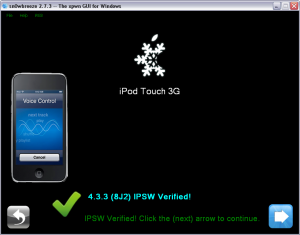
Using this tutorial you will be able to untether jailbreak iOS 4.3.3 running on iPod Touch 3G. This tutorial uses Sn0wBreeze 2.7.3 for Windows.